
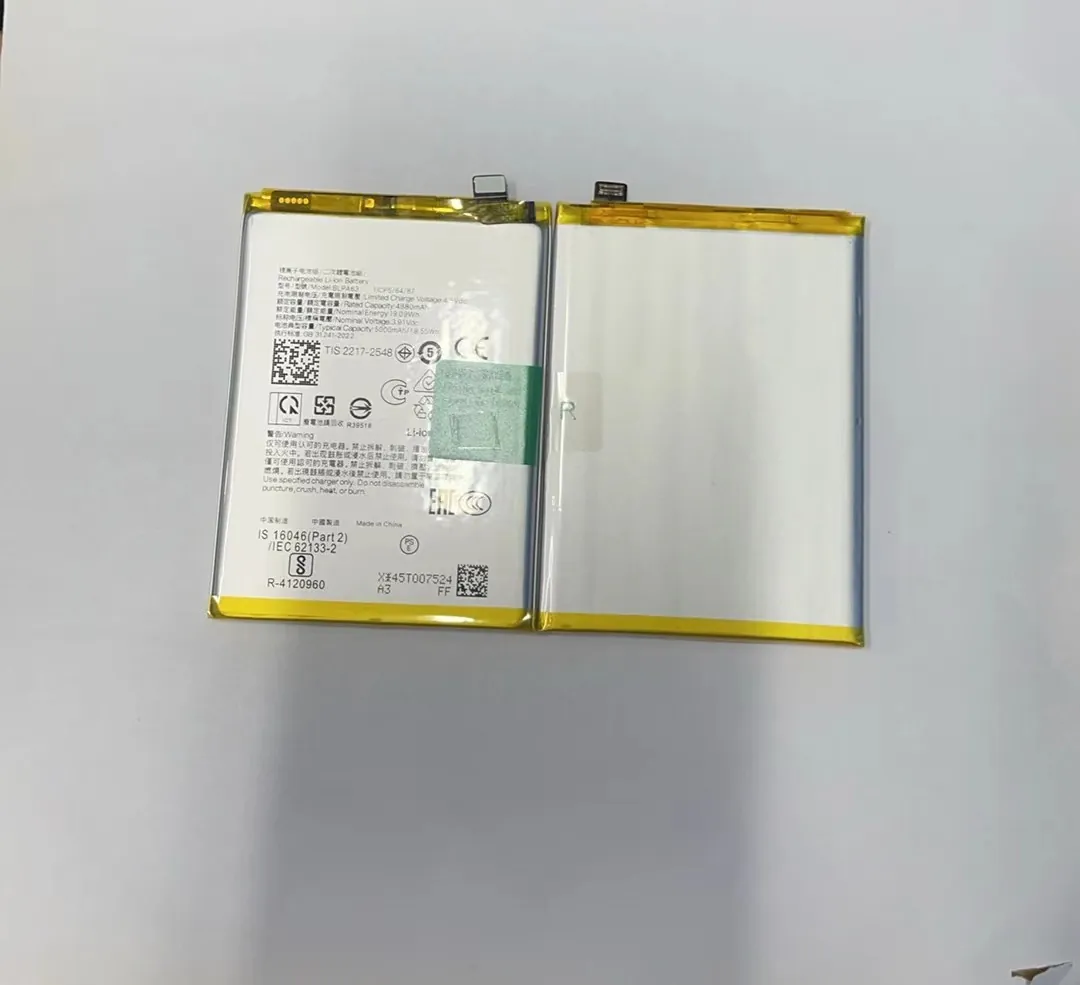
I know many people feel stressed when they see their phone battery drop to zero when they have no charger. This moment often creates panic because we depend on our phones for almost everything.
You can charge a mobile phone battery without a charger by using safe external power sources like power banks, laptops, USB ports, or stable DC adapters that provide regulated 5V output.
I want to give simple steps and clear ideas so you can understand what works, what does not work, and what can damage your phone.
What external tools provide power?
I know some people will try anything when they have no charger. Many of these ideas are unsafe because not every power source is stable for a phone.
Safe external tools that can provide power include power banks, laptops, desktop USB ports, solar power banks, and trusted DC adapters with stable 5V output.

I want to explain the common tools people use when they need power. Many of these tools work well, but each one has limits. I learned this in my daily work with batteries because I often test different power sources and compare their behavior.
A mobile phone battery needs clean and stable power. Most phones expect 5V for normal charging. Some fast-charging modes use higher voltage, but these modes only work with official chargers. When you use any alternative power source, it is safer to stay with standard 5V.
Here is a simple table to show which tools are safe:
| External Tool | Safe to Use? | Notes |
|---|---|---|
| Power Bank | Yes | Best option for emergency use. |
| Laptop USB Port | Yes | Slow but stable. |
| Desktop USB Port | Yes | Offers a steady 5V output. |
| Solar Power Bank | Yes | Works when sunlight is strong. |
| Car USB Port | Yes | Only if it is certified and stable. |
| 9V Battery Hack | No | Very high risk of damage. |
| Bare Wires or Clips | No | Dangerous for modern phones. |
Why these tools work
A power bank is the safest tool because it has a built-in control board. This board keeps the output at 5V. It protects both the phone and the battery.
A laptop USB port is also safe because the computer controls power. It may charge slowly, but slow charging is very safe.
A solar power bank is helpful outdoors. It charges itself first, then powers the phone. The only issue is unstable sunlight.
A car USB port works well if it has a stable design. Cheap car adapters may cause voltage spikes.
Simple advice
I always keep a small power bank with me because it solves most emergencies. Anyone who travels or works outdoors should keep one.
How do USB sources replace chargers?
Many people think only an original charger can charge their phone. But this is not always true. A USB source can work when its voltage is stable.
USB sources replace chargers because they output regulated 5V, which matches the standard charging requirement of most mobile phones.
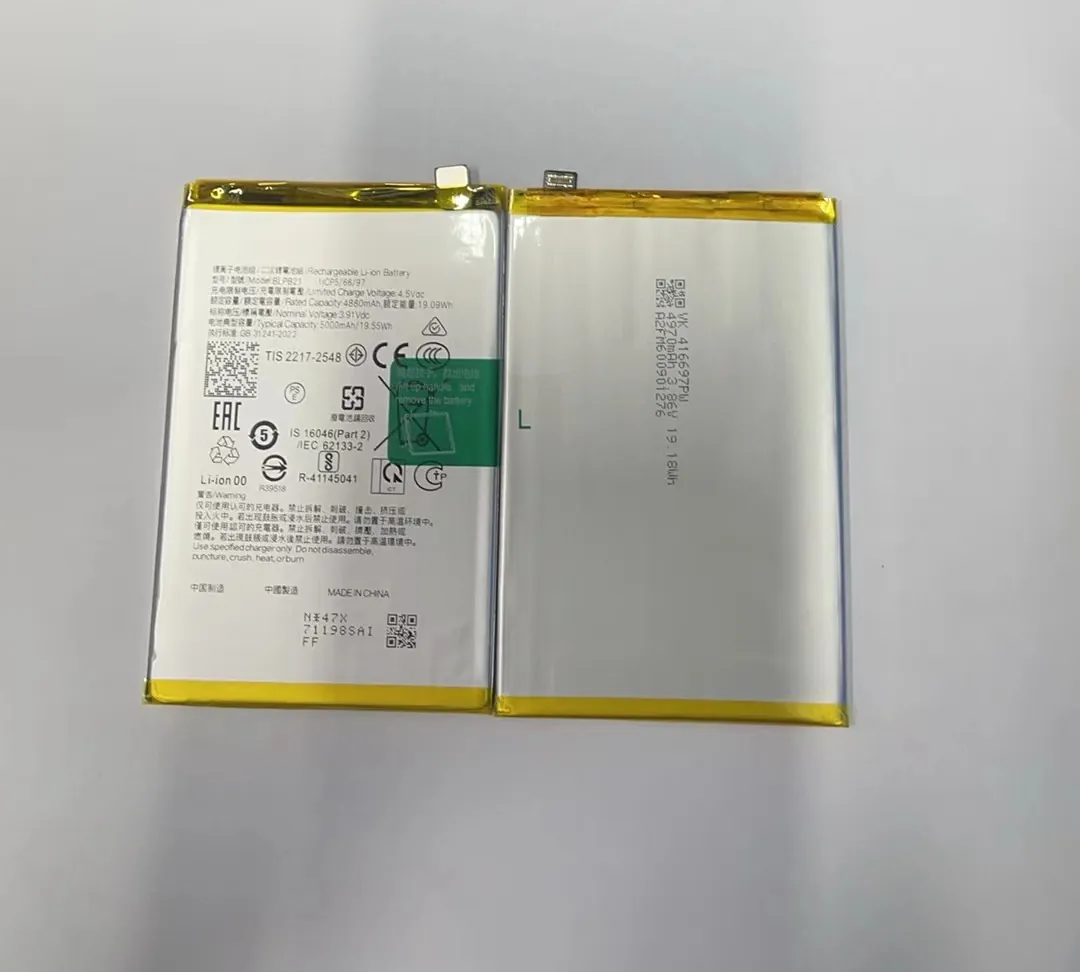
A USB port follows a universal standard. It provides 5V. A mobile phone accepts this voltage because its internal charging chip manages the current flow and protects the battery. That is why even a slow USB port can still charge safely.
USB ports have different current levels. This affects charging speed but not safety. Here is a simple comparison:
| USB Type | Output | Charging Speed |
|---|---|---|
| USB 2.0 | 0.5A | Very slow |
| USB 3.0 | 0.9A | Slow |
| Type-C Laptop Port | 1A–3A | Medium |
| Power Bank Port | 1A–2A | Medium |
| Fast-Charge Ports | Varies | Depends on phone model |
Safe steps when using USB
I follow these simple steps when I charge through a USB source:
Step-by-step method
- I check that the USB port is clean and safe.
- I use a good and stable cable.
- I avoid shaking or bending the phone during charging.
- I check if the phone heats up.
- I stop charging if the battery gets hot.
I learned that slow charging is safer when I use alternative power sources. A slow current keeps the battery cool. This protects battery health.
What I learned from testing
During battery testing sessions, I noticed that unstable USB ports can cause power spikes. These spikes hurt the battery. Good USB ports do not cause problems. This is why I always recommend using high-quality cables and safe ports.
Why voltage accuracy matters?
Many people do not pay attention to voltage. They think only the cable or charger brand matters. But voltage accuracy is the most important part of safe charging.
Voltage accuracy matters because lithium-ion batteries can only accept power within a narrow voltage range, and incorrect voltage can cause swelling, overheating, or long-term damage.

A mobile phone battery needs stable voltage. The phone expects 5V from the power source, and the internal charging chip lowers it to match the battery’s needs. If the power source provides too much voltage, the chip may fail. If the voltage is too low, the phone cannot charge.
What happens when voltage is wrong
I want to explain the most common results:
- Too high: The battery heats quickly.
- Too high: The safety system may shut down.
- Too high: It can burn the motherboard.
- Too low: Charging stops.
- Too low: The charging chip becomes unstable.
I have seen many swollen batteries during my work. Most of them were caused by unstable voltage. Users often think the battery “just went bad,” but the true cause was the power source.
What I saw during voltage tests
I used adjustable power supplies to test battery behavior. Even a small rise above 5V created heat in seconds. This heat spread fast. This experience taught me how sensitive lithium batteries are.
How I check voltage safety
When I must use a non-standard power source, I follow these simple rules:
- I use USB ports only.
- I avoid direct battery charging hacks.
- I avoid unstable car adapters.
- I check for broken cables that can drop voltage.
These habits protect both the phone and the battery.
Which risks come with improvised charging?
Some people try “creative” ideas when they have no charger. They use bare wires, metal clips, or even 9V batteries. These ideas are extremely dangerous.
Improvised charging brings risks such as overheating, swelling, short circuits, fire hazards, data loss, and permanent phone damage.

A mobile phone battery looks simple, but it is not. It has a protection board and a strict voltage limit. When someone connects random wires, the battery receives uncontrolled power. This can break the protection board.
Common dangers I often see
Many of the following problems come from unsafe DIY charging:
- Battery swelling
- Phone not turning on
- Burned charging ports
- Melted cables
- Motherboard short circuits
Real cases from my experience
I met a customer who tried to charge a phone using a 9V battery and tape. The phone battery heated up in less than a minute. It expanded and the phone never turned on again.
Another customer tried charging by touching metal clips to the battery terminals. The phone board burned instantly. The repair cost was more than the phone value.
Safe habits to follow
I always give this advice because it works:
- Use only USB ports or power banks.
- Do not connect wires directly to a battery.
- Do not follow online “charging hacks.”
- Avoid chargers that look too cheap.
- Keep a small power bank with you at all times.
These habits protect your phone and reduce repair risk.
Conclusion
Charging a phone without a charger is possible if you use safe power sources like USB ports or power banks. Stable voltage protects your phone, and improvised methods create real danger, so it is always better to stay with simple and safe tools.
