
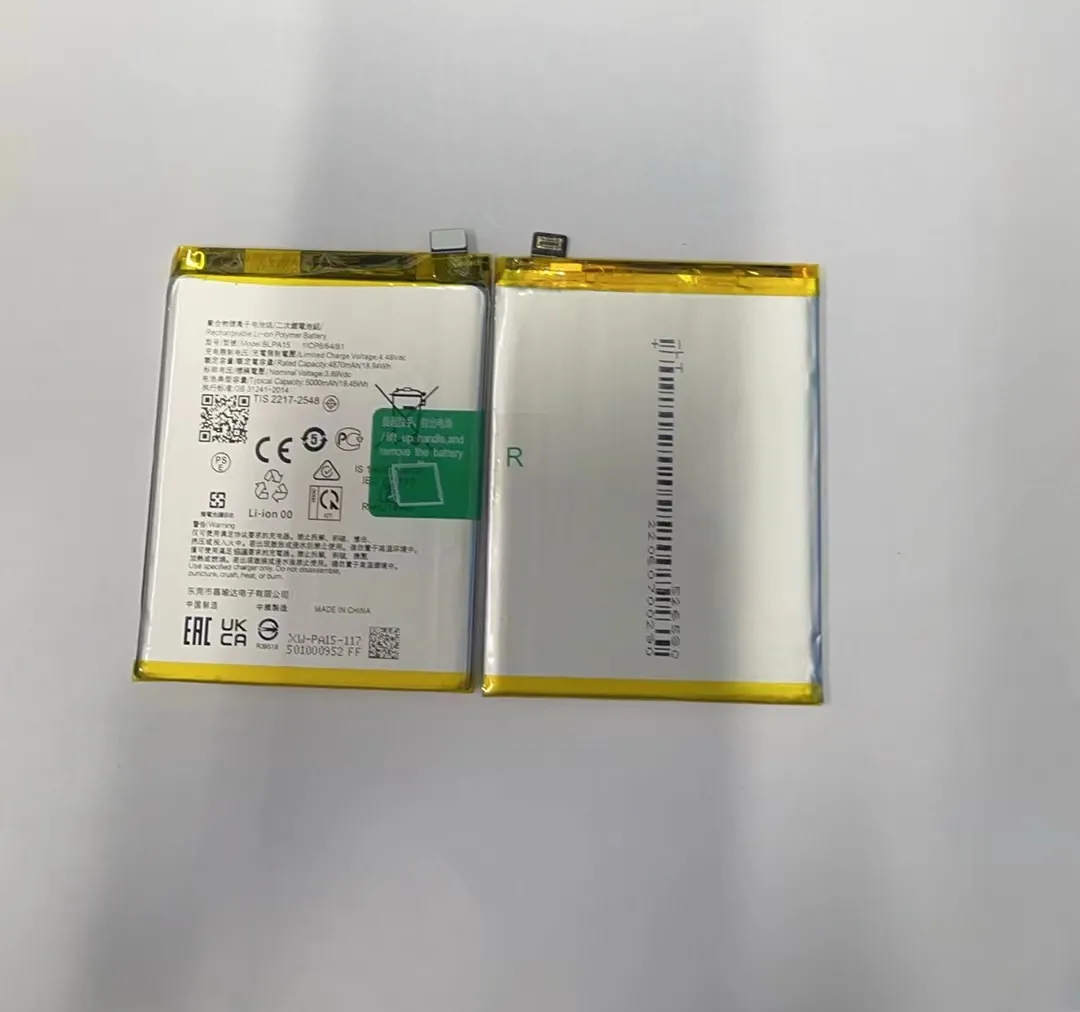
Most phones shut down immediately without a battery. But with some tweaks and tools, it is possible to power them directly and use them normally.
Yes, you can use a phone without a battery if the device supports direct external power or battery bypass mode. This setup is mainly for testing, development, or repair purposes.
Many people assume batteries are essential for phone operation. While this is true for most users, technicians and developers have found workarounds. Let’s explore the reasons, methods, and safety considerations behind this process.
Can phones run directly from external power?
Many people think phones only work with their built-in batteries. When your battery fails, you may wonder if plugging into a charger is enough to power the phone.
Yes, phones can run from external power, but only under specific conditions. Some models require modification or use of a power supply module.

Most smartphones are not designed to boot without a battery. Even if plugged into a wall charger, they will not turn on. However, technicians often use external power supplies to simulate battery voltage. These setups involve connecting a regulated 3.7V–4.2V power source directly to the phone’s battery terminals.
What you need to power a phone without a battery:
| Component | Description |
|---|---|
| DC Power Supply | Adjustable voltage (3.7V–4.2V), stable current (up to 2A) |
| Connector Cables | Compatible with battery terminals (depends on model) |
| Load Resistor | Helps manage power flow and stability |
| Voltage Monitor | Prevents over-voltage or undervoltage |
Technicians often use tools like the QianLi iPower or JC modules to safely inject power. These tools are common in repair shops and help simulate the battery’s role. But this setup is only recommended for experienced users.
Using a phone like this is mostly for testing. It is not practical for daily use. Some features like charging indicators or power buttons may behave abnormally. Also, power cuts will immediately shut down the phone, causing data loss.
What devices support battery bypass mode?
Not every phone supports operation without a battery. Some models have built-in protections that prevent startup unless a battery is detected.
Some Android devices, mainly those with engineering firmware or modular designs, support battery bypass through USB or test pads.
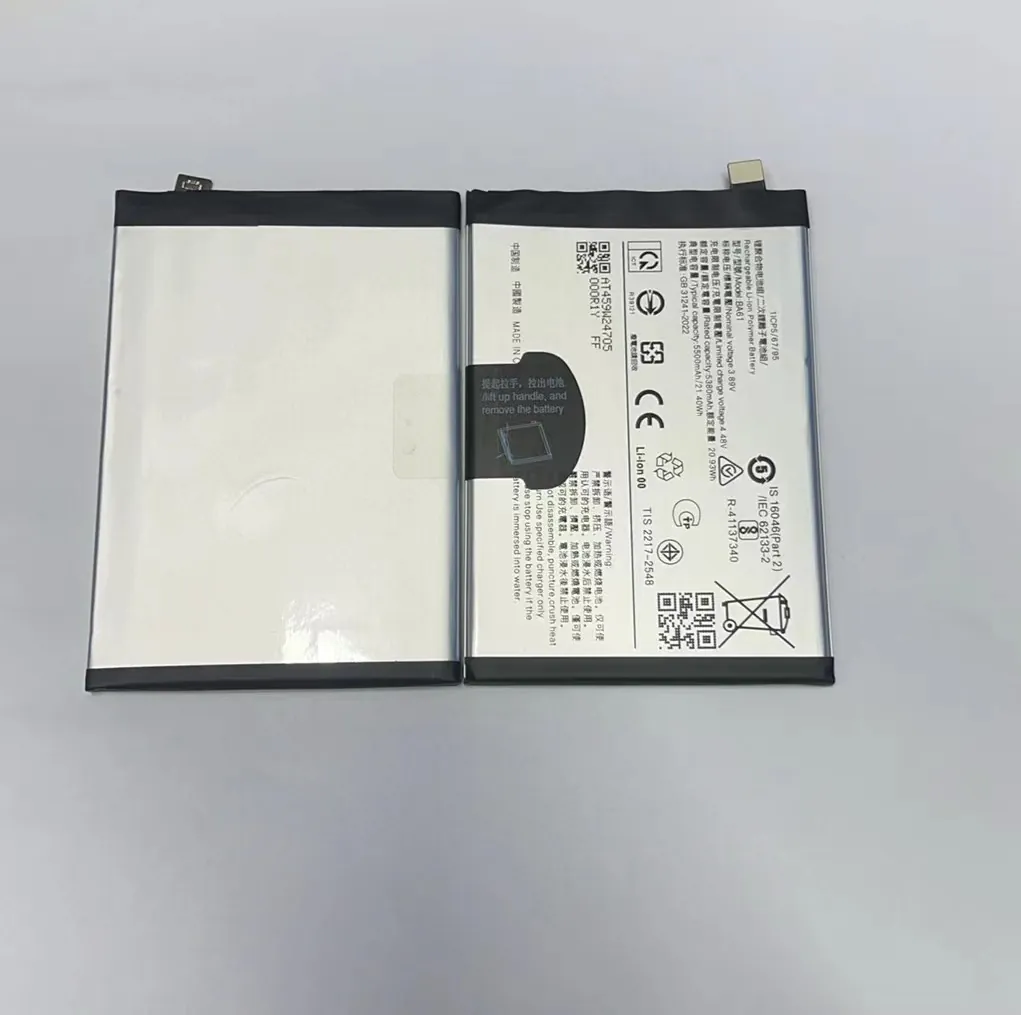
This mode is more common in development boards, test phones, or service devices. It is rare in retail consumer models. However, there are exceptions.
Examples of phones and devices that may support battery bypass:
| Brand | Models Known to Support | Notes |
|---|---|---|
| Samsung | Galaxy S4, Note 3 | Older models with removable batteries |
| Xiaomi | Redmi 5A, Redmi Note 4 | With test-point access |
| Huawei | Y6 series, P8 Lite | Depends on firmware version |
| Feature Phones | Nokia 105, Itel models | Basic circuit design allows it |
In many cases, this feature is not official. It may work due to the phone’s simple power architecture or through firmware hacks. Technicians often use battery connector cables that allow USB-C or DC inputs.
Some repair tools like the iPower Pro or MECHANIC battery boot cables come with adapters for various brands. These cables connect directly to power sources and bypass the battery entirely. But they must be used with caution to avoid short circuits.
If you're interested in this mode, look for phones with accessible battery connectors and minimal firmware restrictions. Devices with soldered batteries or advanced battery management ICs usually block bypass attempts.
Is it safe to operate phones without a battery?
Running a phone without a battery may seem convenient, but safety should be the first concern. Batteries act as voltage regulators and buffers.
Using a phone without a battery is risky and not recommended for long-term or regular use. It may damage components or cause shutdowns.

Phones are designed to work with batteries. Removing them alters the entire power flow. A direct power source may not respond quickly to sudden current demands, like during camera use or app loading. This can cause phone crashes or hardware damage.
Risks of battery-less phone operation:
- Power surges – Without a battery to absorb fluctuations, voltage spikes may damage circuits.
- Component failure – Sensitive chips may receive unstable current and overheat.
- Instant shutdowns – A small drop in input voltage can turn off the phone abruptly.
- No backup power – Sudden unplugging causes data loss, app crashes, or corrupted files.
- Heat issues – External power setups may not manage heat like normal batteries.
If you must test a phone this way, limit it to short periods. Always use a regulated power supply with current limiters. Avoid running power-hungry apps or loading large data. This reduces the risk of damaging the motherboard.
How technicians do it safely:
- Use lab-grade power supplies with voltage regulation
- Limit voltage between 3.7V and 4.2V
- Monitor amperage to avoid overdraw
- Avoid testing for long durations
- Disconnect power before changing setups
While bypassing the battery is useful for diagnosis or display testing, it is not a permanent solution. For stable performance, replacing the original battery is always the safest choice.
Why might someone remove their phone battery?
Most users never think about removing their phone’s battery. Modern phones often don’t allow it. But there are cases where this step is necessary.
People remove phone batteries for repair, testing, storage, or to stop power drain in unused devices. It’s also a safety step for shipping or recycling.

Older phones with removable batteries allowed easy swaps. But now, integrated batteries need tools and care to remove. Still, there are practical reasons why someone might want to remove a battery.
Common reasons to remove a phone battery:
1. Hardware Testing or Repair
When a phone won’t boot, technicians disconnect the battery to test components. It helps isolate issues like power IC failure, motherboard shorts, or screen faults. Without the battery, the phone can be powered directly to check response.
2. Long-term Storage
For phones in storage, removing the battery prevents slow drain and swelling. Lithium batteries can expand if left fully charged for months. A swollen battery may damage the screen or back cover.
3. Device Shipping
Shipping phones internationally often requires battery removal for safety. Airlines and couriers have strict rules on lithium battery transport. Removing them avoids customs issues and fire hazards.
4. Recycling or Disposal
Safe battery disposal helps prevent environmental harm. People remove batteries before sending phones to e-waste centers. It reduces the risk of fire during transport or crushing.
5. Energy-Saving Mode
Some users remove the battery to avoid background power drain, especially in demo phones or display models. In repair shops, phones may be powered up briefly without batteries to check functionality.
In all these cases, battery removal is not for regular use. It's a maintenance step. For daily use, phones need batteries to run safely and efficiently.
Conclusion
Phones can work without batteries, but only under special setups. It’s useful for repair or testing but not for normal use. Always check device specs and use proper tools to avoid damage.
