
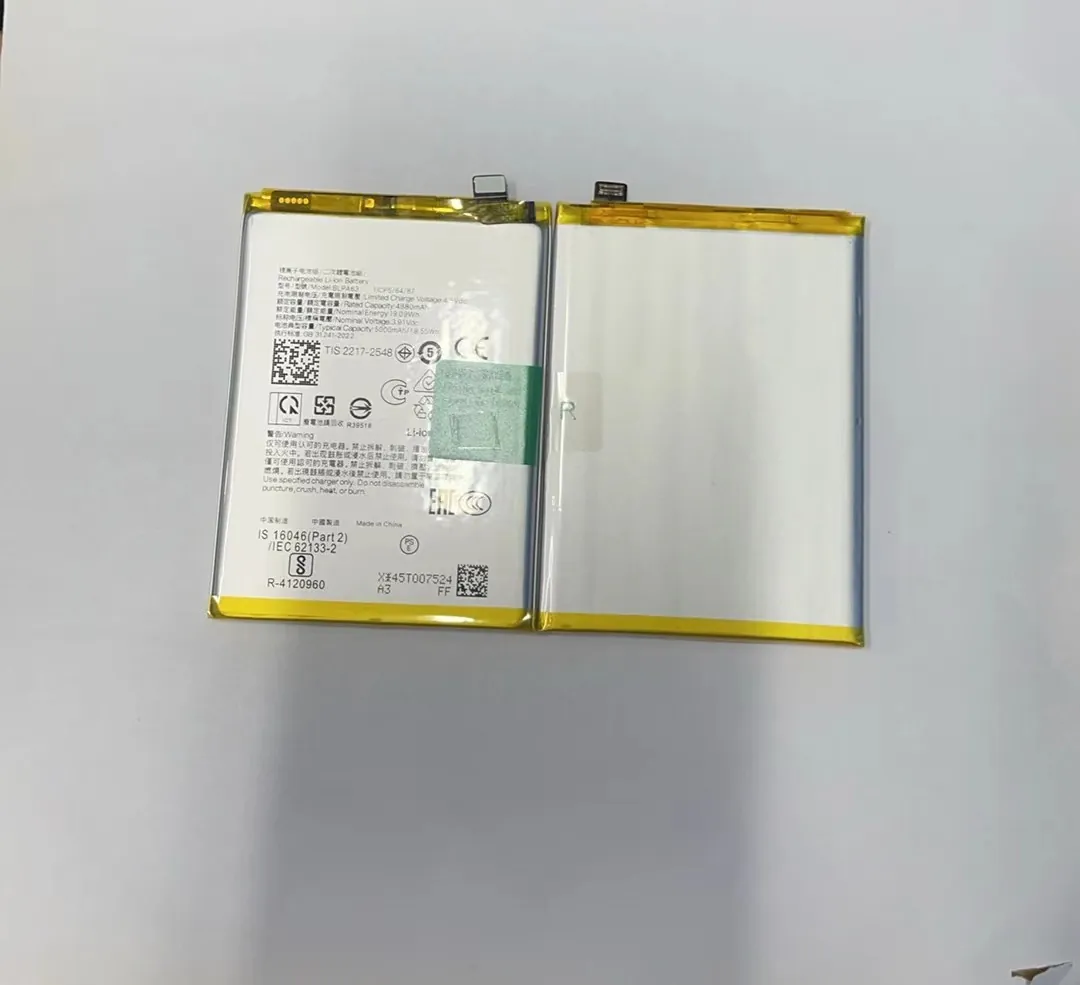
Many people feel like their phone battery drops too fast. They look at the battery percentage and see it fall quickly. This can be frustrating when you need your phone during the day.
Battery drain means the phone uses energy faster than expected. Many functions and habits cause this. Understanding what really drains battery helps you fix it.
Knowing the biggest power users can help you make changes so your phone lasts longer on a single charge.
How do apps consume background power?
Apps running in the background can be a hidden cause of battery drain. You may not see them, but they are active and using power.
Apps use background power when they refresh content, send notifications, or check for updates. This uses CPU, data, and sometimes GPS, which all consume energy.

What background activity really means
When an app runs in the background, it does more than just sit idle. It may:
- Fetch new messages or feeds
- Check for email updates
- Track location
- Sync data with cloud services
Even if you are not using the app, these tasks keep the processor and radios active.
Common examples of background drain
| App Type | Typical Background Behavior |
|---|---|
| Social media | Pulls new posts, loads images |
| Messaging | Checks for new messages constantly |
| Navigation | Uses GPS in background |
| Weather apps | Refreshes weather info frequently |
Some apps are more aggressive than others. Social media and messaging apps often poll servers many times per hour. This repeated checking uses tiny amounts of power each time, which adds up over a day.
How to spot background drain
Most phones allow you to see battery usage by app. If an app shows high battery use but you rarely open it, it is likely draining in the background.
You may also notice:
- Phone feels warm even when idle
- Battery drops while the screen is off
How to reduce background drain
To reduce this kind of drain:
- Turn off background refresh for apps you don’t need updating all the time
- Restrict location access for apps that don’t need it
- Force‑stop or uninstall apps you rarely use
These steps directly cut down the work apps do in the background, saving battery life.
Why does screen brightness drain fast?
The screen is often the biggest power drain on a phone. Bright colors, high brightness, and long screen‑on time all use more energy.
Screen brightness affects battery drain because the display uses a lot of power compared to other components. Brighter screens and longer usage mean faster battery loss.

How displays use power
Phone screens are made of LEDs or OLEDs. These pixels emit light, and more light means more energy. When brightness is high, each pixel uses more power to shine brighter.
Besides brightness, the display also consumes power based on:
- Screen size
- Resolution
- Refresh rate
- Content type (bright colors use more energy than dark)
Brightness level vs battery usage
| Brightness Setting | Effect on Battery |
|---|---|
| 100% brightness | Very high drain |
| 75% brightness | Moderate drain |
| 50% brightness | Lower drain |
| Auto brightness | Variable, usually efficient |
Auto brightness uses a sensor to adjust brightness based on ambient light. This often saves battery because it lowers brightness in dim environments.
Other display factors
High refresh rates
A 90Hz or 120Hz screen updates more frames per second than a 60Hz screen. This makes animations smoother but uses more power.
Always‑on display
Some phones show a clock or notifications all the time. Even though it uses a small amount of power, it still drains battery gradually throughout the day.
How to reduce screen drain
- Reduce brightness manually or use auto brightness
- Lower refresh rate if the phone allows it
- Limit screen‑on time by using sleep timers
- Use dark mode if the phone has an OLED screen
Dark mode saves power on OLED screens because black pixels use almost no light.
Which settings increase battery usage?
Beyond brightness and background apps, several phone settings affect battery usage. Some settings are essential for daily use, but others drain battery more than users realize.
Settings that increase battery usage are those that keep hardware active, use radios often, or prevent the phone from sleeping.

Connectivity features
Wireless radios draw power whenever they are active:
| Setting | Why It Drains Battery |
|---|---|
| Wi‑Fi | Keeps radio active to send/receive data |
| Bluetooth | Scans for devices, even in background |
| GPS/Location | Constantly uses satellite or network data |
| Mobile data | Uses radio for internet access |
Leaving these services on all the time means the phone regularly checks networks or sends data, which uses energy.
Why GPS drains power
GPS is one of the biggest battery drains when in use. Apps that constantly request location (directions, fitness trackers, social media check‑ins) keep the GPS chip active.
Push notifications
Notifications wake the phone so it can fetch new messages or alerts. While each wake is small, frequent notifications can add up over time.
It's like waking someone every few minutes — each time uses a little energy, and over hours it becomes significant.
Sync settings
Automatic syncing of contacts, calendars, and files uses battery every time it runs. If you sync many services, the phone will wake often to complete these tasks.
Display and animation settings
- High refresh rate — smoother but more battery use
- Dynamic wallpapers — animated backgrounds use more power than static
- Large icons and widgets — require frequent redraws
How to optimize these settings
- Turn off radios (Wi‑Fi, Bluetooth) when not in use
- Limit location access to only essential apps
- Turn off push notifications for low‑priority apps
- Reduce sync frequency or disable it for services you don’t need
These changes help reduce continuous battery drain throughout the day.
What habits cause excessive drain?
Every user has habits that affect battery life. Some habits may seem harmless but actually drain battery faster than expected.
Excessive use habits like frequent checking, long gaming sessions, and charging to extreme levels contribute to faster drain.

Frequent checking and screen time
One of the most common habits is checking the phone often. Each time you wake the screen, you use a burst of power. Even short checks add up if repeated many times per hour.
Examples of draining habits
- Opening social media every few minutes
- Constantly switching between apps
- Watching videos for long periods
- Playing games for hours
These actions keep the screen on and the processors active, which quickly uses battery.
Streaming media
Streaming videos or music over mobile data uses more battery than playing locally stored content. Data transmission and screen use both drain battery simultaneously.
If streaming over Wi‑Fi, the screen and Wi‑Fi radio are active, still causing significant drain.
Heavy gaming
Games use the processor, GPU, and sometimes network at the same time. This is one of the most battery‑hungry activities. Intensive graphics and long sessions heat the phone, which also makes the battery work harder.
Hot environments
Using a phone in high temperatures (like outdoors in hot weather) increases battery drain. The battery works harder to stay cool, and heat speeds up chemical reactions that use energy faster.
Charging habits that worsen drain
Certain charging behaviors affect both daily battery and long‑term life:
- Leaving the phone plugged in overnight at 100%
- Charging from very low levels (like 0–10%) often
- Using fast charging all the time
These habits do not drain battery immediately, but they can reduce overall capacity and make daily drain worse over months.
Notifications and alerts
Some habits lead to many alerts:
- Keeping email sync on for multiple accounts
- Allowing every app to send notifications
- Frequent reminders and alerts
These constant wake events add up to noticeable battery drain by the end of the day.
What habits help save battery
Good habits can extend battery life significantly:
- Check phone less often
- Use Wi‑Fi instead of mobile data when possible
- Turn off radios when not needed
- Close apps you are not using
- Reduce screen brightness and timeout
Small changes in how you use your phone can have a big effect on daily battery life.
Conclusion
Many things drain a mobile phone battery. Apps running in the background, screen brightness, and connectivity settings use a lot of power. User habits like frequent checking, streaming, and gaming make this worse. By understanding what uses battery the most and adjusting settings and behaviors, you can make your phone last much longer between charges.
