

Many people unknowingly harm their phone batteries by charging the wrong way. This shortens battery life and creates frustration.
The safest way to charge a mobile phone battery is to use certified chargers, avoid full discharges, and keep the charge between 30% and 80%.
Most people just plug in their phones without thinking. But how you charge your phone matters. Small changes in charging habits can keep your battery healthy for years.
What charging methods are safest?
Some charging methods are faster, but not all are safe for long-term battery health.
The safest charging methods are slow charging with original chargers, wireless charging with certified pads, and avoiding full 0% to 100% cycles.

Fast charging is convenient but creates more heat. Heat causes batteries to age faster. Slow charging takes more time but keeps the battery cooler, which is safer.
Wireless charging is also safe if the charging pad is well-made and doesn't overheat. Many phones limit the speed of wireless charging to prevent overheating.
Comparison of Charging Methods
| Charging Method | Safety Level | Speed | Battery Impact |
|---|---|---|---|
| Original Charger | High | Normal | Low |
| Certified Wireless | High | Moderate | Low |
| Fast Charger (OEM) | Medium | Fast | Moderate |
| Cheap Third-party | Low | Varies | High (Risky) |
| Power Bank (Quality) | Medium | Moderate | Depends on model |
If you're not in a hurry, choose slower charging. And if you're using a power bank, make sure it has overcharge protection and comes from a reliable brand.
Why avoid extreme temperatures when charging?
Charging your phone in very hot or cold environments can damage the battery permanently.
Extreme heat or cold during charging can harm battery cells, slow down charging speed, and reduce total battery capacity over time.

Lithium-ion batteries work best at room temperature. High temperatures speed up chemical wear. Cold slows the chemical reaction, which can cause incomplete charging or temporary capacity loss.
Many people leave their phone charging in a car on a hot day. Others use it outside in freezing cold while charging. These habits hurt battery health.
Safe Charging Temperature Range
| Temperature (°C) | Effect on Battery |
|---|---|
| Below 0 | Reduced charging, possible damage |
| 0 - 35 | Ideal range, safe charging |
| 36 - 45 | Heating up, avoid fast charging |
| Above 45 | Dangerous, high battery stress |
Most phones have built-in safety features that slow down or stop charging if they get too hot or cold. Still, it's best not to rely only on software protection. Keep your phone out of direct sunlight, especially when charging.
Charging under your pillow or blanket is also risky. It traps heat, which leads to battery stress or even fire in rare cases.
Which chargers protect battery health?
Not all chargers are equal. Some may charge your phone but still damage the battery over time.
Original or certified chargers with proper voltage and heat control are best for protecting battery health.

Using cheap or counterfeit chargers can send too much or unstable power. This causes overheating, battery swelling, and in rare cases, explosions. Certified chargers from well-known brands are tested for safety.
Look for chargers with safety labels like CE, UL, FCC, or MFI (Made for iPhone). These labels mean the product has passed certain safety tests.
Charger Comparison Table
| Charger Type | Certified? | Voltage Stability | Safe for Long Use? |
|---|---|---|---|
| OEM Charger (Phone Brand) | Yes | Excellent | Yes |
| Certified Third-Party | Yes | Very Good | Yes |
| Cheap Online Charger | No | Poor | No |
| Airport Vending Charger | Unknown | Varies | Risky |
| Power Strip USB Port | Often No | Low to Medium | Not Recommended |
Fast chargers from phone makers are designed to work safely with that specific model. But not all fast chargers are the same. Mixing brands can lead to overheating or slow charging.
It’s also best to use the right cable. A poor-quality cable can affect charging speed and generate more heat. Always replace damaged cables with certified ones.
How do you optimize daily charging?
You don’t need to reach 100% or wait until 0% every day. Smarter habits can keep your battery strong.
Charge when your phone drops to 30-40%, unplug around 80%, and avoid overnight charging to keep the battery in good condition.
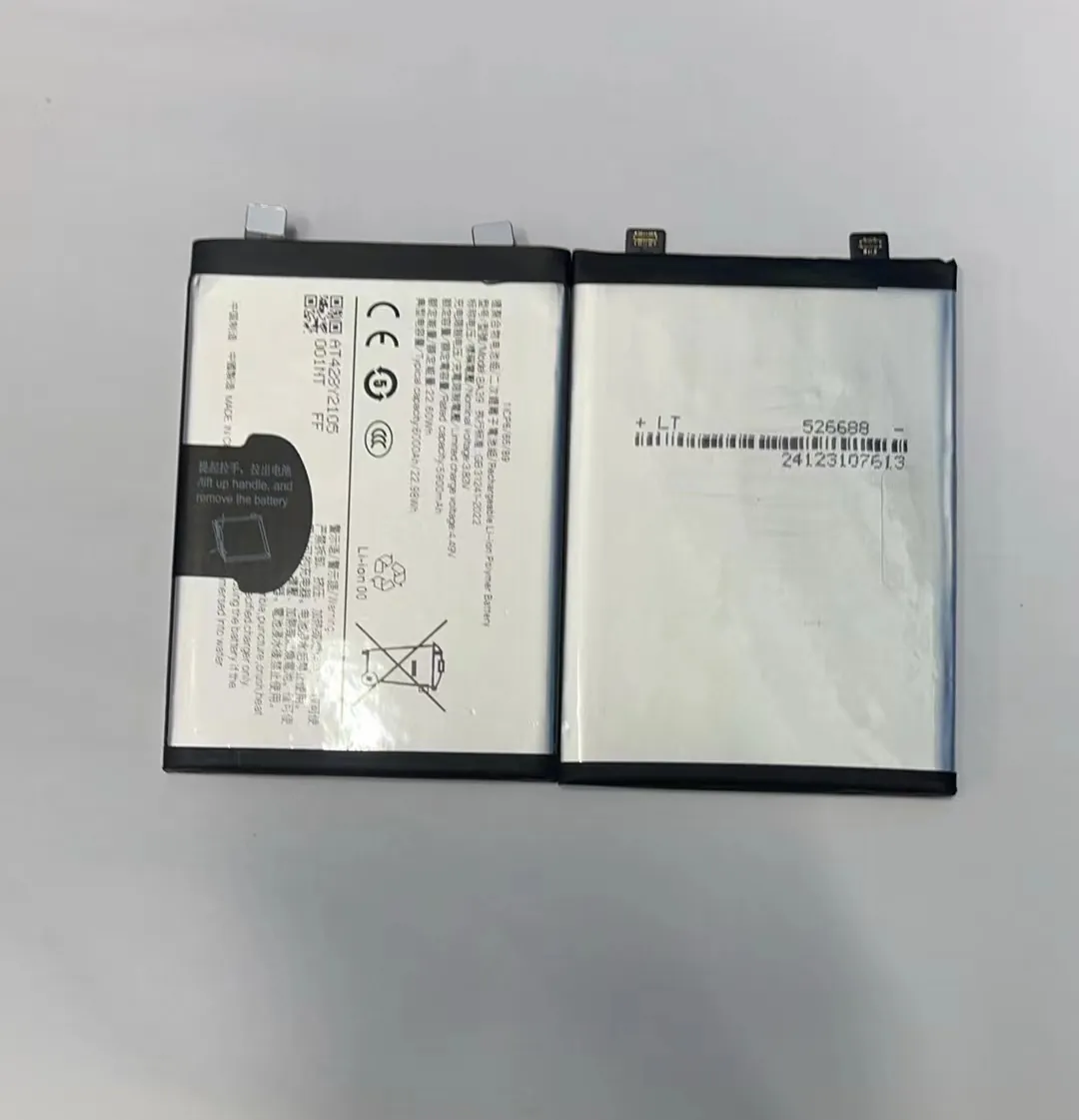
Modern batteries don't suffer from the "memory effect" like older ones. So there's no need to drain them fully. In fact, partial charging is better. Keeping the battery level between 30% and 80% reduces wear.
If you need to charge overnight, use phones that have adaptive charging. This feature slows down charging after 80% and finishes just before you wake up.
Tips for Daily Charging
- Don’t wait until your battery hits 0%
- Unplug around 80–90%
- Turn off unused features (Wi-Fi, GPS, Bluetooth)
- Use low power mode during travel
- Don’t charge in direct sunlight
- Enable “Battery Saver” or “Optimized Charging” in settings
Charging Myths vs. Facts
| Myth | Fact |
|---|---|
| "Charging overnight ruins the battery" | Not if the phone manages charging intelligently |
| "Fast charging always damages battery" | Only if the charger or phone lacks proper controls |
| "You must fully drain before charging" | Modern batteries don’t need this, and it causes stress |
| "Wireless charging is bad for battery" | Not if the pad is well-designed and doesn’t overheat |
If you're often on the go, consider a quality power bank. Look for one with voltage regulation and certified components. Also, check its output power—too high or too low can affect your phone’s battery.
Charging smarter every day is the best long-term way to make your phone battery last longer. It’s simple, just requires small habit changes.
Conclusion
Charging your phone the right way makes a big difference. Use certified chargers, avoid heat, and charge between 30% and 80%. Smart charging habits help your battery last longer and save you money in the long run.
