
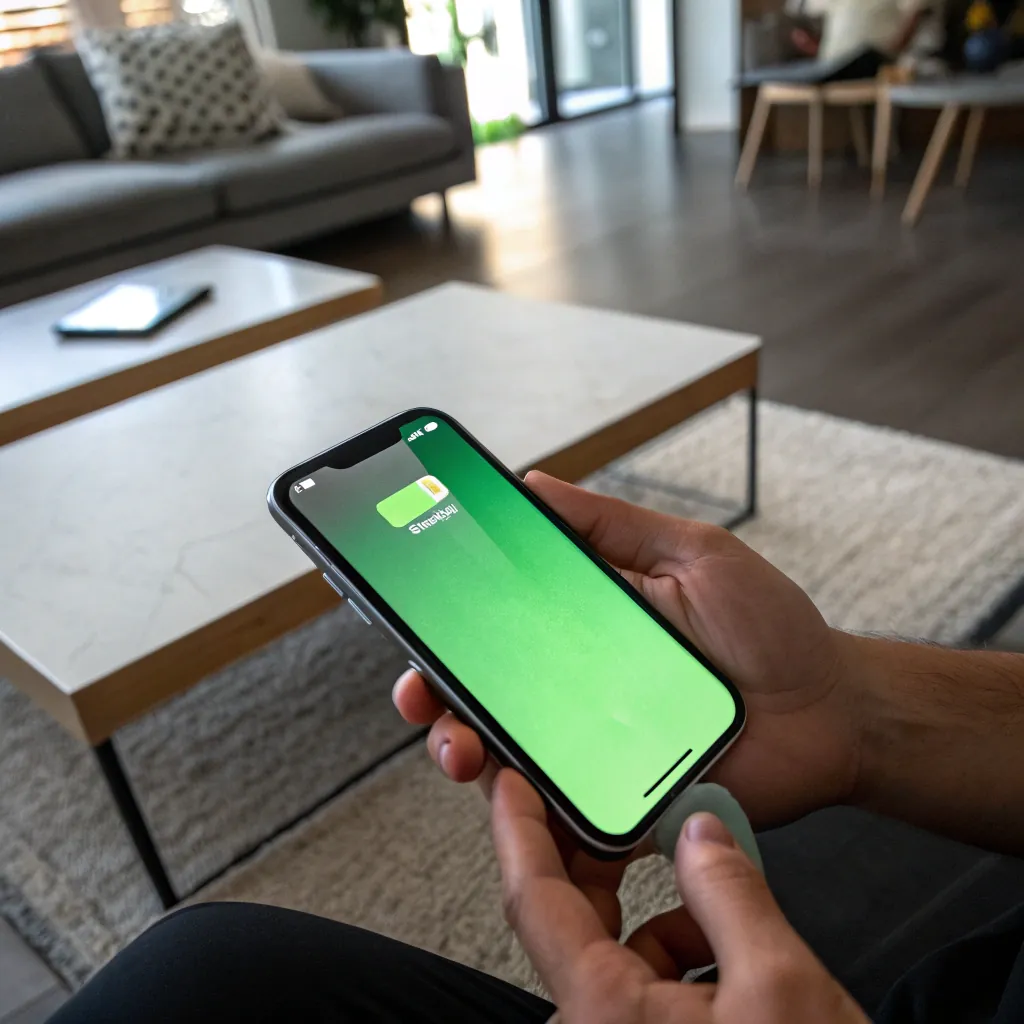
Your iPhone 13 Pro or 14 Pro suddenly shows a green, white, or flickering screen. This can be alarming, especially if it appeared right after an iOS update, making you worry about an expensive hardware failure.
The green screen issue on iPhone Pro models is caused either by a software glitch or a hardware failure. Software-related problems can often be fixed with restarts, updates, or a DFU restore, while hardware issues usually involve the OLED panel or display flex cables and require professional repair.
Understanding which category your problem falls into is the key to fixing it without wasting time or money.
Is it just a software glitch causing the screen problem?
If the screen issue appeared after an iOS update, there is a good chance it is software-related. This is always the first thing you should check.
Software glitches can cause green or flickering screens. A force restart, updating iOS, or performing a DFU restore can resolve system conflicts and display driver errors without any hardware repair.
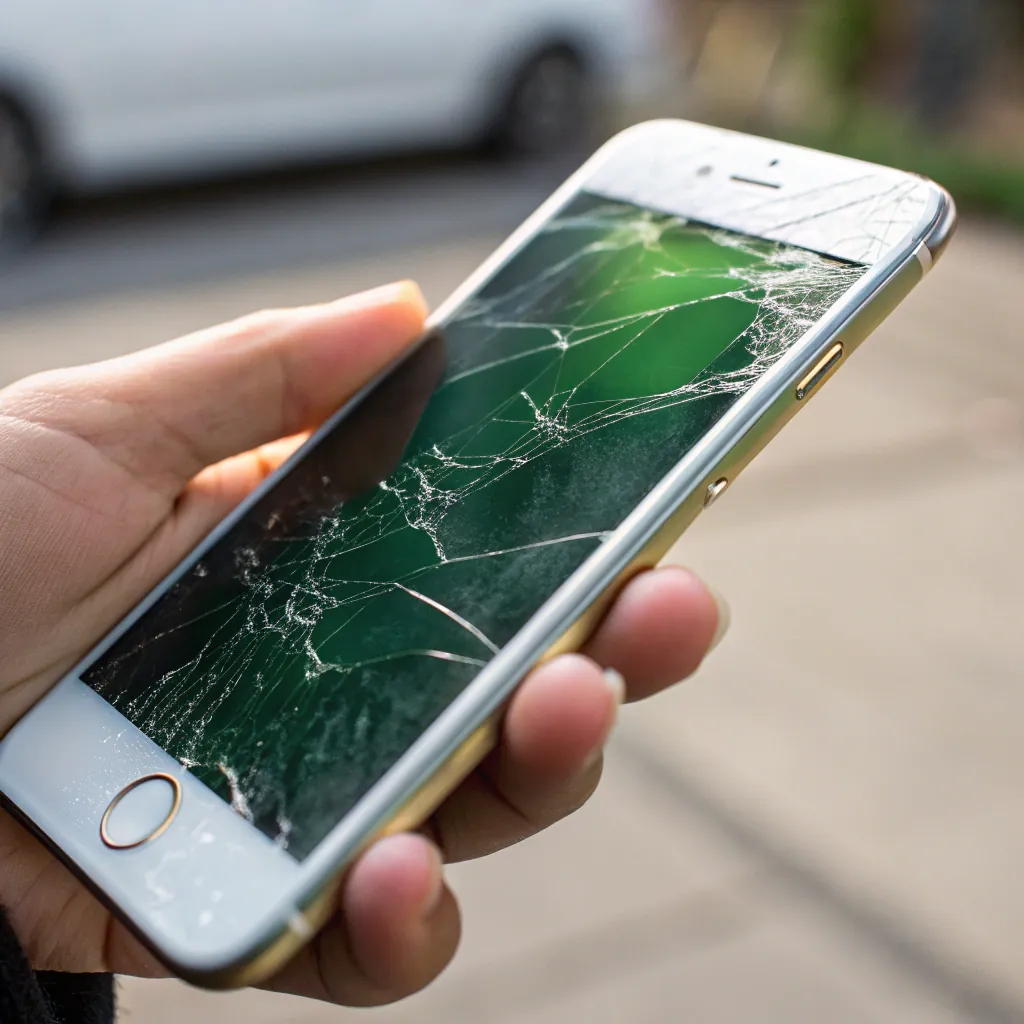
Software problems are common after system updates. Display drivers may not load correctly, or system bugs may affect color output. These fixes are safe, free, and should always be tried first.
Software fixes to try first:
| Fix Method | What It Does | When to Use |
|---|---|---|
| Force Restart | Clears temporary memory and reloads system | Sudden glitches or screen flicker |
| iOS Update | Installs bug fixes from Apple | Issue started after an update |
| DFU Restore | Reinstalls firmware and iOS completely | Persistent software-related problems |
If the screen problem remains after all these steps, the issue is almost certainly hardware-related.
Could it be a hardware failure needing professional repair?
If software fixes fail, the green or flickering screen is likely caused by physical damage inside the phone.
Persistent screen problems usually indicate hardware failure. The most common causes are a damaged OLED panel or faulty display flex cables, while less common cases involve logic board damage.
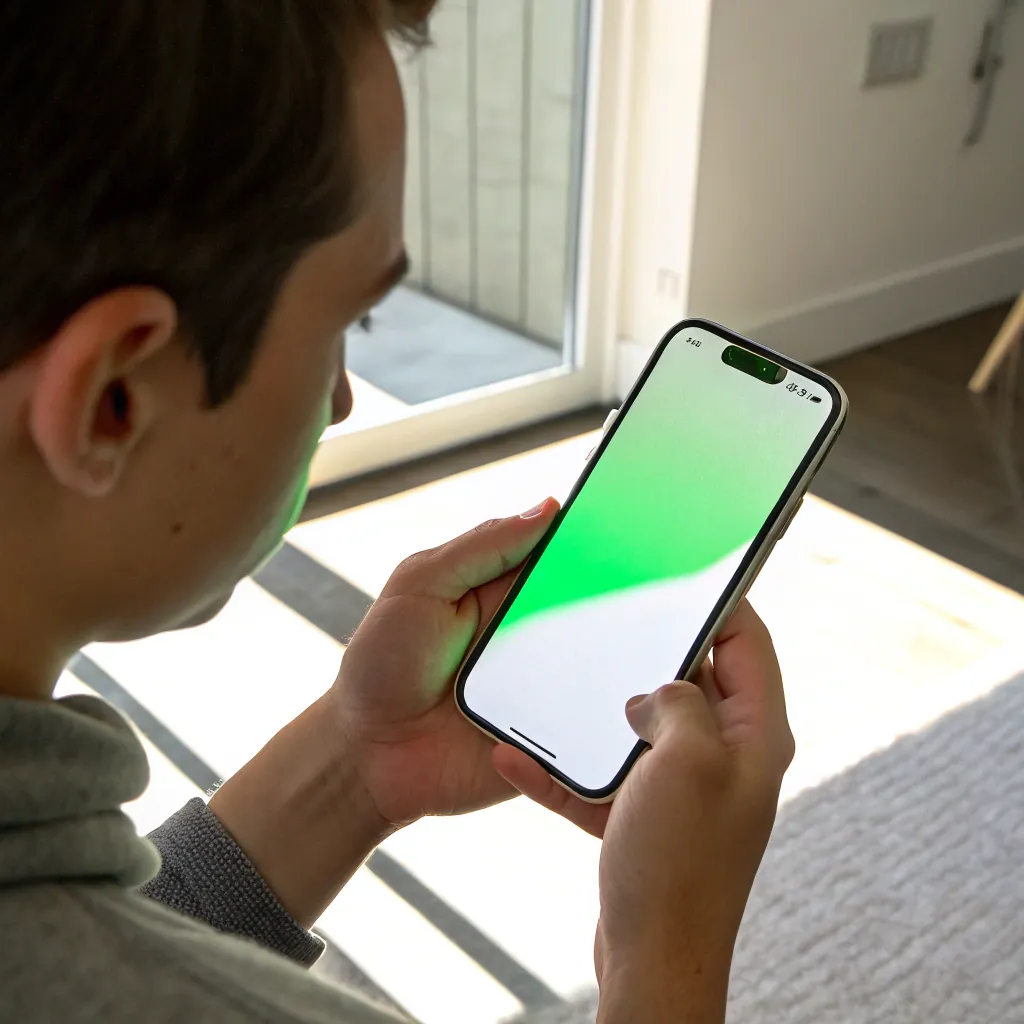
OLED displays used in iPhone 13 and 14 Pro models are advanced but sensitive. Drops, pressure, heat, or moisture can damage the panel or its flex cables. These cables connect the display to the logic board and are a frequent failure point.
Common hardware causes:
| Failure Type | Typical Symptoms | Cause | Repair Solution |
|---|---|---|---|
| Screen Assembly | Green/white screen, flickering, vertical lines | Drop, pressure, heat, moisture | Replace display assembly |
| Logic Board | Screen issues even with a new display | Severe damage or previous bad repair | Microsoldering board repair |
In most cases, replacing the screen assembly solves the problem. Logic board issues are rarer but more expensive to repair.
How can you choose the right repair and prevent future issues?
Once you know it’s a hardware problem, choosing the right repair option matters.
For iPhones under warranty, official Apple repair is the safest option. For out-of-warranty devices, a reputable third-party repair shop with microsoldering capability is often more cost-effective. Preventing overheating and drops helps avoid future screen failures.
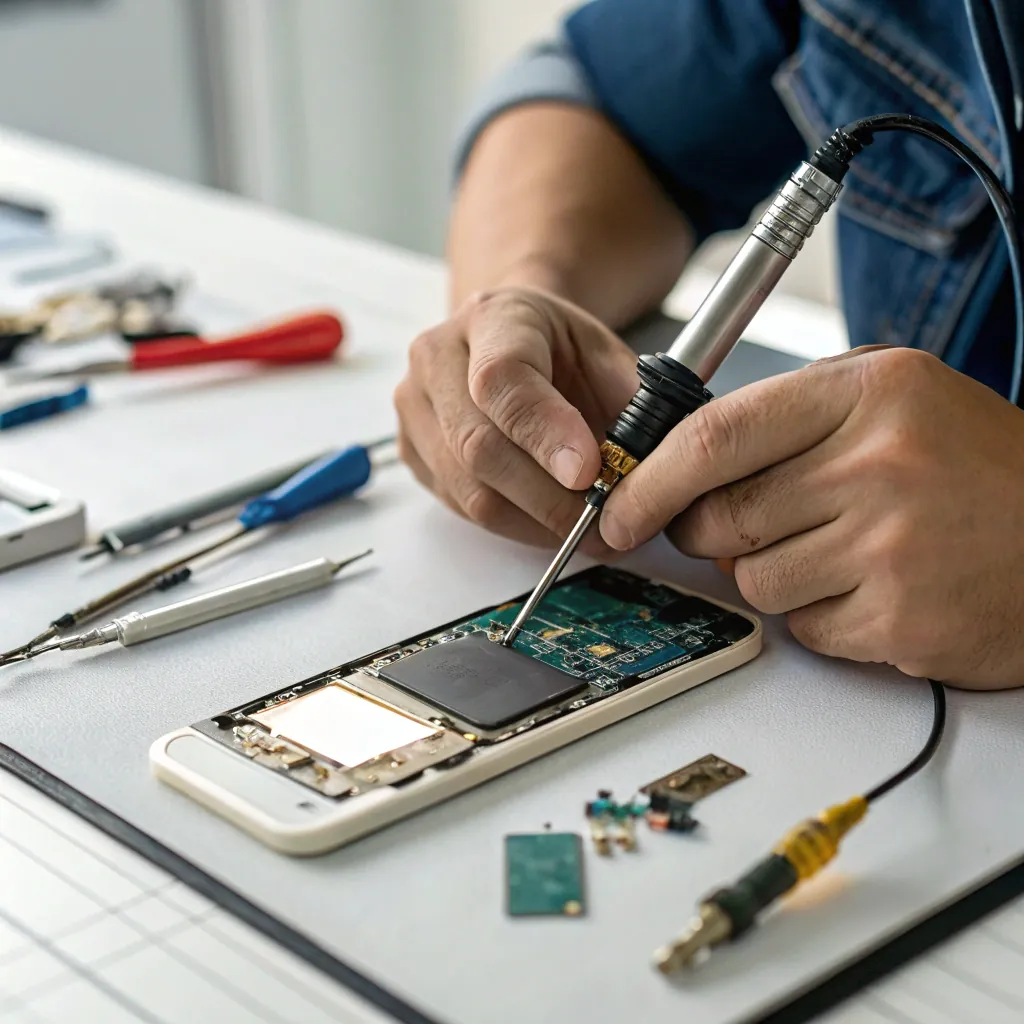
Official Apple repairs offer guaranteed results but can be expensive if your phone is out of warranty. Skilled third-party repair shops can diagnose whether the issue is the screen or logic board, saving unnecessary replacement costs.
Repair options comparison:
| Repair Option | Best For | Cost Level | Main Advantage |
|---|---|---|---|
| Official Apple Service | Warranty or AppleCare+ devices | High (out of warranty) | Genuine parts, official support |
| Third-Party Repair | Out-of-warranty devices | Medium to Low | Lower cost, board-level repairs |
Tips to prevent green screen issues:
- Avoid leaving your phone in hot environments
- Use a protective case to reduce drop damage
- Keep the phone away from moisture
- Avoid using heavy apps while charging
Conclusion
Green or flickering screens on iPhone 13 and 14 Pro models can come from either software glitches or hardware failures. Always rule out software first, then seek professional repair if needed. Correct diagnosis saves money and ensures a reliable, long-term fix.
