

Battery problems don’t always start with a dead phone. Sometimes, the warning signs are subtle. Many people ignore them—until their device gives up unexpectedly.
You should replace your mobile phone battery when signs of failure appear, capacity drops significantly, aging is confirmed through testing, or the charge cycle limit is reached.
Many people delay battery replacement, thinking it’s just a slow app or software issue. In truth, the battery is often the hidden culprit behind crashes, overheating, and short battery life. Here's how to know it's time for a change.
What signs indicate battery failure?
A phone that suddenly powers off, even with battery left, isn't haunted—it’s warning you. Battery failure shows up in ways users often misread as phone malfunctions.
Look out for fast draining, random shutdowns, overheating, charging issues, or swelling as clear signs your phone battery is failing.

Battery failure doesn’t happen overnight. It starts small. First, you may notice your phone lasts only a few hours. Then it restarts while opening apps. Eventually, it won’t turn on unless it’s plugged in.
Common Symptoms of a Failing Phone Battery
| Symptom | Explanation |
|---|---|
| Battery drains quickly | Capacity has dropped below usable level |
| Phone shuts off randomly | Battery can’t deliver power under load |
| Overheating during use | Battery chemistry degrades and heats up |
| Charging takes longer | Battery resistance increases with age |
| Swollen battery | Gas build-up from chemical breakdown |
Watch for These Red Flags
- If your phone jumps from 50% to 20% in minutes, that’s not normal.
- If your device gets hot just browsing the web, battery stress may be to blame.
- If the battery appears thick or pushes against the screen—stop using it.
I’ve had clients report ghost touch issues. After inspection, we found a swollen battery pressing on the screen from the inside. Replacing the battery fixed everything. Don’t ignore signs that feel minor.
Why capacity drops over time?
Even if you treat your phone gently, the battery won’t last forever. No battery does. But many users don’t understand why it weakens, even when used carefully.
Battery capacity drops over time due to chemical aging, which causes the lithium inside to degrade with each charge and discharge.

Lithium-ion batteries store and release energy through chemical reactions. These reactions weaken as the battery ages. Every time you charge it, tiny changes occur inside that slightly reduce how much charge it can hold.
Key Factors That Reduce Battery Capacity
1. Charge Cycles
Each full charge and discharge counts as one cycle. With each cycle, capacity reduces a little. Most batteries are rated for 300–500 cycles.
2. Heat Exposure
High temperatures speed up battery aging. Charging your phone on a hot dashboard or gaming during charging causes stress.
3. Deep Discharges
Letting your battery drop to 0% often can harm its chemistry. Try to keep it between 20% and 80%.
4. Fast Charging Stress
While fast charging is convenient, it generates heat and accelerates wear if used constantly.
How This Affects You
At first, it’s hardly noticeable. After 6 months, you might get an hour less screen time. After a year, your phone might not last a full day. That’s not your imagination—it’s chemistry.
Even premium brands face this issue. No battery is immune to time.
Which tests confirm battery aging?
Not all battery issues are obvious. Sometimes your phone acts slow or unreliable, but you're not sure why. Testing the battery can reveal its health status clearly.
You can confirm battery aging by checking maximum capacity, battery health score, and performance behavior using diagnostic apps or phone settings.
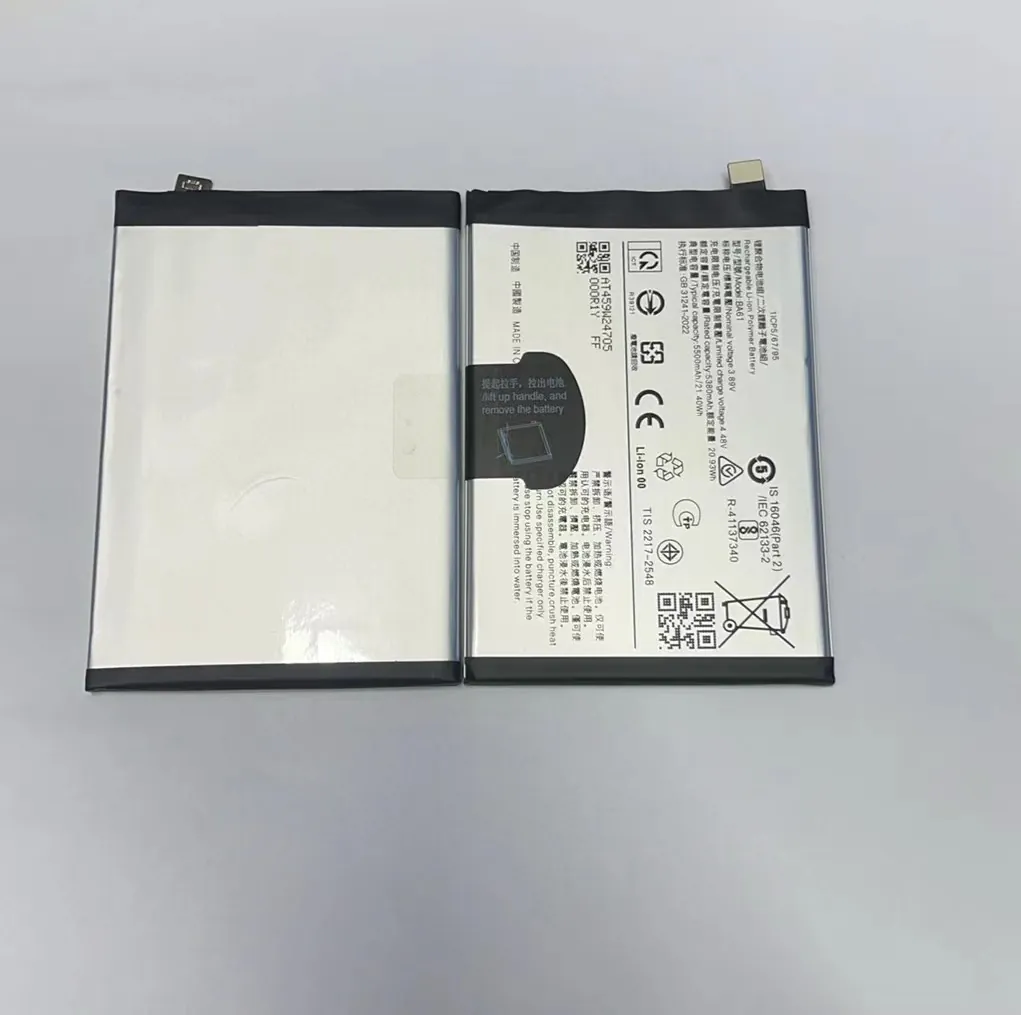
You don’t need special tools to start. Most modern smartphones have built-in battery diagnostics or support third-party apps that measure capacity and charging performance.
Ways to Test Battery Aging
1. Built-in Settings
Many phones show battery health info in settings:
- iPhone: Settings > Battery > Battery Health & Charging
- Samsung (via Samsung Members app): Get battery status reports
- Other Android: Use dial codes like
*#*#4636#*#*or apps
Look for:
- Maximum Capacity (%): A new battery shows 100%
- Peak Performance Capability: Shows if your battery can handle heavy tasks
2. Third-party Apps
Apps like AccuBattery (Android) or CoconutBattery (Mac for iPhones) can estimate:
- Charge cycles
- Capacity vs. design capacity
- Charging speed and temperature
3. Voltage and Resistance Testing (Advanced)
Technicians can test the battery with multimeters or testers. These tools show internal resistance and voltage drop during use. High resistance means aging.
How to Read Battery Health Results
| Metric | Good Battery | Aged Battery |
|---|---|---|
| Max Capacity (%) | 90–100% | Below 80% |
| Voltage Drop | Stable under load | Sudden dips |
| Internal Resistance | Low (<150 mΩ) | High (>250 mΩ) |
| Cycle Count | Below 300 | Over 500 |
If your battery is below 80% capacity or shows reduced performance, it’s time to replace it.
How many cycles do batteries last?
Most users think as long as the phone works, the battery is fine. But performance changes slowly. Knowing how many charge cycles a battery can survive helps you plan ahead.
Mobile phone batteries usually last between 300 to 500 full charge cycles before showing major capacity loss.

A charge cycle means using 100% of your battery’s capacity—not necessarily from 100% to 0% in one go. For example, if you use 50% today, then recharge, and do the same tomorrow—that counts as one full cycle.
Typical Battery Life in Cycles
| Phone Type | Expected Cycles | Average Lifespan |
|---|---|---|
| Entry-level smartphones | 300–400 cycles | About 1 year |
| Mid-range phones | 400–500 cycles | About 1.5 years |
| Flagship phones | 500+ cycles | 2 years or more |
Battery lifespan also depends on how you charge it. People who constantly drain to 0% and charge to 100% every day will hit the cycle limit faster than those who charge in smaller chunks.
How to Extend Battery Life
- Charge between 20% and 80%
- Use original or certified chargers
- Avoid fast charging all the time
- Don’t leave your phone charging overnight daily
- Keep your phone cool during charging
I’ve seen phones still going strong after 3 years because users avoided full discharges. Others, with heavy gaming and fast charging daily, needed replacements in under 12 months.
It’s not just about the number of cycles. How you use them matters.
Conclusion
Your phone battery gives subtle signs before it fails. By understanding capacity loss, testing regularly, and tracking charge cycles, you can replace it at the right time—not too early, not too late.
