

Most phones slow down or shut down when batteries degrade. This frustrates users and shortens device lifespan.
Yes, you can replace mobile phone batteries. Some phones make this easy, while others require tools and experience. There are solutions for both.
Even when phones are sealed, battery replacement is still possible. You just need the right approach. Below, we break it all down for you.
Which phones allow battery swaps?
Most people think all phones are sealed now. That’s not true. Some models still support battery swaps.
Phones with removable batteries are becoming rare, but a few models still allow users to swap batteries without tools.

In the past, many Android phones had back covers you could snap off to access the battery. Samsung’s Galaxy S3 and older LG phones followed this design. But now, most flagships are sealed. However, a few newer models still feature removable batteries. These are mostly from brands focusing on utility or repairability.
Examples of Phones with Removable Batteries
| Phone Model | Brand | Year | Notes |
|---|---|---|---|
| Fairphone 5 | Fairphone | 2023 | Modular, eco-friendly |
| Nokia C21 | Nokia | 2022 | Budget model with easy access |
| Samsung Galaxy XCover6 Pro | Samsung | 2022 | Rugged phone for enterprise use |
These phones often target people who want longevity, repairability, or use in tough environments. For example, warehouse workers might carry rugged models with swappable batteries. They can carry a spare and keep working without charging.
Some feature phones (like older Nokias) still use this design. But in the smartphone world, removable batteries are mostly limited to niche or eco-conscious models.
If your business involves bulk purchases or repairs, these phones might save time and cost. You can replace batteries on the spot. No heat gun. No risk of screen damage.
Why are some batteries non-removable?
People often blame manufacturers for sealing batteries, but the reasons are more complicated.
Most modern phones have sealed batteries to make devices thinner, water-resistant, and more durable.
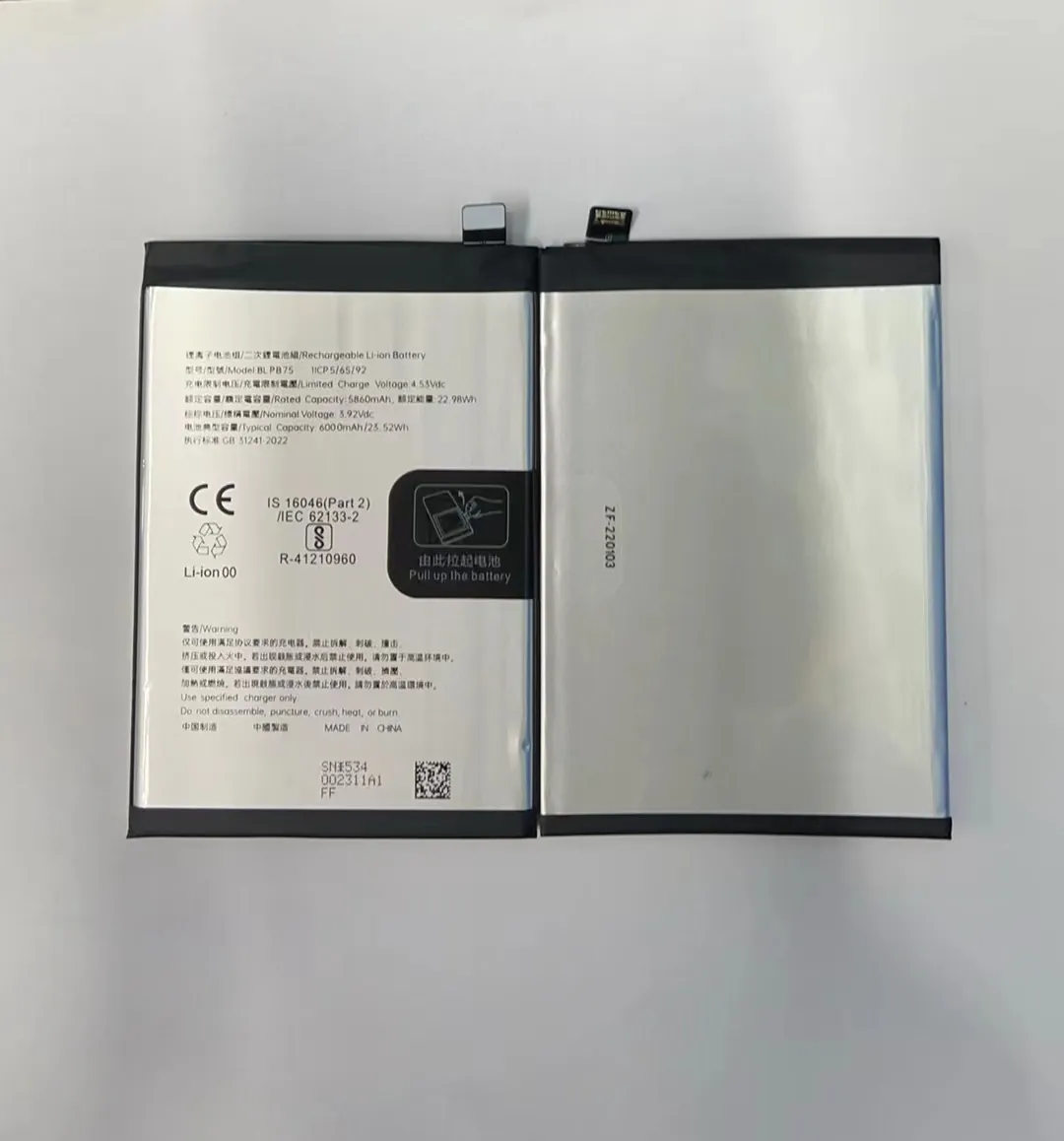
There are multiple reasons why non-removable batteries became standard:
1. Design and Aesthetics
Manufacturers want sleek phones. Removable batteries need more space and a separate compartment. Sealed designs allow slimmer bodies, edge-to-edge screens, and tighter construction.
2. Water and Dust Resistance
IP-rated phones require sealed enclosures. A removable back compromises the waterproofing. With sealed batteries, phones like the iPhone or Galaxy S series can survive rain or splashes.
3. Safety and Battery Swelling
Modern lithium-ion batteries can swell, especially after 2-3 years. A sealed battery restricts expansion space, which protects users from leaks or explosions. Also, batteries are better protected from user tampering.
4. Market Control and Repairs
A sealed design pushes users toward authorized repair centers. This can increase brand revenue. But it also limits third-party repair shops and DIY enthusiasts. For wholesalers or repair companies, this means needing tools and skills.
Some argue it’s about planned obsolescence—forcing people to upgrade instead of replacing batteries. While that might be true in some cases, it's not the full story.
What options exist for sealed phones?
Just because a battery is sealed doesn’t mean it can’t be replaced. It just takes the right tools and care.
You can still replace batteries in sealed phones using heat tools, suction cups, and safe pry methods. Repair services and kits make it possible.

If you're in the phone repair business, you know sealed phones are now the norm. But here’s the good news: tools and guides are widely available, and trained techs can handle almost any model.
Common Tools Needed
| Tool | Purpose |
|---|---|
| Heat Gun / Heating Pad | Softens adhesive holding the screen |
| Suction Cup Handle | Helps lift screen without damage |
| Plastic Pry Tools | Opens housing safely |
| Battery Adhesive Strips | Re-secures the new battery |
| Anti-static Gloves | Protects components from ESD damage |
Step-by-Step Process
- Power off the phone.
- Heat the edges to soften glue.
- Use suction and pry tools to lift screen or back cover.
- Disconnect battery connector carefully.
- Remove the old battery using pull tabs or more heat.
- Insert the new battery and reconnect.
- Seal the phone back using adhesive strips.
Many third-party kits provide everything in one package, with detailed instructions. YouTube videos help too. Even sealed phones like iPhones or Samsung Galaxy models can be serviced this way.
For repair shops, offering battery replacement is still a profitable service. It requires some training but avoids high customer replacement costs. It also extends device lifespan.
Make sure you use tested, high-quality batteries. Cheap ones can swell or fail. Customers will remember that.
How does replacement affect warranty?
This question is important for end-users and repair businesses alike.
Replacing a phone battery may void the warranty if done by an unauthorized service. But rules vary by brand and country.

Some phone makers allow battery replacement under warranty. Others void the warranty once the seal is broken. It depends on the brand, the region, and the repair method used.
Warranty Policy Overview (Examples)
| Brand | Battery Replacement Policy |
|---|---|
| Apple | Only authorized service keeps warranty intact |
| Samsung | Authorized centers only; self-repair voids warranty |
| Fairphone | User replacement encouraged; warranty remains valid |
| Xiaomi | Limited warranty; self-repair usually voids it |
What to Watch Out For
-
Authorized Repairs: Brands like Apple use serialized parts. Unauthorized batteries may trigger software alerts or disable features.
-
Tamper Evident Stickers: Some phones have stickers that show if a device has been opened.
-
Self-Repair Laws: In the EU and parts of the US, Right to Repair laws are growing. These give users more freedom. But most manufacturers still require authorized service for warranty support.
If you're a repair company, be clear with your customers. Tell them what to expect. And document everything. That protects you and builds trust.
For bulk buyers or resellers, always check regional laws. In some places, even self-repair kits must be brand-approved to avoid legal risks.
Conclusion
You can still replace mobile phone batteries—even in sealed devices. While it's easier in some models than others, tools and tested parts make it possible. Whether you're in the repair business or just want longer battery life, knowing your options makes all the difference.
