

Most of us charge our phones overnight or keep them plugged in at work. But is this habit silently killing our battery?
Keeping a phone plugged in for too long can slowly reduce its battery lifespan, especially if heat builds up during charging. But modern phones manage this better.
We often forget that a battery is a chemical device. Like any other chemical system, it reacts to time, heat, and pressure. This article explores what really happens when we leave our phones plugged in, and how to protect battery health in the long run.
What effects long charging causes?
Leaving a phone charging after it’s full sounds harmless. But is it really?
Long charging can create stress on the battery. This stress comes from staying at 100% charge for hours and from overheating, which slowly damages battery health.

When your phone stays plugged in, especially after hitting 100%, it doesn’t stop charging. It enters a “trickle charge” state. The phone discharges a little, then charges a little to stay full. This constant cycling at the top of the battery range creates pressure.
The Science Behind Battery Stress
Lithium-ion batteries, which power most modern phones, don’t like staying full. A fully charged battery is under more voltage stress. It’s like keeping a balloon fully blown for hours—it stretches the material.
This is why many manufacturers say it’s better to keep a phone between 20% and 80% for daily use. Staying at full charge is more damaging than charging frequently.
Common Problems Caused by Long Charging
Here are some typical problems that long charging can cause:
| Problem | Description |
|---|---|
| Battery swelling | Overcharging in hot conditions may lead to physical damage. |
| Capacity loss | A phone that’s always fully charged may lose capacity faster. |
| Heat buildup | Especially under pillows or in hot rooms, this increases battery wear. |
So, is it bad to leave your phone charging overnight? Not always. But doing it every night for years, especially with a cheap charger, will hurt your battery faster.
How does heat impact battery life?
It’s not just the electricity; the heat during charging might be your battery’s biggest enemy.
High temperatures speed up chemical reactions inside batteries. This causes faster aging, capacity loss, and sometimes swelling or failure.

When a battery charges, especially from 0% or while being used, it generates heat. Combine that with environmental heat (like a hot room or being under a pillow), and your battery could be reaching harmful levels.
What Temperatures Are Dangerous?
Most batteries operate best between 20°C to 25°C. Anything above 35°C during charging increases wear. At 45°C or more, your battery starts aging much faster.
| Temperature | Effect on Battery |
|---|---|
| 25°C (77°F) | Optimal condition |
| 35°C (95°F) | Moderate wear risk |
| 45°C (113°F) | High risk, fast aging |
| 60°C+ (140°F+) | Potential for damage or failure |
Why Does Heat Harm the Battery?
Here’s what heat does at a chemical level:
- Speeds up the breakdown of the battery’s electrolyte.
- Causes the electrodes to degrade faster.
- Reduces the number of full charging cycles before capacity drops.
If your phone feels hot often while charging, even without a case, this is a warning. Over time, this heat will limit how long your battery holds charge.
To stay safe, always charge in a cool, ventilated space. Avoid using the phone heavily during charging, like gaming or streaming, especially if you're also charging with a fast charger.
Why modern phones manage charging?
You might wonder: if overcharging is so harmful, why don’t modern phones prevent it completely?
Modern smartphones come with smart charging technology. They stop charging at 100%, reduce voltage stress, and control heat, making overnight charging safer.

Today’s phones have built-in charging controllers. These tiny chips regulate power flow, monitor temperature, and even adjust charging speed to protect the battery.
Smart Charging Features You Should Know
- Battery Health Management (iOS/Android): Limits charge to 80% overnight, then finishes to 100% before wake time.
- Trickle Charging: Stops full current once battery is full, switches to maintenance mode.
- Thermal Monitoring: Slows charging if the phone gets too hot.
- Fast Charging Limits: Some phones avoid full-speed charging if battery is nearly full.
Charging Algorithms Help a Lot
Many new phones learn your habits. For example, if you charge every night at 10 PM, and unplug at 7 AM, your phone will slow down the last 20% of the charge to complete it closer to 6:30 or 7 AM. This reduces time spent at 100% and limits damage.
But not all phones do this perfectly. Some low-end or older models don’t have good battery management systems. If you use one of these phones, manual habits still matter.
If you want to take full advantage of these smart features, always update your phone’s software, use original chargers, and avoid using the phone while it charges.
Which habits reduce damage?
We all want longer battery life. But which daily charging habits actually make a difference?
Simple changes like avoiding 0% and 100%, using cool environments, and unplugging after charging can add months to battery life.
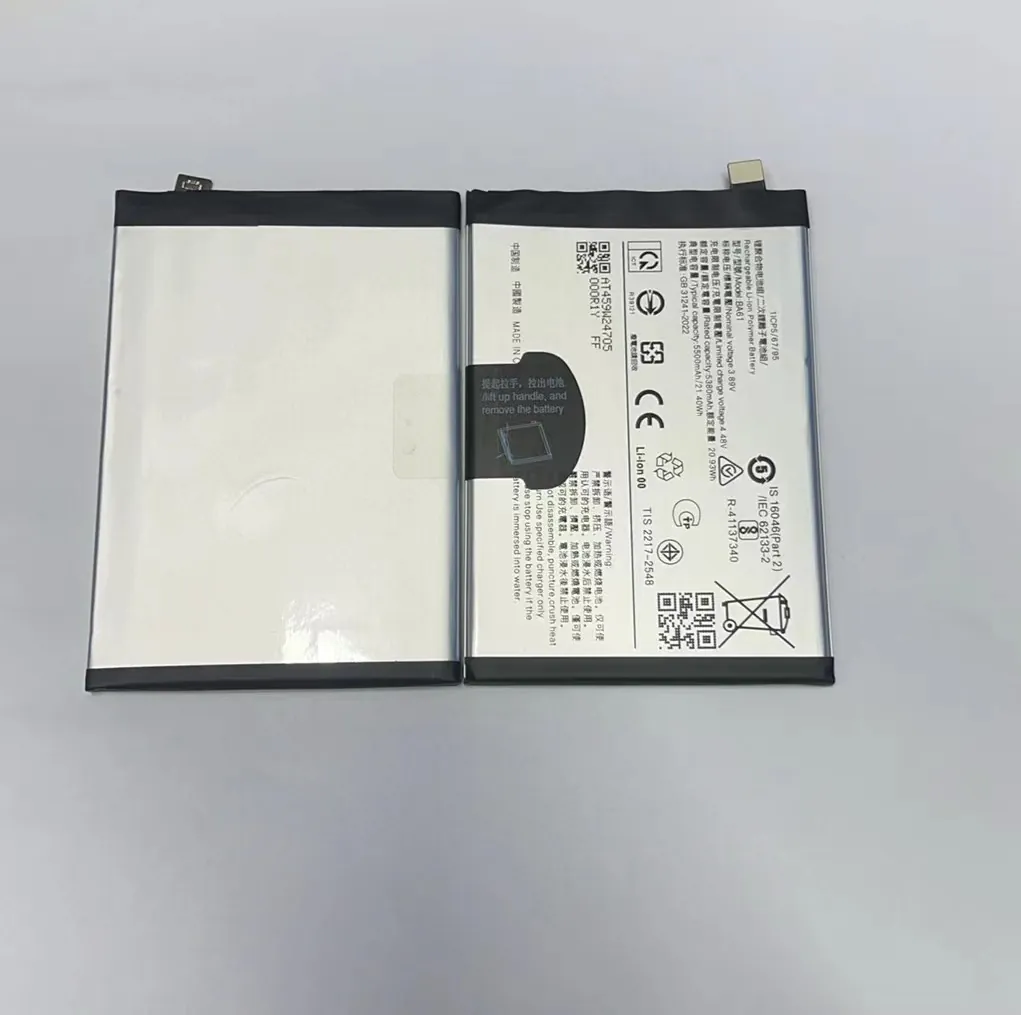
The way you charge has a huge impact on how long your battery lasts. Small choices, repeated every day, either protect or slowly kill your battery.
Best Charging Habits to Follow
Here’s a list of easy habits that help protect your phone battery:
| Habit | Why It Helps |
|---|---|
| Keep battery between 20–80% | Reduces voltage stress |
| Charge in a cool place | Avoids heat damage |
| Use original chargers | Stable voltage and safer charging |
| Don’t use while charging | Prevents heat and energy conflict |
| Unplug after full | Reduces time spent at 100% |
| Enable battery health features | Lets phone manage better charging |
Common Mistakes That Damage Batteries
Many people unknowingly hurt their batteries every day. Here are the most common errors:
- Always charging to 100%: This stresses the battery more.
- Letting battery hit 0% often: Deep discharges wear the battery down.
- Using phone while fast charging: This makes your phone heat up too much.
- Using cheap or broken chargers: These don’t regulate current well, causing long-term damage.
- Charging under blankets/pillows: Heat can’t escape, which makes the battery cook inside.
Try These Real-World Charging Routines
Here are two example routines I’ve shared with customers who wanted longer battery life.
For office users:
- Charge from 9 AM to 10:30 AM while working.
- Keep battery between 40%–80% all day.
- Use computer USB ports for slower, cooler charging.
For overnight users:
- Plug in at 11 PM.
- Use battery health feature or outlet timer to stop power at 2 AM.
- Unplug before starting the day at 7 AM.
These small changes can extend battery life by several months. In our testing lab, batteries used with these habits retained 90% capacity even after a year.
Conclusion
Keeping your phone plugged in doesn’t ruin the battery right away. But over time, heat, stress, and bad habits slowly damage it. Modern phones help, but smart charging habits matter even more. Make small changes today to enjoy better battery life tomorrow.
