
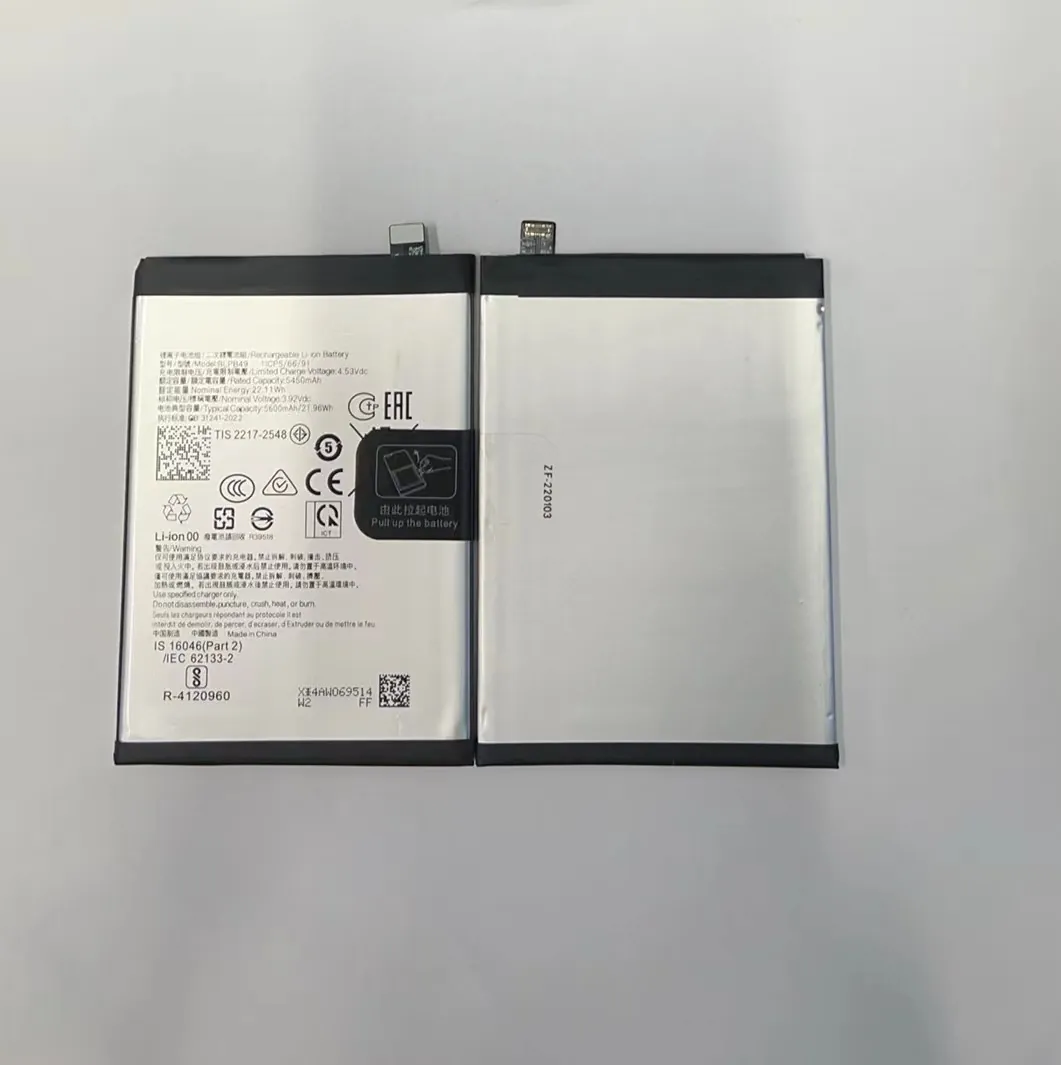
People often ask about T‑Mobile and phone batteries. They want to know if T‑Mobile phones use special batteries, if they are removable, and how to check battery authenticity.
Understanding what kind of batteries T‑Mobile phones use helps you take better care of your device and avoid fake or low‑quality replacements.
I have worked with many phones on different networks. T‑Mobile sells a range of phones from many brands. Each brand uses different battery designs, so the answers are not one‑size‑fits‑all. Still, there are clear patterns that help you know what to expect.
Do T-Mobile phones use standard removable batteries?
It is important to know that most modern phones no longer use removable batteries, and this includes many phones sold at T‑Mobile. Smartphones from the last several years almost all have built‑in batteries. This is true for many brands like Samsung, Apple, Google, and others that T‑Mobile offers.
Most T‑Mobile phones do not use standard removable batteries. Instead, they use built‑in lithium‑ion or lithium‑polymer batteries that are sealed inside the phone.
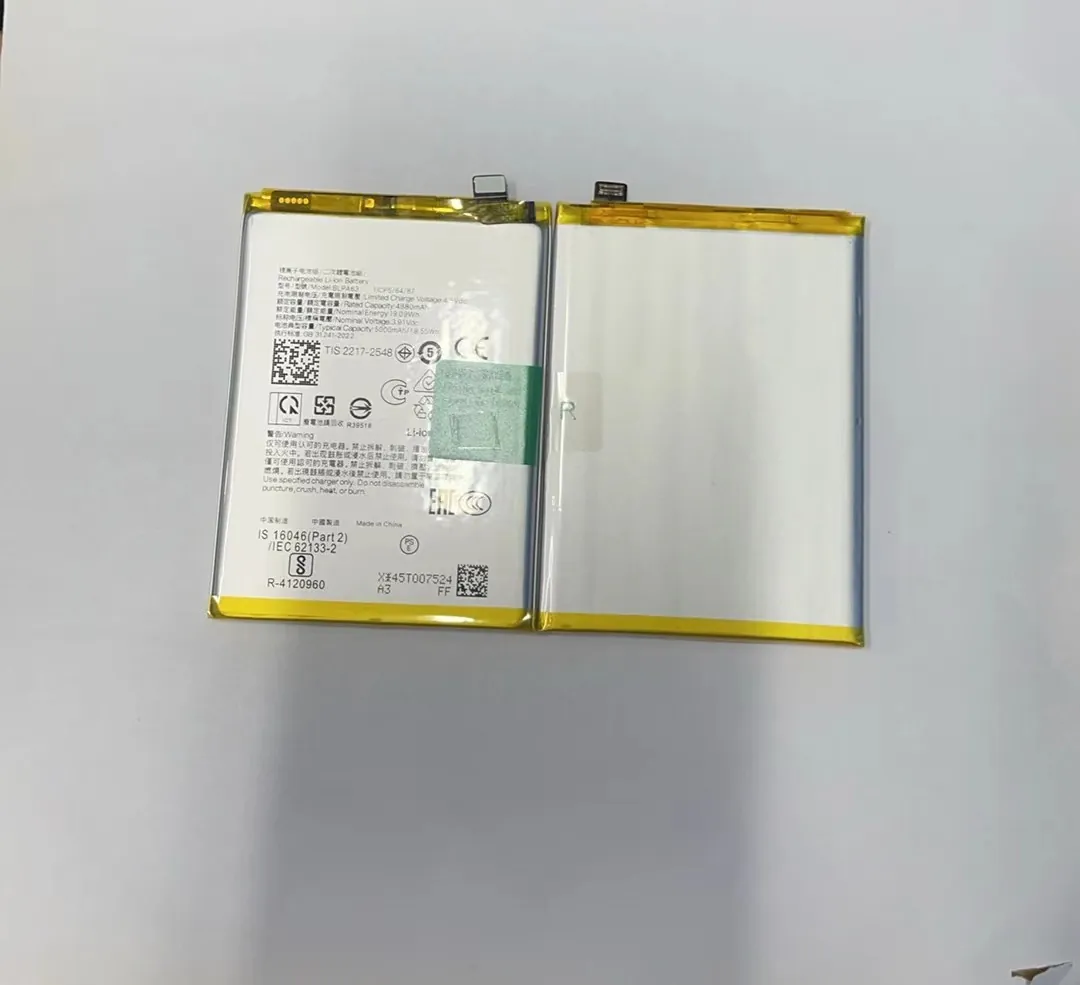
When phones had removable batteries, you could take the battery out and replace it easily. That was common many years ago. Today, most phones have thinner designs and stronger water resistance. Built‑in batteries help manufacturers make these features work. They also make batteries a bit harder for users to replace without opening the phone.
Why removable batteries changed
Here are the main reasons why most T‑Mobile phones do not use removable batteries now:
- Water and dust resistance: Sealed phones keep out water and dust better.
- Slim designs: Built‑in batteries let phones be thinner and lighter.
- Battery size: Built‑in batteries can be larger because they fill the internal space better.
- Safety: Sealed designs reduce risk of damage or poor contact.
Because of these trends, if you buy a T‑Mobile phone in the last few years, it almost certainly has a non‑removable battery.
When you might find removable batteries
There are still rare cases where low‑end phones, budget models, or basic feature phones sold by T‑Mobile have removable batteries. These are usually not flagship or mid‑range smartphones. They are simple phones for calls and texts, and battery access is easy. But these are exceptions, not the rule.
Here is a quick view:
| Phone Type | Describes | Battery Type |
|---|---|---|
| Flagship smartphone | High performance | Built‑in |
| Mid‑range smartphone | Balanced price and power | Built‑in |
| Basic or feature phone | Simple functions | Removable (sometimes) |
| Older models (older than ~5–6 years) | Older hardware | Often removable |
If you have a basic T‑Mobile phone, check the manual or the back cover. If you see a removable back and a battery with visible contacts, it may be removable. For most modern devices, you will not see this.
What battery types do T-Mobile phones come with?
When you buy a phone from T‑Mobile, the battery inside varies by model and brand. T‑Mobile itself does not make the batteries. Instead, the phone manufacturer chooses the battery type. Nearly all modern T‑Mobile phones use either lithium‑ion (Li‑ion) or lithium‑polymer (Li‑Po) batteries.
T‑Mobile phones come with lithium‑ion or lithium‑polymer batteries that are designed to be safe, reliable, and efficient for everyday use.

Lithium‑ion vs Lithium‑polymer
Both Li‑ion and Li‑Po batteries work on similar principles. They both store energy using lithium compounds and deliver it steadily to the phone. Their differences are subtle but worth knowing:
Lithium‑ion (Li‑ion)
- Common in older phones and many current models.
- Good energy density.
- Typically safe and cost‑effective.
Lithium‑polymer (Li‑Po)
- Often used in newer, slimmer phones.
- Can be molded into flat, thin shapes.
- Slightly lighter.
Both types work well. The actual battery chemistry is chosen by the phone maker to balance cost, size, and safety.
Battery specifications you will see
When you look at the battery info on a T‑Mobile phone, you might see details like:
- Capacity (mAh): This tells how much energy the battery can store.
- Voltage (V): Standard values like 3.7 V or similar.
- Type: Li‑ion or Li‑Po.
For example, a modern phone battery might list:
- Capacity: 4000 mAh
- Type: Li‑Po
- Voltage: 3.8 V
Capacity is a key number. Higher mAh usually means longer battery life between charges, but it also depends on how the phone uses power.
How battery type affects day‑to‑day use
Both Li‑ion and Li‑Po work well in phones. You can expect:
- Good cycle life (hundreds of full charges before capacity drops significantly).
- Stable performance in normal temperatures.
- No memory effect (you don’t need special charge patterns).
Whether the battery inside your T‑Mobile phone is Li‑ion or Li‑Po, everyday habits like moderate charging and avoiding heat still help battery life.
Are T-Mobile batteries user‑replaceable?
User‑replaceable means you can take the battery out and put in a new one without tools. This used to be common but is rare now.
Most modern T‑Mobile phone batteries are not user‑replaceable. They are built into the phone and require tools or professional help to change.

Why you usually cannot replace the battery yourself
Built‑in batteries are secured inside the phone with screws and adhesives. To replace them safely, you need:
- Special screwdrivers
- Plastic opening tools
- Knowledge of internal parts
- Patience
Without these, you can damage delicate parts like the display, cameras, or internal cables.
When replacement is easy
If you buy a basic phone with a removable back and battery, then yes — you can replace the battery yourself. These cases are simple:
- Remove the back cover.
- Lift the battery by a tab or pull.
- Insert a new battery of the same type.
- Replace the back cover.
This form is rare among modern smartphones sold by T‑Mobile.
Professional replacement services
For built‑in batteries, you often have three choices:
- Manufacturer service center: Official parts and trained technicians.
- Carrier or store repair shop: Some T‑Mobile stores offer battery replacement or can direct you to service partners.
- Third‑party repair shop: Independent repair centers can replace batteries, often cheaper than official service.
Here is a simple comparison:
| Replacement Option | Ease | Cost | Warranty |
|---|---|---|---|
| Manufacturer | Hard to access but safe | Higher | Yes |
| T‑Mobile/shop partner | Moderate | Mid | Sometimes |
| Third‑party repair | Easy | Lower | Varies |
If you care about official parts and warranty, going through official channels is better. If cost is a priority and you trust a local shop, that could work too.
How to check battery authenticity for T‑Mobile?
When you replace a battery — whether original or aftermarket — authenticity matters. Fake batteries can perform poorly, swell, or even pose safety risks.
Checking battery authenticity means verifying that the battery meets quality standards and is not a low‑quality or counterfeit product.

Here are steps I follow to check whether a battery is legitimate and safe.
Step 1: Buy from trusted sources
The first step is choosing where you buy the battery:
- Official T‑Mobile store or website
- Manufacturer’s official store
- Well‑known online retailers with good reviews
- Reputable repair shops
Avoid unknown sellers or dirt‑cheap listings that promise too much.
Step 2: Check branding and packaging
Genuine batteries often have:
- Clear brand logos
- Model numbers that match your phone
- Regulatory marks (CE, UL, etc.)
- Clean, professional packaging
Fake batteries may have sloppy printing, misspellings, or missing safety marks.
Step 3: Compare labels and details
Look at the label on the battery. Good indicators include:
- Exact model number that matches your phone
- Correct capacity and voltage
- Serial numbers
You can often find the correct label info by checking the phone manual or the original battery label.
Step 4: Inspect build quality
A real battery feels solid and well made. Signs of low quality include:
- Uneven seams
- Cheap or flimsy plastic
- Incorrect colors or fonts
When I compare a new battery with the original one, these details are easy to spot.
Step 5: Use phone diagnostics
Once you install the battery, check these:
- Does the phone recognize battery health in settings?
- Does the battery behave normally under load?
- Does the phone report correct capacity and voltage?
If the phone shows weird numbers or shuts down early, the battery may be fake or defective.
Here is a simple checklist:
| Check | Good Sign | Bad Sign |
|---|---|---|
| Source | Official or trusted | Unknown seller |
| Packaging | Clean, correct logos | Cheap, wrong info |
| Label match | Matches phone model | Wrong or missing numbers |
| Build quality | Solid | Flimsy |
| Phone recognition | Normal | Strange readings |
These checks do not guarantee authenticity, but they help catch many poor‑quality products before you use them.
Conclusion
T‑Mobile sells many phones, and most modern devices use built‑in lithium batteries. These are not usually removable without tools. The battery types vary by model, but they are mostly lithium‑ion or lithium‑polymer. User replacement is rare for modern phones, and checking authenticity is important when buying a replacement. Buying from trusted sources and checking labels helps you avoid low‑quality batteries and keep your phone safe and long‑lasting.
