
When a phone battery starts draining too fast or shuts down unexpectedly, it creates stress and confusion. Knowing how to test the battery can save both time and money.
You can test your mobile phone battery using battery health apps, voltage checks, cycle counts, and by observing warning signs like fast drain, overheating, or swelling.
Many people think they need special tools or advanced skills to test a phone battery. That’s not true. I’ll show you simple and effective ways that I use daily to test hundreds of batteries, even if you’re just getting started.
What apps measure battery health?
Sometimes a phone works fine until it suddenly doesn’t. Apps can catch battery problems before it’s too late.
Yes, battery health apps show key data like capacity, cycle count, and temperature, which help spot failing batteries.

I use apps as the first tool to check a phone battery. They are quick, easy, and show internal data your phone already collects. Most modern smartphones log battery capacity, charge cycles, and other health indicators in the background. These apps read and display that information in a user-friendly format.
Popular apps I recommend:
| App Name | OS | Key Features |
|---|---|---|
| AccuBattery | Android | Shows battery capacity, wear, charging stats |
| CoconutBattery | iOS/macOS | Battery cycles, full charge vs design capacity |
| Battery Guru | Android | Detailed health stats, charging history |
| 3uTools | iOS/PC | Cycle count, voltage, temperature |
| Ampere | Android | Charging speed, voltage, temperature |
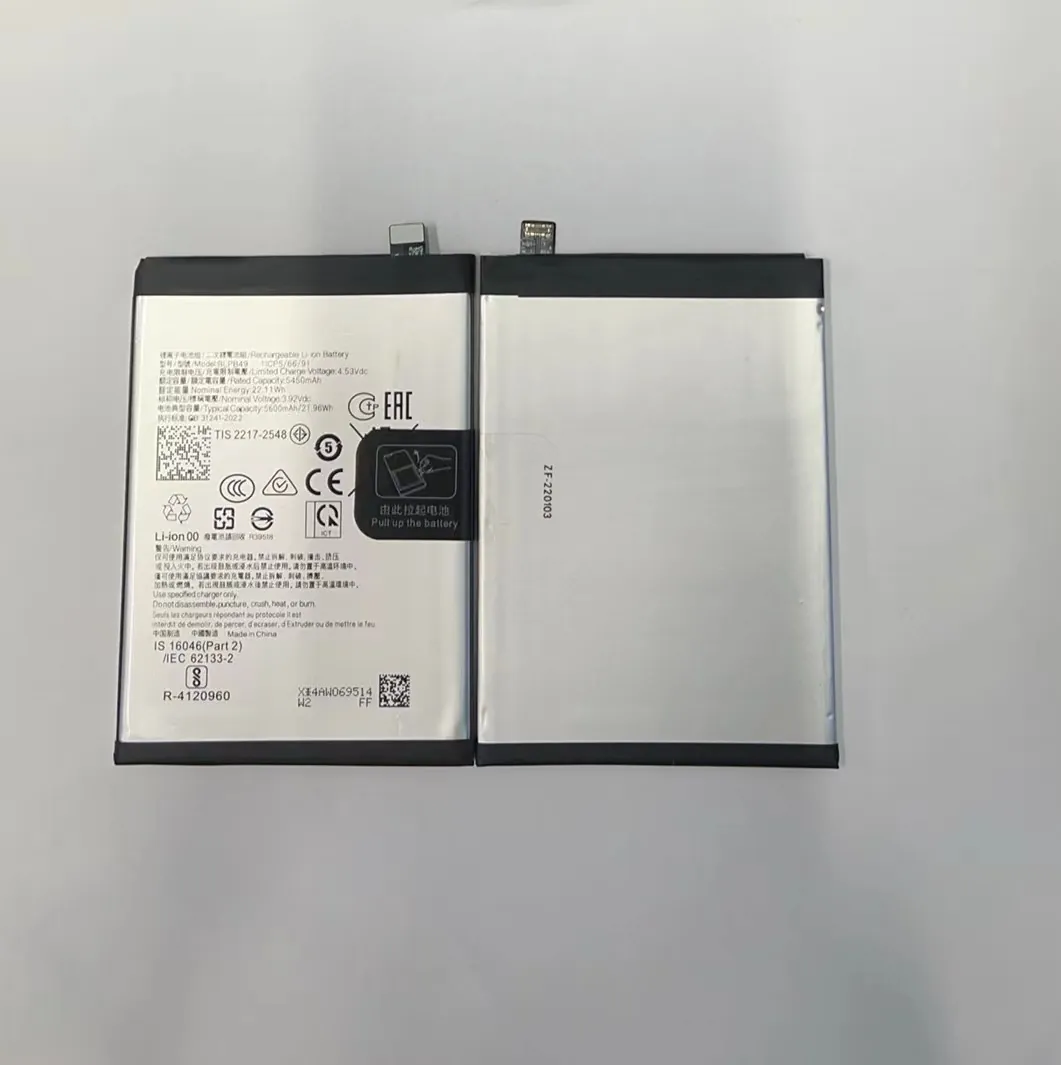
These tools help me quickly identify if the battery is aging. If the capacity is below 80% of its original value, or if cycle count is above 500, I know it’s time to consider replacement. Many customers don’t realize their phone has done 800+ cycles and still wonder why the battery lasts only a few hours.
Battery health apps don’t require opening the device. That’s why I often ask clients to install one before even sending the phone to me.
How do voltage readings indicate issues?
Voltage doesn’t lie. It gives you a live status of your battery’s condition.
Low or unstable voltage often means the battery is weak or damaged, especially if it drops fast under load.

Voltage helps me go deeper than what the apps show. I use a digital multimeter to read real-time voltage from battery terminals. Here's a simple way I do it:
- Power off the phone.
- Remove the back cover (if possible).
- Touch multimeter probes to battery terminals.
- Record the resting voltage.
Typical battery voltage range:
| Charge Level | Voltage (Li-Ion) |
|---|---|
| 100% (Full) | 4.2 V |
| 50% (Normal Use) | 3.7–3.85 V |
| Low Battery | 3.3–3.5 V |
| Danger Zone | < 3.0 V |
When a battery rests below 3.3 V or drops rapidly during use, it often has high internal resistance. That causes phones to shut down suddenly or become hot. I’ve tested batteries that read 4.1 V when idle but dropped to under 3.0 V once I ran a test app — clear sign of failure.
Apps might not always show this. So voltage reading is a critical second step in my battery evaluation checklist.

Why check charge cycles regularly?
Your phone battery ages each time you charge. It doesn’t matter if you charge it to 100% or only halfway — it all adds up.
Every full charge-discharge counts as one cycle. More cycles mean more wear and less battery life.

Many people don’t know that batteries don’t fail all at once. They lose capacity slowly over hundreds of cycles. By checking the charge cycle count, I can tell how used a battery really is.
I use this as a guide:
| Cycle Range | Condition | Action Needed |
|---|---|---|
| 0–300 | Very Good | No action needed |
| 300–600 | Moderate Wear | Monitor performance |
| 600–1000 | Heavily Worn | Consider replacement |
| 1000+ | Near End of Life | Replace immediately |
Some apps like 3uTools or CoconutBattery show cycle count directly. Others might need a diagnostic tool or USB reading from the battery controller. I always log this count when servicing phones, especially for resale or refurbishment.
A client once insisted their phone battery was fine. I checked and saw 1050 cycles. After replacement, battery life jumped from 4 hours to almost 11 hours — the client was amazed.
Which signs show failing batteries?
You don’t always need tools. Your phone often tells you what’s wrong — if you know how to listen.
Fast draining, overheating, shutdowns, or swelling all point to a failing battery.
I’ve seen all kinds of bad batteries — swollen, leaking, and even ones that stopped charging completely. The most common warning signs I look for are:
Symptoms to watch:
- Rapid battery drain: Drops 10% in minutes, even on standby.
- Random shutdowns: Phone powers off even at 20–30%.
- Overheating: Device gets hot when charging or idle.
- Battery swelling: Screen lifts or back cover won’t close.
- Charging issues: Stuck at a certain percentage, or no charge at all.
- Inaccurate battery percentage: Jumps from 80% to 30% without warning.
Many people ignore these signs. One client brought in a phone that wouldn’t stay on for more than 5 minutes. I opened it and found the battery puffed up so much that it bent the internal frame. It was a fire risk.
What I recommend:
- Replace the battery if you see any of the signs above.
- Do not use a swollen or overheating battery — it’s dangerous.
- If unsure, always test with an app or multimeter.
Once, I replaced a swollen battery for a phone that worked fine — or so the client thought. After replacing it, the phone not only lasted longer but also charged faster and ran cooler.
Conclusion
Testing a mobile phone battery is simple but powerful. Use apps, read voltages, check cycles, and observe your phone’s behavior. A little testing can prevent big problems. If you’re unsure, test again — and stay safe.
