
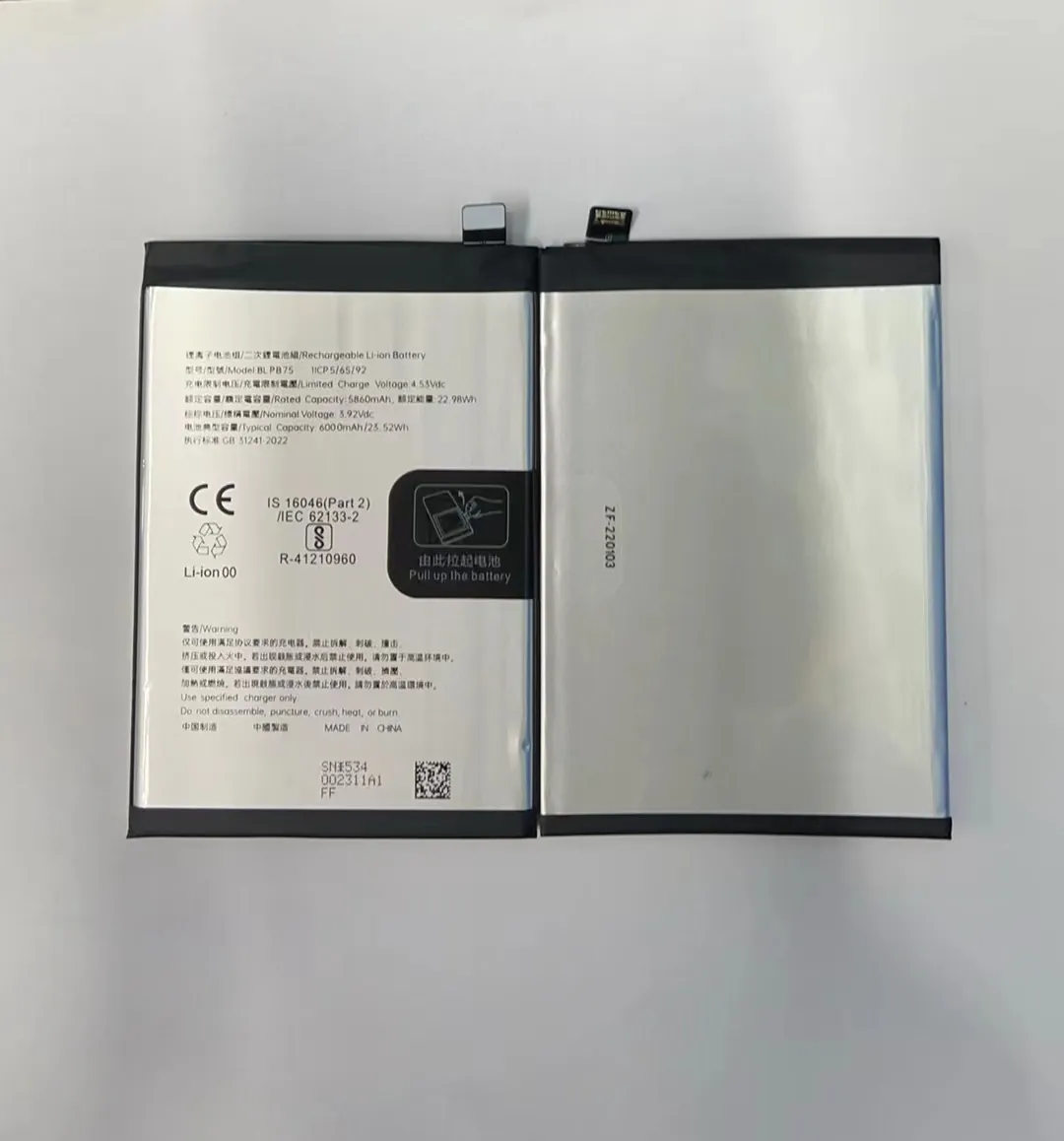
Every phone owner worries about battery dying too soon. If your battery fails after a year, that hits hard — wasting money and time. Most people do not know what makes a battery age fast.
Most mobile phone batteries last about 2 to 3 years before they lose significant capacity. After that, battery health often drops below 80–85%, leading to shorter daily use and more frequent charges.
Curious why batteries age or what you can do about it? Read on to learn how battery life gets shorter, what habits hurt battery health, how to spot a dying battery, and whether different phones age differently.
What factors shorten battery lifespan?
Ever felt your phone dying faster over months? That drop is not magic. Many everyday factors cause battery wear. Some you can control. Many you might ignore.
High heat, deep discharges, high charge levels, and fast charging all speed up battery wear. These conditions stress the battery and reduce its usable cycles.
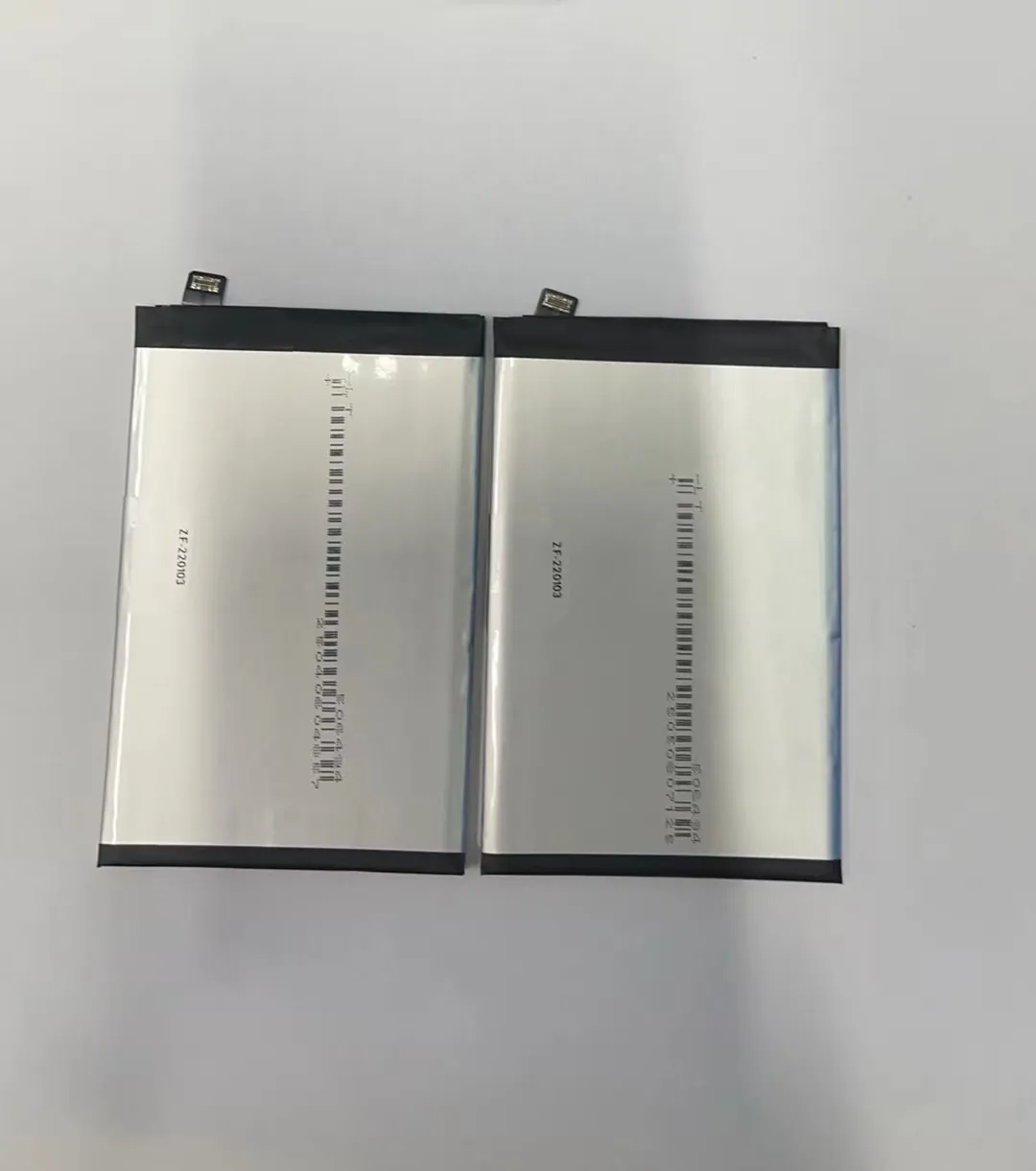
Key factors that shorten battery life
When a battery degrades, it often suffers from chemical and physical stress. Below table shows common stress factors and how they damage battery health.
| Stress factor | What happens inside battery | Effect on lifespan |
|---|---|---|
| High temperature | Causes chemical reactions and wear of battery cells | Reduces capacity, shortens life |
| Deep discharge / 0–5% | Battery gets over‑stressed at low charge | Reduces total cycles, battery ages |
| Charging to 100% often | Cells stay at high voltage long | Accelerates loss of capacity |
| Frequent fast charging | High current heats cells, stresses battery structure | Speeds up degradation |
| Physical stress / drops | Can damage internal layers electrically | Risk of poor performance or failure |
Heat is worst enemy of lithium‑ion batteries inside most phones. When battery gets too hot — like leaving phone in sun or hot car — chemicals inside go unstable. Over time, this instability reduces battery capacity. That means after a hot summer, user might notice phone does not last as long as before.
Deep discharge hurts too. If you often use phone until 0% (or near), the battery undergoes stress at low voltage. Doing this frequently makes battery lose capacity faster. It becomes weaker after fewer cycles.
Keeping phone at 100% charge constantly can also shorten life. Although it seems good to have full battery, long periods at high voltage makes the battery cells lose capacity faster. The safest “middle ground” is keeping battery around 20–80% for most of time.
Fast chargers make charging convenient, but they push more current quickly. This raises battery temperature and speeds up internal wear. Over months, those charges can add up to large capacity loss.
Also, physical damage counts. If phone drops or pressure reaches battery area, internal layers can deform. That shortens overall lifespan or causes sudden failure. Even if battery seems fine, internal damage can harm stability.
Because phones often face many of these factors — heat, fast charging, frequent full charges — typical smartphone battery might last 2–3 years before capacity drops noticeably. If user only charges occasionally and avoids extremes, battery might last longer.
Can charging habits impact longevity?
Charging often feels simple: plug in when low, unplug when full. But small habits can make big difference over time. Good habits slow down battery wear. Bad ones speed it up.
Yes. Charging habits strongly affect battery life. Simple steps like avoiding 0% or 100% and not using fast charging constantly can extend battery lifespan by up to 20–30%.

How charging habits shape battery life
Phones use lithium‑ion batteries. These batteries dislike extremes and heat. Charging style influences how much stress battery endures. I have seen phones last much longer when care is taken with charging. Here are some habit tips:
- Try not to let battery drop below 20%.
- Avoid charging to 100% every time.
- If possible, unplug at around 80–90%.
- Use normal charger instead of fast charger when not in rush.
- Try not to use phone while charging — that heats battery more.
- Avoid charging overnight when phone reaches 100% hours before you wake.
Why partial charging works better
When battery sits near full (90–100%) for long time, voltage inside cells stays high. This state drains capacity over time. Partial charges — from 30% up to 70–80% — keep voltages moderate. This keeps cells healthier longer.
Deep discharge plus full charge is worst combination. Frequent cycle from 0% to 100% counts as full cycle. Full cycles wear out battery faster than partial. Many small cycles (say 30% ➝ 80%) degrade battery slower.
Fast charging: convenient but costly
Fast chargers push high current into battery. Battery heats up. Heat is enemy of lithium‑ion cells. If fast charging often, battery internal stress increases. Over months, this can erase years of lifespan. For occasional use fast charger is fine. For daily use, gentle charging better.
Real world pattern vs ideal pattern
I noticed that phones used by heavy users — lots of games, navigation, video — heat up during charging. If such user always uses fast charger and keeps phone plugged in to full, battery health drops quickly. On other hand, phones used by lighter users — occasional calls and messages — and charged gently show stable capacity even after 2+ years. This shows charging habit alone can swing battery life.
How to tell when a battery is wearing out?
Often phone works at full speed even with weak battery. Only energy capacity drops. That means phone might still start quickly but die sooner. Good to know signs of battery wear before it fails suddenly.
When battery cannot hold more than ~70–80% of original capacity, when phone shuts off at high charge, or when charging becomes fast and draining quick — these tell you the battery is wearing out.

Common signs battery is dying
- Battery percentage drops fast even after short use.
- Phone shuts down unexpectedly even though it shows some battery left (like 20–30%).
- Charging time gets much shorter (e.g. from 2 hours to 30 minutes).
- Battery health indicator (on phones that show it) drops below 80%.
- Phone feels warmer than before during charging or use.
Software tools vs real-world use
Many phones show “battery health” or “cycle count.” These help estimate battery capacity. However, those numbers are not always accurate. They rely on algorithms and not real measure. Real test: battery drains fast under normal use or phone dies early. That tells true capacity drop.
When short battery life hides behind phone slowdown
Sometimes phone slows down due to battery heat or aging. The CPU or power management may throttle to save battery. That hides battery issues. If you see unusual lag or slow app launch and also fast battery drain, that may point to battery wear instead of software bug.
Table: signs vs what they indicate
| Symptom | What it means |
|---|---|
| Battery drains within a few hours | Capacity reduced — battery can’t hold full charge |
| Shutdown at 20–30% battery | Battery voltage unstable — aging cells |
| Charging gets too fast or hot | Internal resistance increased — wear |
| Battery health reading < 80% | Capacity loss expected — prepare for replacement |
| Device gets warm while idle/charging | Battery or power circuits degraded |
When a battery shows several of these signs, it is time to consider battery replacement. A worn battery not only gives poor runtime. It also causes unpredictable shutdowns. For someone who depends on phone for work or travel, this is big risk.
Do different phones have different battery life cycles?
Not all phones age the same way. Battery type, design, and how phone is used all matter. A heavy‑duty mid-range phone may age differently than a flagship thin design. So yes — different phones have different life cycles.
Phones with larger batteries or better thermal design often last longer than phones with small batteries and higher power demand. Age cycle can vary from 300 to over 500 full‑equivalent cycles depending on build.

Why some phones age slower or faster
Phones differ in many ways:
- Battery capacity (mAh). Larger batteries cycle slower.
- Thermal design. Phones with good heat dissipation avoid overheating.
- Chip power draw. High‑end processors use more energy and heat.
- Charger support (fast charging, wireless, etc.). Fast/wireless charging adds stress.
- Software optimization. Efficient OS and power management reduce strain.
Phones with big batteries (like 4500 mAh+) often last longer per charge. That also means each cycle drains lower percentage of total capacity. For example, draining 3000 mAh from a 5000 mAh battery is 60%, but from a 3000 mAh battery it's 100%. Smaller battery thus gets full cycle. That wears out small‑battery phones faster if used heavily.
Phones with good cooling design also help. Heat is leading reason for battery aging. A phone design that spreads heat or uses efficient chips will keep battery temperature low. That slows chemical wear. Cheap phones or very thin phones often have poor cooling. That makes their batteries age faster.
Some phones support only basic charging at low current. Others support fast charging or wireless charging. Fast or wireless charging generates heat and higher stress. That pushes battery wear faster.
Software also plays role. If OS and apps manage power well — closing background apps, optimizing CPU — battery cycles slower. Phones with poor optimization drain battery faster and heat up. That means more wear.
Comparison across phone types
| Phone characteristic | Likely battery lifespan |
|---|---|
| Large battery + good cooling + efficient software | 3–4 years with moderate wear |
| Large battery + fast charging + heavy use | ~2–3 years with faster capacity drop |
| Small battery + heavy use + fast charging | ~1.5–2 years before noticeable loss |
| Small battery + light use + gentle charging | ~2–3 years — but still shorter than big battery phones |
Phones with small batteries often lose usable life sooner. Also phones used for gaming, navigation, or video editing drain battery fast and heat up. These phones age quicker than phones used only for calls and messages.
Even among phones from same brand, differences in battery chemistry or design can cause different life cycles. So you cannot judge lifespan only by brand. Always consider battery size, thermal design, and how you use phone.
When replacing a phone battery, check if replacement matches original battery type. A lower‑quality replacement may degrade faster. That matters when one wants phone to last another 1–2 years.
Conclusion
Understanding battery life helps avoid surprises. Batteries usually lose strength after 2–3 years. Good charging habits and careful use can stretch life by months or even years. Watch for signs of wear, and consider replacement before battery fails. A little care gives longer, stable phone life.
