

Most people are unsure how long to charge a new phone battery. There’s a lot of outdated advice and mixed opinions that create confusion.
You should charge a new mobile phone battery until it reaches 100%, which usually takes 1 to 2 hours with modern fast chargers.
Some users still believe in the “8-hour first charge” myth. But phone batteries have changed. Let's walk through how charging really works for new batteries, and what you should actually do.
What affects the charging time of new phone batteries?
People often think all phone batteries charge the same way. But that’s not true. Different factors can speed up or slow down the charging time of a new battery.
Charging time depends on the battery capacity, charger speed, phone model, and software. These elements work together to decide how long the first full charge will take.

New lithium-ion batteries are built to be more efficient than older ones. But several key points still affect their performance when charging for the first time:
1. Battery Size and Type
Phones have different battery capacities, usually measured in milliamp-hours (mAh). Larger batteries naturally take longer to charge.
| Phone Type | Typical Battery Size | Average Charging Time |
|---|---|---|
| Budget Phones | 3000–4000 mAh | 1.5 to 2.5 hours |
| Mid-Range Phones | 4000–5000 mAh | 1 to 2 hours |
| Flagship Phones | 4500–6000 mAh | 45 min to 1.5 hours |
2. Charger Output
The power rating of your charger is very important. A 5W charger is much slower than a 20W or 65W fast charger. Always check the charger’s wattage.
3. Charging Technology
Technologies like Quick Charge, USB-PD, and VOOC help shorten charge time. Some phones automatically adjust the input power to avoid overheating.
4. Phone Software
Battery management systems can slow down charging when the phone heats up or reaches 80–90%, to protect battery health.
If your phone is turned on or running apps, the battery might charge slower. Try charging in airplane mode for better speed.
How do different brands compare in initial battery charging?
When switching phones, many people notice different charging times. This is not just about the battery size — the brand and model matter too.
Phone brands use different charging standards, which makes the first full charge time vary from 45 minutes to 3 hours.
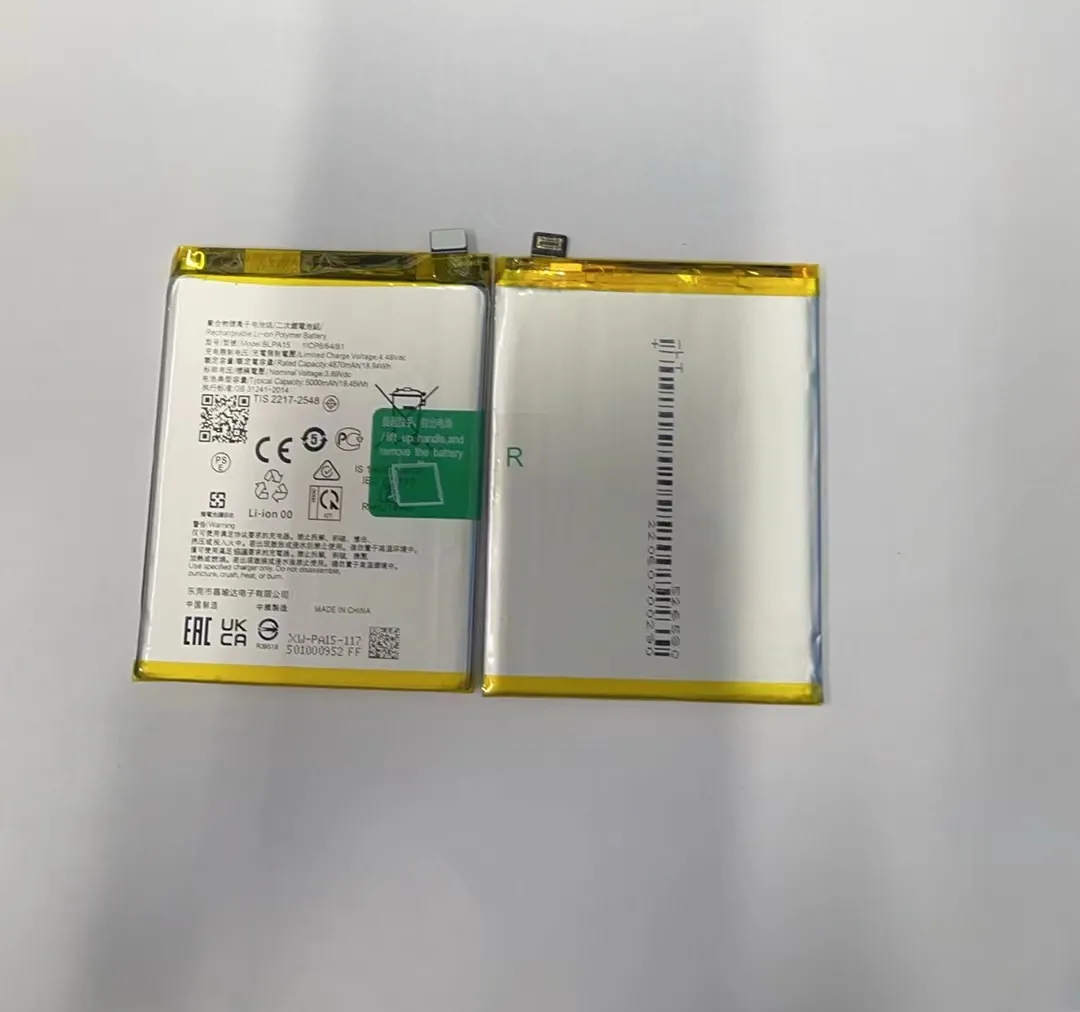
Let’s look at how popular brands handle battery charging right out of the box:
Apple
Apple iPhones use a “slow ramp-up” approach. Even with fast charging support (up to 20W), the iPhone controls current carefully.
- First charge: ~2 hours with 20W adapter
- Software slows charging after 80%
- No need for an 8-hour first charge
Samsung
Samsung phones offer fast charging up to 45W on some models.
- First charge: 1 to 1.5 hours for Galaxy S and A series
- Adaptive power management helps protect battery
- Charger must be compatible with Samsung Fast Charging
Xiaomi, Oppo, Realme
These brands are known for super-fast charging speeds.
- Some phones charge 0–100% in under 30 minutes
- Use their original charger and cable
- First charge is very quick, no long setup needed
| Brand | First Charge Time | Fast Charging Power |
|---|---|---|
| Apple | 2 hours | Up to 20W |
| Samsung | 1–1.5 hours | Up to 45W |
| Xiaomi | 30–45 minutes | Up to 120W (on select models) |
| Oppo | ~35 minutes | VOOC 65W+ |
| Realme | ~30 minutes | SuperDart 65W+ |
Summary
Always use the original charger for the best result. Even if your phone supports fast charging, a weak adapter will slow it down.
Is it safe to overcharge a new mobile phone battery?
Some people worry about “overcharging” if they leave the phone plugged in for too long, especially during the first charge.
Yes, it's safe to leave a new phone charging past 100%. Modern phones have built-in systems that stop charging automatically.

Lithium-ion batteries are smart. They stop charging when full. Keeping your phone plugged in won’t damage it. Here's why:
Built-In Charging Protection
Every smartphone has a power management chip. It controls:
- Voltage and current going into the battery
- When to stop charging
- Heat management
Even if you charge overnight, the phone will trickle charge or stop entirely once it hits 100%.
Battery Memory Effect Is Gone
Older phones had “memory effect,” where incomplete charges reduced capacity. This doesn’t apply to lithium-ion batteries. So you don’t need to drain or overcharge them.
Manufacturer Guidance
Brands like Apple and Samsung officially state that overcharging is not an issue. They recommend charging anytime, even short top-ups.
But, Avoid Heat
Charging in hot places or under heavy use (like gaming) may cause battery wear. Let the phone cool if it feels hot during charging.
When should you unplug your phone during first charge?
Some users still believe that you must wait 8 hours before unplugging the first charge. But is this really necessary?
You can unplug your phone as soon as it hits 100%. There’s no need to wait beyond that.

Here’s the truth:
First Charge Ritual Is Outdated
In the past, phones had nickel-based batteries. They needed calibration and long first charges. Today’s lithium-ion batteries do not.
- You don’t need to charge 8 hours
- First charge is not special
- Battery health depends on long-term habits
Charge to 100%, Then Unplug
For the first charge, just:
- Plug in your phone using the original charger
- Wait until it reaches 100%
- Unplug and start using it normally
There’s no harm in unplugging at 90–95% either. Batteries are designed for flexible use.
Tips for First-Time Charging
- Avoid using the phone while charging, it heats up
- Remove the case if it gets too warm
- Don’t charge in direct sunlight
What If It’s Pre-Charged?
Most new phones come with 30–60% charge. It’s fine to start using them right away. But if you want to top up to 100% first, that’s okay too.
Conclusion
You don’t need to overthink the first charge of a new phone battery. Just charge it to 100%, unplug, and use normally. Focus on safe habits, not myths.
