

Many people are shocked when their phone battery starts dying too soon. But the truth is, mobile phone batteries are not designed to last forever.
Most mobile phone batteries last about 2 to 3 years or 500 to 800 full charge cycles before showing significant signs of degradation.
If your phone’s battery doesn’t last a full day anymore, it might not be your usage—it could just be time. But there are ways to understand, manage, and even extend your battery’s lifespan.
What factors affect total lifespan?
People often blame their phones for dying too fast. But it's usually the battery wearing out, not the phone itself.
The total lifespan of a mobile phone battery depends on usage patterns, temperature exposure, charging habits, and the battery's chemical design.
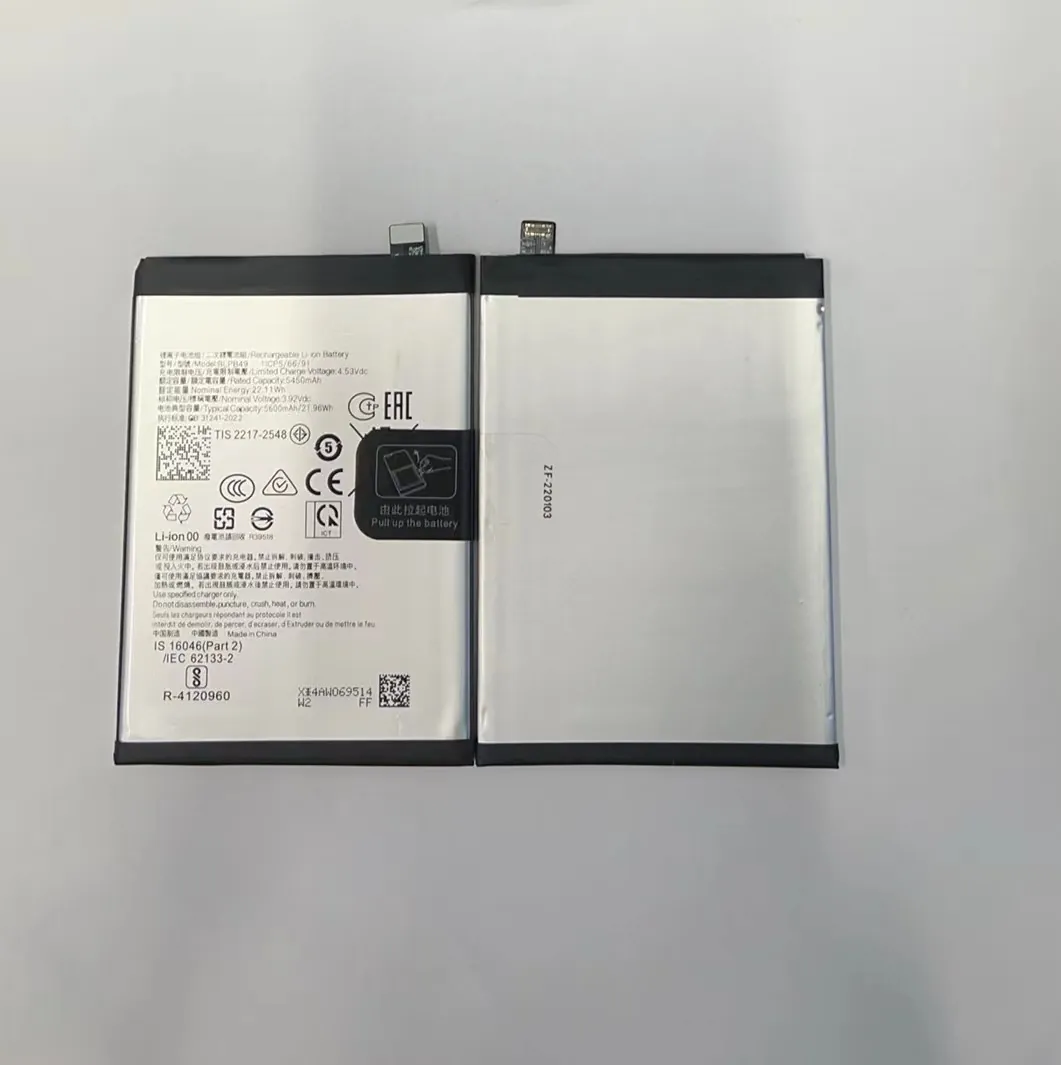
Many factors slowly break down the battery inside a phone. The most important ones include:
1. Temperature
Heat speeds up chemical reactions inside batteries. When phones are used or charged in high temperatures, this causes faster aging.
| Temperature Range | Effect on Battery |
|---|---|
| 0°C to 35°C | Ideal for usage |
| 36°C to 45°C | Slight degradation |
| 46°C and above | Rapid degradation |
Phones that sit in hot cars, or charge under pillows, are exposed to harmful heat. Cold temperatures also reduce temporary performance, but heat does permanent damage.
2. Depth of Discharge
If a battery is often drained to 0% before charging, it suffers more damage. Charging from 30% to 80% is better than full 0–100% cycles.
3. Screen Time and Apps
Phones with bright screens and apps running in the background use more power. Constant drain means more charge cycles, which reduces lifespan.
4. Battery Quality
Some batteries from less reliable sources may not be built to last. Original or high-grade aftermarket batteries tend to last longer and perform more consistently.
Why do charge cycles matter?
Some users ask: “I charge my phone every day, but the battery still died in two years.” The reason is all about charge cycles.
Each full charge cycle slightly wears down the battery. Most lithium-ion phone batteries are rated for 500 to 800 charge cycles.

A charge cycle means using 100% of a battery’s capacity. That can happen in one go or spread across multiple sessions.
Understanding Charge Cycles
Let’s say your phone is at 100%. You use 40% today, charge it back up, then use 60% tomorrow. That counts as one full cycle.
| Usage Pattern | Charge Cycle Count |
|---|---|
| 100% → 0% | 1 full cycle |
| 50% → 100% x 2 | 1 full cycle |
| 25% → 100% x 4 | 1 full cycle |
This means people who top up their phones constantly may burn through charge cycles more quickly than they realize.
Cycle Limits and Battery Health
Once a battery hits its cycle limit, it doesn’t suddenly die. But capacity drops fast—often below 80%. The phone will still work, but won’t last a full day without charging.
Also, fast charging increases heat and stress. While convenient, it may shorten the total number of usable cycles.
How can users slow degradation?
Users often think battery aging is out of their control. But small changes can help slow it down.
Avoiding extreme temperatures, not letting battery drop too low, and stopping at 80% charge can extend battery life.

There are many simple habits that can extend your battery’s usable life:
1. Partial Charging
Try to keep the battery between 30% and 80%. Avoid charging to 100% unless necessary. This reduces stress on battery cells.
2. Don’t Drain to 0%
Letting your phone power off completely shortens lifespan. If the phone shuts down from 0%, avoid letting it stay off for days.
3. Turn Off Background Activity
Many apps run in the background and drain power. This forces more frequent charging. Managing background processes reduces charge cycles.
4. Use Power-Saving Mode
This lowers CPU performance and screen brightness. It may not be ideal for gaming, but it helps stretch the battery when you’re not using it heavily.
5. Avoid Heat
Keep the phone out of direct sunlight, especially when charging. Remove thick cases while charging if they trap heat.
6. Use Quality Chargers
Cheap cables and adapters may not regulate current properly. Always use certified or original charging accessories.
When is battery performance unacceptable?
Most users don’t know when to replace a battery. It’s not about how long it lasts, but how it performs.
When a phone battery drops below 80% capacity or can’t last a full day on normal use, it's time to replace it.

You can check your battery’s health in the settings menu on most smartphones. If your phone feels hot, crashes, or dies quickly—your battery might be the cause.
Signs Your Battery Is Failing
- Phone dies at 20% or 30%
- Takes too long to charge
- Feels hot while charging or using
- Bulging battery case
- Battery health shows under 80%
These are not just annoying. They can be dangerous. Swollen batteries can damage screens or even catch fire.
Why It Matters for Repair Businesses
For mobile repair shops and resellers, knowing when to offer battery replacements is key. Customers often blame the phone, not the battery. Educating them adds value.
Also, using tested, high-quality replacement batteries reduces returns and complaints. That’s especially important in wholesale or B2B environments.
A low-quality replacement might cost less, but it can damage customer trust.
Conclusion
Phone batteries don’t last forever. But with smart habits and regular checks, users can slow down the aging process and know when it's time to replace.
