
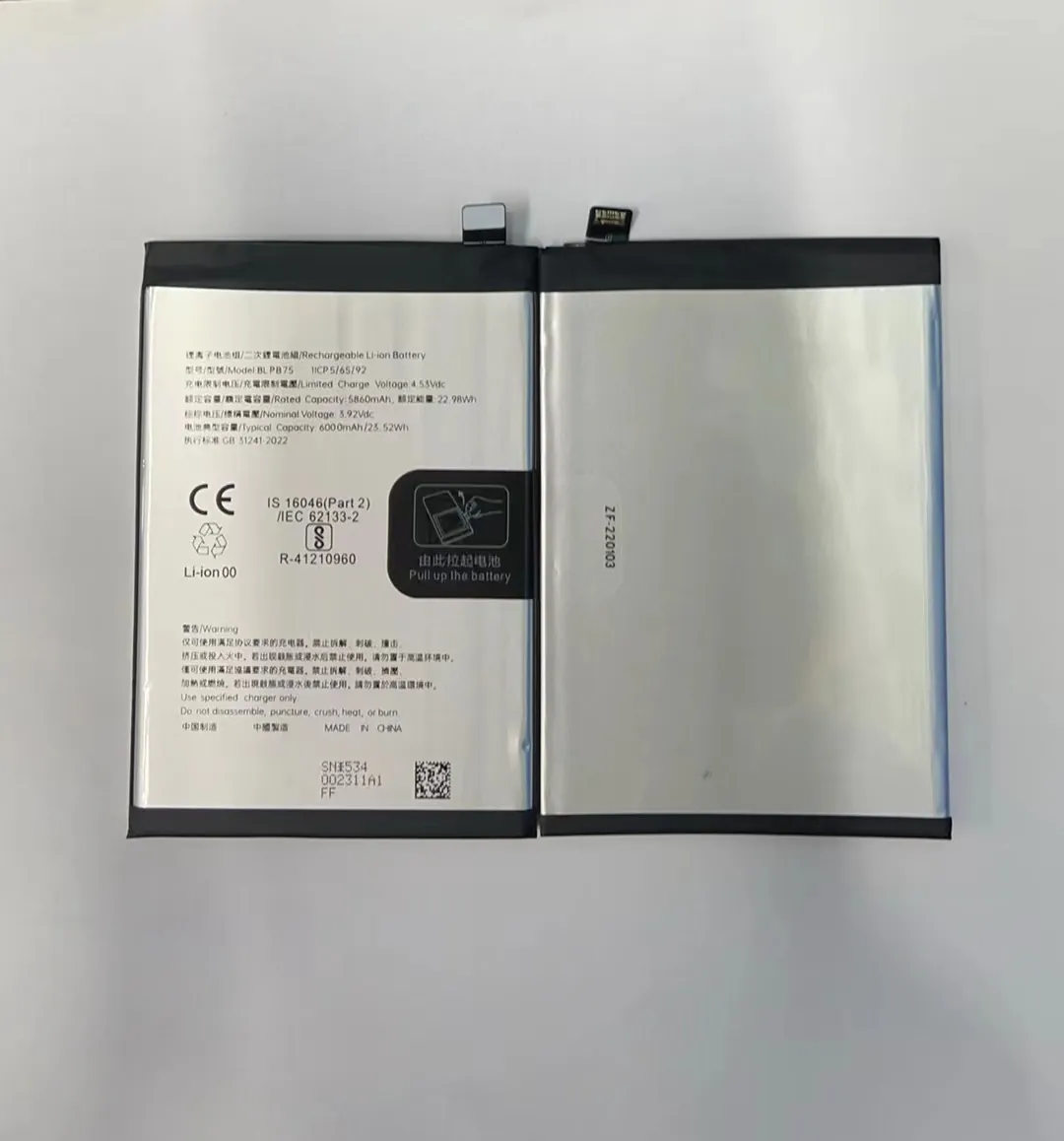
Many people find their phone battery gets weaker just after one year. This is frustrating, especially if the phone is still working well.
A typical mobile phone battery lasts between 2 to 3 years or about 500 full charge cycles before showing noticeable degradation.
Most users don’t realize that their everyday habits can speed up battery aging. Let's take a closer look at what affects battery life and how to make it last longer.
What reduces battery longevity?
Many phone users blame the battery when it dies quickly. But often, it’s not the battery itself—it’s how we treat it.
High temperatures, frequent fast charging, and full discharges are the biggest reasons batteries wear out faster.
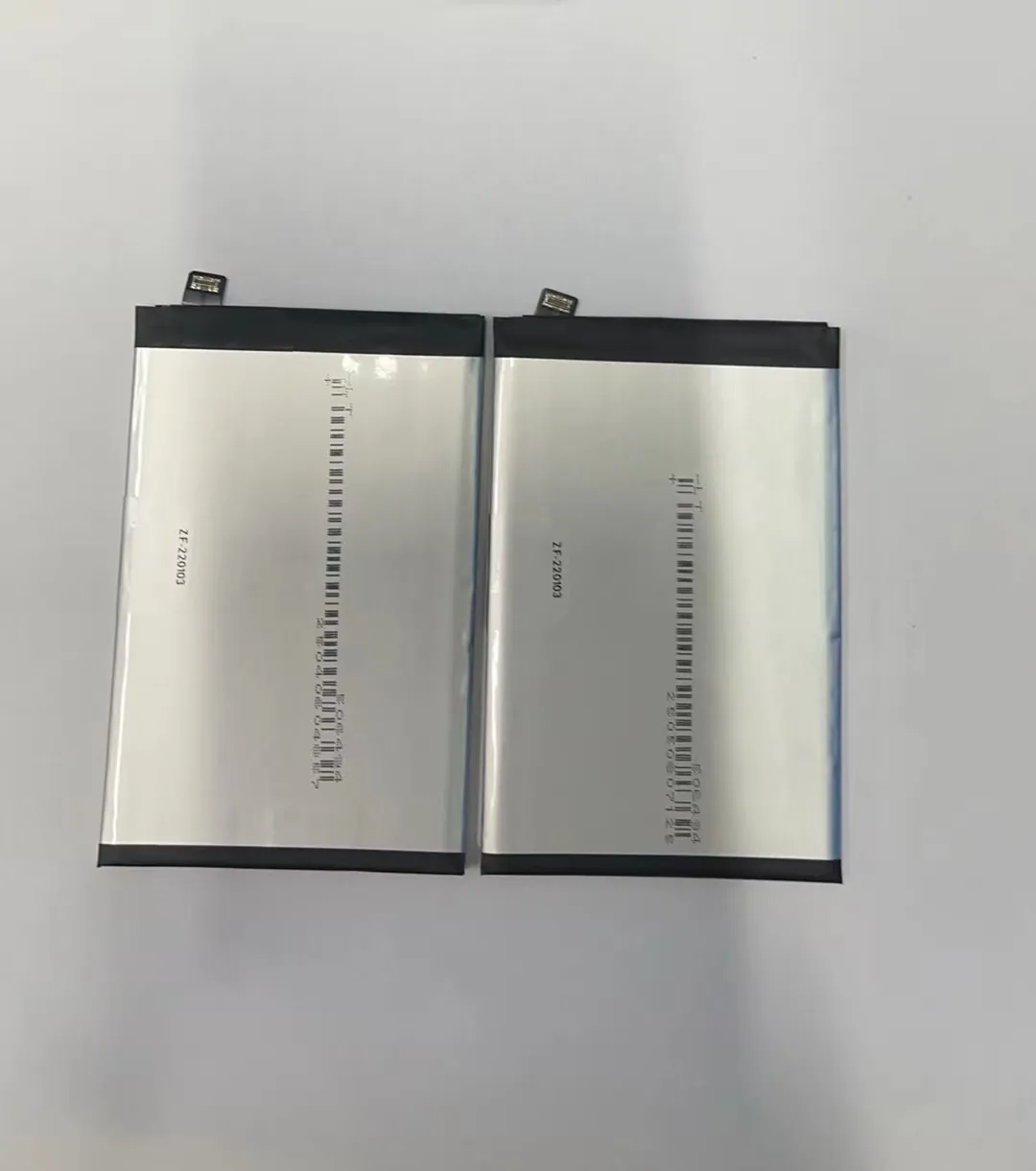
Most modern smartphones use lithium-ion batteries. These batteries work well but are sensitive to heat and voltage extremes. Leaving your phone in a hot car or using cheap, non-certified chargers can shorten the battery’s life.
Key Factors That Reduce Battery Life
| Factor | Impact Level | Details |
|---|---|---|
| Heat | Very High | Speeds up chemical aging inside the battery |
| Fast Charging | High | Increases battery temperature, stressing the internal components |
| Full Discharges (0%) | High | Deep discharges cause more wear per cycle |
| Staying at 100% too long | Medium | High voltage levels strain the battery |
| Cheap Chargers | Medium | Can deliver unstable power, damaging the battery over time |
| Background Apps | Low | Indirect impact, increases charging frequency |
One often overlooked factor is background apps. If your phone is always working, it will need to be charged more often. That means more charge cycles, which leads to faster battery aging.
Why do cycles shorten lifespan?
Battery lifespan is not measured in years alone. It’s also about how often you charge your phone from empty to full.
Each full charge is called a cycle, and lithium-ion batteries usually last about 500 cycles before losing 20% capacity.

When we say a battery lasts 500 cycles, we mean full 0-100% charges. Charging your phone from 50% to 100% counts as half a cycle. Two of those add up to one full cycle.
Understanding Charge Cycles
| Battery Cycle Count | Battery Health Status |
|---|---|
| 0 - 300 | Excellent (90%–100% capacity) |
| 301 - 500 | Good (80%–89% capacity) |
| 501 - 800 | Fair (70%–79% capacity) |
| 800+ | Poor (Below 70% capacity) |
Using the battery for light tasks like calls or texting consumes fewer cycles than heavy gaming or video streaming. Apps that use GPS, screen brightness, and mobile data also speed up battery consumption. This means you'll reach the 500-cycle mark faster if your usage is heavy.
To slow down cycle use, try not to charge your phone all the way to 100% every time. Partial charges (like 40% to 80%) put less stress on the battery and still count as partial cycles.
Which usage habits extend battery life?
Small changes in how you charge and use your phone can help extend the battery’s life.
Avoiding full discharges, keeping the battery between 30% and 80%, and reducing heat can extend battery life by months or even years.

Many people charge their phone overnight. This can keep the battery at 100% for many hours, which adds stress. Try unplugging your phone once it's full. Some phones have smart charging that stops at 80% overnight—turn this on if available.
Habits That Help Your Battery Last Longer
- Charge between 30% and 80%
- Use original or certified chargers
- Avoid fast charging unless necessary
- Don’t let your phone overheat
- Turn off unused features (Bluetooth, Wi-Fi, GPS)
- Use battery-saving mode when possible
These steps help prevent chemical damage inside the battery. The less stress it experiences, the longer it lasts. Avoiding cheap accessories also helps—cheap chargers and cables often cause surges or don’t regulate power well.
Use Smart Settings
Some phones offer smart features to protect the battery:
- Battery Health Management (iPhone)
- Adaptive Charging (Android)
- Low Power Mode / Battery Saver
Enable these options in your settings. They limit background activity and keep your battery in the safe range.
How does capacity change over years?
Many users notice that their phone doesn't last as long on a charge after one or two years. This is normal, but it can be delayed with better habits.
Battery capacity typically drops to around 80% after 2 years of regular use, depending on charge cycles and heat exposure.

As batteries age, their chemical structure changes. This makes them hold less charge, even if they still show 100% on the screen. You might charge your phone in the morning, but by afternoon, it's already low.
Year-by-Year Capacity Decline (Typical Use)
| Year | Estimated Capacity Remaining |
|---|---|
| 1 | 95%–98% |
| 2 | 80%–90% |
| 3 | 70%–80% |
| 4+ | Below 70% |
How fast this decline happens depends on use. If you use fast charging daily, expose the phone to heat, or keep it at 100% all night, the capacity drops faster.
Some signs your battery has aged:
- You need to charge more than once a day
- The phone shuts off before reaching 0%
- Charging takes longer than before
- The phone gets hot while charging
If you experience these problems and the phone is over two years old, the battery may need replacement. Many repair shops offer battery health checks, or you can use battery health apps.
Battery Replacement vs. New Phone
Replacing a battery is often cheaper than buying a new phone. If your phone still works well but doesn't hold charge, a battery replacement can make it feel new again. This is especially true if your device is under three years old and still meets your needs.
Conclusion
A mobile phone battery should last 2–3 years with good habits. Things like heat, full charges, and deep discharges reduce its life. To extend it, avoid stress and charge smartly. Treat the battery well, and it will serve you longer.
