
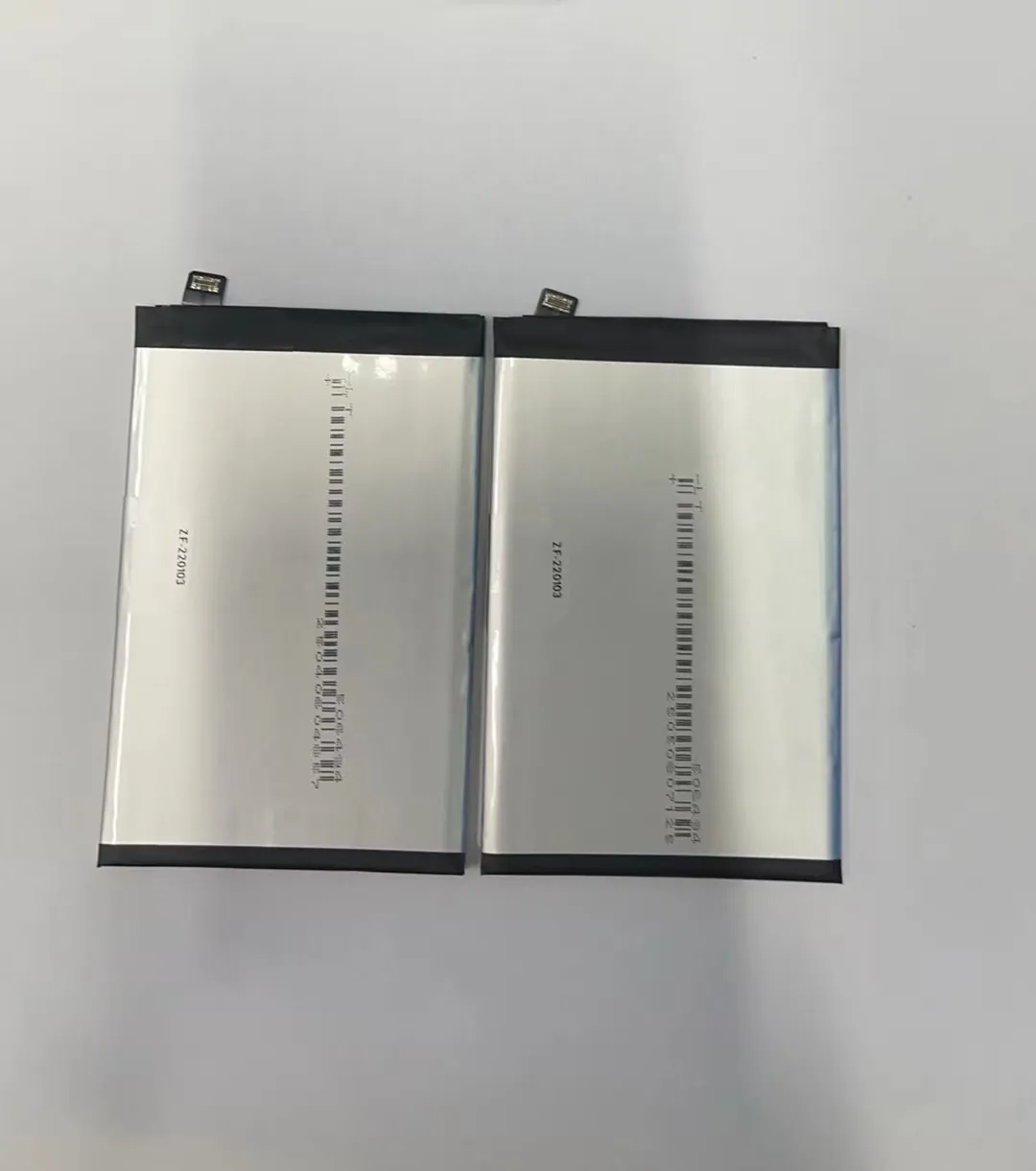
Phones often die before we expect. We wonder if that is normal. We need to know how long a phone battery should last.
A good mobile phone battery usually stays healthy for about two to three years, or around 300 to 500 full charge cycles, before its capacity drops enough to be noticeable.
Such drop does not mean immediate failure. It means battery runs shorter than new. Read on to learn what affects that life span.
What defines normal battery aging?
Phones often lose battery health slowly. That feels frustrating. Many users do not know why battery degrades.
Normal battery aging means gradual loss of capacity and eventual shorter runtime due to repeated charging cycles and chemical wear inside cells.

When a battery is new, it holds full charge. After many charges, it begins to lose some amount. That is normal aging. The loss happens because battery cells wear out. Each time you charge and discharge, the battery goes through a cycle. Over cycles, the chemical material inside the battery degrades slowly. This means full charges now give less energy. Over time, phone runs out faster.
What wears a battery inside
Every battery uses lithium‑ion cells now. These cells store energy by moving lithium ions. Each full cycle moves ions in and out. That action stresses the cell. Inside small bits get damaged. More cycles, more damage. Also heat, too low charge, or long time at full charge stress the cell further.
Here is a rough idea of capacity loss over cycles:
| Full cycles used | Estimated capacity left |
|---|---|
| 0–100 | ~100% |
| 100–300 | ~90–95% |
| 300–500 | ~80–85% |
| 500–700 | ~70–80% |
| 700+ | <70% and noticeable |
This table shows typical aging pattern. If phone gets 500 cycles, capacity might drop to ~80‑85%. That means phone will last shorter by 15‑20% than new at full charge.
Why capacity drop varies
Not all phones have same battery chemistry quality. Some use better cells that degrade slower. Others use cheaper cells that degrade faster. Also how user charges and uses phone changes aging speed.
For example, partial charging many times a day stresses cells less than full 0→100% charges. Keeping phone cool helps too. Storing phone fully charged under heat speeds up wear. That means normal aging has a range. Some phones stay fine for 4 years; others may weaken after 2 years.
Thus normal battery aging means a slow, gradual drop in capacity over many cycles. It ends when capacity cannot support daily use.
Why vary lifespans between models?
Some phones get weak batteries sooner. Others stay strong longer. That puzzles many users.
Lifespans differ because of battery design, manufacturing quality, cell capacity, and how phone hardware manages power and heat.

Phone models use different battery cells. Some use high‑quality cells. Others use low‑cost cells. Quality affects how fast cells degrade. Higher quality cells hold capacity longer. Also battery size matters. A bigger battery holds more energy. But bigger cells may degrade slower or faster depending on chemistry.
Key factors in lifespan difference
- Battery cell quality: Better cells resist wear more. Cheap cells degrade faster.
- Battery capacity (mAh): Large capacity may give longer runtime per charge. But lifespan also depends on cell stress.
- Heat management: Phones with better cooling avoid overheating. Heat accelerates chemical wear.
- Software and charging control: Some models limit charge to 80–90% automatically. That helps reduce stress. Others charge to 100% always. Full charge puts more stress on cells.
- Usage pattern and discharge depth: Heavy users drain battery deeply often. Deep discharge stresses cells more than shallow discharge.
Variance in real life
One high‑end model with good battery and cooling can give about 4 years before battery becomes poor. Another low‑cost model may drop in capacity by 30% after 2 years. Also two phones with same brand may age differently if one user charges it gently and keeps it cool; another user charges full and keeps phone hot (e.g. in direct sun or heavy gaming).
Thus, model differences + usage habits make lifespan vary widely.
Which habits extend lifespan?
Poor habits kill battery fast. Good habits keep battery longer. Many users do not know which habits matter.
Charging gently, avoiding heat, and using partial charges instead of full cycles helps battery last longer.

Many small daily choices affect battery life over years. Avoiding deep discharges and full charges helps. Also keeping phone out of heat helps. Slow charging may help more than fast charging.
Good habits and their benefits
| Habit | Benefit for battery life |
|---|---|
| Charge when battery is ~20–30% and stop near 80% | Less stress per cycle, slower wear |
| Use slow charging instead of fast/rapid charging | Lower heat, less stress on cells |
| Avoid heavy use under full charge (like gaming while plugged) | Less heat and cell stress |
| Keep phone temperature moderate (15–30°C / 59–86°F) | Lower chemical wear |
| Avoid storing phone fully charged for long time | Reduces stress when idle |
This table shows habits that help battery live longer.
Why these habits work
Partial charges over full cycles
Charging from 30% to 80% counts as partial cycle. It stresses battery less than charging from 0% to 100%. That means fewer damaging cycles.
Manage heat
Battery cells degrade faster under high temperature. Heat speeds up chemical reactions inside. Lower temperature slows damage. Putting phone in shade, avoiding charging under sun, and not using heavy apps while charging helps.
Avoid high charge level storage
Keeping battery at 100% for long time stresses cells. If phone sits full charge for hours or days, it increases wear. Better to unplug at about 80%.
Slow charging over fast charging
Fast charging creates more heat and stress. Slow or standard charging generates less heat. Over many cycles, that difference adds up.
With these habits, some batteries exceed three or four years and still keep 80–90% capacity.
When should a battery be replaced?
Battery may still work but not enough. Deciding when to replace matters. Many users wait too long or act too soon.
Replace the battery when capacity falls below about 70–75%, or if runtime becomes too short for daily use.

Battery wears out slowly. At first, phone runs maybe 15-25% shorter per charge. After more cycles, battery may not hold enough energy for a full day. That is sign to replace.
Signs you need new battery
- Phone cannot last a working day.
- Battery percentage drops fast.
- Phone shuts down before 0% battery shows.
- Battery health report shows much capacity loss (if feature available).
- Phone becomes hot often while charging or use.
When replacement makes sense
If battery capacity drops below 70–75%, then phone may give only half runtime compared to new. That often hurts productivity. Also aging battery may swell or become unsafe over time.
Quality battery replacement restores runtime. It makes phone perform like new without needing new device.
What to check when replacing battery
- Use new battery with proper specs for model.
- Avoid cheap, untested cell sets.
- Ensure installation is done right to avoid damage.
- After replacement, reset battery statistics on phone if possible.
New battery resets the “full cycles” count in effect. With good habits, this new battery may serve another 2–3 years.
Conclusion
A phone battery normally lasts two to three years or 300–500 full cycles before capacity drops noticeably. Lifespan depends on battery quality, phone design, and user habits. Using partial charges, avoiding heat, and replacing when capacity gets low helps keep phone running well.

