

A 2200mAh battery sounds enough, but why does it run out so fast? Many users think battery capacity equals longer use. That’s not always true.
A 2200mAh battery can usually power a smartphone for 3 to 6 hours of active use, depending on the app type, phone model, and background tasks.
Let’s explore how battery specs, app behavior, and user habits change this number—and how to stretch every charge longer.
How does mAh translate to usage time?
A phone's battery says 2200mAh, but what does that mean? Many buyers think higher mAh means longer hours. That’s not wrong, but it's not the full picture.
mAh shows how much energy a battery can hold. A 2200mAh battery gives about 3 to 6 hours of screen time in normal conditions.
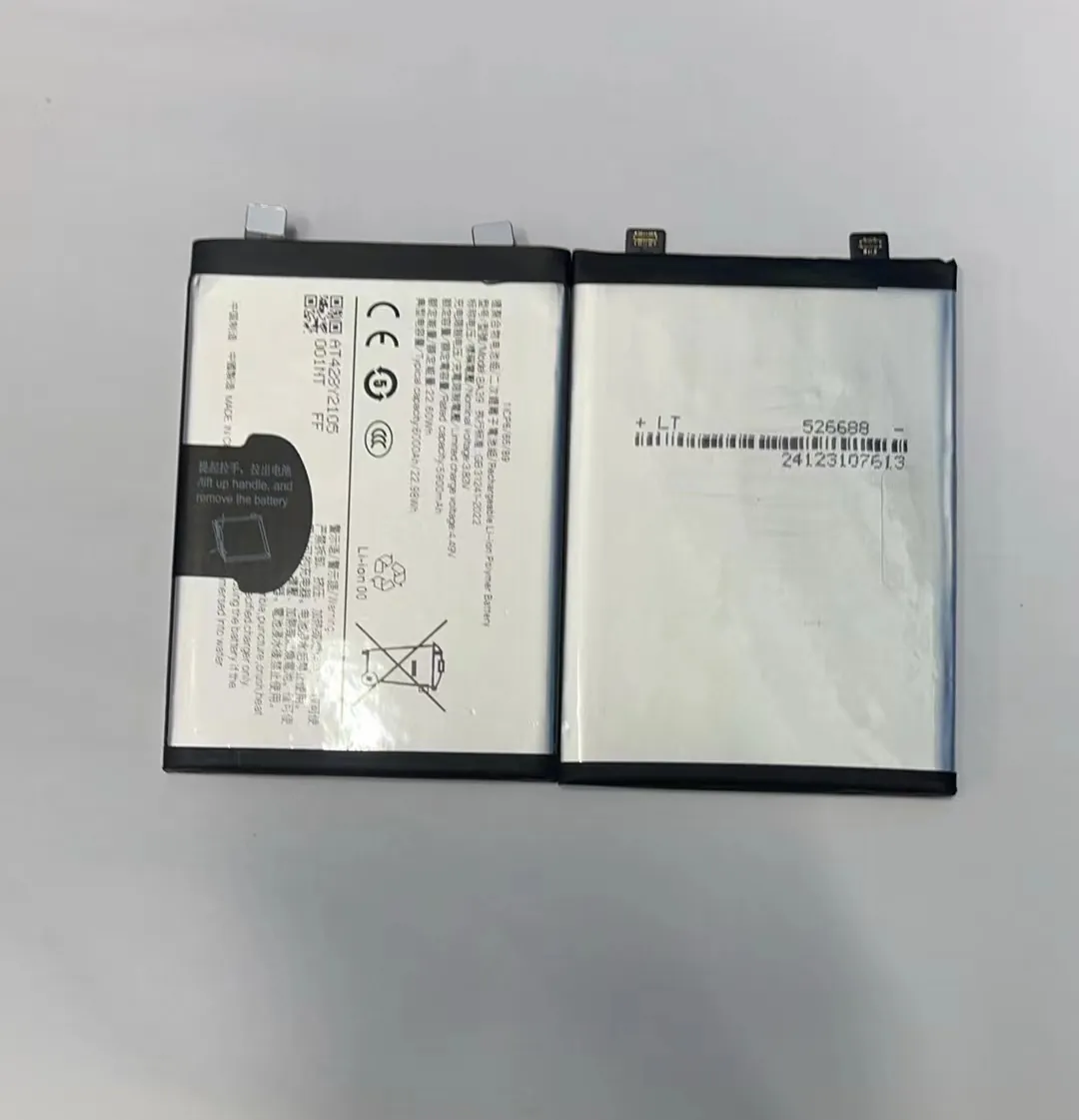
To understand this better, let's break it down. The term "mAh" stands for milliampere-hour. It measures how much current a battery can deliver over time. So, if a phone draws 220 milliamps (mA) continuously, a 2200mAh battery would last around 10 hours. But phones don’t use the same power all the time. Watching a video, scrolling social media, or just having the screen on takes more power than listening to music with the screen off.
Let’s look at an estimated average power draw by task:
Estimated Power Use by Task (typical smartphone)
| Task | Estimated Power Use (mA) |
|---|---|
| Idle / Standby | 10-50 |
| Phone Call (screen off) | 100-200 |
| Messaging (screen on) | 150-300 |
| Browsing / Social Media | 300-500 |
| Streaming Video (Wi-Fi) | 500-700 |
| Gaming | 700-1000 |
From this, you can see how usage type affects battery drain. A single game session can drain a 2200mAh battery in about 2 to 3 hours, while just texting might let it last nearly all day.
Still, other factors—like screen brightness, network signal, and background updates—make exact predictions hard. But generally:
- Light use = 5–10 hours
- Moderate use = 3–5 hours
- Heavy use = 2–3 hours
Why do apps affect battery duration?
Ever notice your battery drops faster with certain apps? Even small apps can drain fast. This happens because not all apps are built the same.
Apps use different amounts of power. Games, video apps, and social media apps often need more energy than simple tools like notes or calculators.

Apps affect battery life in two main ways: active use and background activity. Some apps, like games, use the processor and graphics chip heavily. Others, like GPS apps, constantly check your location. These tasks need more power.
Social media apps like Facebook or Instagram may seem harmless. But they refresh content, send notifications, and upload data all the time—even when you're not using them. That drains power in the background.
Apps also vary in optimization. Well-built apps use system resources smartly. Poorly coded apps waste power. That’s why some low-budget apps drain battery more than big-brand ones.
Common High-Drain App Types
| App Type | Why It Drains Power |
|---|---|
| Games | Heavy graphics and constant screen usage |
| Video Streaming | High brightness, data use, audio and video |
| GPS / Maps | Real-time location updates |
| Social Media | Constant syncing, auto-play, notifications |
| Camera / AR | High CPU and sensor use |
One tip is to check your phone's battery settings. Most systems (like Android or iOS) show which apps used the most battery in the past 24 hours. That helps spot the big drainers. Removing or restricting them can make your 2200mAh battery last much longer.
Which factors reduce real runtime?
Sometimes even light use drains your battery. Why? Phones have many hidden tasks that use energy. It’s not just the screen or apps.
Background updates, screen brightness, weak signals, and temperature can all reduce how long your 2200mAh battery lasts.

Let’s go deeper. Some phones constantly look for Wi-Fi or mobile networks. When the signal is weak, your phone uses more power to stay connected. That alone can cut battery life in half.
Screen brightness is another big one. OLED screens in particular use much more energy at high brightness levels. Even a simple webpage drains more if brightness is high.
Push notifications, automatic updates, and background sync keep the phone active even when it seems idle. For example, an email app may check the server every minute. Weather widgets refresh. App stores auto-update. Together, these tasks add up.
Also, temperature matters. Batteries work best between 20°C and 25°C. In hot conditions, the chemical reactions speed up and reduce lifespan. In cold ones, battery capacity drops fast. Phones used outdoors in summer or winter may see big drops in runtime.
Here are the top silent battery killers:
Hidden Factors That Cut Battery Life
- Signal strength: Low signal = high battery use
- Screen brightness: Too high = faster drain
- Background apps: Sync, update, notify in the background
- System updates: Some updates drain battery more
- Widgets & live wallpapers: Always running visuals and updates
- Temperature: Extreme heat or cold affects battery chemistry
To keep runtime high, users need to manage both active use and hidden tasks. It's not just about turning off the screen. It's about what the phone does behind the scenes.
What settings extend usage hours?
Want to make your 2200mAh battery last longer? It's not just about using it less. Smart settings can stretch those hours, even during normal use.
Lowering screen brightness, turning on battery saver mode, and closing background apps can easily add 1–2 more hours of use.
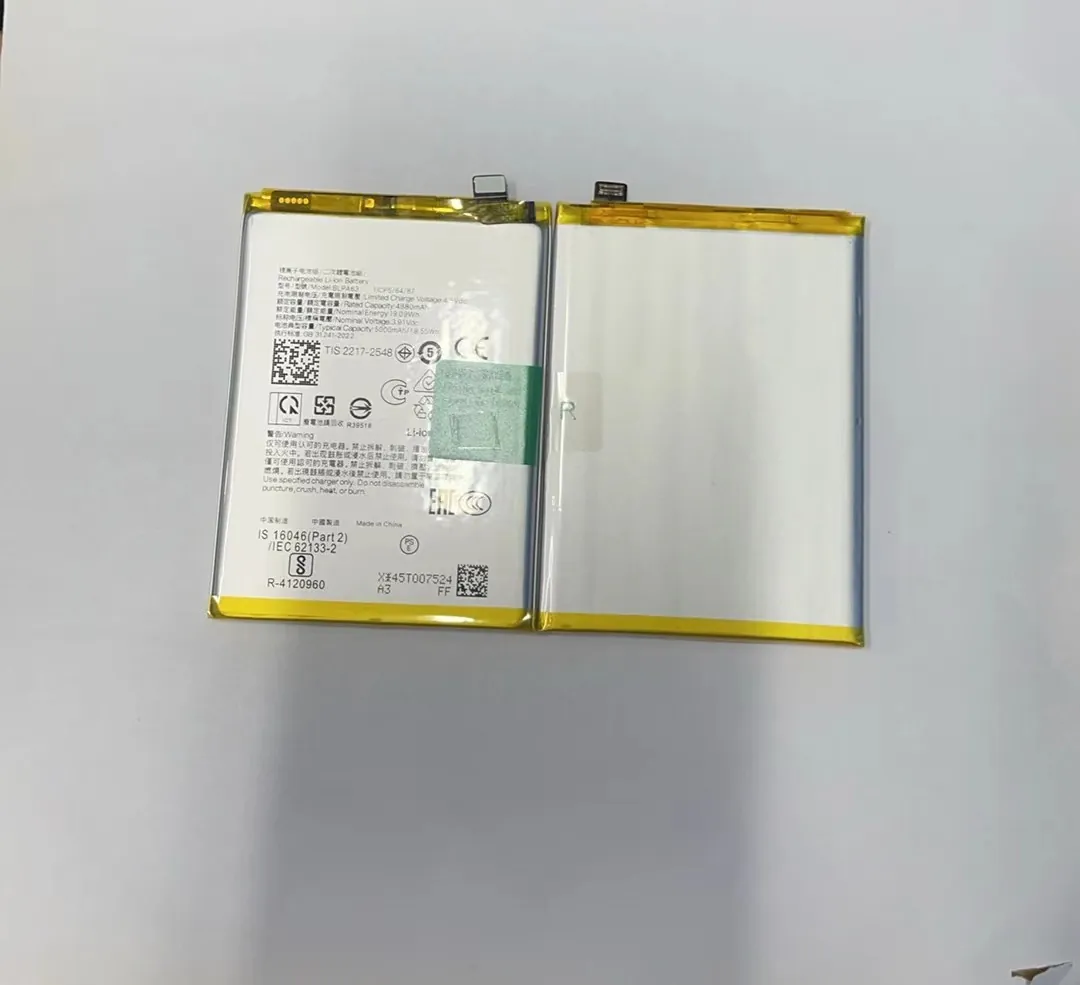
Phones now come with built-in power-saving tools. On Android, there’s usually a “Battery Saver” mode. On iPhones, it’s “Low Power Mode.” These modes cut background tasks, limit screen effects, and pause updates. They’re great when your battery is low.
Other tricks are simple but effective:
Smart Settings That Save Power
- Reduce screen brightness: This often saves the most energy
- Set screen timeout to 30 seconds: Shorter screen time = more battery
- Turn off Bluetooth, GPS, Wi-Fi when not used
- Use dark mode: On OLED screens, black pixels use less power
- Disable auto-sync: Only update apps when needed
- Turn off vibration: It uses a small motor = extra power
Use of Power Saving Features
| Setting or Mode | Estimated Extra Time Saved |
|---|---|
| Battery Saver On | +1 to 2 hours |
| Screen Brightness 30% | +30 minutes to 1 hour |
| Background App Limits | +20 to 40 minutes |
| Airplane Mode (Idle Use) | +2 to 3 hours |
These small steps add up. If users apply even a few of these changes, a 2200mAh battery can feel like a bigger one. It's all about smarter energy use, not just less use.
Conclusion
A 2200mAh battery can offer decent use time with the right habits. Knowing what drains energy and how to control it makes all the difference.
