

Starting with a dead phone battery feels awful. You empty the battery icon and hope it will wake up. Many try quick tricks. Some work. Some do not.
A few simple steps can often bring a dead battery back to life or at least extend its life.
If one trick fails, the next might help — keep reading to learn practical ways to revive a dead phone battery.
What are common methods to revive a dead phone battery?
Trying to revive a phone battery can feel urgent when the screen stays black. You want a fast fix.
Yes. Some standard methods often restore enough charge for a short restart or emergency use.

When a phone shows no sign of life, many people panic. I have seen technicians plug in the charger and walk away. This can help — sometimes a deeply drained battery needs time to stabilise before it accepts charge. Here are common methods people use — and what really works.
⚡ Most used revival steps
| Method | When to try it | Why it helps (or not) |
|---|---|---|
| Plug in original charger and cable | Immediately if battery is empty or battery indicator stuck | Charger may restart battery by giving small amount of current |
| Leave charging for 15–30 minutes before powering on | After plugging in charger | If battery was fully drained, battery management chip may need time |
| Use a different (but compatible) cable / adapter | If original charger does not respond | Bad cable/adapter sometimes fails, so good one may work |
| Try a different power outlet or USB port | If socket may be faulty | Faulty outlet or port may block charging |
| Hard reset or forced restart (hold power + volume keys) | If phone firmware hangs | Sometimes system freeze, not battery drain, is the cause |
Often the problem is not the battery but the charger or cable. I once saw a phone appear “dead” only because the wall socket was broken. I swapped the socket, and it started charging immediately.
When using a charger, I advise leaving the phone idle — not trying to power it on. After 20–30 minutes, the battery management system may recognise the battery voltage and allow safe booting.
If the phone still does not respond after standard charging, there may be deeper battery damage. In that case, more risky tricks follow — but must be done carefully.
Can freezing a phone battery really bring it back to life?
When simple charging fails, some people think cold can fix battery problems. That idea sounds tempting.
Freezing a phone battery rarely works and often causes more harm than good.

Many stories on forums claim cold snaps made their phone work again. The idea is that freezing restores battery “memory” or triggers some internal chemical reset. That is almost never true. Real lithium‑ion batteries rely on chemical balance inside. Freezing can damage internal components. Temperature shock causes metal parts and seals inside the battery to shrink or crack. That damage is often irreversible.
Why freezing is not a real solution
- Lithium‑ion battery chemistry depends on stable temperature. Exposing it to freezing or very cold places can cause crystals inside to form. These crystals can puncture insulation or break the internal structure.
- Moisture condensation. Taking a battery from cold environment to room temperature causes water in air to condense inside the battery. That moisture can cause short circuits or corrosion.
- Reduced performance. Even if the battery “works” after freezing, its capacity and health drop quickly after a few cycles. So the revived battery may die fast or become unsafe.
- Safety risk. A damaged battery may swell, overheat, or even leak fluid. Users may not notice internal damage until a failure occurs.
In one case I tested, a phone that would not charge still refused to turn on after cavity freezing for several hours. Later the phone drew odd current and the battery case bulged. That battery was ruined.
Freezing a battery only sounds like a quick hack. In reality it can shorten battery life or make phone dangerous. I do not recommend it.
Is it safe to jump‑start a dead mobile phone battery?
Jump‑starting a battery means using a higher voltage or a car battery to force charge. Some suggest tapping a 12 V source to jump a phone battery.
That is unsafe and strongly discouraged. Do not try to jump‑start a phone battery.
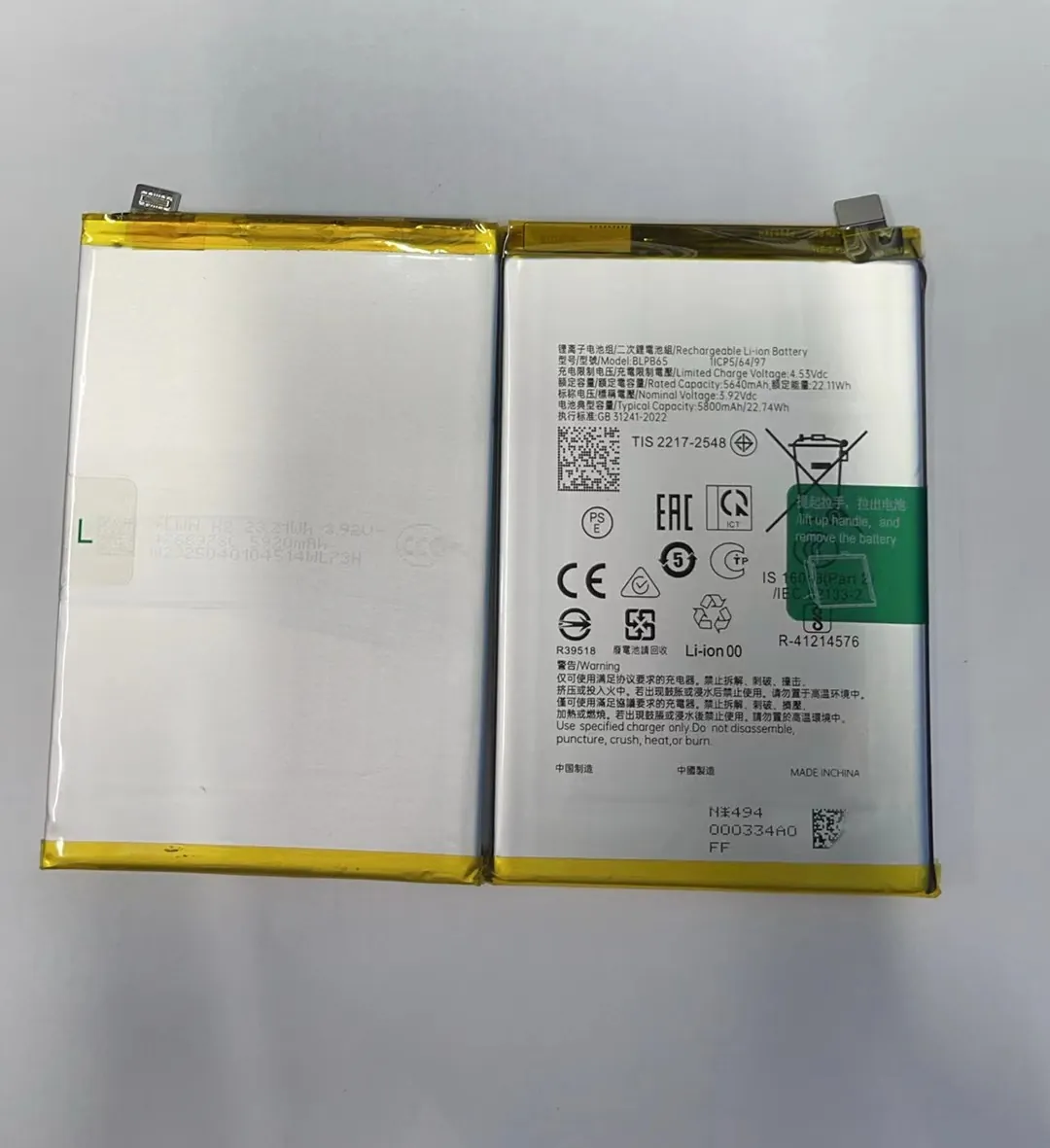
Lithium‑ion batteries in phones are delicate. Their design does not accept sudden or high current surges. Applying external high voltage or using a car battery can create extreme heat, sparks, or internal short circuits. That often ends with battery fire or explosion.
Dangers of jump‑starting phone batteries
🔥 Risk of thermal runaway
When battery receives too much current, internal cells heat up quickly. Heat can cause a chain reaction. Once internal temperature crosses a threshold, battery may catch fire or explode.
🛑 Internal damage beyond repair
Jump‑starting can damage battery’s internal layers. That damage is invisible externally. The battery may seem to work at first, but fail unpredictably. It may overheat even with light use.
🚫 Safety risks to user and phone
Hands hold a heated device. Sparks may fly. Liquid from battery may leak. That liquid is corrosive and toxic. Risk to user health and damage to the phone is high.
In no circumstance is jump‑starting a phone battery a good idea. Even technicians avoid it. If the battery cannot accept regular charging, it must be replaced with a proper new battery.
When should you give up on a dead phone battery?
After many attempts, sometimes the battery remains dead. Knowing when to stop saves time and prevents danger.
You should stop trying when the battery or phone shows signs of failure beyond simple drain.
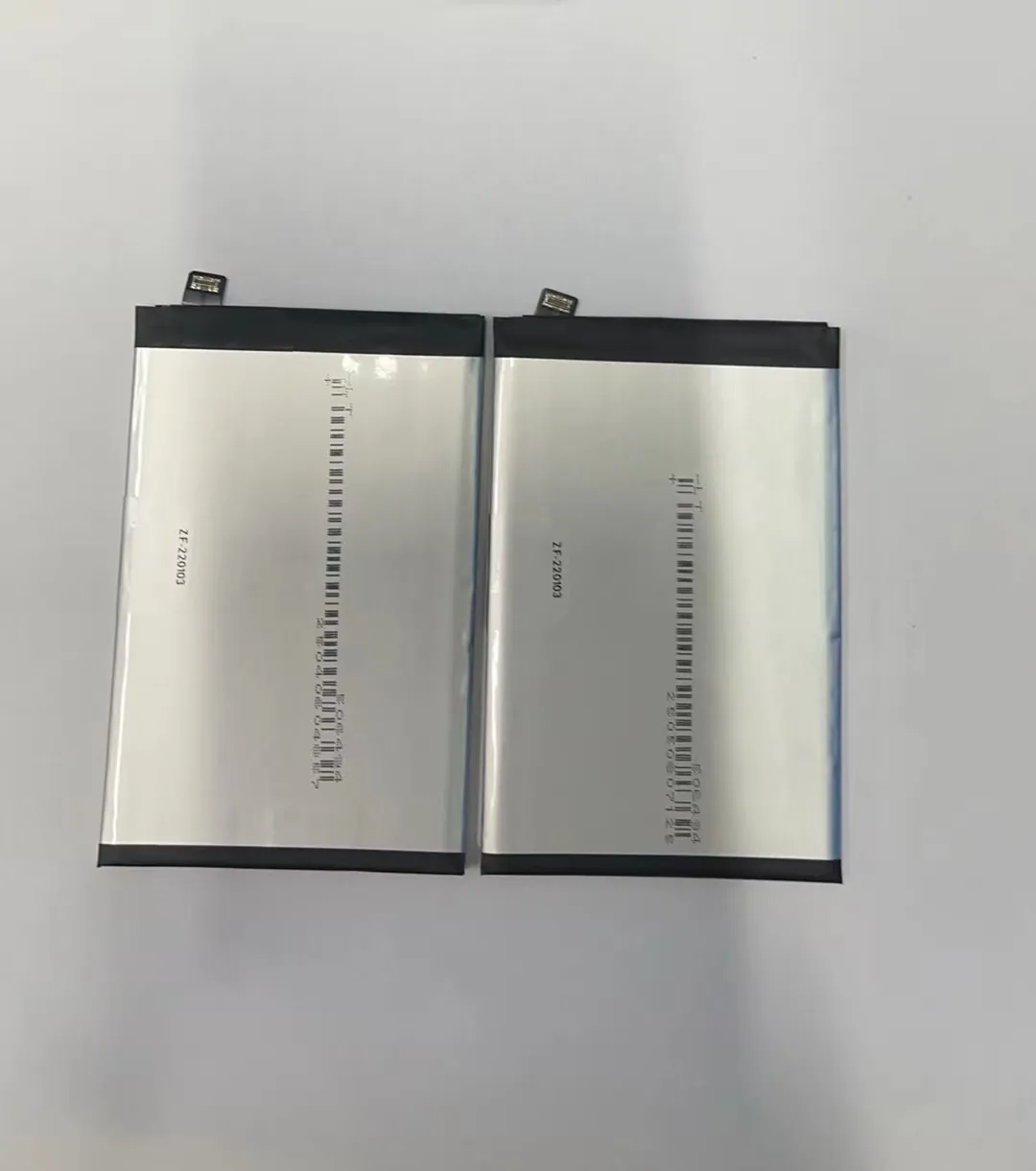
It is tempting to try every method when the phone is important. But repeated failures or odd behavior after charge suggest deep battery or hardware damage. Here is a checklist to decide when it is time to give up.
When to stop trying
| Sign / Symptom | Interpretation | Recommended action |
|---|---|---|
| Phone does not charge with good charger and cable | Battery or internal charging circuit is dead | Replace battery or seek professional repair |
| Battery case bulges or warps | Internal pressure or swelling — dangerous | Dispose battery safely, do not reuse |
| Strange overheating during or after charging | Internal short or damage | Do not use battery — risk of fire |
| Phone sparks, hisses, or smells burning | Internal failure or short circuit | Power off and replace battery immediately |
| Battery health below 70 % (if visible) and fails after one charge | Battery degraded too much | Replace battery to restore reliable use |
When several checks fail, more tricks will likely not help. Trying harder may cause harm. In that case it is wiser to end the attempts.
Why continued effort may do more harm than good
Repeated charging cycles with a dying battery stress battery chemistry. Each failed attempt may degrade the battery further. Even if the phone starts once, the battery may fail again soon. Replacement gives stable performance and avoids hazards.
In one example a phone revived after many charging tries shut down again within minutes. Later the battery would overheat. I replaced battery then. Performance improved and phone became safe again.
Conclusion
Reviving a dead phone battery is often possible using simple steps. Charging with proper cable, giving time to settle, or resetting power can bring life back. Dangerous tricks like freezing or jump‑starting rarely help. When battery shows damage or fails repeatedly, don’t risk it — replace it.
