
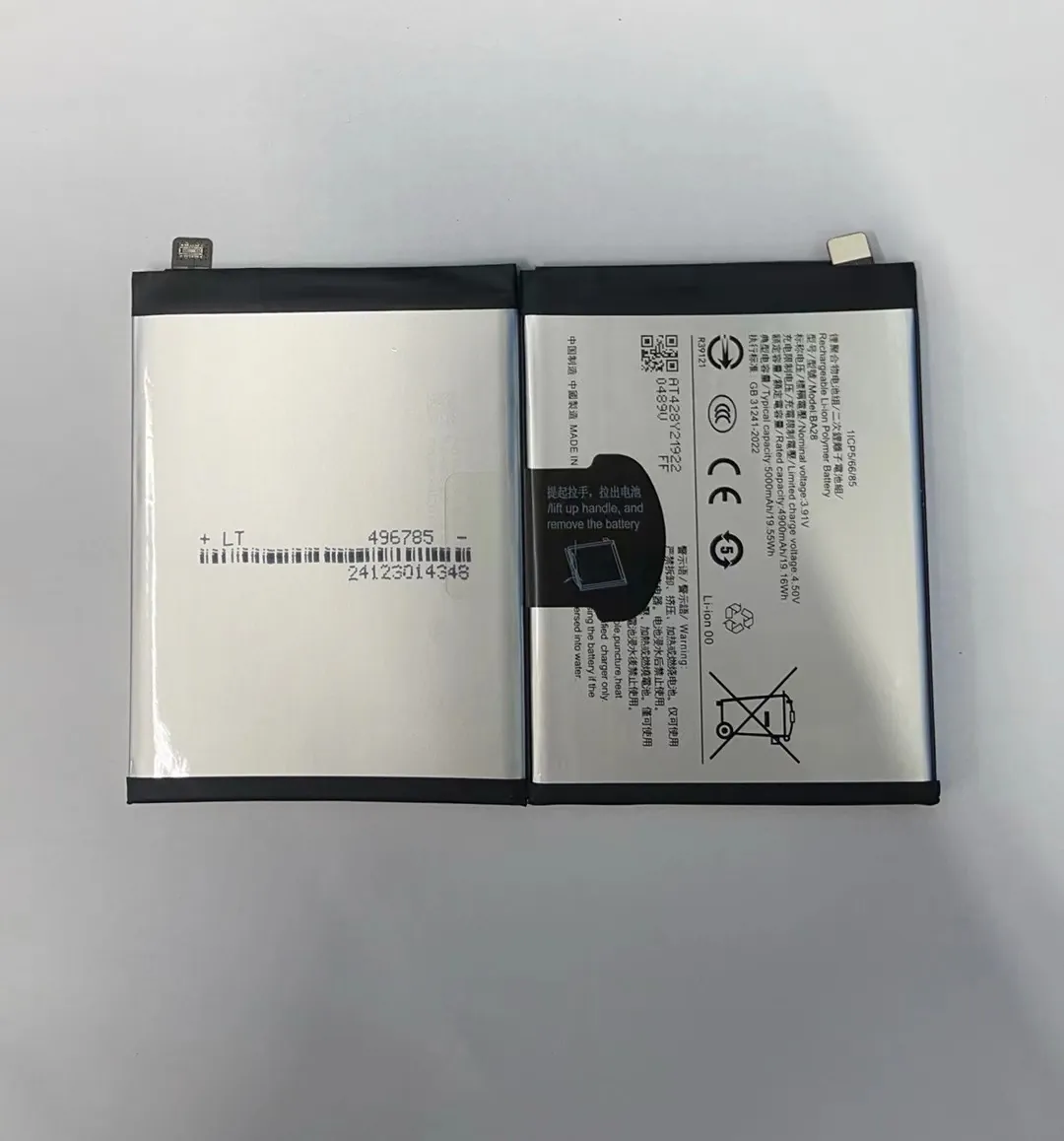
Have you ever felt stuck with a phone that dies fast? Replacing the battery can save the phone and your money.
Changing a mobile phone battery can be simple or hard. It depends on the model and your skills, but many phones allow it with care and the right tools.
This guide walks you step by step through the real facts so you know what to expect before you start.
Do all phones allow DIY battery replacement?
Many people think all phones let you swap the battery yourself. This is not true. Phones have changed a lot in the last decade. Some are easy to open. Others are sealed and fragile.
Not all phones allow DIY battery replacement. Some phones have built‑in batteries that are not meant to be user‑replaced. Others have removable backs that make battery swaps easy.

Modern flagship phones often use glued‑in batteries. These make the phone thinner and waterproof. But this also means you must open the phone carefully. A mistake can break the screen or damage internal parts.
In contrast, older phones or budget models often have a removable back cover. You can pop the cover off, take out the old battery, and insert a new one. This is easy and safe for most users.
How to know if your phone supports DIY battery swap
Here are steps you can take:
- Check the phone manual: The manufacturer will state if the battery is removable.
- Search online: Look up your phone model with “battery replacement” keywords.
- Inspect the back of the phone: If there is a seam or clip, it might be removable.
- Look for a sticker or icon: Some phones show a battery icon with an arrow.
Things to watch before starting
- Sealed phones usually require tools to open.
- Water‑resistant phones may lose that feature after opening.
- Removing a glued‑in battery can damage internal parts if done wrong.
Examples of phone types
| Phone type | DIY battery swap possible? | Notes |
|---|---|---|
| Removable back cover phones | Yes | Easy swap for most users |
| Sealed phones with screws | Maybe | Needs tools, skill helps |
| Flagship phones with glue | Hard | Best for trained hands |
| Rugged phones with clip backs | Yes | Simple but check manual |
Some older Android phones and many basic models still use removable batteries. These are friendly for DIY. But popular premium phones usually hide the battery inside.
What skills you need
If your phone has a sealed back, you need patience and a few skills:
- Use plastic tools to avoid scratches.
- Heat the edges to soften the glue.
- Gently pry without bending metal parts.
If you have no experience, practicing on an old phone first helps. I once tried my first sealed battery swap without practice. I learned how easy it is to damage the screen. That lesson taught me to go slow and use the right tools.
When to avoid DIY
If the phone is expensive and you value it highly, going to a professional may save you stress. Some phones are too tricky or too fragile. In those cases, DIY is not worth the risk.
Knowing your phone type and your comfort level matters more than just wanting to save money.
What are the safety risks of changing a battery?
Swapping a phone battery is not without risk. Batteries contain chemicals and can be dangerous if mishandled. Understanding the risks and taking precautions keeps you safe.
There are real safety risks when changing a battery. These include injury from sharp tools, battery damage, chemical exposure, and electrical shock if the battery is punctured or short‑circuited.

Modern lithium‑ion batteries are sensitive. If you puncture them with a metal tool, they can spark, swell, or even catch fire. This is why you must not rush and must use the right tools.
Key risks to know
Puncturing the battery
Lithium batteries store a lot of energy. A puncture can cause a short circuit inside. This leads to heat, smoke, or fire. Never use metal tools inside the battery case. Always use plastic picks or spudgers.
Fire or explosion
A damaged battery can ignite. This is rare, but it happens if the battery is bent or pierced. Keep a fire‑safe zone and never press too hard.
Damage to other parts
The screen, camera, and cables are often close to the battery. One wrong move can break a cable or crack the screen. This adds cost and trouble.
Chemical exposure
If a battery leaks, the chemicals can irritate skin and eyes. Always wear gloves and wash immediately if contact happens.
Static electricity
Static discharge can damage phone circuits. Work on a clean, grounded surface. Avoid carpet floors and wear an anti‑static wrist strap if possible.
Risk level comparison
| Risk type | Severity | Likelihood |
|---|---|---|
| Battery puncture | High | Low to medium |
| Screen damage | Medium | Medium |
| Chemical exposure | Medium | Low |
| Static discharge | Medium | Medium |
| Electrical shock | Low | Low |
Even low‑likelihood risks matter when the outcome is severe. Taking safety steps reduces all these risks.
Safety gear you should use
- Plastic opening tools: Avoid scratches and shorts.
- Anti‑static wrist strap: Reduces static build‑up.
- Safety glasses: Protects eyes from tiny debris.
- Gloves: Prevent chemical contact and help grip parts.
- Soft cloth or pad: Keeps phone parts clean and safe.
How to reduce risk
Before you start:
- Turn off the phone completely.
- Remove any case or cover.
- Work in a well‑lit and clean area.
- Use a magnetic mat to keep screws organized.
- Read a guide or watch a video for your exact phone model.
Work slowly. Rushing leads to mistakes. If something feels stuck, stop and reassess. Many beginners think force will solve it. Force usually breaks it.
When risk is too high
If the battery is swollen or damaged, do not attempt DIY. Swollen batteries are unstable. You should take it to a professional for safe disposal and replacement.
Where can you get OEM replacement batteries?
Finding the right replacement battery matters. Not all batteries are created equal. OEM (Original Equipment Manufacturer) batteries match the phone’s design and safety standards.
You can get OEM replacement batteries from official stores, authorized service centers, and trusted online retailers. Choosing the correct source helps ensure quality and reduces risk of damage.

When I first changed a battery, I ordered the cheapest version online. It looked similar but had lower performance and got hot quickly. After that experience, I learned to choose quality parts from trusted sources.
Official sources
The safest place to get an OEM battery is from the phone maker:
- Brand stores: Apple Store, Samsung Store, etc.
- Authorized service centers: Certified partners.
- Manufacturer websites: Official spare part listings.
These usually cost more, but you get the exact part made for your phone model.
Trusted third‑party sellers
Some certified sellers carry OEM or OEM‑equivalent parts:
- Large online marketplaces with verified sellers.
- Local repair shops with good reviews.
- Specialized parts retailers that guarantee quality.
Check reviews and return policies before buying.
What to look for in a replacement battery
When choosing a battery:
- Match the exact phone model number.
- Check voltage and capacity specs.
- Look for safety certifications.
- See if it comes with warranty.
Never buy a random battery that “fits” your phone. Batteries with wrong specs can overheat or damage the phone.
Online vs local
| Source | Quality | Price | Warranty |
|---|---|---|---|
| Official store | Best | High | Yes |
| Authorized center | Very good | Medium | Yes |
| Trusted online seller | Good | Medium to low | Sometimes |
| Unknown seller | Poor | Very low | Rarely |
How long does a battery replacement take?
Many people want to know how much time they need to change a battery. Time can vary based on the phone type and your skill level.
A battery replacement can take anywhere from 15 minutes to over an hour. Simple phones with removable backs take very little time. Sealed phones with glued batteries take longer and require patience and care.

Simple removable battery phones
For phones with removable back covers:
- Take off the back.
- Remove old battery.
- Insert new battery.
- Close the back.
This can take 10–20 minutes for most models. No tools are needed. This is the fastest and easiest type.
Sealed phones with screws
If the phone has screws and a removable back panel:
- Remove screws.
- Open back cover.
- Disconnect battery connector.
- Remove old battery.
- Install new battery.
- Reassemble phone.
This takes 30–45 minutes for beginners. Experienced people may finish faster.
Flagship phones with glue
Phones with glued batteries need heat and finesse:
- Heat edges to soften glue.
- Use plastic tools to pry battery.
- Avoid bending or puncturing battery.
- Clean old adhesive.
- Install new adhesive and battery.
- Reassemble parts.
This method takes 45–90+ minutes for first‑timers. It requires patience and careful work.
Factors that affect time
- Your experience level.
- Quality of tools.
- Phone model complexity.
- Battery condition and looseness.
- Number of screws and hidden clips.
Time guide for common scenarios
| Phone type | Estimated time |
|---|---|
| Removable back | 10–20 min |
| Screw back | 30–45 min |
| Glued battery | 45–90+ min |
| Complex phones with screen removal | 60–120 min |
Tips to save time
- Prepare all tools before starting.
- Read a model‑specific guide first.
- Keep screws organized by size.
- Work on a clean surface with good light.
If you rush, you may break parts and add hours to the job. Take breaks if you feel tired or stuck.
After the swap
Once the new battery is in:
- Check that the phone turns on.
- Let the battery charge fully before heavy use.
- Watch for any odd behavior like heating or fast drain.
One time my first glued battery took me two hours because I did not pre‑heat the glue. After that, I changed my method and now finish similar jobs in under an hour.
Changing a mobile phone battery can save money and extend phone life. It takes the right tools, the right parts, and safe steps, but many models can be done at home with care.
