

Many phone users avoid changing their battery because it seems too technical. But delaying replacement can lead to random shutdowns and poor performance.
You can change your mobile phone battery by using the right tools, following safety steps, and identifying when your battery needs replacement.
Replacing a phone battery might look hard, but with the right guide, it becomes easier. This article explains what tools you need, which phones are easiest to repair, and how to know if your battery needs to be changed.
What tools are needed to replace a phone battery?
Opening a modern smartphone isn’t easy. You need proper tools to avoid damaging the phone during the battery replacement process.
To replace a phone battery safely, you need screwdrivers, a suction cup, spudgers, tweezers, and a heat gun or hairdryer.

Most phone models are glued shut, especially newer ones. Using the right tools makes the job faster and safer. Here are some common tools you’ll need:
Basic Toolkit for Battery Replacement
| Tool Name | Purpose |
|---|---|
| Pentalobe/Phillips Screwdriver | To open phone screws |
| Plastic Spudger | To disconnect cables and pry open parts |
| Suction Cup | To lift screen without cracking it |
| Tweezers | To hold small parts or connectors |
| SIM Card Ejector | To remove SIM tray before opening phone |
| Heat Gun or Hairdryer | To soften adhesive around screen |
| Adhesive Strips | To reseal battery in place |
For iPhones, you’ll need a pentalobe screwdriver to remove the bottom screws. For Android phones, screw sizes vary, so using a screwdriver set is better.
Optional but Helpful Tools
- Magnetic Mat: Keeps screws and parts organized
- Anti-static Gloves or Wristband: Prevents static damage to components
- Plastic Card or Opening Picks: Helps separate the screen safely
Buying a phone repair toolkit online is a good option. Many include everything needed to replace batteries and screens.
Is it safe to change your phone battery at home?
Some people worry they might damage their phone if they try to change the battery. Others fear the battery might catch fire.
It is safe to replace your phone battery at home if you follow safety steps, use the right tools, and don’t rush the process.
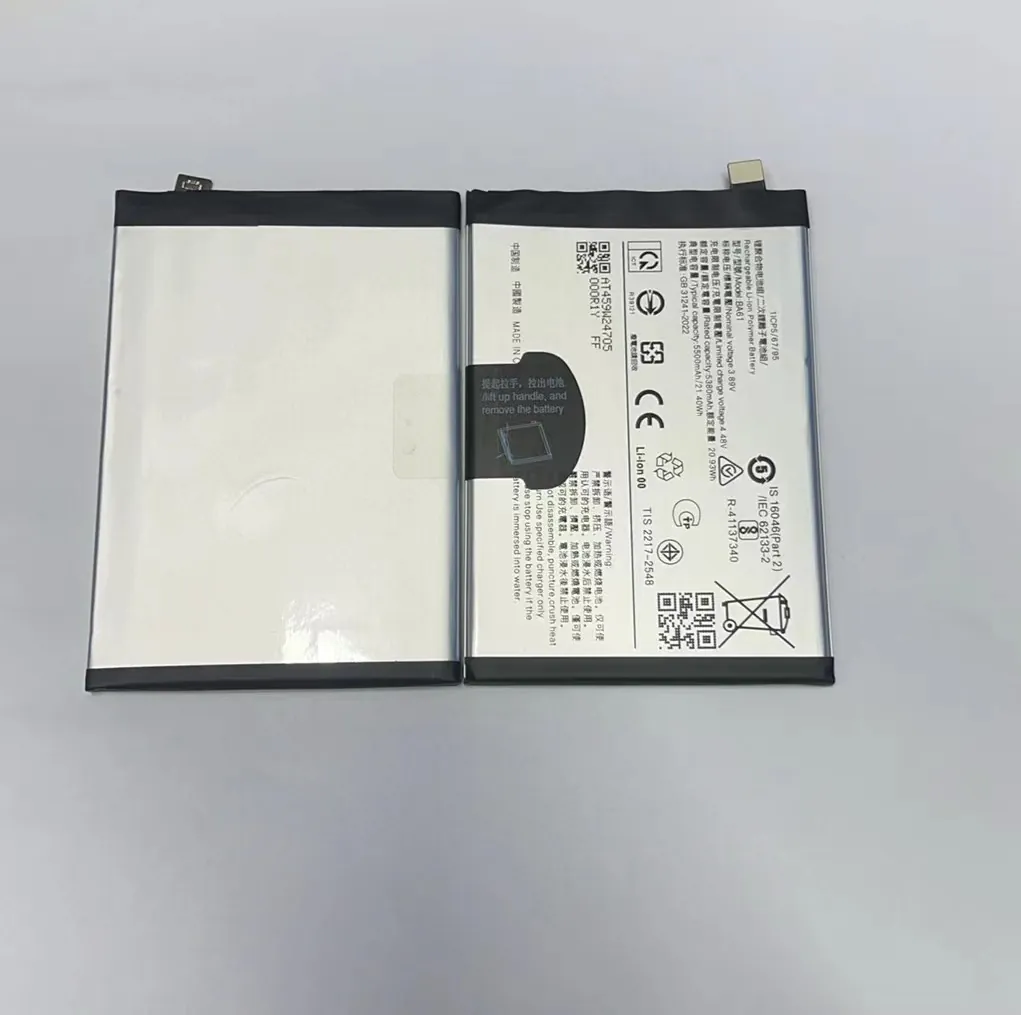
Changing a battery isn’t dangerous by itself. But phones have delicate parts, and batteries can swell or catch fire if handled poorly.
Main Safety Tips
1. Work on a Clean, Dry Surface
Keep liquids away. Place the phone on a clean towel or mat to avoid slipping.
2. Power Off the Phone
Never open or touch internal parts while the phone is on.
3. Avoid Sharp Tools
Do not use metal tools directly on the battery. Always use plastic spudgers or picks.
4. Watch for a Swollen Battery
If the battery looks puffed or rounded, stop. A swollen battery is dangerous. Do not puncture or press it.
5. Use Heat Carefully
If you use a heat gun or hairdryer to loosen adhesive, don’t overheat. Stay below 80°C (176°F). Excess heat may damage the screen.
When to Ask a Professional
You should go to a technician if:
- The screen is cracked or glued too tightly
- The phone has a waterproof seal you don’t want to break
- You’re not confident in opening your device
For many models, especially older ones, battery replacement is simple. But newer flagships (like iPhone 13 or Galaxy S22) require care.
Which phone models allow easy battery replacement?
Phone designs have changed a lot. Older phones had removable back covers. Today, most require tools and heat.
Phones with removable back covers or modular designs allow easy battery replacement without special tools.
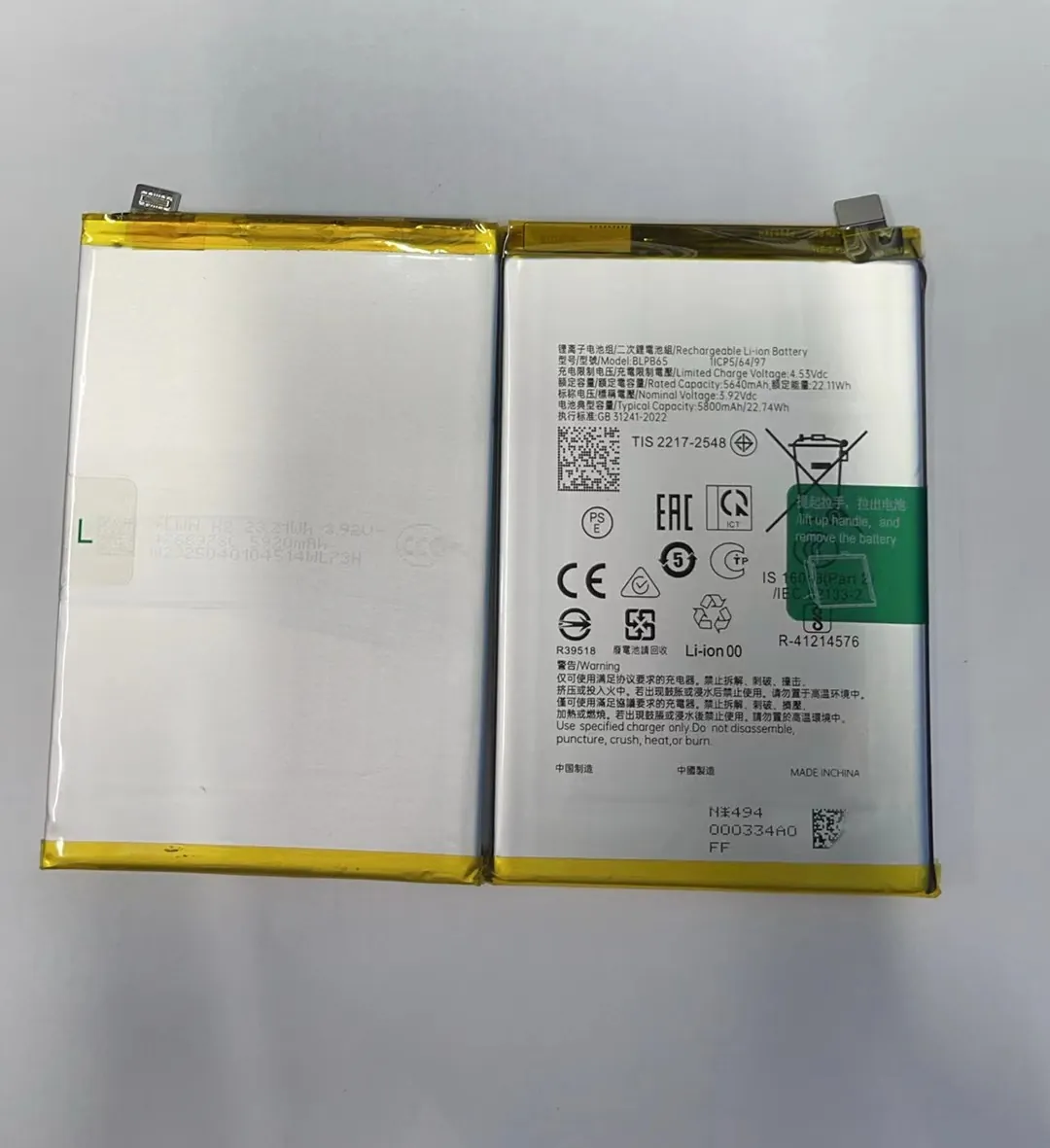
Here’s a quick list comparing easy and hard models:
Phones with Easy Battery Replacement
| Brand | Model Examples | Notes |
|---|---|---|
| Samsung | Galaxy J7, Galaxy S5 | Removable back cover, no tools |
| LG | LG G4, LG V10 | Battery slides out |
| Nokia | Nokia 105, older feature phones | Clip-on covers |
| Fairphone | Fairphone 3, 4 | Designed for easy DIY repair |
Phones with Moderate Difficulty
| Brand | Model Examples | Notes |
|---|---|---|
| iPhone | iPhone 6 to iPhone 8 | Needs tools, but widely documented |
| Xiaomi | Redmi Note 7, Note 8 | Glued, but manageable |
| Motorola | Moto G series | Medium glue, removable with heat |
Phones That Are Hard to Repair
| Brand | Model Examples | Notes |
|---|---|---|
| iPhone | iPhone 12 and newer | Tight adhesive, Face ID cable risk |
| Samsung | Galaxy S20–S23 series | Curved screens, glued battery |
| Pixel 6, 7, 8 series | Glue and hidden cables |
The Fairphone is one of the only modern brands focused on easy DIY repairs. If you’re looking for a repair-friendly device, it's a great choice.
How do you know if your battery needs replacing?
Some people assume their phone is slow because it’s old. But in many cases, it’s the battery causing problems.
You should replace your phone battery if it drains fast, charges slowly, gets hot, or causes random shutdowns.

Here are clear signs that your battery is failing:
1. Battery Drains Quickly
Your phone drops from 100% to 50% in an hour, even without gaming or videos.
2. Random Shutdowns
It turns off when there’s still battery left—like at 20% or 30%.
3. Overheating
The phone feels warm during basic use like texting or calling.
4. Swollen Battery
Back cover looks lifted, or screen seems pushed up. This is urgent.
5. Charging Takes Too Long
Full charging now takes 3–4 hours, even with a good charger.
Here’s a simple chart that shows when to consider replacing the battery:
| Symptom | Action Required |
|---|---|
| Drops from 100% to 20% in 2 hrs | Replace battery soon |
| Phone shuts off at 30% | Replace immediately |
| Swelling or bulging | Stop using and replace at once |
| Battery health below 80% | Replace to restore performance |
| Heating during light use | Replace and monitor |
How to Check Battery Health
- iPhone: Settings > Battery > Battery Health & Charging
- Samsung: Samsung Members App > Diagnostics
- Other Android: Use apps like AccuBattery, CPU-Z, or Ampere
If your battery health shows below 80%, or the capacity is under 2500mAh for a modern device, it’s time for a change.
Some devices even slow down when the battery health is low. A replacement can bring back lost speed and fix random shutdowns.
Conclusion
Changing a mobile phone battery is possible at home with the right tools, care, and guidance. Knowing which phones are easier to repair and when to change the battery saves money and extends your phone’s life.
