
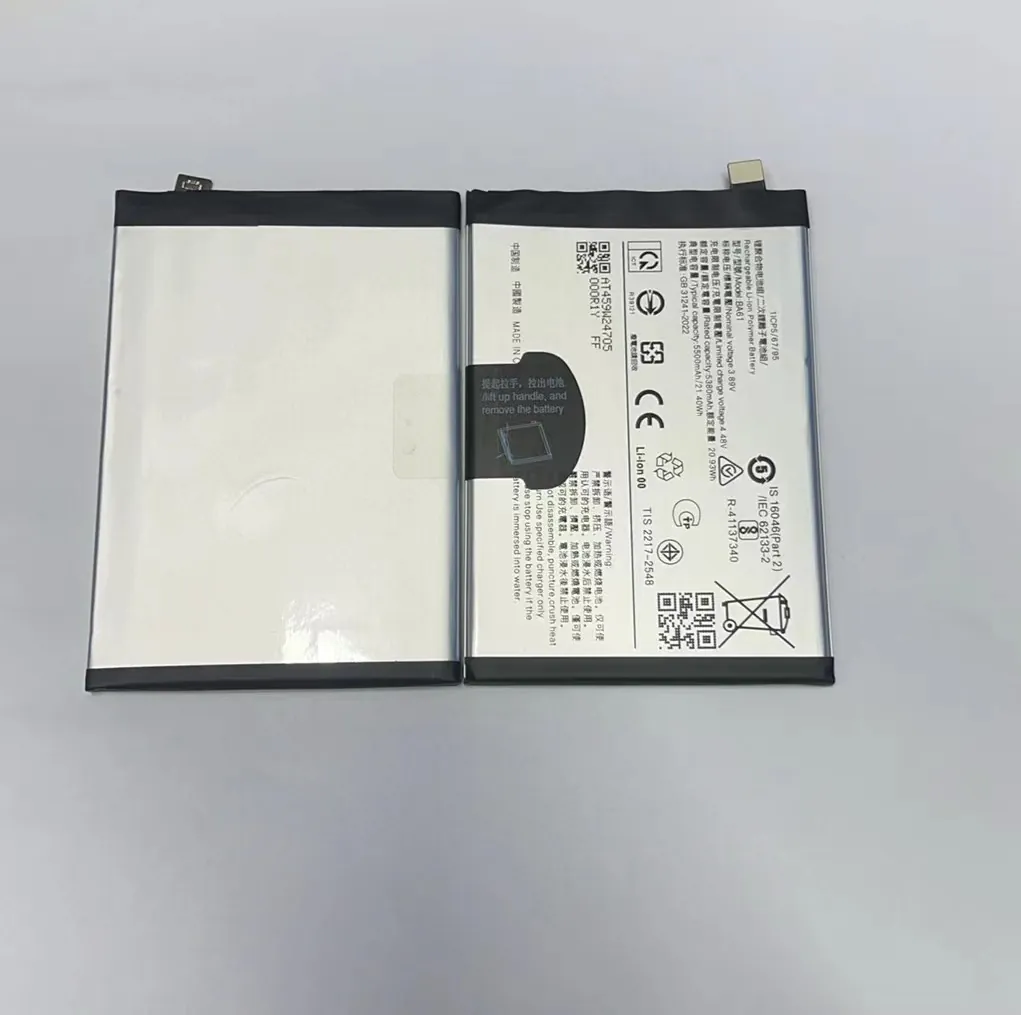
I know many people feel unsure when they get a new mobile phone battery. They worry that one small mistake during the first charge might hurt the battery for years.
You only need a normal first charge, stable habits, and a cool environment. Modern lithium batteries do not need long activation or overnight charging.
I want to share clear steps so you feel calm and confident when you charge a new battery for the first time.
What steps ensure proper first charge?
I see many users fear the first charge because they think it decides the battery’s whole life. This pressure makes them search for old charging rules.
The proper first charge is simple: use a good charger, keep the phone cool, avoid long full charging, and stop at 100%. No extra hours are needed.
Why old ideas are wrong
Many people still believe they must charge a new battery for 8–12 hours. This advice came from old battery types. Modern lithium batteries behave differently. They come with a safe factory charge and do not need “activation.” The battery chip manages voltage and safety on its own.
What I do when I install a new battery
When I install a new battery, I follow one simple routine:
- I turn on the phone and check basic functions.
- I charge it once with a stable charger.
- I let it reach full one time.
- I restart the phone so the system reads battery data better.
This helps the phone learn the new battery, not the battery learn the phone.
First-charge steps table
| Step | What I do | Why it matters |
|---|---|---|
| Use a safe charger | I pick a tested charger | Prevents unstable voltage |
| Keep the phone cool | I avoid heat | Protects the cell |
| Charge to full once | Only one time | Helps the system update data |
| Unplug at 100% | Do not extend charging | Reduces high-voltage stress |
A deeper look at how lithium cells react to the first charge
Lithium batteries feel stress when voltage stays high for long. This is why I avoid long hours at 100%. It does not “boost” the battery. It only adds wear. I learned this after testing thousands of batteries. I see a clear pattern: simple and steady habits always produce longer battery life.
The battery also measures temperature, voltage, and current through its chip. The chip protects the battery even during the first charge. So the first charge is not a special ritual. It only needs reasonable care and normal charging behavior.
How do settings affect early charging?
Some people think charging depends only on hardware. But I see many phones in my workshop where settings change heat, speed, and stability during the first few charges.
Settings affect charging speed, heat build-up, and how the system learns the new battery. Stable settings keep the first charge smooth and cool.

Why settings matter in the early stage
A new battery does not yet match your daily patterns. Heavy apps and bright screens create extra heat. This heat makes the percentage jump or drop. When you change a few settings, the early cycles become stable and clean.
Settings that change early charging performance
| Setting | Effect on charging | Why it helps |
|---|---|---|
| Brightness | Lower load | Less heat |
| Background apps | Fewer active tasks | Stable temperature |
| Location & Bluetooth | Less energy drain | Smooth charging |
| Fast charging toggle | Slower mode | Cooler battery |
Many people forget that the phone is not idle during charging. It still runs apps and services. I ask customers to close unused apps during the first few cycles. I also tell them to lower brightness and avoid gaming while charging. This keeps everything calm.
How software communicates with a new battery
The phone collects voltage patterns over time. These patterns help the system show correct percentage and estimate remaining capacity. During the first days, the phone tries to learn the new battery. Heavy load confuses this learning.
When I test batteries, I sometimes reset battery data. After a few clean cycles, the phone reads the battery smoothly. This shows how much early settings affect the learning process.
Why avoid overheating initially?
I always warn users about heat because I see how heat destroys batteries faster than any other factor.
Avoid overheating during the first days because heat speeds up aging and causes unstable readings. A cool phone protects fresh chemistry.

What causes heat during the first charges
In my daily work, I see the same three reasons:
- Fast charging
- Running heavy apps
- Using the phone while charging
These make the battery warm. A new battery has fresh chemical layers. Heat harms these layers early and reduces long-term strength.
Simple temperature rule
I always say:
If the phone feels too hot to hold, stop charging and let it rest.
This is simple and works better than complex rules.
What heat does inside the cell
Let me explain in plain words. The battery has layers that move ions. Heat makes these layers break down faster. Once they break, capacity is lost forever. This is why I always try to protect new batteries from heat.
How I control heat in my own tests
These are steps I always use:
- I avoid fast chargers when testing new batteries.
- I keep phones in open air, not inside tight cases.
- I avoid charging while the phone updates heavy apps.
- I remove the case if the phone warms up.
These steps keep the battery cool and stable.
The first week matters
A new battery sometimes warms up more during its first week because the system is still learning. When you avoid heat during this time, the system collects clean data. Clean data leads to smooth percentage readings later.
If the phone gets hot early, the system may collect unstable data. This causes jumps or fast drops. It can recover later, but it is easier to start with cool conditions from day one.
Which habits protect new batteries?
Many people spend time on first-charge rules. But after working with so many batteries, I learned simple habits matter far more.
Keep the battery between 20%–80%, avoid long hours at full, avoid deep drains, and keep the phone cool. These habits protect new and old batteries.

Good habits I always trust
Customers who follow simple habits always get better results. They return less often with battery problems. Their batteries stay healthier for months longer.
Habit table
| Habit | Why it helps | Long-term effect |
|---|---|---|
| Stay between 20%–80% | Low stress | More cycles |
| Keep cool | Less chemical wear | Stable capacity |
| Avoid deep drains | Protects structure | Better lifespan |
| Do not charge overnight | Less time at 100% | Lower voltage stress |
Small changes that help a lot
I keep my advice simple:
- Lower brightness during charging.
- Close heavy apps when the battery is low.
- Remove the phone case if it becomes warm.
- Unplug when the phone reaches 100%.
These steps look small but make a big difference.
How I help customers form habits
I tell customers to begin good habits on the first day. A battery reacts to stress every time you charge it. When you follow calm routines, the battery stays smooth and strong. I see this every day when I test returns. Good habits always win.
Conclusion
A new mobile phone battery does not need long activation. It only needs simple care, cool temperature, and stable daily habits. When you follow gentle routines, the battery stays healthy for a long time.
