
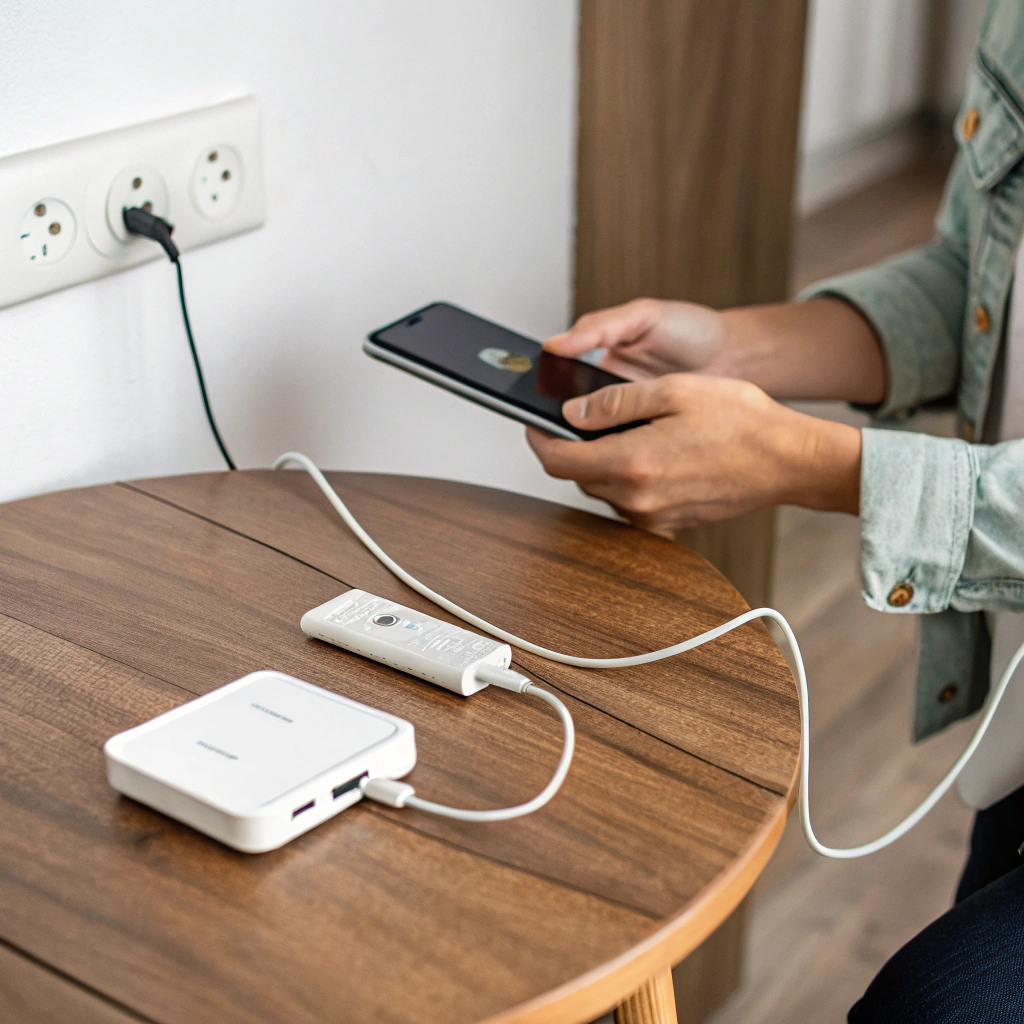
Charging a phone often feels simple. But many people still damage their battery by using wrong charging habits.
This guide shows the right way to charge a mobile phone. It offers clear steps to keep battery health and long life.
Charging habits matter more than you think. Read on to learn easy and safe ways to charge your phone.
What is proper charging procedure?
Good charging starts with clear steps. Many skip these steps and end up with poor battery health.
Proper charging means using safe power, not letting battery go to zero, and not keeping it plugged in too long.

Good charging has several stages. It helps battery last longer and avoid heat or damage.
Typical Steps
- Use a charger certified by phone maker or by safety standards.
- Plug in when battery is between 20% and 40%.
- Let it charge until about 80–90%, then unplug.
- Avoid charging to 100% regularly unless needed.
- Do not use phone heavily while charging (like video games or heavy apps).
Phones use lithium‑ion batteries. These batteries have a limited number of full charge cycles. A “charge cycle” means using all battery power and charging it back to full. If you drain battery fully and charge fully many times, the battery wears out faster.
Why these steps matter
- Partial charges help — Charging from 30% to 80% counts as only part of a full cycle. This reduces wear.
- Heat hurts battery — Charging while phone is hot or using heavy apps while charging raise temperature. High heat reduces battery capacity over time.
- Avoid overcharge — Keeping phone plugged after 100% can stress battery. Even if many phones stop charging at 100%, small trickle charging and heat still harm battery over time.
How this helps in daily life
If you charge while battery is mid‑level and stop at 80–90%, battery lasts longer. Even with daily use, this method slows down battery aging.
Phones also lose battery capacity slowly over time. Good charging habits can delay that loss for months or years.
Why avoid deep discharging?
Deep discharging means letting battery go to 0% before charging. This feels like full use. But it is risky for lithium batteries.
Deep discharge before recharge makes battery age faster. It reduces battery life and lowers how long phone holds charge.
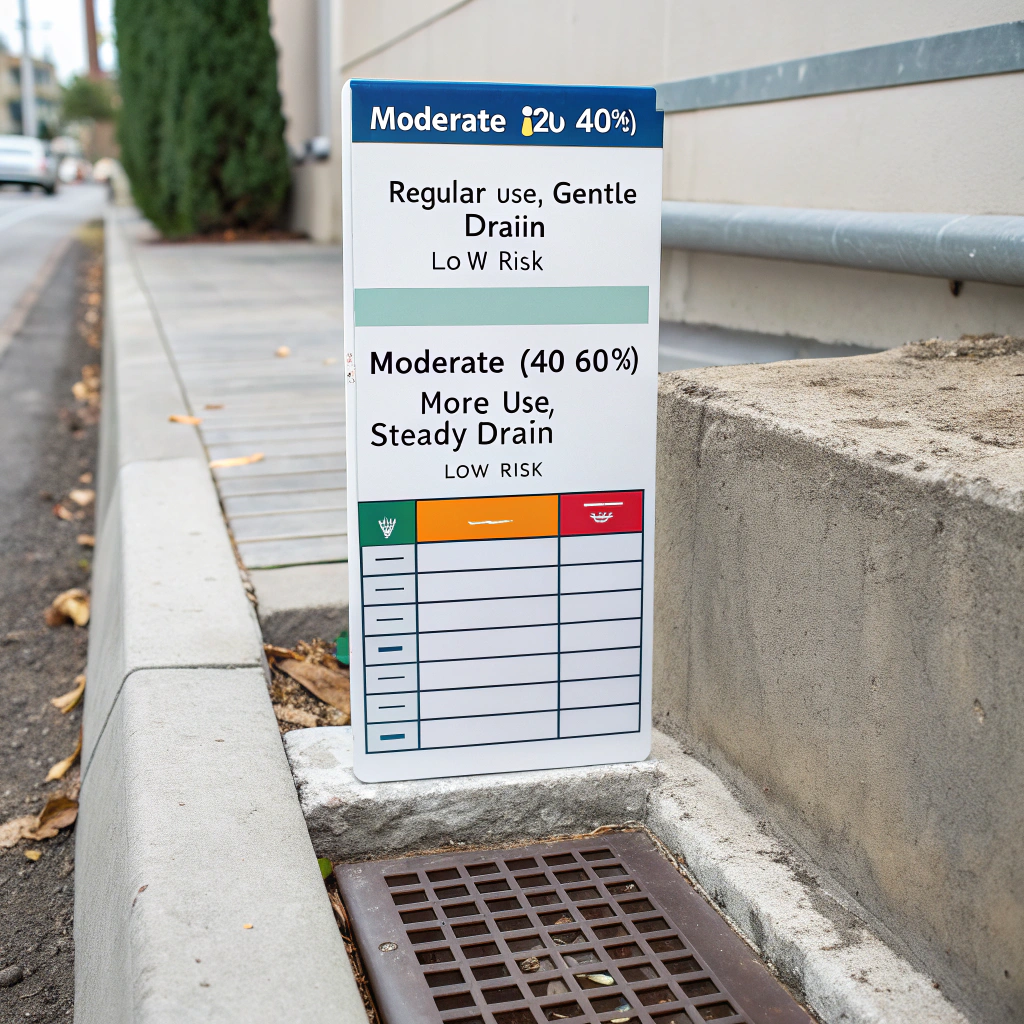
Deep discharge can harm battery through stress. It can shorten total battery capacity and cause early wear.
What happens when battery drains fully
When battery level goes very low (0–5%), the voltage falls. Lithium battery chemistry does not like very low voltage. Over time, this causes internal damage. In worst cases, battery may not hold stable charge or die quickly.
Risks of deep discharge:
- Permanent loss of capacity: Battery may only hold 70–80% after few deep discharges.
- Shorter lifespan: Battery may need replacement sooner than expected.
- Unstable performance: Phone may shut down suddenly or behave erratically.
Compare: Normal discharge vs Deep discharge
| Discharge type | Typical behavior | Risk to battery |
|---|---|---|
| Moderate (20–40%) | Regular use, gentle drain | Low risk |
| Moderate (40–60%) | More use, still ok | Mild stress |
| Full discharge to 0% | Use until empty | High risk, more wear |
Deep discharging may also trigger battery protection circuits. These circuits can shut battery down or make charging slower. This adds more wear over time.
How often people deeply discharge
Many people let phone die before charging. They feel it saves power cycles. But that backfires.
Better habit: recharge when battery hits 20–40%. This keeps voltage in safe range. Battery stress stays low.
Effect on long‑term use
Phones with smart users often have 20–30% more usable battery life after months. Poor habits like deep discharge cut that benefit fast. Battery may age 1.5–2 times faster.
Which chargers provide optimal efficiency?
Charger quality and type matter a lot. Cheap or wrong chargers can harm battery or reduce efficiency.
The best chargers are ones matched to phone specs, using correct voltage and current, with proper heat control and safety approval.
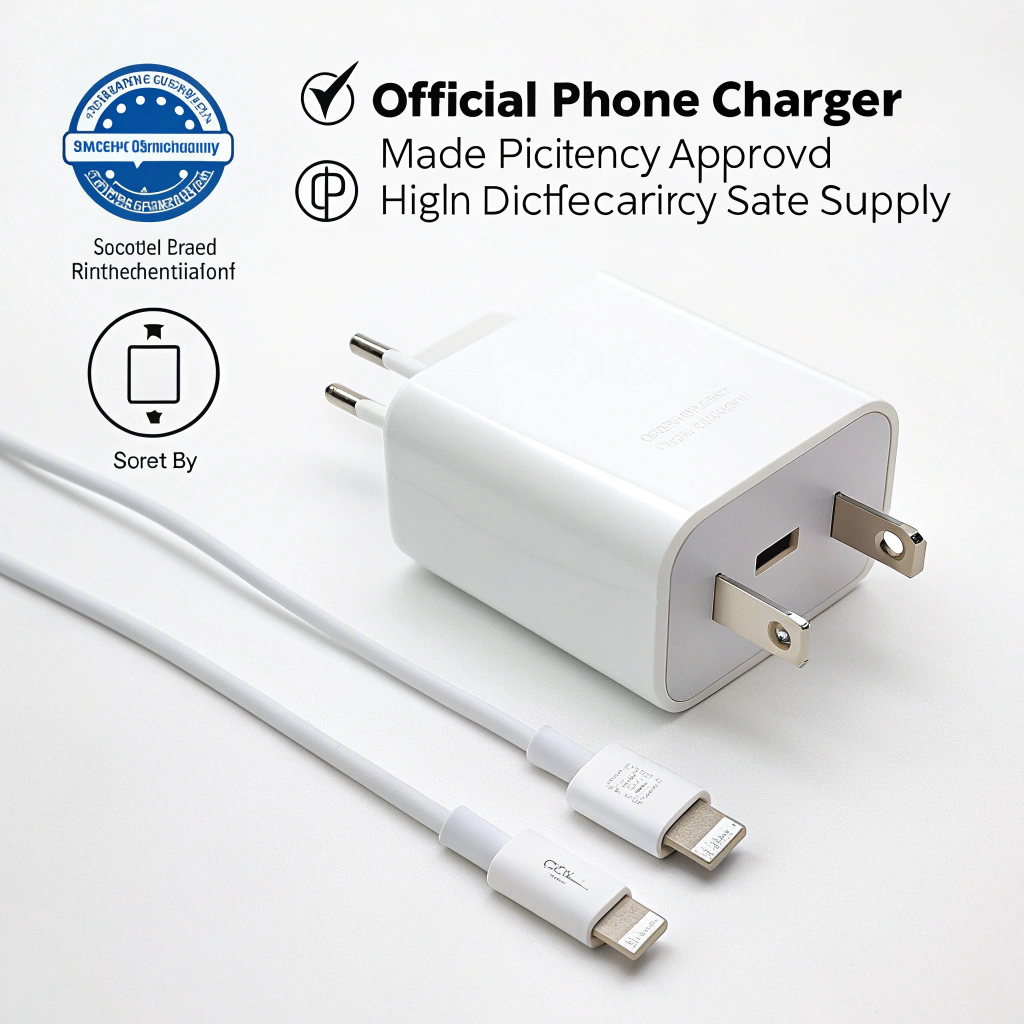
Good chargers help battery get power safely and quickly. Bad chargers can overheat battery or deliver wrong power. That causes damage or reduces battery lifespan.
Charger types and their effects
Here is a comparison of common charger types:
| Charger type | Description | Efficiency and risk |
|---|---|---|
| Official phone charger | Made by phone maker or approved vendor | High efficiency, safe power |
| Certified high‑quality charger | Meets safety standards (USB‑C PD, QC) | Good performance, low risk |
| Cheap generic charger | No safety checks or cheap parts | Risky: overheat, voltage drop |
| Fast charger (high wattage) | Delivers high power quickly | Good, but may heat battery |
Why official or certified chargers are best
- They use correct voltage and current for battery.
- They include safety features: over‑voltage protection, over‑current protection, temperature control.
- They control heat better.
What goes wrong with cheap chargers
Cheap chargers may provide unstable voltage or too high current. That leads to overheating or damage. Battery health drops faster. Phone may charge slower.
More details: power, heat, battery load
Charging involves power flow inside battery. If power flow is too high or heat builds up, internal battery chemistry suffers.
- Chargers with proper power delivery protocols keep battery safe.
- Chargers that heat phone or battery may cause internal pressure and damage over time.
Example table: Charger features to check
| Feature | Why it matters |
|---|---|
| Safety certification (e.g. CE, UL) | Ensures overcurrent protection |
| Correct voltage/current | Matches battery needs |
| Overheat control | Prevents battery heat damage |
| Proper connector quality | Avoids poor contact and heat |
| Smart charging protocol | Stops charging at correct level |
For phone repair shops or bulk suppliers, this matters more. Using right charger reduces returns due to battery issues.
Good charger habits
- Avoid always using fast charge if not needed. Sometimes slow charge is better.
- If phone supports adaptive charging, use it.
- Replace chargers if they heat up or get warm.
- Use original cables or certified cables. Poor cables can drop voltage and cause heat.
When should you unplug the phone?
Many people leave phone charging overnight or long after it hits 100%. This harms battery.
You should unplug when battery reaches full enough — usually 80–90% — or when device finishes charging to avoid overcharge stress and heat build.
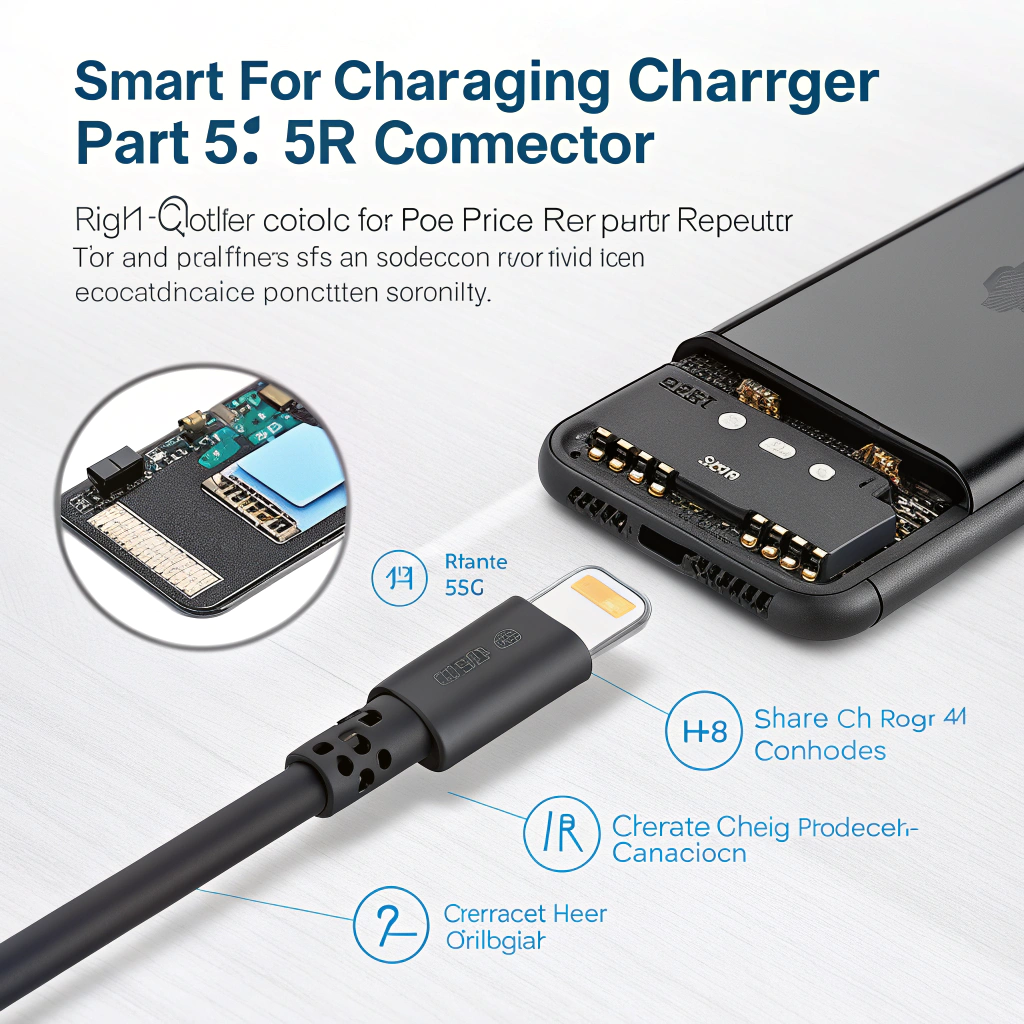
Leaving phone charged for too long or after full charge speeds up battery wear. It can shorten overall battery life.
When overcharge happens
When battery hits 100%, some phones stop charging. Others keep trickle charging. That small current with heat still stresses battery cells.
If phone stays plugged hours after full, battery stays at high voltage. High voltage over long time reduces battery health.
Best unplug moments
- Unplug when battery shows 80–90%.
- If you need full 100% (for long use day), unplug soon after it reaches 100%.
- Avoid leaving charger connected overnight.
What about use during charging
If phone is heavy used while charging — games, video — battery heats up. Heat plus full voltage is worst for battery.
Try:
