

I see many people damage new batteries on the first day. I did the same before, so I know how painful it is.
You should charge a new mobile phone battery with simple steps: keep the level between 20% and 80%, avoid heat, use the right charger, and allow the system to calibrate itself with normal use.
I want to guide you through the real steps that I follow when I test new batteries every day. These steps come from long hours of work, failed tests, and many lessons.
What steps ensure proper first charge?
I know the stress when someone buys a new battery and wants to “activate” it the old way. I had the same confusion when I first handled large shipment tests years ago.
You can ensure a proper first charge by charging the battery to around 80%, keeping the phone cool, and using the original or certified charger during the first few cycles.

When I first started to test batteries, I thought I had to charge every new unit to full 100% for several hours. Later, I learned that modern lithium batteries do not need that. They only need slow, clean, and stable charging during the first few cycles. I follow this method every time, and it helps me understand the health of the battery before I ship it out.
Why the first 80% matters
The first 80% charge helps the battery settle into a stable pattern. Lithium cells work best when they are not pushed to their max. I learned this from repeated test failures many years ago. When I forced new batteries to 100%, I noticed a higher chance of heat and faster capacity drop.
Basic steps table
I often explain these steps in a simple table for new staff:
| Step | What I Do | Why It Works |
|---|---|---|
| 1 | Charge to 80% | Reduces stress on new cells |
| 2 | Keep phone cool | Heat hurts capacity fast |
| 3 | Use certified charger | Ensures stable current |
| 4 | Let phone rest after charge | Helps temperature settle |
| 5 | Use normally after that | System learns battery behavior |
The first charge timeline
I keep the process simple:
- Charge from 20% to 80%
- Stop and let it cool
- Use the phone normally
- Repeat this for the first two days
This pattern teaches the battery and the system how to work smoothly. I learned that simple habits on day one can reduce many problems in the next six months. When I skip these steps, I see more returns and more customer complaints. When I follow them, the battery runs stronger for longer.
How do settings support new batteries?
I see many people ignore phone settings when they charge a new battery. I used to ignore them too, until I noticed some new batteries dropped fast, not because of quality, but because the phone was running too many things in the background.
Phone settings support new batteries by reducing background load, lowering screen power, and keeping the device cool so the battery can stabilize during early cycles.
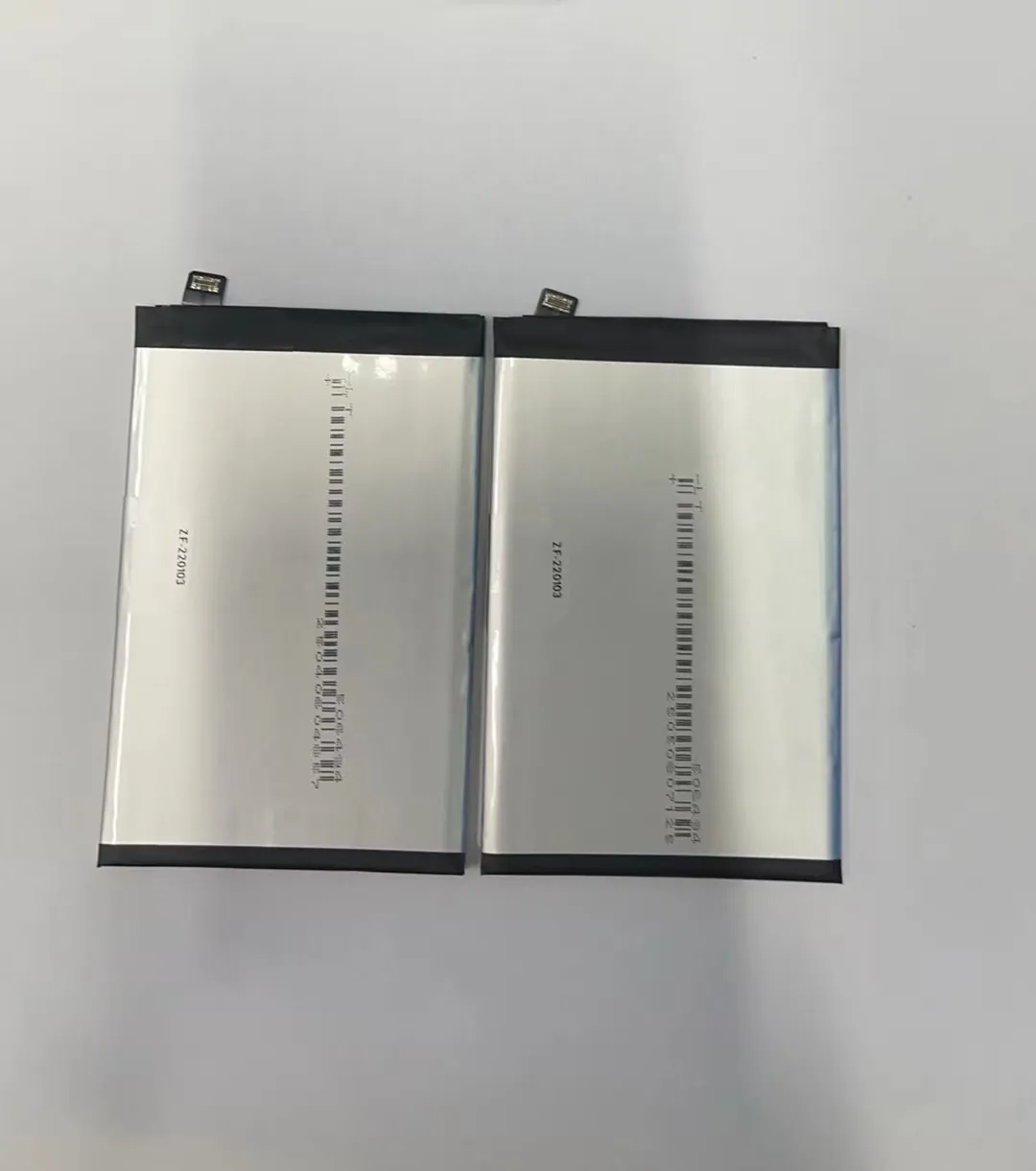
I test batteries every day, so I know how much settings can change the result. When I turn off heavy features, the battery warms up less during charging. This keeps the energy inside the cells stable. If you let the phone run many tasks in the background, it heats up, and the new battery suffers.
Key settings that reduce heat
I always set these options when testing:
| Setting | My Action | Why I Do It |
|---|---|---|
| Screen brightness | Keep it low | Lower heat and load |
| 5G or data | Turn off when not needed | Stops fast drain during early cycles |
| GPS | Off unless used | Reduces background heat |
| Auto-sync | Pause it | Keeps battery stable |
| Always-on display | Off | Reduces constant drain |
These small choices help the battery relax and learn its range.
The role of battery calibration
Calibration is not a special process. It is simple. The system needs a few cycles to read the battery's real behavior. I never force deep cycles or full 100% charges. I let the phone use power in a normal way. After two or three days, the system becomes accurate. When I skip this, the battery level jumps around.
Why lighter settings matter
If your phone uses less power during early cycles, the battery controls temperature better. This makes the chemistry inside more stable. I learned this after watching test logs for thousands of units. Patterns do not lie. If the phone is hot, the battery ages fast. If it is cool, the battery lasts longer.
Why avoid overheating during charge?
I have seen more batteries fail from heat than from anything else. When I test each batch before shipment, I watch temperature closely. If a phone gets hot, I know the battery will show problems later.
You should avoid overheating during charging because high heat breaks down battery cells, reduces capacity, and speeds up aging even in the first few cycles.

Heat is the hidden enemy. It is easy to ignore because it builds up slowly. Many people charge their phones under pillows, in cars, or with thick cases on. I used to think it was fine, until I tracked failure rates from customers. The numbers changed when I taught them to avoid heat.
How heat damages a new battery
Heat speeds up chemical reactions inside the cell. These reactions reduce the amount of lithium that can move freely. This makes the battery weak. When a new battery faces heat on day one, it loses part of its lifespan forever.
Simple temperature rules
I always follow these rules during tests:
- If the phone is warm, stop charging
- If the phone feels hot, unplug and let it cool
- Avoid direct sunlight
- Keep the phone away from thick fabric
- Do not game or watch videos while charging
Heat sources you might ignore
Many users forget about these everyday heat sources:
- Car dashboards
- Wireless chargers with poor airflow
- Power banks with fast charging on
- Cases that trap heat
- Charging near windows in summer
My personal lesson
I once charged a batch of phones on a warm table near a window. The inside temperature rose without me noticing. The charge time looked normal, but the later capacity test dropped by almost 6%. That test taught me a lot. Since then, I monitor heat with simple habits. It changed my work and reduced customer returns.
Which habits protect early cycles?
I know how important the first few cycles are. I saw many good batteries become weak because users rushed the process. Good habits can protect these cycles and keep the battery strong for months or years.
You can protect early battery cycles by keeping charging between 20% and 80%, avoiding heat, using steady charging, reducing heavy apps, and letting the system learn through normal use.

I follow the same habits when I test batteries for long-term reliability. These habits look simple, but they make a big difference.
My recommended early-cycle habits
1. Keep charge between 20% and 80%
This range protects the cell and reduces stress. I saw fewer swollen batteries when customers followed this rule.
2. Use slow or normal charging
Fast charging makes more heat. I use slower chargers during testing. It gives cleaner results and protects the new cell.
3. Avoid heavy use during charging
Gaming, video streaming, and camera use create heat. When I let the phone rest, the battery stays cool.
4. Reduce background apps
I always clean background apps during early cycles. It lowers internal heat and keeps power readings stable.
5. Let the system calibrate
Do not force deep discharges. I use the phone normally and let the system learn naturally. It becomes accurate after two or three days.
A simple checklist
I share this simple checklist with new staff:
| Habit | Why It Helps |
|---|---|
| Keep charge 20–80% | Reduces stress on new cells |
| Avoid heat | Protects battery chemistry |
| Use stable chargers | Prevents voltage spikes |
| Light use during charging | Stops extra heat |
| Let system learn naturally | Improves accuracy |
Why small habits matter
I have tracked many test logs. The batteries that follow good early-cycle habits last longer. They hold capacity well and show fewer heat signs. The difference is clear when you compare the same model of battery used with different habits. Good habits build strong batteries from day one. It is simple, but it works.
Conclusion
A new battery needs simple care. When you keep it cool, charge it gently, and let the system learn, it becomes stronger and more stable. These easy steps help the battery work better for a long time.
