

Many phone problems come from dirty or corroded connectors. Without proper cleaning, battery issues or charging failures keep happening. You need a safe, clear method to fix this.
Dirty or oxidized battery connectors often stop good batteries from working. Cleaning them carefully can restore connection and avoid more damage.
If you want the phone battery to work well again, cleaning the connector right is key. Below I show safe tools and methods to clean, how to avoid risks, when cleaning works, and when you must replace connectors.
What tools clean connectors safely?
Dirty connectors cause pain. Using wrong tools can damage them. You need the right tools.
Use soft, non‑metal tools and gentle erasers — they clean connectors without scratching or bending.

Why tool choice matters
Connectors on phone batteries and devices are often made with fine metal contacts. These contacts can bend or scratch easily. If a heavy or hard tool touches them, the surface may deform. That can stop the battery from fitting or connecting properly. Also, scratching can remove the protective plating. That makes corrosion worse over time.
Good tools help clean without damage. Bad tools can cause permanent harm.
Recommended safe tools
Below is a table of safe tools and what they do:
| Tool | Purpose | Notes |
|---|---|---|
| Soft plastic pick / spudger | Remove dust, debris, loose dirt | Avoid metal ones |
| Pencil eraser (soft) | Gently rub connector surface | Use light pressure only |
| Clean, dry microfiber cloth | Wipe dust and loose oxidation | No lint left behind |
| Dry cotton swab (Q‑tip) | Reach tight corners gently | Use dry only, not wet |
I suggest starting with a soft plastic pick or spudger. Use it to push out dust and small particles. Then use a soft eraser to rub gently the connector metal surface. That removes light corrosion without scratching. Finally, wipe the contact area with a dry microfiber cloth to remove residue.
Always work in a clean, static‑free area. Wear gloves or touch with care to avoid oils from fingers. Do not press hard. Do not use metal tools. Do not bend the connector pins. These steps keep the connector intact.
If the connector is heavily corroded or physically bent, cleaning alone may not help. Then consider replacement — I cover that later.
Why avoid liquid cleaners?
Liquid cleaners seem useful. They can dissolve grime fast. But for small battery connectors, liquids are risky.
Most liquid cleaners can seep into battery or phone internals and cause corrosion or short circuits. Dry cleaning avoids that risk.

The danger behind liquids
Liquid cleaners like alcohol, contact cleaner sprays, or water mixtures may upset small phone parts. Battery connectors are near plastic, insulation, and battery cells. Even a tiny drop that seeps in can do big damage. Over time, moisture causes rust or electrical shorts.
Some cleaners leave residue when they evaporate. That residue can block connector contact. Also, lubricants in cleaners may attract dust. In dusty environment, dust plus sticky residue equals a bigger mess.
For these reasons, liquid cleaning is not safe unless you are a trained technician and fully disassemble the phone. For typical battery‑connector cleaning, dry methods are safer and enough.
When liquid might be okay — and still risky
In some controlled repair labs, trained staff use very specific contact cleaner sprays. They apply with controlled amount, avoiding battery area. After cleaning they fully dry and vent parts. Even then there is risk.
If you don’t have such setup, skip liquids. Choose dry cleaning tools only. That keeps the connector and battery safe from moisture, residue, and risky chemicals.
How do you remove oxidation buildup?
Carbon, oxidation, and tiny rust spots block metal‑to‑metal contact. This problem reduces charging or power delivery. You must remove buildup carefully.
Use gentle abrasion and repeated dry rubbing to lift oxidation. Light pressure, steady motion, avoid chemical cleaners.
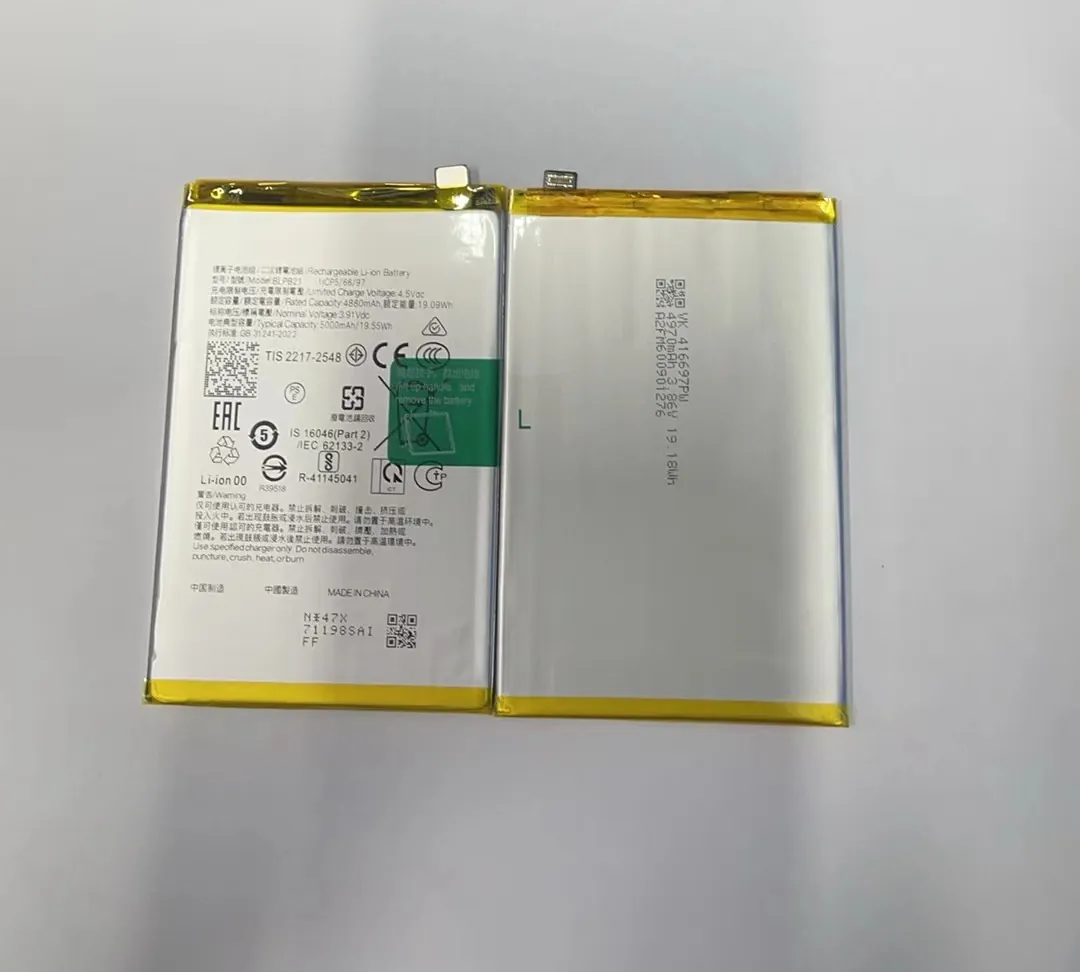
What is oxidation and why it matters
Oxidation happens when metal contacts meet air and maybe moisture. The metal reacts and forms a thin layer of oxide or corrosion. Even a very thin layer can act as insulator. That stops electricity flow. For battery connectors, that means poor contact, weak charging, or no power at all.
When you inspect under a light, the connector may look dull, discolored, or slightly rough. That is a sign. Even if dust is gone, oxidation remains.
How to clean oxidation step by step
- Wear gloves or ensure your hands are clean. Oils from skin can make oxidation worse.
- Use a soft plastic pick to remove dust or loose particles first.
- Use a soft pencil eraser. Gently rub the metal contacts in small, circular or back‑and‑forth motion. Use light pressure only.
- After rubbing, blow lightly (or use dry air can) to remove eraser dust. Then wipe with microfiber cloth.
- Repeat rub‑and‑wipe until metal looks shiny and uniform. Do not over‑rub.
Compare cleaning methods
| Method | Pros | Cons |
|---|---|---|
| Soft eraser + dry cloth | Safe, no moisture, cheap | Slow for heavy corrosion, needs care |
| Fine‑grit sandpaper / metal tool | Fast removal | Risk scratches, removes plating, bad for connector life |
| Liquid contact cleaner | Can reach small gaps | Risk moisture seepage, residue, short circuits |
| Replacement | Best long‑term reliability | Cost, need proper part and skill |
Using eraser + dry cloth is the safest home method. Avoid sandpaper or rough tools — they scratch metal and remove any protective coating. Sandpaper also leaves rough surface, gathers dirt fast later.
Be gentle. If corrosion is heavy — brown or green rust, deep dark spots, pitting — cleaning may not restore full conductivity. Repeated rubbing can thin or damage the metal. In those cases, cleaning may give short‑term gain but long‑term risk.
If after cleaning battery still fails or contacts look damaged, it likely needs replacement.
Signs cleaning worked
- Metal surface looks shiny, uniform, with no dark spots.
- No dust or debris around connector.
- When battery is re‑installed battery makes firm click and charger connects easily.
- Power or charging behaves normal after test.
If connector still feels loose or power unstable, that indicates deeper damage.
When should connectors be replaced?
Cleaning helps in many cases. Sometimes cleaning fails. Then replacement is safer and more reliable.
If connector pins are bent, deeply corroded, or contact fails after cleaning — replace connector.
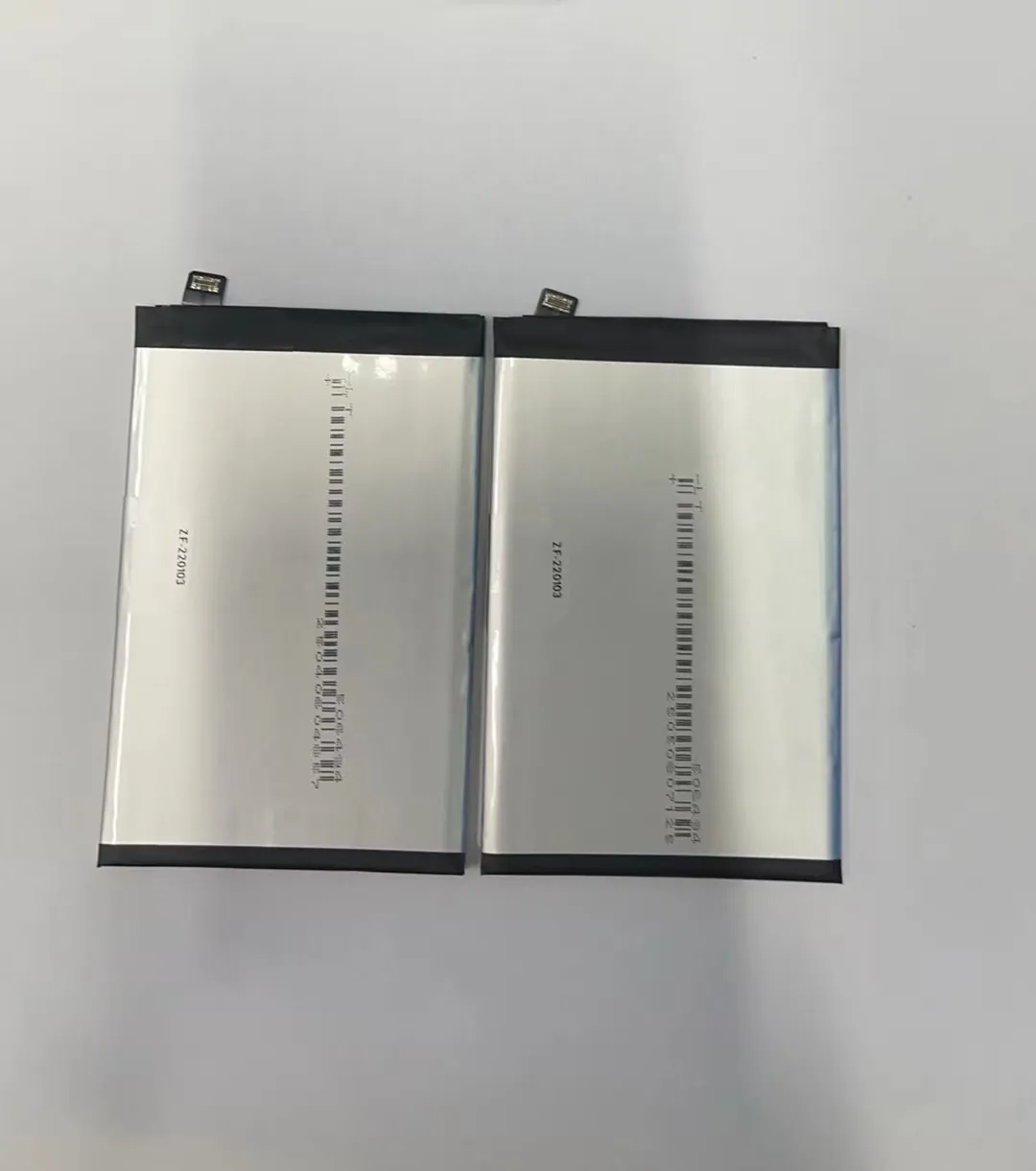
When cleaning no longer works
- Pins are visibly bent, warped, or misaligned.
- Metal surface has deep corrosion pits or dark green/black oxidation that does not wipe away.
- Connector no longer gives firm contact after cleaning attempts.
- Battery makes poor connection, intermittent power, or fails to charge.
If any of these appear, cleaning may only give temporary fix. Long‑term reliability is poor.
Why replacement is better sometimes
A damaged connector may fail again soon. Cleaning can only restore surface. It cannot realign bent pins or restore eroded metal. Reuse of damaged connector risks:
- Poor power conduction.
- Battery falling loose.
- Further damage to battery contacts or device socket.
Replacing ensures solid metal contact, proper alignment, and longevity.
What to do if replacing
- Order correct connector part for your phone battery or device.
- Use proper tools for removal and installation.
- Avoid contact with moisture or fingerprints during swap.
- After installation, test battery fit and charging multiple times before putting phone back to use.
Quick decision guide
| Situation | Action |
|---|---|
| Connector just dusty or lightly oxidized | Clean safely with eraser + cloth |
| Connector has mild oxidation but intact pins | Clean, test, may reuse |
| Connector bent or deeply corroded | Replace connector |
| Battery still fails after cleaning | Replace connector or battery |
Conclusion
Connector health matters. Use soft plastic tools, dry methods, gentle erasing to clean. Avoid liquids. Clean oxidation carefully. Replace connector when damage is severe. That keeps battery safe and device working.
