

Mobile phone batteries run out fast. Many people struggle with power all day long. This can be a real stress when you need your phone most.
Mobile battery life depends on many habits and settings. With simple changes you can save power and make your battery last longer each day.
In this guide I share clear ideas you can start using now. You will learn what habits drain power, how airplane mode helps, and how temperature and travel affect your battery.
Which habits drain battery the fastest?
Every day we do things that use a lot of battery power. Some habits are easy to fix. Others we barely notice. When we understand what drains battery fast, we can change habits to save power.
Screen brightness, background apps, and wireless connections are major drains on battery life.

Some habits eat battery quicker than others. Often we do not see the impact until the battery is low. I will break down key habits and show why they matter.
Screen Brightness and Screen Time
Your phone screen uses the most power. The brighter the screen, the more battery it uses. When you keep your screen on for longer, power drains fast.
- High brightness uses more energy.
- Dark mode saves some power on OLED screens.
- Long screen-on time is a major drain.
Tips to reduce screen battery drain
| Habit | Why it matters | What to do |
|---|---|---|
| High brightness | Uses more power | Lower brightness or use auto-brightness |
| Long screen time | Keeps battery active | Turn off screen when not needed |
| Frequent unlocking | Wakes screen often | Reduce notifications and lock quickly |
Lowering brightness and using dark mode helps a lot. Try to check your phone only when needed. This simple change can save big battery drain.
Wireless Connections and Syncing
Wi‑Fi, Bluetooth, and mobile data keep working in the background. They search for networks and connect often. This uses battery even when you are not using the phone.
- Bluetooth drains power when always on.
- Wi‑Fi scans networks even when not connected.
- Mobile data keeps apps syncing.
How to manage connections
| Connection Type | Typical Drain | What to change |
|---|---|---|
| Bluetooth | Medium | Turn off when not in use |
| Wi‑Fi | Medium‑High | Disable scanning when idle |
| Mobile Data | High | Use Wi‑Fi when possible |
Turning off unused connections is a simple habit. It prevents your phone from working in the background all the time.
Background Apps and Notifications
Many apps run in the background to update content. This means the phone is doing work even when you are not using it. Each sync or refresh uses battery.
Some apps refresh more often than needed. Others send many notifications that wake the screen and use power.
Control background activity
You can limit background activity in phone settings. On most phones you can choose which apps can refresh automatically.
- Turn off auto‑sync for non‑critical apps.
- Reduce push notifications.
- Use battery saver mode to limit background work.
Even small changes here can save power over a day.
Location and Sensor Usage
GPS and location services use a lot of power. Apps that track your location, even in the background, wear down battery fast.
Some apps use other sensors like the gyroscope, accelerometer, and compass. These also use energy.
Manage location settings
- Turn off location for apps that don’t need it.
- Use “Only while using the app” setting.
- Disable always‑on sensors when possible.
GPS tracking for maps or exercise apps drains battery quickly. Ask yourself if the app really needs your location all the time.
In summary, screen usage, wireless connections, background apps, and location are big drains on battery. When you change these habits, you will see your battery last longer.
Can airplane mode save battery effectively?
Many people use airplane mode on flights. But can it really save battery in daily use? The answer is yes, but it depends on how you use your device.
Airplane mode stops wireless radios and can save battery when your phone is idle or when coverage is poor.

Airplane mode turns off cellular, Wi‑Fi, Bluetooth, and other signals. When the phone is not searching for networks, it uses much less power. This can be very useful in certain situations. Below we look at how and when airplane mode helps most.
What Airplane Mode Does
Airplane mode disables most wireless communication:
- Cellular network
- Wi‑Fi
- Bluetooth
- GPS signals (sometimes)
With these off, your phone stops connecting and searching for signals. This can save battery significantly.
When Airplane Mode Saves Battery Most
Airplane mode is most effective when:
-
You don’t need to use wireless services.
If you are reading offline content or using apps that don’t need internet, airplane mode stops unnecessary power use. -
Signal is weak.
When coverage is poor, your phone uses extra power to try and find a signal. Airplane mode stops this search and saves battery. -
At night or unused times.
If you don’t check your phone, airplane mode can help the battery last longer overnight.
When Airplane Mode Might Not Be Practical
Airplane mode also stops calls, texts, and data. This is not always useful during daily use. Many people want messages and calls. So use airplane mode only when you can afford to disconnect.
Here is a simple view of when to use airplane mode:
| Situation | Airplane Mode Useful? |
|---|---|
| Strong coverage | Low impact |
| Weak coverage | High saving |
| Gaming or streaming | Not ideal |
| Offline reading | Very useful |
How Much Battery You Can Save
Battery savings vary. In strong signal areas, savings are small. In weak signal places, savings can be large. This is because the phone stops working hard to find a signal. You will notice slower battery drop when airplane mode is on.
Practical Use Cases
- Long meetings or classes when you don’t need connectivity.
- Traveling across areas with bad signal like rural zones.
- Night time when you sleep and don’t need notifications.
Airplane mode is a powerful tool when used at the right time. It is not a daily answer for everyone, but it can help on long days with heavy use.
Does temperature affect battery lifespan?
Battery performance changes with temperature. Both high and low temperatures can hurt battery health. Understanding this helps you protect battery in daily life.
Batteries work best in moderate temperatures. Too hot or too cold conditions shorten battery life and make performance worse.
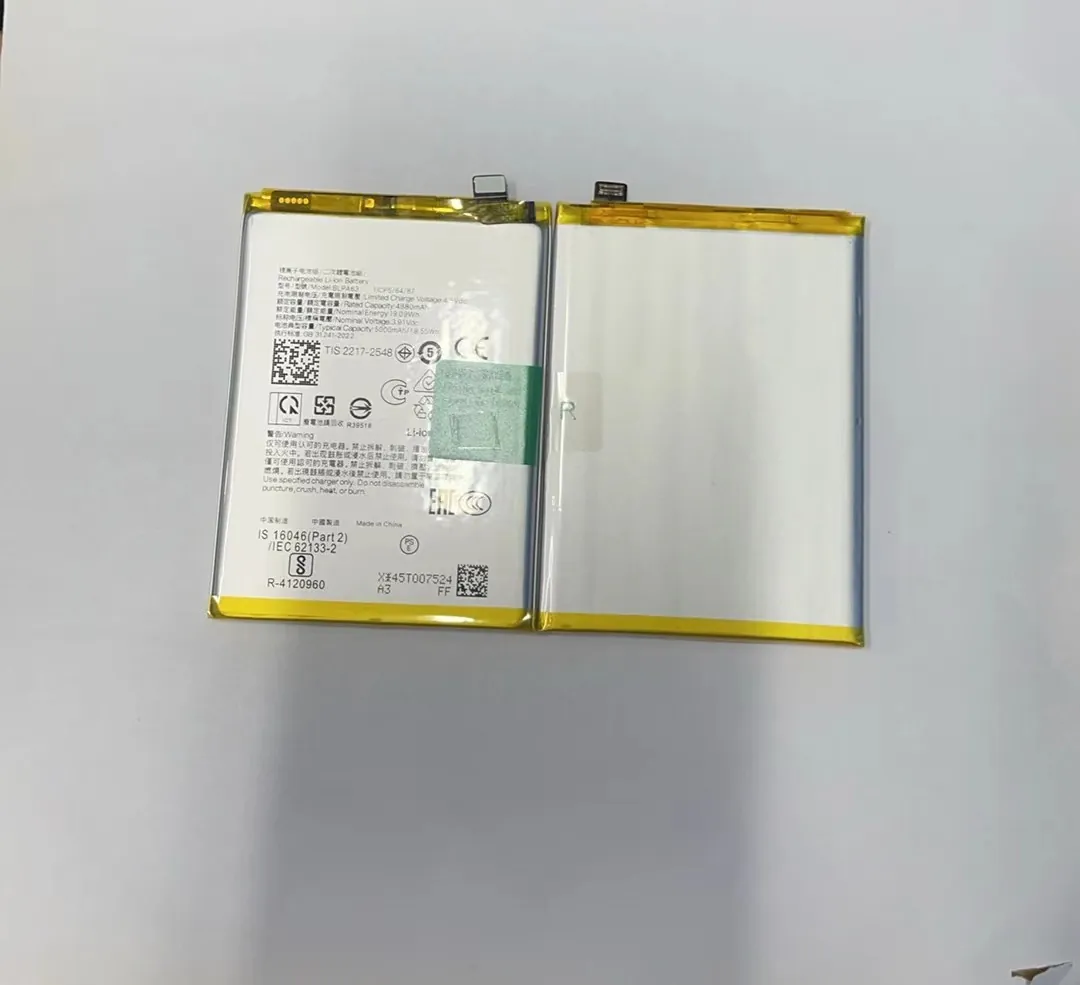
Temperature matters a lot for battery health. Modern lithium‑ion batteries are sensitive to heat and cold. Extreme temperature can reduce the ability of a battery to hold charge over time. Let’s look deeper into how temperature affects your phone battery.
Why Temperature Matters
Battery chemistry reacts to heat and cold. Too much heat can damage cells. Too cold can slow the battery’s ability to deliver power.
- Heat increases chemical activity and speeds up wear.
- Cold slows reactions and reduces available power temporarily.
Keeping your phone in normal temperature helps battery last longer.
High Temperature Effects
When a phone gets hot, battery life shortens faster. Heat can come from:
- Direct sunlight
- Hot cars
- Intensive use such as gaming or video editing
Heat speeds up chemical wear inside the battery. This reduces total lifespan. Over time your battery will hold less charge than before.
Signs of Heat Damage
- Quick battery drain
- Phone feels hot to touch
- Battery capacity drops faster over months
To avoid heat damage:
- Don’t leave phone in a hot car.
- Remove phone case when charging if it gets hot.
- Avoid long gaming sessions in hot places.
Low Temperature Effects
Cold does not damage battery like heat. But it can reduce performance. When cold, your battery may show lower charge than actual.
For example:
- A 50% battery may drop to 30% in cold weather.
- When warmed up, battery percentage returns.
Cold impact is temporary. Still, it causes frustration when battery seems to drop quickly outdoors.
Handling Cold Conditions
- Keep phone close to body in cold weather.
- Use a protective case to insulate.
- Avoid long exposures to cold.
Cold does not reduce ultimate battery capacity like heat, but it affects performance temporarily.
Best Temperature Range
The ideal range for most phone batteries is between 20°C to 30°C (68°F to 86°F). In this range batteries operate efficiently and last longer over time.
Everyday Temperature Tips
Here are simple tips to protect battery from temperature:
- Avoid direct sun on phone.
- Don’t charge in hot places.
- Keep phone warm in cold weather.
- Use shade or air conditioning when possible.
Temperature is often overlooked. Yet simple changes here can extend battery life noticeably.
How do you optimize battery during travel?
Travel adds stress to your phone battery. You may need navigation, photos, messages, and calls all day. Without planning, battery can run out fast.
To protect battery while traveling, adjust settings, plan charging points, and use portable power wisely.
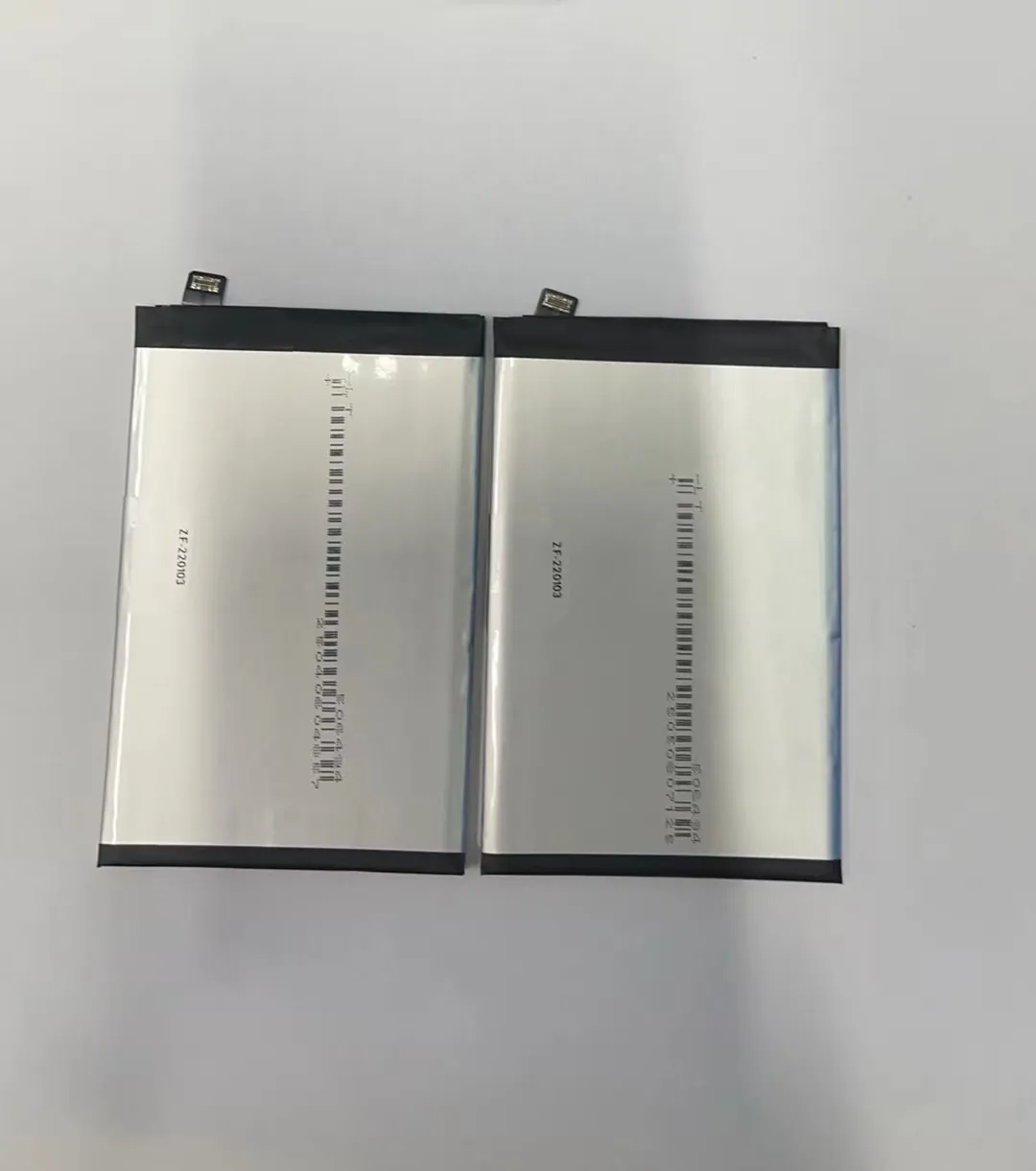
Travel means you use your phone more than usual. You may be out of reach of plugs. So you must optimize battery to avoid sudden shutdowns. Below are practical steps you can take.
Plan Your Battery Use
First, check your battery health and set expectations. If your battery is old, it will drain faster. Plan charging breaks and use power saving tools.
Travel Battery Checklist
- Check battery percentage often
- Know local access to chargers
- Use power saving mode
Adjust Settings Before Travel
There are many small settings that make a big difference on the road.
- Lower screen brightness.
- Turn off Bluetooth and Wi‑Fi when not needed.
- Limit location services.
- Close unused apps.
Quick Settings Table
| Setting | Change to Save Power |
|---|---|
| Screen Brightness | Lower or auto |
| Wi‑Fi | Turn off when not used |
| Bluetooth | Disable if not needed |
| Location | Only while app in use |
These changes reduce drain and help your battery last longer during a travel day.
Use Offline Options
Maps and travel guides often allow offline use. Download what you need before you go.
Benefits of offline use:
- No constant GPS search
- No data use
- Faster loading
This helps battery and data usage at the same time.
Portable Chargers and Power Banks
Carrying a power bank is one of the best travel habits. Choose reliable and high capacity.
When choosing a power bank:
- Pick one that supports fast charging
- Ensure it has enough capacity for multiple charges
Power banks give freedom without constant searching for sockets.
Save Power at Night
When you sleep, your phone still uses battery for updates and network connections. Use airplane mode or power saver mode at night.
This gives you more power in the morning.
Mid‑Trip Charging Tips
Look for:
- Charging stations in airports, cafes, and hotels
- USB ports on buses or trains
- Car chargers if driving
Plan charging stops around meals or breaks.
Traveling Abroad
When traveling to other countries:
- Local voltage can differ. Use proper adapters.
- Avoid cheap chargers that can heat battery.
- Fast charging is useful but can cause heat. Use it wisely.
Summary of Travel Optimization
Travel battery life is about planning, settings, and tools. With preparation you avoid dead battery at critical moments.
Conclusion
Mobile battery life improves when you change habits, control settings, protect against heat and cold, and plan during travel. These steps help your phone last longer each day.
