

When your phone dies too fast or acts weird, you feel frustrated and stuck. Maybe the battery is failing you. This guide shows how to spot battery problems and what to do.
If your battery acts weird, drains fast, or charges slowly, you must check it early. Good fixes or replacement can save your phone life and money.
Let’s dig into clear signs, possible quick hacks, and full fixes so you know when to act and what to pick.
What are signs that your phone battery needs fixing?
When a phone battery fails, there are early warning signs. Many users ignore them until it is too late. Spotting these signs helps avoid sudden shutdowns or damage.
If the phone shuts down quickly, overheats, or battery jumps from 50% to 10% in seconds, that shows the battery needs checking or fixing.
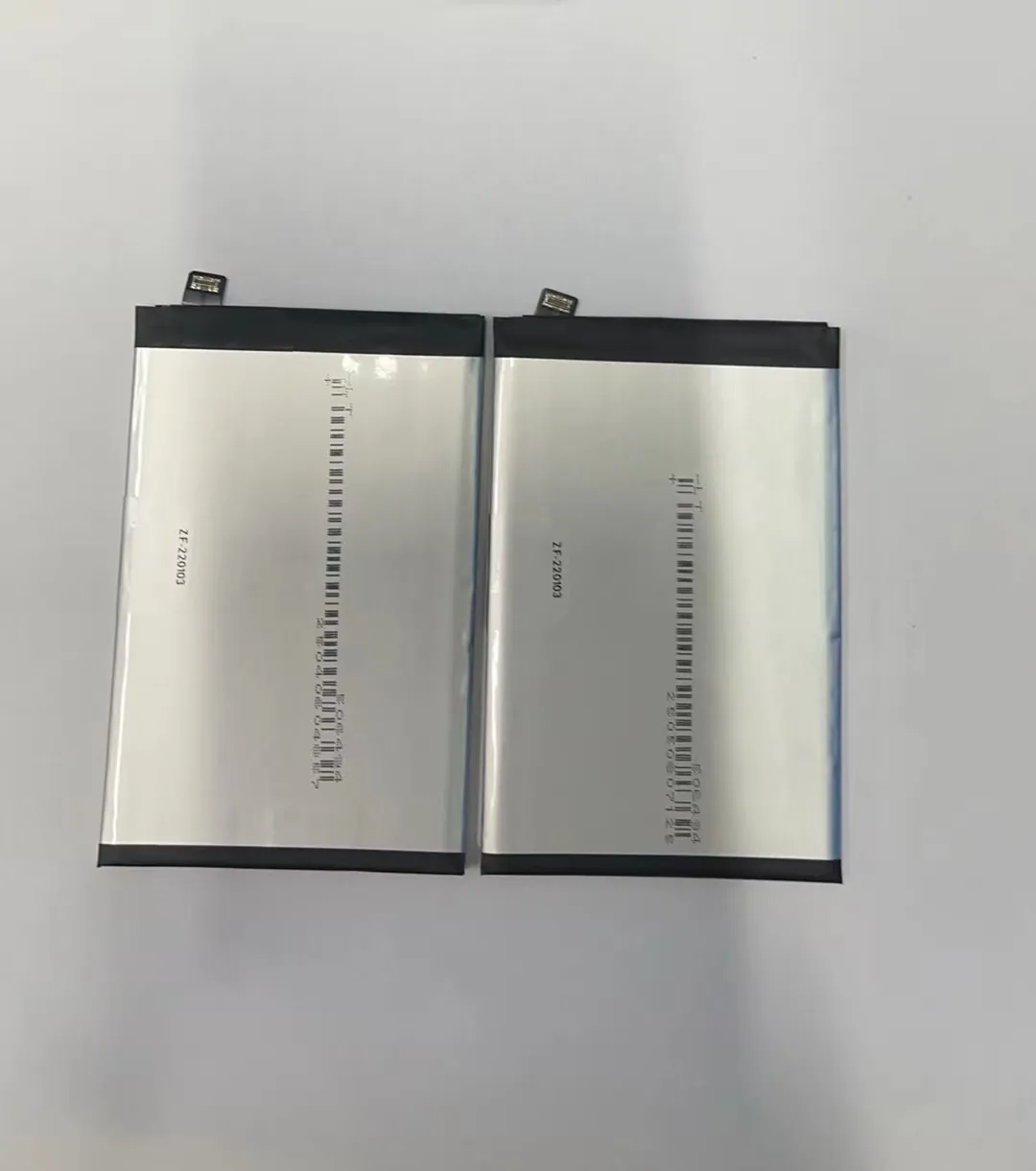
Let’s look deeper at common signs and what they mean.
Common Warning Signs
| Symptom | What it means |
|---|---|
| Battery drops fast or shows low percentage soon after full charge | Battery capacity has dropped; cells lost ability to hold full charge |
| Phone shuts off abruptly even with battery showing charge | Battery can’t deliver stable voltage under load |
| Phone gets hot during charging or use | Internal resistance increased; battery is stressed or damaged |
| Battery percentage jumps up and down | Battery sensor misreads due to aging or defective cells |
| Battery charges slowly | Battery cells degrade; charging circuit struggles |
These signs often appear over weeks or months. A drop in runtime by 20–50% may seem okay at first. People often accept shorter battery life. But sudden shutdowns or swelling cases signal deeper problems.
Why these issues happen
Battery performance drops because the chemical cells inside wear out. Every full charge and discharge slightly reduces cell capacity. Over time that adds up.
Heavy use, heat exposure, or frequent full discharges speed up degradation. For example: gaming, intensive apps, or charging under a hot sun.
If battery age goes beyond 2–3 years, serious drop is common. Even if phone works fine when new, battery life falls.
Sometimes battery sensor or calibration becomes wrong. Then phone shows wrong percentage. People trust the reading and get surprises.
Risks of Ignoring Early Signs
If you ignore signs for long, these problems may worsen:
- Sudden phone shutdown. That can corrupt data or harm last operation.
- Battery swelling. That may damage phone casing or screen.
- Overheating. That reduces battery life and may harm phone components.
Checking for symptoms early can save a costly repair.
If you see any of above signs, watch the phone closely. Try small tests: unplug charger and see how fast battery drops. Try heavy use for 10–15 minutes to see temperature rise.
This helps you decide whether to push through or act now.
Can calibration solve phone battery problems?
Many users think calibration can fix battery issues. It may help in some cases. But calibration can’t fix worn out battery cells. You need to know when calibration helps and when it won’t.
Calibrating battery stats may fix erratic percentage readings. It cannot restore lost capacity or fix real battery wear.
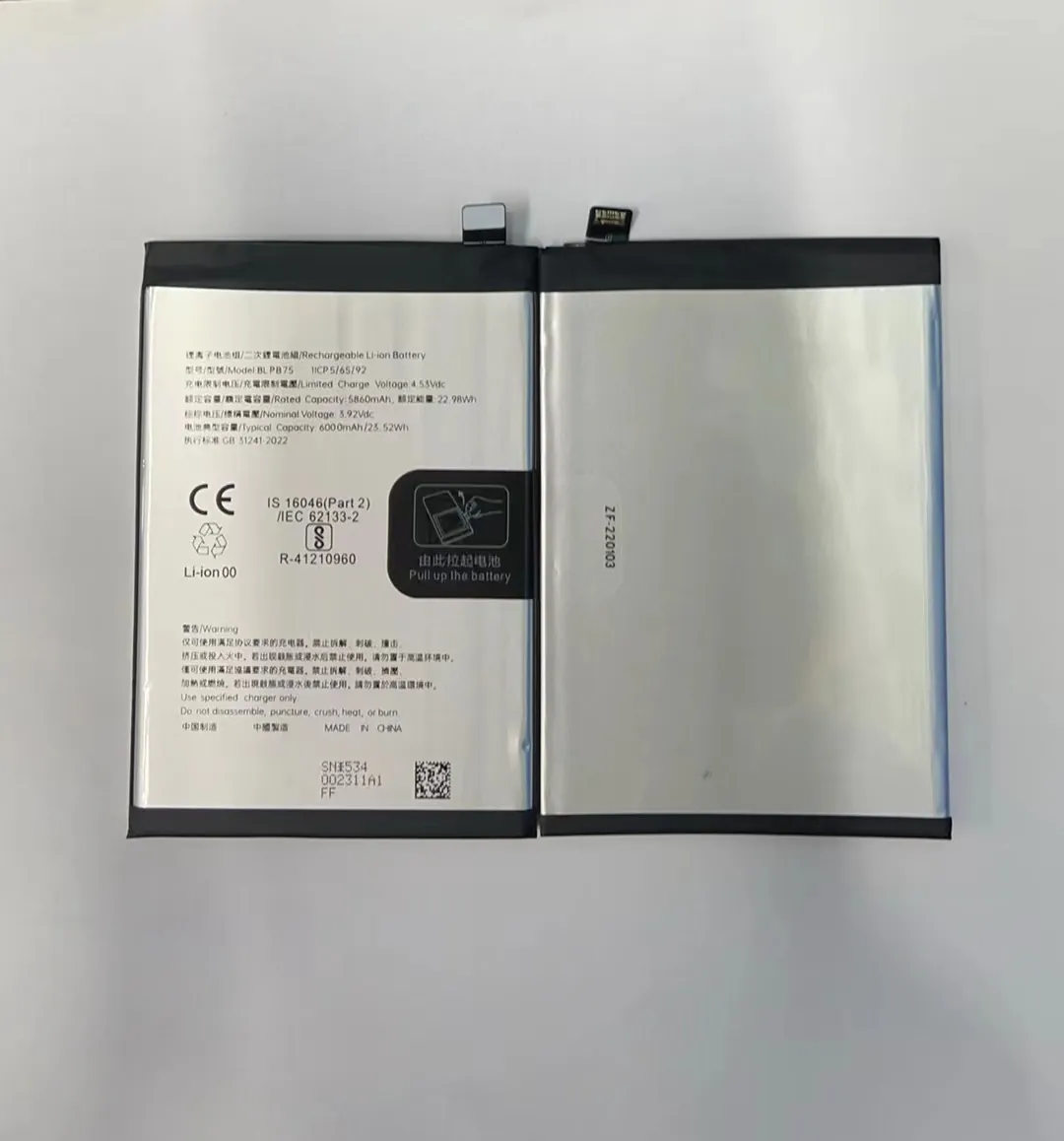
Here is deeper look at calibration and its limits.
What is Battery Calibration?
Battery calibration means resetting the phone’s battery gauge. It tries to match software reading with real battery charge. Over time battery gauge can drift. Battery may show 50% but actual charge lower or higher.
Calibration process usually goes: charge phone to 100%, keep charging extra time, then discharge it to near 0%, then recharge to 100% again. This gives software a full range to learn.
Some phones or tools ask calibration if they see weird jumps or inaccurate percentage.
When Calibration Helps
Calibration can help if:
- Battery percentage jumps up/down randomly.
- Phone shows 100% but dies soon.
- Phone switches off while reading still shows 20–30%.
These issues often come from wrong sensor data rather than real battery damage.
If you calibrate and predictions become stable again (percentage drops steadily), that means sensor errors were likely.
When Calibration Does Not Work
Calibration cannot fix issues like:
- Battery drains too fast even after calibration.
- Phone shuts down with moderate battery.
- Phone overheats or battery swells.
- Charging is very slow.
Those mean battery capacity is lost or battery hardware is faulty. Calibration only deals with software reading of charge state.
Why Calibration is Temporary at Best
Battery cells degrade gradually. Calibration does not reverse chemical degradation. If capacity is 60 % of original, calibration can’t make it 100 %.
You might get a slight improvement in reading, but battery runtime remains shorter. Also repeated full discharge/charge cycles themselves stress battery and can shorten lifespan more.
My Suggestion
Use calibration only if you see weird battery reading. Do not expect it to extend battery life. Treat calibration as quick test to see if battery percentage is wrong. If issues remain, consider real fix or replacement.
How do battery repair apps work on mobile devices?
Some apps claim to “repair” or “restore” phone battery health. That sounds great. But one must know what these apps really do.
Battery repair apps usually only monitor battery stats. They cannot reverse battery aging or repair damaged cells.

Let’s inspect what those apps can and cannot do, and what to expect.
What Battery Repair Apps Claim
Apps may claim they can:
- Extend battery life.
- Fix battery heating.
- Improve battery health score.
- Boost charge cycles count.
They often show graphs of “before” and “after” and promise better performance in weeks.
What These Apps Actually Do
Most battery repair apps actually do simple tasks:
- Show battery temperature, voltage, and charging history.
- Kill or warn about power‑hungry apps running in background.
- Suggest charging habits like avoid overnight charging or using quick charge all the time.
- Clear some cache or background tasks.
Sometimes they send notifications: “unplug charger at 80%”, or “close apps to save battery”.
Essentially, they offer better battery care tips and help avoid abusive charging or usage.
They do not open the battery or change hardware. They cannot fix chemical wear.
Why Claims Are Misleading
When user sees saved battery time after using such app, it is often due to reduced screen brightness, fewer background apps, or less heavy use. Not battery fix.
If phone usage pattern changes, battery life may improve slightly. App takes credit.
If battery health is already low, the improvement is small. The real capacity remains less.
When Using Repair Apps Makes Sense
Battery repair apps can help if battery is okay but phone settings or apps drain battery fast. For example:
- Many apps refresh constantly. Closing background apps helps.
- Bright screen and constant data use drains battery fast. Repair app can guide better habits.
- Charging habits cause battery wear. App can remind you to unplug or avoid fast charge.
In those cases, battery runtime may improve a bit. That is a “software‑level” fix, not hardware.
What to Expect and What Not
Expect: better battery runtime if battery is still healthy but usage or settings bad.
Do not expect: increased battery capacity, longer life span beyond natural wear, or fix of overheating or abrupt shutdown.
Use apps as helper tools. Use real repair or replacement when battery is old or worn.
Is it better to repair or replace a faulty battery?
When battery has real damage, you face a decision: try to repair (with tools or apps) or replace completely. Good choice depends on battery age, symptoms, and cost.
If battery capacity has declined or hardware is faulty, replacement is the safe way. Repair steps only help limited faults, if any.

Here is a deeper check to help decide which route to take.
Comparison: Repair vs Replace
| Option | Pros | Cons |
|---|---|---|
| Small fixes (software calibration, background cleanup, use apps) | Cheap, quick, no hardware risk | Does not restore real capacity; limited gains |
| Battery replacement with new cell | Full capacity restored; stable runtime; safe | Cost, time; phone must be opened; risk if done poorly |
When battery is young (less than 1.5–2 years) and issues are only about percentage error or slight drain, you may try software fixes. But if battery life is clearly shortened, or phone overheats or shuts off, replacement works better.
When Replacement Is Better
Replacement is better when:
- Battery drops fast even after calibration.
- Battery swells or case bulges.
- Phone heats up during charging or use.
- Battery is more than 2–3 years old and shows capacity loss.
- Phone shuts down randomly at moderate battery levels.
In these situations, repair steps seldom help. Swelling battery can cause screen damage or safety hazards.
When Small Fixes May Work
If symptoms are mostly about wrong percentage reading, slow charging, or some apps draining battery quickly, small fixes may help. Battery is still healthy. You may:
- Calibrate battery.
- Use battery‑management apps.
- Adjust settings: reduce screen brightness, close background apps.
- Avoid fast charging or keep battery between 20–80%.
These steps may bring noticeable runtime improvement and smooth out percentage readings.
Cost, Risk, and Benefit Analysis
When you replace battery, you invest in hardware. This often cost more and needs time. If phone is old, replacement cost may not be worth it. In that case you might consider phone replacement altogether.
If phone is newer or still fairly new, battery replacement gives you many more months or years of proper use. It may pay off.
Also battery replacement reduces risks: swelling, overheating, data loss. Safety is a strong argument.
My Recommendation
When battery problems go beyond odd readings, go for replacement. Battery life matters and battery safety matters. Use software fixes only for minor and software‑level issues. Treat them as temporary patch, not final solution.
Conclusion
Battery problems start small but grow fast. If phone battery drains fast, shuts off, or overheats, you should not wait. Try calibration or battery‑management tools only for sensor or usage issues. For real wear or damage, replacement is safest and most effective.
