

Mobile phone battery draining too fast? You're not alone. Many users struggle with short battery life, especially after months of use. But good news—there are practical fixes.
To improve mobile phone battery life, update your phone software, avoid extreme temperatures, limit background app activity, reduce notifications, and uninstall unused apps. These steps can make a real difference.
Battery life isn’t just about charging habits. It’s also about how we use our phones daily. Let me walk you through what really works, from updates to app management.
What updates can improve battery performance?
Software updates often bring excitement, but also worry—will it slow down my phone or ruin the battery?
Software updates can improve battery performance by fixing bugs, optimizing background processes, and introducing power-saving features that reduce unnecessary battery usage.
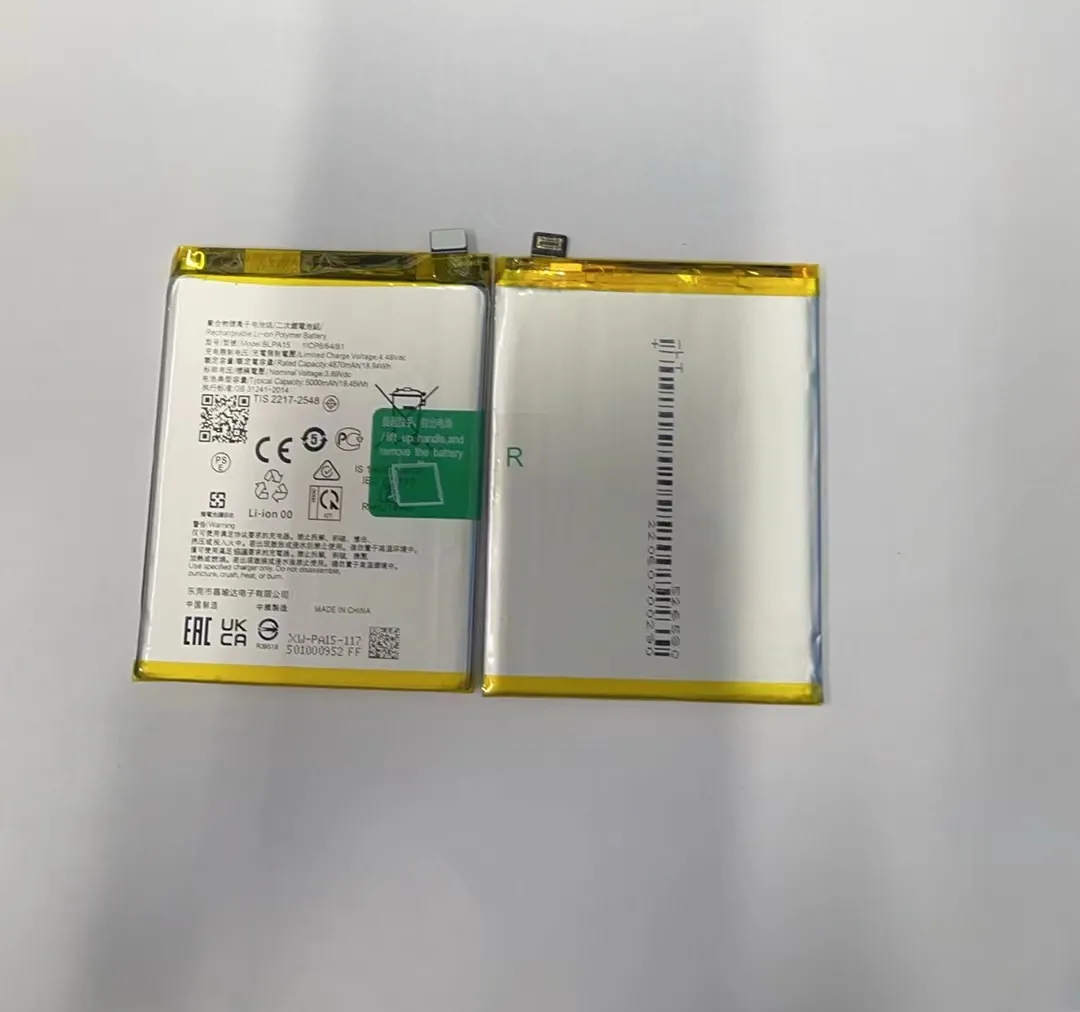
Many people avoid system updates, thinking they will slow down the phone. I used to think that too. But over time, I’ve realized that the opposite can be true. Manufacturers often roll out updates specifically to improve performance and battery efficiency. These updates fix bugs that might cause apps to drain your battery without you knowing.
Why Updates Matter
Let’s break down how updates help battery life:
| Update Type | Battery Benefit |
|---|---|
| System firmware | Improves power management algorithms |
| Security patches | Stops background spyware draining your battery |
| App optimizations | Makes apps consume less power in the background |
For example, I once had a phone that started draining fast overnight. After a software update, that problem disappeared. The update had optimized how background tasks were handled, which made a big impact.
Another key point is app updates. Developers frequently update apps to make them more efficient. Keeping apps up to date means they’ll run better and consume less power.
So, if you’ve been ignoring those update notifications, it might be time to change that habit. The improvements in battery life could surprise you.
How does temperature affect battery lifespan?
Have you ever left your phone in a hot car or used it while charging? If yes, you might be unknowingly damaging the battery.
Both high and low temperatures reduce battery lifespan by accelerating chemical aging or slowing down reactions. Keeping your phone between 20°C and 25°C helps maintain battery health.
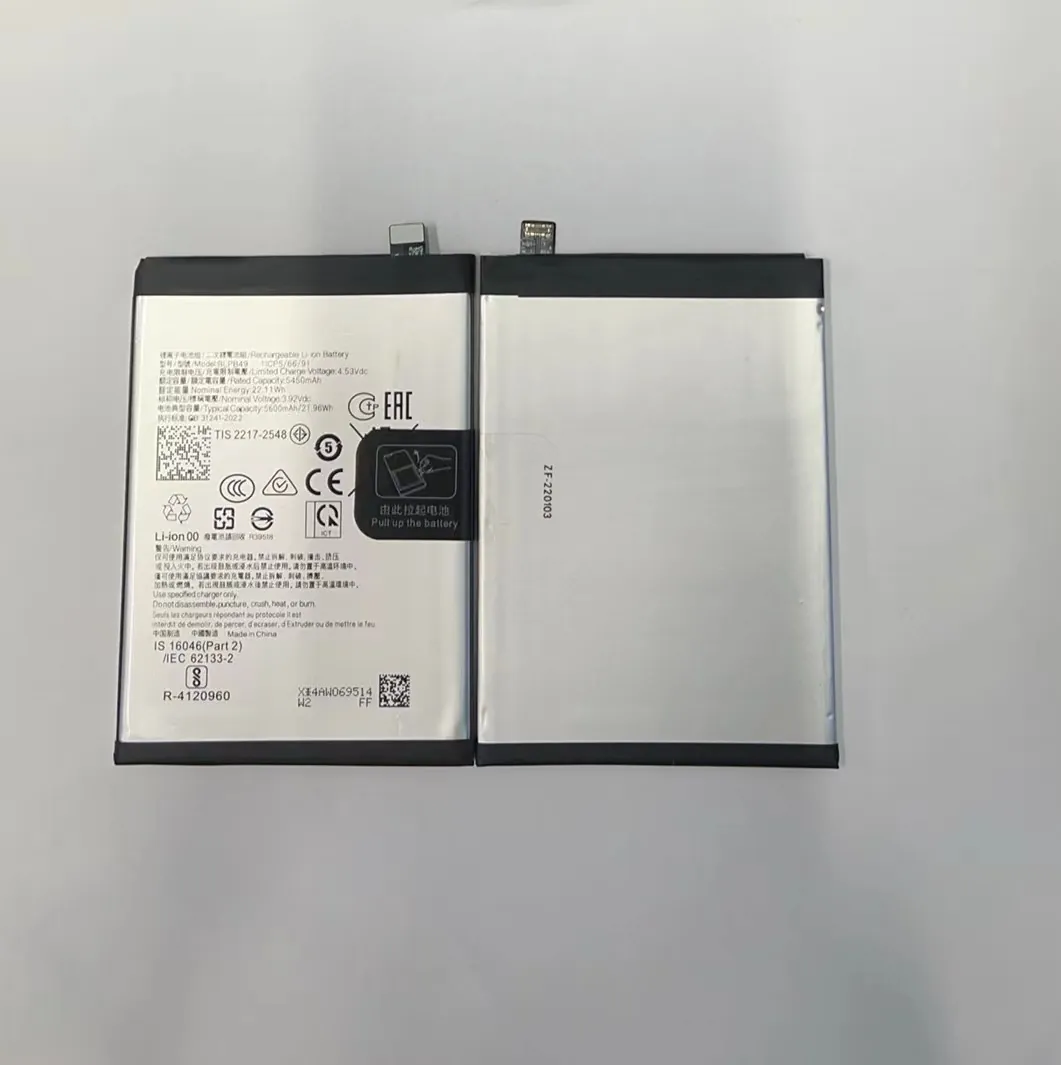
Lithium-ion batteries, like those in smartphones, are sensitive to heat and cold. If the phone gets too hot—say over 35°C—the battery starts to degrade faster. This is because high heat increases the chemical reaction rate inside the battery. It causes the battery’s internal structure to break down over time.
What Happens at Extreme Temperatures
| Temperature Range | Effect on Battery Life |
|---|---|
| Below 0°C | Battery drains faster, may shut down unexpectedly |
| 20°C - 25°C | Ideal operating temperature |
| Above 35°C | Battery degrades quickly, capacity decreases |
When I lived in a tropical area, I noticed my phone’s battery life went downhill fast during summer. I later learned that just leaving it under direct sunlight—even for a short time—could do permanent damage.
Cold weather is no friend to batteries either. While it doesn’t age the battery as quickly, it reduces performance temporarily. Your phone might turn off suddenly, or the battery percentage could jump erratically.
To protect your battery, avoid using it while charging, don’t leave it under direct sun, and never charge it under your pillow or blanket. These small changes can help your battery last longer.
Should I limit app notifications?
Are you getting too many pings from apps all day? It’s more than just annoying—it could be draining your battery.
Yes, limiting app notifications reduces background activity, which helps save battery by preventing constant wake-ups and data syncing.
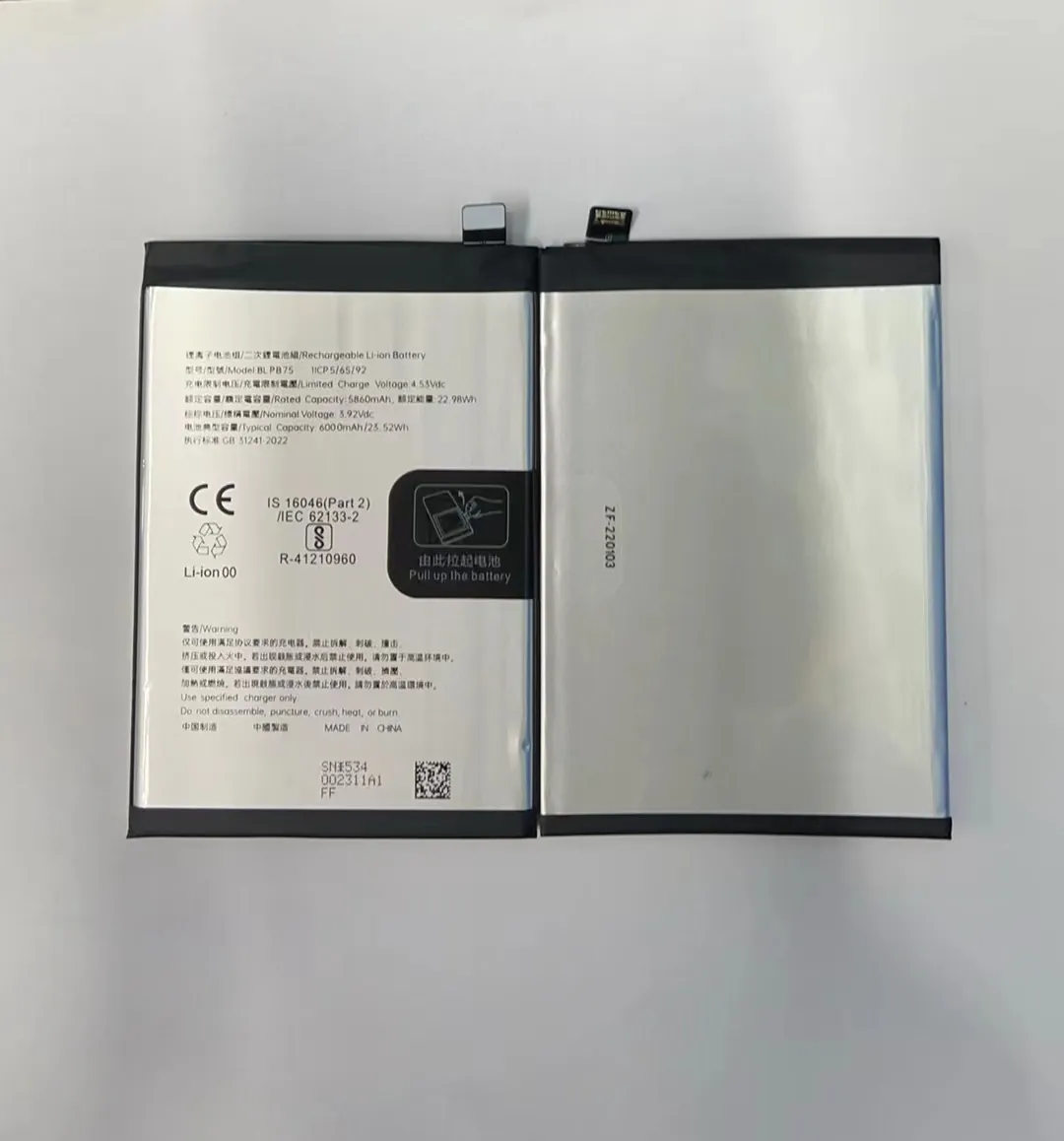
Every time you get a notification, your phone wakes up, lights up the screen, and possibly connects to the internet. Multiply that by 50 or 100 notifications a day, and it’s clear why your battery is dying quickly.
How Notifications Use Battery
Let’s take a look at how app notifications can impact battery life:
| App Type | Notification Frequency | Battery Impact |
|---|---|---|
| Messaging apps | Very High | Moderate to High |
| Social media | High | High |
| News/alerts | Medium | Moderate |
| Games | Medium to High | Moderate |
When I turned off notifications from a few apps—especially social media—I noticed my battery started lasting a few extra hours. It wasn’t magic. It was just fewer background processes keeping the phone awake.
The best way to manage this is by going into your phone’s settings and reviewing which apps can send notifications. You don’t need to block everything—just reduce the noise. Allow only important ones like messages or email. Disable notifications for games, ads, or news if you don’t need real-time updates.
This not only saves battery but also helps reduce distractions, improving your focus.
Can uninstalling apps boost battery life?
Your phone might be packed with apps you barely use. But even if you don’t open them, they could still be draining your battery.
Yes, uninstalling unused or power-hungry apps can improve battery life by stopping them from running in the background and using system resources.

Many apps run background tasks, even when you're not using them. They might be syncing data, updating location, or checking for updates. These processes keep your phone busy and the battery draining.
Which Apps Drain Battery the Most?
Here are some common types of apps known for high battery usage:
| App Category | Common Examples | Battery Usage Level |
|---|---|---|
| Social Media | Facebook, Instagram | Very High |
| Streaming Services | YouTube, Netflix | High |
| Navigation | Google Maps, Waze | Very High |
| Games | Mobile Legends, PUBG | Very High |
| Shopping Apps | Amazon, AliExpress | Medium |
I once installed a weather app that looked harmless. But my battery kept draining fast. After uninstalling it, I noticed a big difference. Later, I found out it was constantly tracking location and updating the forecast—even when the app wasn’t open.
If you’re unsure which apps are draining your battery, most phones have a “Battery Usage” section in Settings. It shows a list of apps and how much battery they’ve used. Look for apps you rarely use that still appear high on the list. Those are good candidates for uninstalling or disabling.
Cleaning up unused apps not only saves battery but also frees up storage and improves phone speed.
Conclusion
Improving battery life isn't about tricks. It's about better habits—keeping your phone updated, avoiding heat, limiting background activity, and removing unused apps. These simple steps can add hours to your phone’s daily life.
