

Many people find their phones dying faster than expected. This is frustrating, especially during a busy day.
To increase your mobile phone battery life, you need to reduce power usage, manage apps, use built-in modes, and avoid extreme temperatures. These steps help your battery last longer and stay healthy.
Understanding why your battery drains quickly helps you fix the problem and extend its life.
What optimizations extend battery time?
Many users leave settings at default, not knowing how much power they waste. Screen brightness, background apps, and syncing features all drain power.
You can extend battery time by adjusting screen brightness, disabling background app activity, turning off auto-sync, and using power-saving settings. These changes help your phone last longer each day.

Some changes take just a few seconds but bring big improvements. For example, reducing screen brightness saves more energy than people think. A screen at 100% brightness uses much more power than one at 50%. Also, turning off Wi-Fi, Bluetooth, and GPS when not in use stops your phone from constantly searching for connections.
Useful settings to check:
| Optimization | What it Does |
|---|---|
| Lower screen brightness | Reduces power draw from display |
| Limit background activity | Stops apps from running when not needed |
| Turn off sync | Stops auto-updates for email and apps |
| Enable battery saver mode | Reduces CPU performance and background use |
These changes are available in most phones under battery settings. Many users forget them, but turning them on can easily give you 1–2 more hours daily.
Another tip is using black wallpaper if your phone has an OLED display. Black pixels don’t light up, saving energy. Also, avoid using live wallpapers—they look cool but use more power.
Why limit high-drain apps?
Some apps consume power even when you're not using them. Social media, video streaming, and location-based apps are common examples.
Limiting high-drain apps helps extend battery life because they often run in the background, use data, and prevent the phone from resting properly.

You may not notice, but apps like Facebook, TikTok, and YouTube continue using resources even after you close them. They sync data, load ads, and track your location. This increases battery use, sometimes by over 20% in a single day.
Top battery-draining apps:
| App Type | Reason for High Drain |
|---|---|
| Video Streaming | Screen on + constant data use |
| Social Media | Background syncing + location services |
| Navigation | GPS always running |
| Games | High CPU/GPU use |
To control them, go to settings and check battery usage by app. Android and iOS both show which apps use the most energy. You can restrict background activity or uninstall apps you rarely use.
Another method is using “lite” versions of popular apps, like Facebook Lite or Messenger Lite. These offer basic functions with less drain.
Avoid using multiple apps at once. For example, using GPS while watching a video and keeping Bluetooth on for earbuds—this quickly eats up battery.
Which modes improve endurance?
Your phone comes with built-in battery-saving tools. These modes reduce performance slightly, but help your phone last longer.
Using power-saving and airplane modes can greatly extend battery endurance by stopping background services and reducing performance when full speed is not needed.

Battery saver mode is available on almost all phones. It reduces screen brightness, limits background apps, and slows down the processor. While your phone might feel a bit slower, it will run longer—sometimes adding hours of usage.
Helpful Modes to Activate:
| Mode | When to Use | What it Does |
|---|---|---|
| Battery Saver | Low battery / no charger nearby | Extends usage by reducing power draw |
| Airplane Mode | No need for network or calls | Stops all wireless signals |
| Dark Mode | Always (for OLED screens) | Uses less power on black pixels |
| Sleep Mode | During rest or meetings | Pauses notifications, reduces wake-ups |
Airplane mode is especially useful in areas with weak signal. When your phone keeps trying to connect, it uses more energy. Turning on airplane mode in those times can save a lot.
Dark mode helps more on OLED screens than on LCDs. On OLED, black pixels are off. So using dark themes in apps and settings can reduce screen power use.
Many phones now offer adaptive battery features. These learn your usage habits and limit power to apps you rarely open. It’s good to enable this in settings.
How does temperature affect lifespan?
Your battery health depends not just on usage, but also on the environment. Hot or cold conditions damage batteries over time.
Keeping your phone at normal temperatures helps extend battery lifespan because heat and cold reduce battery efficiency and cause long-term wear.
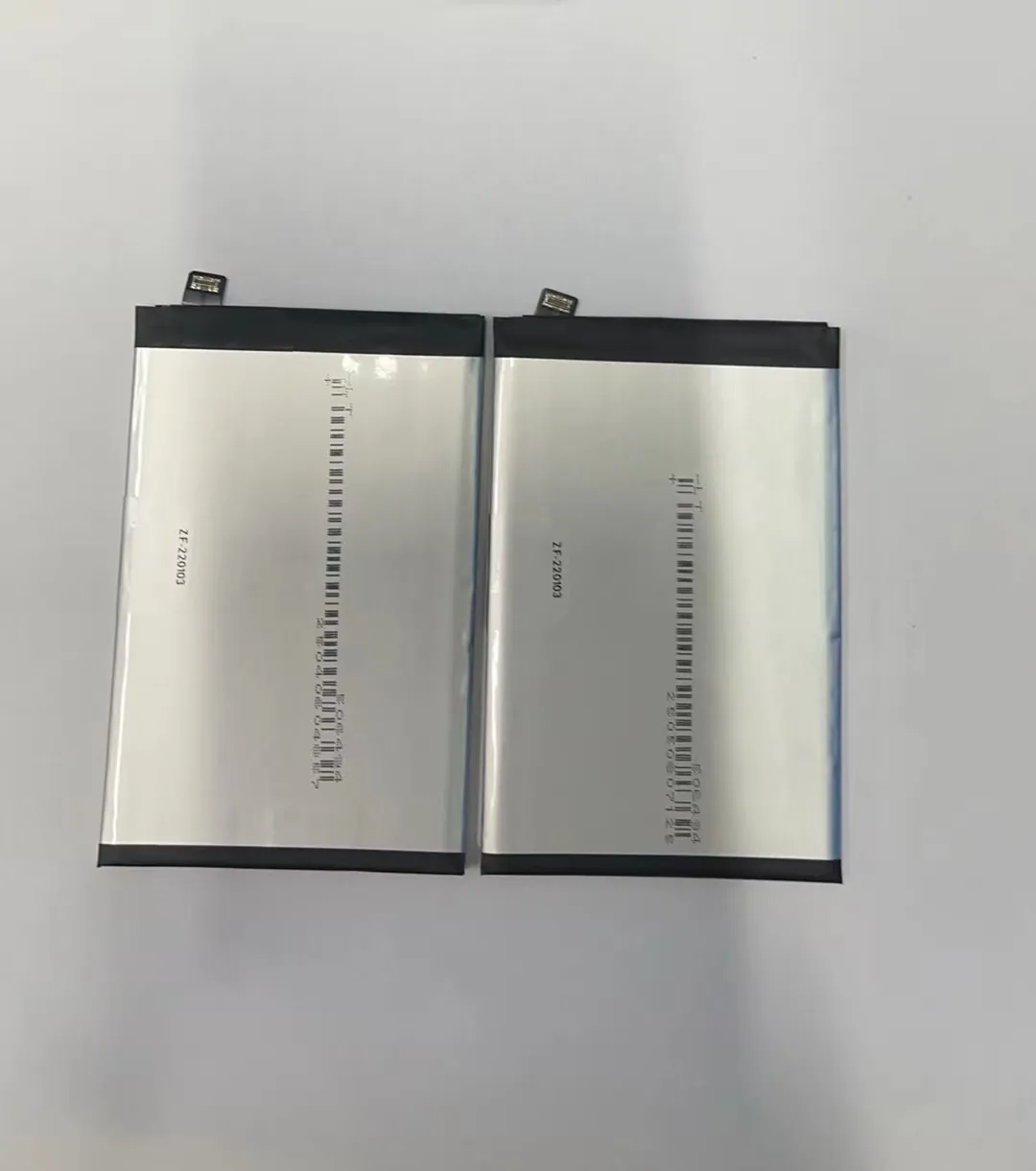
Batteries work best between 20°C to 25°C (68°F to 77°F). When it gets too hot, the chemicals inside degrade faster. When it gets too cold, the phone may shut down even if the battery is not empty.
Battery behavior in different temperatures:
| Temperature Range | Effect on Battery |
|---|---|
| Below 0°C (32°F) | Slower response, may shut down |
| 0–25°C (32–77°F) | Ideal for normal operation |
| 25–35°C (77–95°F) | Slight wear, not too risky |
| Above 35°C (95°F) | High wear, reduces battery health |
Never leave your phone in direct sunlight, in a hot car, or next to a heater. These can raise the battery temperature to over 45°C, causing permanent damage.
Cold weather also causes temporary issues. Your phone may turn off suddenly. But once warmed up, it usually returns to normal. Still, regular exposure to cold shortens battery life in the long term.
Avoid using heavy apps like games or video calls while charging. Charging already heats the phone, and running demanding apps adds more heat. This double load harms the battery.
Using certified chargers is also important. Cheap or fake chargers can overheat the battery. It’s better to use chargers from trusted brands.
Conclusion
Making small changes to how you use your phone can lead to big improvements in battery life and health. Manage apps, adjust settings, use power-saving tools, and protect your phone from temperature extremes.
