
Installing a phone battery can seem hard. You might worry about breaking the phone or not knowing what to do.
Installing a Samsung T Mobile flip phone battery is possible at home with the right tools, steps, and care. This guide will show the full process in clear and simple steps.
Before we get into step‑by‑step details, read the right way to handle tools and the battery. This will help you avoid damage and frustration. Let’s begin.
What tools are needed for battery installation?
Installing a battery needs more than just hands. Having the right tools makes the job safer and easier.
You need simple and small tools to install a Samsung T Mobile flip phone battery without damage. The right set keeps parts safe and helps you work with tiny screws and clips.

When preparing to install a new battery, tools matter. This section explains what you need. The right kit helps you open the phone, remove the old battery, and secure the new one without harming delicate parts.
Basic Tools List
| Tool Name | Why It’s Needed |
|---|---|
| Small Phillips screwdriver | To remove screws holding phone parts |
| Plastic opening pick | To open the casing without scratching |
| Tweezers | To hold small pieces and cables |
| Soft cloth | To protect surface and keep parts safe |
Why You Need Each Tool
You will see small screws in the phone. A regular screwdriver is too big. A small Phillips screwdriver fits these screws. This stops striping and damage.
Plastic tools like opening picks are made to separate plastic panels. Metal tools might scratch or break the phone case. Plastic picks help release clips without harming anything.
Tweezers help with small cables and connectors. These parts can be very tiny and fragile. With tweezers, it is easier to lift and detach cables safely.
A soft cloth helps protect the phone’s screen and body while you work. It also keeps screws from rolling away.
Extra Tools Some People Find Helpful
Some people like to add more tools to make the job easier. These are optional but useful:
- Magnetic mat: keeps screws from rolling off the desk
- Small flashlight: helps you see tiny connectors
- Anti‑static wrist strap: drops static electricity that could harm electronics
Using these tools makes battery installation smoother. You feel in control and reduce the risk of breaking parts.
Where is the battery compartment located?
Knowing where the battery sits helps you plan the work. Samsung flip phones vary slightly, but the battery is usually easy to find once the phone is open.
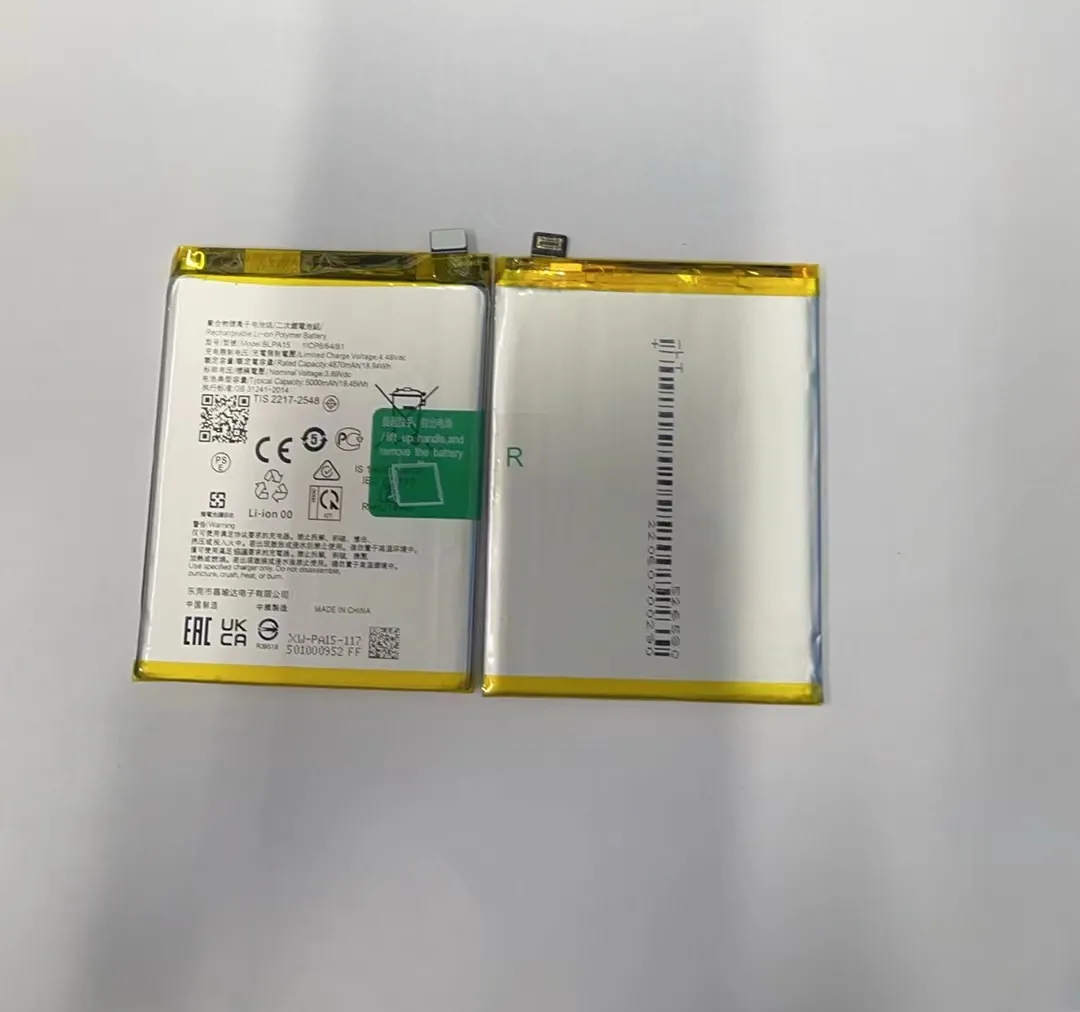
On a Samsung T Mobile flip phone the battery compartment is under the back cover. You must remove the cover and sometimes a protective frame to reach it. The battery sits above other parts and connects with a small clip.

In most flip phones, the battery does not sit inside a sealed block. It is placed in a compartment and held by simple clips or a small adhesive. You should see the battery right away after opening the back, without touching the screen part.
What You Will See Inside
After you remove the back cover, you will usually find:
- The battery pack inside a slot
- A connection point linking battery to phone
- Small screws or clips around the battery
Most flip phones place the battery near the bottom half, but a few models put it higher. You might need to lift a small plastic frame to slide the battery out.
Step‑by‑Step to Locate It
- Power off the phone – always start with the phone off.
- Remove the back cover – this may snap off or unscrew.
- Look for the battery pack – a rectangular shape labeled with battery specs.
- Find the connector – this is usually a metal plug where the battery attaches.
Why This Matters
Knowing exactly where the battery sits helps you plan your actions. You avoid guessing and reduce the chance of hurting clips or wires. Think of it like a map before starting a journey. When you know where to go, the path seems easier.
Once you see the battery compartment, you don’t need force. Gentle pressure and patience help you finish the job.
Are there risks in DIY battery installation?
DIY battery installation is possible, but risks are real. Knowing what can go wrong prepares you and keeps the phone safe.
Yes, there are risks in DIY battery installation. If you do not follow proper steps, you can damage small parts, break connectors, or even void your warranty. Taking your time and using correct tools reduces these risks.

When handling phone components, treat each part with care. Batteries store energy. If you squeeze, bend, or break them, they might swell or leak. That is why calm, careful work is key.
Main Risks to Know
| Risk Type | What Can Happen |
|---|---|
| Damaging connectors | Bent pins stop the phone from working |
| Cracking the frame | Phone loses shape and won’t close properly |
| Shorting the battery | Can cause heat or damage electronic parts |
| Losing screws | Without correct screws, parts may rattle or fail |
Connectors and Cables
Inside any phone, you see small connectors and cables. They are fragile. Pulling hard without knowing how they detach can break them. Once a connector is broken, you might need costly repairs.
Always use plastic opening picks or tweezers. These tools reduce stress on the connectors. Work slowly and watch where each cable goes. You might take a photo before removing parts, so you know how to reattach them later.
Frame and Housing Issues
The phone frame holds everything in place. If you use too much force to open clips, the plastic may crack. Cracks make the phone weaker. A cracked body can let dust inside and damage internal parts over time.
Work at the seams gently. Wiggle plastic picks only slightly. When a clip releases, you will feel it give way.
Battery Hazards
Phone batteries are safe when handled right. But if bent, pierced, or damaged, they can puff up or leak. This is dangerous and can ruin the phone.
Do not use metal tools on the battery directly. Keep pressure even and gentle. If the battery shows signs of swelling, stop. A swollen battery needs safe disposal, not use.
Warranty and Support
Some phones may lose warranty when opened by someone other than authorized service. If your phone is new and under warranty, think about professional help. Yet, if your warranty has ended, DIY can save money.
How to verify correct battery placement?
After you install a new battery, you must check it works. This ensures your efforts were not wasted.
To verify correct battery placement, ensure the battery fits snugly in the slot, the connector is secure, and the phone powers on normally. Check battery level and phone functions to confirm everything is correct.
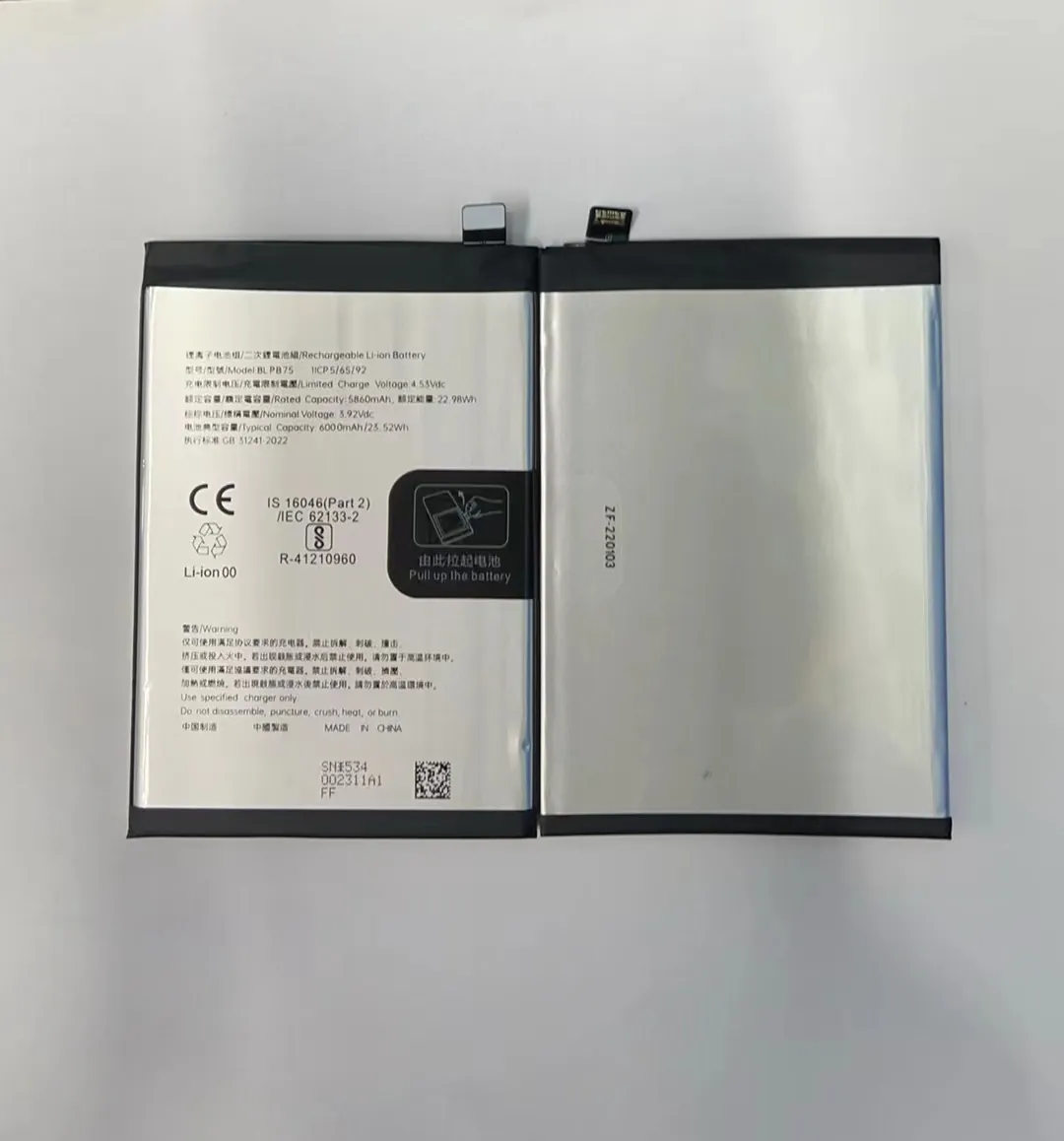
A new battery can bring life back to an old phone. But if it is not placed right or connected fully, the phone may not boot or may shut off unexpectedly. This section shows how to confirm everything is done right.
First Steps After Installation
Once you install the battery:
- Place the back cover on loosely – this protects the battery while testing.
- Power on the phone – press and hold the power button.
- Look for startup screen – the phone should show logos and load normally.
If the phone does not turn on, don’t force the cover or charger. Remove the cover and check the battery connector again.
Check the Connector
Battery connectors must align perfectly. A slight misalignment can make the phone think the battery is not there.
- Slide the battery slightly out and reinsert, if needed.
- Use tweezers to press the connector gently into place.
- Ensure no cables are pinched under the battery.
Power and Battery Level
After the phone turns on:
- Check the battery icon on the top corner.
- If it shows a realistic percentage, the phone sees the battery.
- If it shows charging when plugged into power, the connector is working.
If the phone shows “No Battery” or a warning, turn it off and check the connection again. Many issues come from a loose connector.
Test Functions
Turn on screen brightness, make a call, and open apps. These simple tests show if power delivery is stable. If the phone crashes or reboots, the battery might not be seated correctly.
Final Touches
Once you confirm the battery works, close the back cover fully. Make sure clips snap in place without forcing them. A secure cover protects internal parts and keeps the battery stable.
conclusion
Installing a Samsung T Mobile flip phone battery is doable at home. With the right tools, careful steps, and proper checking, you can finish the job safely. Simple care and slow work keep the phone in good shape.
