
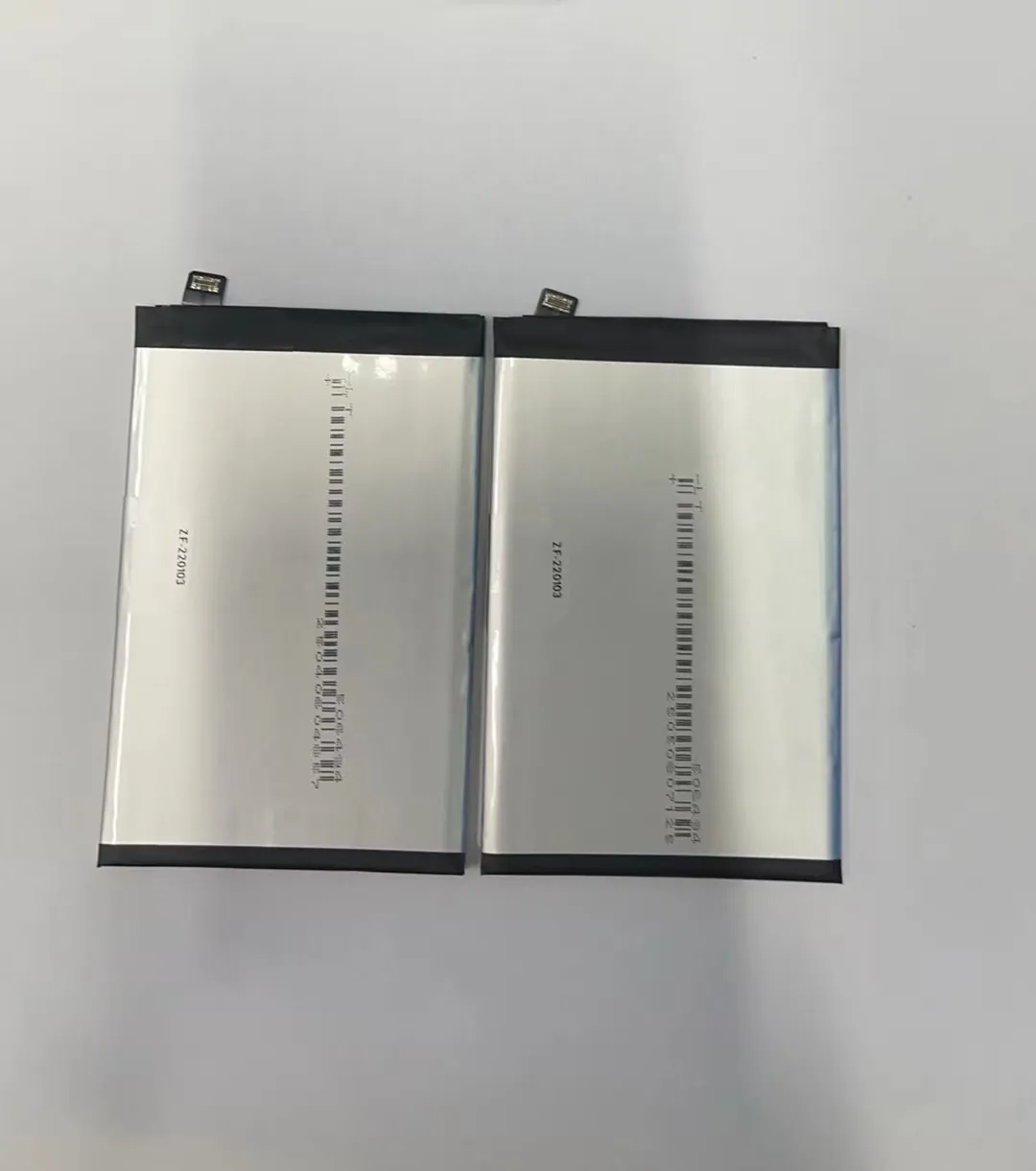
Most phone batteries lose power too soon. We charge them often, but they still die fast. Why? Because wrong habits damage batteries every day.
To maintain a mobile phone battery, you need to follow smart charging habits, avoid overheating, and apply proper care practices that prevent early wear and power loss.
Let’s take a closer look at the real factors that affect battery lifespan and how to protect your battery from unnecessary damage.
What charging habits extend battery life?
Most people plug in their phones overnight or charge from 0% to 100%. These habits slowly hurt the battery. It’s not just about charging—it’s about how and when you charge.
The best charging habits include keeping the battery between 20% and 80%, avoiding overnight charging, and using original or certified chargers.

Charging a lithium battery is not about hitting 100%. In fact, charging to 100% too often causes stress on the battery cells. That shortens its life. Keeping the charge between 20% and 80% helps keep battery cells stable and prevents deep charge cycles that wear them out faster.
Common Charging Mistakes and Better Habits
| Mistake | Better Habit |
|---|---|
| Charging to 100% every time | Unplug at 80% |
| Charging at 0% before recharging | Recharge when battery hits 20% |
| Leaving charger overnight | Unplug when full or use smart plug |
| Using cheap, unverified cables | Use certified or original accessories |
Also, fast charging creates heat, which further stresses the battery. Try to use regular charging when possible. Fast charge only when you’re in a rush.
Many people use phones while charging. This increases heat, which speeds up battery aging. If possible, avoid gaming or video streaming during charge.
A smart tip: enable battery protection modes if your phone offers them. For example, many Android phones now include "Battery Care" or "Optimized Charging" options that slow the charge after 80%.
How often should you fully discharge the battery?
You might have heard you should let your phone reach 0% sometimes. That was true for old batteries. But not now. Modern lithium-ion batteries don’t need full discharges.
You should avoid fully discharging your phone battery. Instead, recharge it when it drops below 20% to keep battery health stable.

Letting a lithium battery go completely empty can cause internal stress. It’s not good for battery chemistry. Frequent deep discharges make the battery wear faster. This is a common mistake among users who believe “battery memory” still exists. That’s not true anymore.
Why Full Discharges Hurt Modern Batteries
Lithium-ion batteries are not like nickel-based ones. They don’t have memory effects. They don’t “forget” capacity if you charge often. In fact, partial charges are better for them.
A full discharge triggers a deep cycle. That cycle puts strain on the electrodes inside the battery. Over time, this lowers battery capacity and increases heat buildup. Also, when your phone drops below 5%, power management systems may limit functions to protect the device.
Tips for Charging Timing
- Plug in your phone when it hits 20% to 30%
- Unplug it when it reaches 80% to 90%
- Don’t wait for a red battery icon before charging
- If possible, charge in shorter bursts (e.g., 20% to 70%) during the day
Doing this reduces stress on your battery and extends the total number of charge cycles it can handle.
Does heat affect battery maintenance?
Heat is one of the worst enemies of batteries. It damages battery cells and reduces total life, even if charging is done right. Overheating is often invisible but highly damaging.
Yes, heat significantly harms battery health. Avoid charging in hot environments, remove thick phone cases while charging, and keep phones away from direct sunlight.

Heat comes from many sources. Charging, gaming, or even direct sunlight can raise phone temperature. When battery temperature rises above 35°C (95°F), chemical reactions inside speed up. That causes cell breakdown and permanent damage.
What Happens When Battery Gets Too Hot?
| Temperature Range | Impact on Battery |
|---|---|
| Below 0°C | Capacity drops, possible shutdown |
| 0°C - 35°C | Safe operating range |
| 35°C - 45°C | Aging increases, capacity loss over time |
| Above 45°C | Serious damage, risk of swelling or failure |
To prevent this, don’t charge your phone under your pillow or blanket. That traps heat. Also, remove thick or heat-insulating cases when charging. They make it harder for heat to escape.
Gaming or video calling while charging also raises internal temperatures. That multiplies the risk of damage.
In summer, don’t leave your phone in the car or under sunlight. Instead, keep it in shade or inside a bag.
Phones today have internal temperature sensors. Many shut down automatically if they overheat. But by then, damage might already be done.
Using battery-saving modes and avoiding apps that push the processor too hard can help keep temperature low during daily use.
What are best practices for long-term battery care?
A good battery today does not mean it will be good in 6 months. If we don’t take care of batteries over time, they slowly die. Long-term care is key for people who keep phones for years or sell refurbished models.
For long-term battery care, avoid full charges, prevent heat, use the phone regularly, and don’t store it empty or fully charged.

If you're storing a phone or battery for months, don't leave it at 0% or 100%. Instead, store it with about 50% charge. And check every 2-3 months to recharge a little if needed.
Battery Storage Guidelines
| Situation | Best Practice |
|---|---|
| Daily Use | Keep charge between 20%–80% |
| Long-Term Storage | Store at ~50%, cool dry place |
| Rarely Used Devices | Recharge every 2–3 months |
| Before Selling Phones | Fully charge and test performance |
Other practices include avoiding cheap power banks. Low-quality battery packs often provide unstable voltage. That affects charging circuits and can overheat the battery.
Phones also benefit from updates. Software updates often include battery management improvements. These small changes optimize charging speed, heat control, and power balance.
Use airplane mode or battery saver when not using your phone for long periods. This reduces background drain and keeps battery at a safe level longer.
Finally, replacing batteries at the right time also matters. If your phone gets too hot, loses power fast, or swells, it’s time to replace the battery. A swollen battery is dangerous and should be handled by professionals.
Conclusion
Maintaining a mobile phone battery is simple, but it requires good daily habits. Avoid deep discharges, limit full charges, manage heat, and follow smart long-term practices. These steps help batteries live longer, perform better, and stay safe.
