

Mobile phone batteries degrade faster than we expect. Most users unknowingly speed up this process with daily habits. Let's look at simple ways to extend battery life.
To maintain mobile phone battery life, avoid extreme heat, reduce charging cycles, optimize power settings, and break common bad habits that wear batteries faster.
Battery issues are among the most common complaints in smartphones. Yet, very few people truly understand how their behaviors impact battery lifespan. Let’s dive into what matters.
What habits reduce battery wear?
Many users charge their phones overnight or use them while charging. These habits seem harmless but silently degrade battery health over time.
Charging the battery to 100% constantly, letting it drop to 0%, or using power-hungry apps too often will wear the battery faster than necessary.
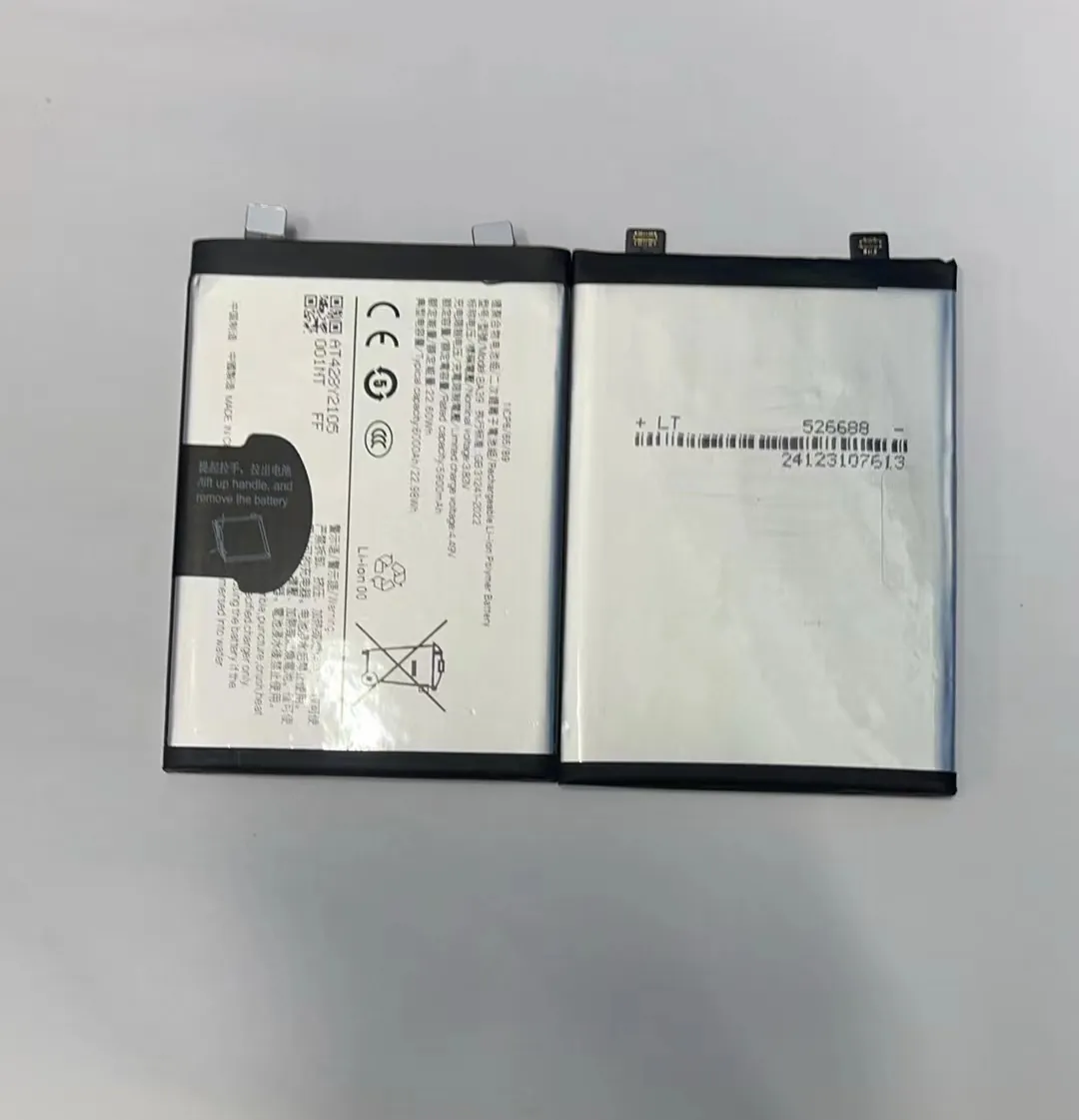
Common Habits That Damage Batteries
Some habits are worse than others. Here’s a breakdown of typical behaviors and how harmful they are:
| Habit | Damage Level | Explanation |
|---|---|---|
| Charging to 100% frequently | High | Keeps battery under stress for long periods |
| Letting battery reach 0% often | High | Deep discharge stresses battery chemistry |
| Using phone while charging | Medium | Increases heat and slows charging cycle |
| Leaving phone plugged in overnight | Medium | Battery stays at 100% for too long |
| Using fast charging all the time | Medium | Generates more heat than standard charging |
Why These Habits Matter
Smartphone batteries use lithium-ion technology. These cells don't like extremes. Keeping the charge between 20% and 80% is safer. Batteries also count how many full charge cycles they go through. Charging from 0% to 100% counts as one cycle. Shorter, partial charges are easier on battery health.
Notifications, background apps, GPS, and high screen brightness all make the battery work harder. This adds stress and speeds up wear. Turning off unused features and reducing screen time helps slow down degradation.
Adopting better habits doesn't mean you need to baby your phone. Just small changes—like avoiding 100% charges—can make your battery last months longer.
Why does heat damage batteries?
Smartphones often get warm during use, especially when gaming or charging fast. But consistent heat is a silent killer for batteries.
Heat breaks down battery materials. The hotter a phone gets, the faster the battery loses capacity.

How Heat Affects Batteries
Lithium-ion batteries work best at room temperature—between 15°C and 25°C. When they heat up beyond 35°C, internal chemical reactions speed up. This causes the battery to swell, leak, or lose power permanently.
Here’s a quick chart of how temperature affects battery lifespan:
| Temperature (°C) | Battery Lifespan Impact |
|---|---|
| 20–25°C | Ideal, normal aging |
| 30–35°C | Faster aging |
| 40°C+ | Severe degradation |
| 50°C+ | Potential permanent damage |
Where Heat Comes From
- Fast charging: High current increases internal temperature.
- Heavy apps: Gaming, video editing, or streaming heat up the phone.
- Sunlight: Leaving the phone in a hot car or direct sun is dangerous.
- Protective cases: Some trap heat and prevent cooling.
What to Do Instead
Avoid charging while using the phone. Take off thick cases during charging. Don't leave phones under pillows or on hot dashboards. In warm countries, even short sun exposure can ruin a battery.
Some phones shut off automatically if they overheat. But long before that, battery damage may have started. It's best to act early and keep the phone cool.
Which settings extend battery runtime?
Many users don’t realize their phones have built-in features that can reduce battery drain without affecting usability.
Battery runtime can be extended by lowering screen brightness, disabling location tracking, and switching to power-saving modes.

Top Settings That Help
Let’s go through key settings that help preserve energy:
| Setting | Effectiveness | Tips |
|---|---|---|
| Screen brightness | High | Lower manually or enable auto-brightness |
| Background app refresh | High | Turn off for non-essential apps |
| GPS and Location Services | Medium | Use only when necessary |
| Power Saving Mode | High | Enables several optimizations instantly |
| Push notifications | Medium | Reduce frequency for email, news, etc. |
| Wi-Fi/Bluetooth | Medium | Disable when not in use |
Other Helpful Settings
- Dark Mode: On OLED screens, black pixels use less power.
- Auto-lock timer: Reducing screen-on time saves battery.
- Adaptive battery (Android): Learns app behavior to limit background usage.
Disabling unnecessary system features doesn’t harm performance. It gives users more control. For example, limiting background app refresh saves data and battery.
Users can create routines—for example, switching to power-saving mode after 20% battery, or turning on airplane mode during sleep hours.
These small tweaks help batteries last longer daily. Over time, this reduces the number of full charging cycles and slows down long-term degradation.
How can charging cycles be optimized?
Charging may seem simple—just plug and go. But how you charge impacts how long your battery stays healthy.
To optimize battery life, avoid full 0–100% charge cycles and instead aim for 20–80% most of the time.

What is a Charging Cycle?
A charging cycle means using 100% of your battery’s capacity. This doesn’t have to happen all at once. Using 50% one day and 50% the next counts as one full cycle.
Most smartphone batteries are rated for around 400–500 full cycles. After this, they lose about 20% of their original capacity.
Tips to Charge Smarter
- Don’t wait till 0%: Try charging before it drops below 20%.
- Avoid full charges: Staying at 100% for hours stresses the battery.
- Partial charging is better: Top off at 50% or 60% if possible.
- Use standard chargers: Fast charging is great occasionally, but regular speed is safer.
- Charge in short bursts: 10% here and there is better than full cycles.
When to Use Fast Charging
Fast charging is helpful when in a rush, but it’s best not to rely on it daily. It generates more heat and increases stress on battery cells.
Also, avoid charging overnight. If needed, some phones have smart charging features that stop the charge at 80% while you sleep and finish in the morning.
Phones also support “optimized charging” features, which learn your habits. Enabling these lets the system slow down charging at night and reduce battery wear.
Summary Table: Charging Dos and Don'ts
| Practice | Recommended? | Why |
|---|---|---|
| Charging from 0% to 100% | No | Full cycles age the battery faster |
| Charging between 20%–80% | Yes | Best range for battery health |
| Overnight charging | No | Keeps battery at 100% too long |
| Short, frequent top-ups | Yes | Reduces full cycles |
| Fast charging daily | No | Adds heat and battery stress |
By managing how and when charging happens, users can delay battery replacement. This also means fewer downtimes and lower long-term costs.
Conclusion
Maintaining battery life is easier than it seems. Avoid extreme heat, charge wisely, tweak system settings, and break bad habits. These simple steps go a long way in preserving both runtime and long-term battery health.
