
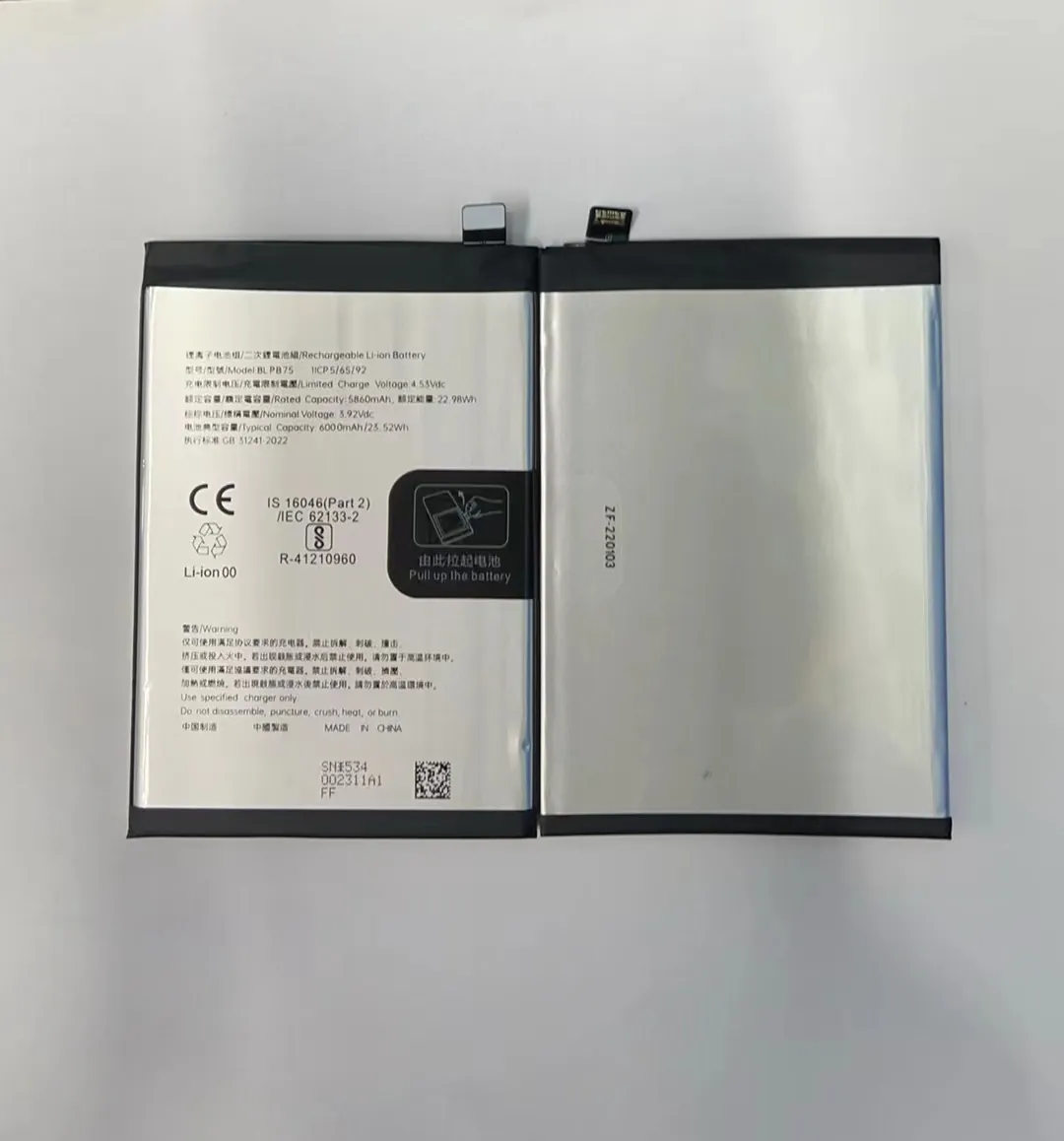
Most of us get frustrated when our phone battery runs out in the middle of the day. But small habits can make a big difference.
To make your mobile phone battery last longer, you need to adopt good usage habits, avoid battery killers like fast charging abuse and multitasking, and maintain regular device care.
It’s not about buying a new battery. It’s about using what you already have in the smartest way. Let’s break down what really matters when it comes to battery life.
What habits improve daily battery usage?
People often blame their battery for poor performance. But in many cases, it’s their daily phone habits that drain it fast.
The best daily habits include reducing screen brightness, limiting background apps, and charging before dropping below 20%. These simple actions reduce battery stress.

Changing just a few things in your daily routine can protect your battery health. Most modern phones come with lithium-ion batteries. These don’t like extreme heat, overcharging, or deep discharging. That’s why keeping your battery between 20% and 80% is ideal. Letting your battery drop to 0% too often or constantly keeping it at 100% can shorten its lifespan.
Turn Off Unused Features
Leaving Bluetooth, GPS, or Wi-Fi on all day wastes energy. These features constantly search for connections. Turning them off when not in use helps your battery last longer.
Adjust Your Display Settings
The screen is one of the biggest power users on any phone. Lowering your brightness or switching to auto-brightness helps. Using dark mode also saves power, especially on OLED screens.
Battery Saving Mode
Most phones have built-in power-saving modes. These settings limit background activity, reduce screen performance, and turn off unneeded functions. It’s a good idea to enable this mode if your battery is running low or when you're not using your phone heavily.
Background Apps
Apps running in the background continue to use power and data. Check your app settings and stop those that don’t need to run all the time. Social media, GPS apps, and video platforms are among the biggest background battery users.
| Habit | Effect on Battery Life |
|---|---|
| Lowering screen brightness | Saves 10–15% daily |
| Using battery saver mode | Saves 15–20% daily |
| Turning off GPS/Bluetooth | Saves up to 10% daily |
| Stopping background apps | Reduces battery stress |
| Avoiding full discharges | Increases battery life |
Does fast charging shorten battery life?
Fast charging is a great feature when you're in a hurry. But does using it all the time hurt your battery?
Yes, frequent use of fast charging increases battery heat and chemical stress, which can reduce overall battery lifespan.

Fast charging sends more power to the battery in a shorter time. This creates heat, and heat is one of the biggest enemies of battery health. While phone manufacturers design batteries to handle fast charging, it’s not ideal to use it every time.
How Fast Charging Works
Fast charging increases the current or voltage sent to the battery. Some phones charge up to 70% in 30 minutes. However, the speed usually drops after reaching a certain level to avoid overheating. Even so, repeated fast charging generates more heat than slow charging.
Long-Term Impact
Excess heat from fast charging can damage the internal battery structure. Over time, this reduces capacity and causes your phone to hold less charge. If you use fast charging occasionally, it’s not a problem. But using it daily may cut your battery’s lifespan by 15–20%.
Best Practice: Mix Charging Methods
If you're not in a rush, use a regular charger. Charge overnight with a lower watt charger or even use a power bank that charges slowly. Keep your phone cool during charging by removing the case or avoiding use while plugged in.
| Charging Method | Battery Impact |
|---|---|
| Slow (5W–10W) | Least stress, safest |
| Moderate (18W–30W) | Balanced |
| Fast (40W–100W+) | High heat, more wear |
| Wireless Charging | Moderate heat, slower |
Why does multitasking drain battery faster?
People love to open many apps at once. But this habit can silently kill your battery much faster than you think.
Multitasking increases processor load and keeps multiple apps active, causing your phone to consume more power and heat up.

Running multiple apps means your phone’s CPU and RAM are constantly working. Think of your phone like a car engine. If you push it harder, it burns more fuel. Similarly, using several apps at once drains more battery.
Background Activity
Even if apps are minimized, they may keep running. Navigation apps track your location. Social apps check for updates. Games stay paused but still use memory. The more apps you keep open, the harder your phone works.
Heavy Apps Use More Power
Video editing apps, games, and camera apps are among the heaviest battery users. When you multitask with these apps, your phone gets hotter, and the battery drains even faster.
Simple Fixes to Reduce Battery Drain
- Close apps you’re not using
- Use lighter versions of apps (like Facebook Lite)
- Turn off background activity in app settings
- Limit use of animated wallpapers and widgets
Focus on One Task
Doing one thing at a time doesn’t just save battery — it often helps your phone perform better too. Avoid jumping between heavy apps like YouTube, games, and camera. Give your phone time to rest.
Can regular reboots extend battery life?
People often forget to restart their phones. But could this simple habit help your battery last longer?
Yes, restarting your phone regularly clears memory, resets background apps, and helps the system run more efficiently, reducing battery stress.

A reboot clears RAM and closes apps that may be stuck running. Over time, phones collect temporary files and processes that don’t shut down properly. These drain battery even when you're not using the phone.
Why Phones Need Rest
Just like computers, smartphones benefit from a reboot. When you restart, your system gets a fresh start. This lowers background activity and can fix battery-draining bugs. If your phone feels hot or slow, a restart can help.
Best Times to Restart
- Once every few days
- After system updates
- If your battery starts draining faster than normal
Restarting also helps with software bugs. Some apps misbehave and stay active even when they should stop. Restarting clears these bugs and resets performance.
Not a Magic Fix, But It Helps
A restart won’t fix a damaged battery. But it can reduce daily wear by lowering background stress. Combined with other habits, it plays a role in better battery management.
Conclusion
Improving your phone’s battery life isn’t about big changes. It’s about small, smart habits like keeping the phone cool, avoiding multitasking, charging right, and restarting often. These simple steps can keep your battery healthier for longer.
