

Many people complain about battery life, but few take real steps to improve it. They just accept short battery life as normal.
The best way to make your phone battery last longer is to adopt better habits, adjust system settings, limit background apps, and avoid actions that hurt battery health.
Most battery issues come from daily behavior. But the good news is, we can change that. Let's look at what really helps.
What habits reduce power drain?
Too many people charge their phones all the time, or keep the brightness high all day. These small habits ruin battery performance fast.
Avoid extreme temperatures, frequent full charging, and unnecessary screen time. These habits will help reduce battery drain and keep your phone lasting longer.

Many of my customers in Spain and France often ask me why their phone batteries don’t last as long after just a few months. I always ask them about their charging habits, and the answers are usually the same. They leave their phone plugged in overnight, they use it while charging, and they always set the screen to max brightness. These habits slowly damage the battery.
Here are some bad habits to avoid:
Common Battery Draining Habits
| Habit | Why it’s bad |
|---|---|
| Charging overnight | Causes heat buildup and long-term stress |
| Using phone while charging | Creates heat, slows charging, damages battery |
| Full discharges to 0% | Deep discharges shorten battery lifespan |
| Screen brightness always high | Uses more power and creates heat |
| Long gaming or video sessions | Heavy load leads to more frequent charging |
Changing these habits can add months or even a year to your battery’s health. Instead of charging from 0% to 100%, try charging from 30% to 80%. That range is healthier for lithium batteries. And always remove bulky phone cases when charging—they trap heat. Heat is the number one killer of battery life.
One of my regular French clients, Sophie, once complained that even with a high-quality battery from us, her phone still overheated. I asked her if she used a case while charging. She did. After removing the case during charging, her battery temperature dropped, and she noticed the phone lasted longer.
How do system settings extend life?
Many people don’t touch their phone’s system settings. But these hidden features can dramatically improve battery life with just a few taps.
System settings like low power mode, adaptive brightness, and auto-lock can greatly reduce battery drain and extend daily usage.
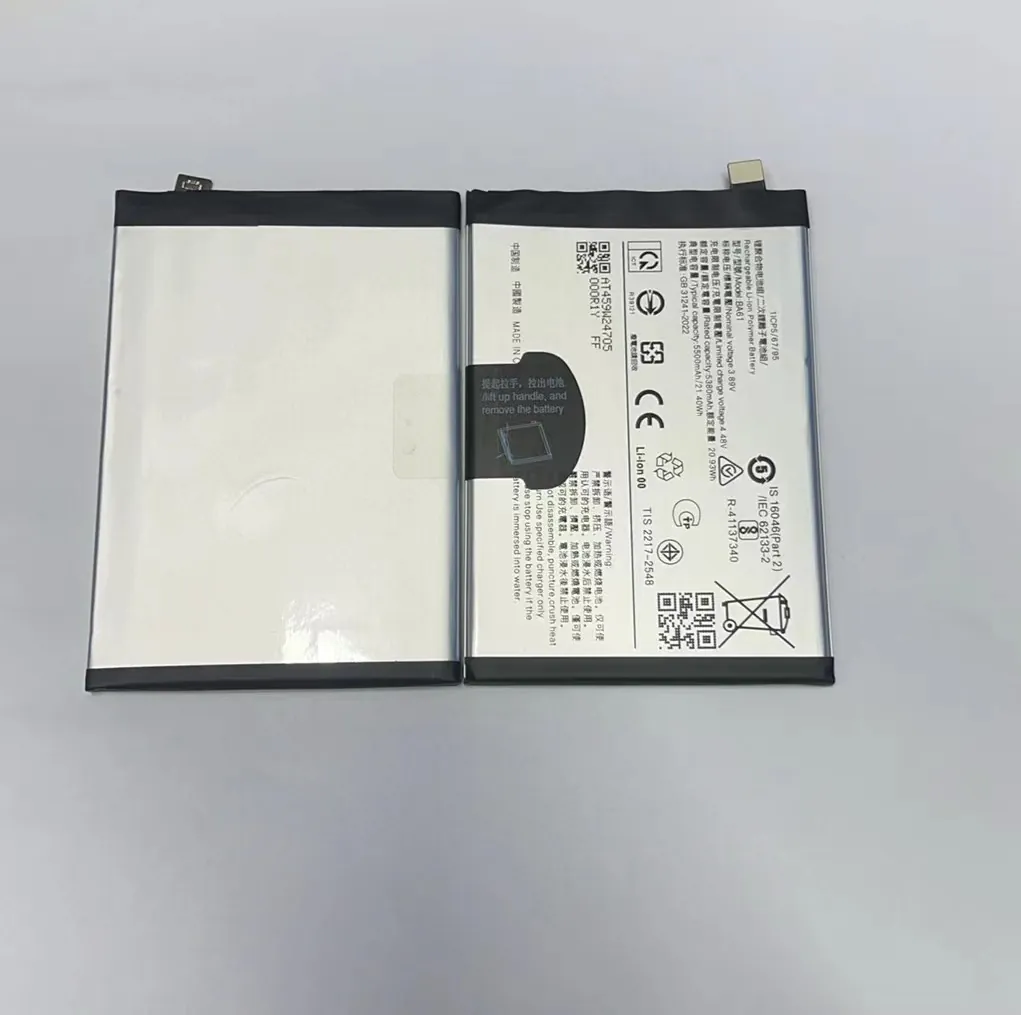
You don’t need to be tech-savvy to save battery using settings. In fact, most Android and iPhone users already have all the tools they need.
Let’s break down the key settings that can help:
Battery-Saving Settings
| Setting | Function |
|---|---|
| Low Power Mode (iOS) / Battery Saver (Android) | Reduces performance, disables background apps |
| Auto-Brightness | Adjusts screen light to environment |
| Auto-Lock / Sleep | Turns off screen when not used |
| Dark Mode | Uses less energy on OLED screens |
| Disable Location Services | Limits GPS usage to save power |
One Spanish buyer, Juan, told me his business phones were always running out of battery by noon. I recommended he ask his staff to turn on Battery Saver and reduce auto-lock time. Within a week, he saw a difference. His staff stopped charging phones during work hours.
These small setting tweaks can make your phone last several hours longer each day. And they don’t require new apps or accessories—just 2 minutes of your time.
Why disable background apps?
Even when you’re not using them, some apps keep working in the background. They check for updates, use Wi-Fi, track your location, and drain battery silently.
Disabling background apps stops them from running when not in use, saving power and improving phone performance.
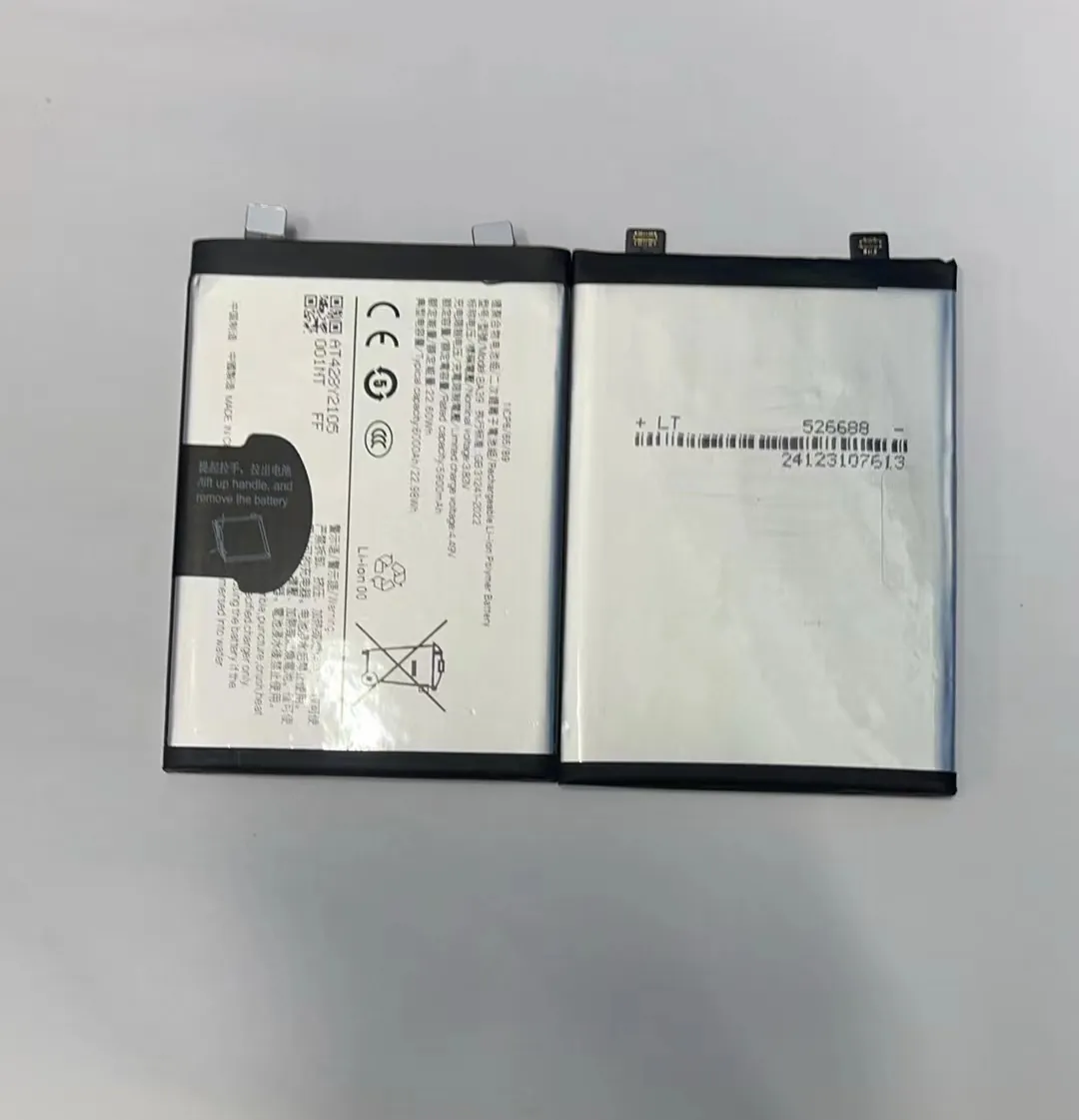
Many people don’t realize that social media, email, and even health apps keep running behind the scenes. This creates two problems: your phone battery drains faster, and your processor stays busy. This also creates more heat.
Here are common apps that run in the background:
Background Apps and Their Impact
| App Type | Impact on Battery |
|---|---|
| Social Media (Facebook, Instagram) | Frequent sync, notifications |
| Messaging (WhatsApp, Telegram) | Constant background connection |
| Navigation (Google Maps) | GPS runs in background |
| Weather Widgets | Regular location and data updates |
| Health Tracking Apps | Sync sensors all day |
I remember one client, Carlos from Spain, who tested our batteries and said they didn’t perform well. But when I checked his phone, he had over 40 apps running in the background. After cleaning up background activity and disabling unused apps, his battery usage dropped by 30% overnight.
To manage background apps:
- Go to Settings > Battery > Battery Usage (Android)
- Or Settings > General > Background App Refresh (iPhone)
- Turn off updates for apps you don’t need in real-time
Doing this won’t affect your phone’s main functions. It just stops silent battery drain. Many business users have told me this tip alone doubled their daily battery time.
Which optimizations preserve capacity?
Battery capacity is the total power your phone battery can store. Over time, this goes down naturally. But you can slow that drop with smart usage.
Avoiding full charges, extreme heat, and fast charging helps preserve battery capacity over the long term.
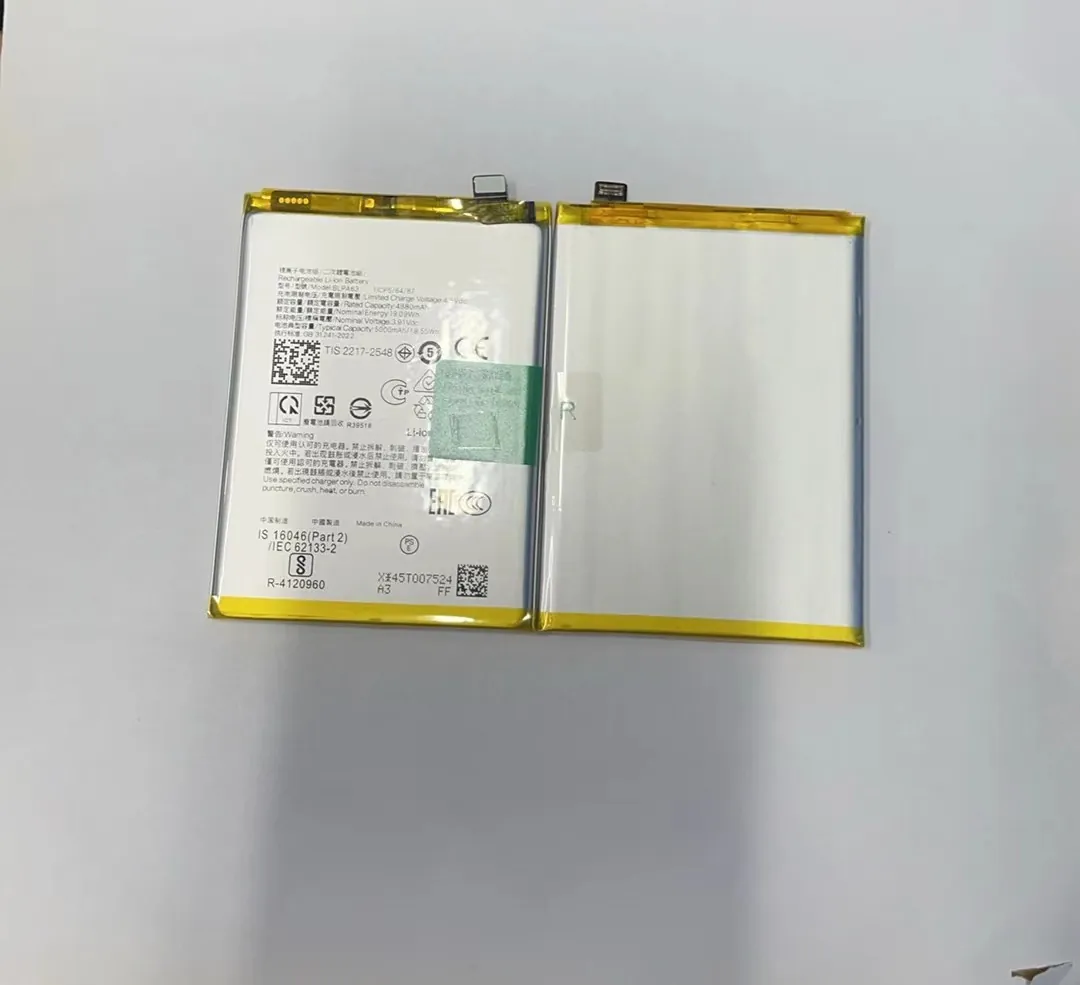
Battery aging happens to everyone. But how fast it happens depends on how we treat the battery. Most lithium batteries lose capacity slowly, but misuse speeds that up.
Some people think fast charging is always good. It is fast, but it also heats the battery. If you use fast charging every day, your battery might lose 10% capacity in just a few months.
Here are tips I give my long-term clients:
Long-Term Battery Health Tips
| Action | Why it helps |
|---|---|
| Charge from 30% to 80% | Reduces battery stress |
| Use 5W or 10W chargers | Less heat than fast chargers |
| Avoid hot places | Heat shortens battery life fast |
| Don’t use phone while charging | Keeps temperature low |
| Update software | Battery management gets better with updates |
Pierre, a French repair business owner, once bought bulk batteries from us. He was happy with the quality but noticed some of his end users still lost battery capacity too fast. We helped him create an instruction sheet with do’s and don’ts for battery care. After distributing it, complaints dropped by 40%.
Also, make sure to store spare batteries in a cool, dry place. I always tell my customers not to keep backup stock in hot warehouses. Store them at around 20°C. Avoid metal shelves and keep them in original anti-static bags.
Conclusion
By building better habits, changing settings, and avoiding extreme usage, anyone can extend their phone battery life. It’s about small actions that protect your battery every day.
