

Sometimes your phone battery dies completely, and you can’t even charge it.
You may think the phone is useless, but actually, you can turn it on without the battery — using the right power supply.
Yes, you can power a phone without a battery by using an external source that matches the phone’s voltage and current needs. This method is common in repair and testing.
You’ll learn what kind of power sources work, how to do it safely, which devices allow this, and when this method is most useful.
What power sources can replace batteries?
Phones are made to run on batteries, but when the battery is missing, broken, or dead, there are ways to replace it.
Many people use USB powerbanks, bench power supplies, or even a charger with special connectors.
You can use a USB powerbank with a voltage converter, a lab power supply, or a regulated adapter to replace the battery — if the specs are right.

When replacing a phone battery, the external power source must provide about 3.7V to 4.2V, which is what most phone batteries deliver. It also needs to deliver enough current — 1A or more.
Types of power sources you can use
Here’s a breakdown of power sources commonly used:
| Power Source | Voltage Output | Use Case | Pros | Cons |
|---|---|---|---|---|
| USB powerbank + converter | 5V (converted to 3.7V) | Emergency use, testing | Portable, easy to find | Needs extra converter |
| Bench power supply | Adjustable | Repair shops, labs | Very accurate, stable | Not portable, needs setup |
| Wall adapter with DC out | Fixed (3.7–5V) | Test bench, occasional use | Easy to use | Needs proper connector and regulation |
| Battery emulator device | 3.7V constant | Replacing battery during tests | Plug-and-play, safe | Costly, needs exact model |
| USB trigger board | USB 5V to fixed 3.7V | Quick DIY testing | Cheap, available | May not be stable under load |
How to connect
Most phone batteries have three pins: positive, negative, and thermistor (temperature sensor). You only need the positive and negative to power the phone.
- Identify the correct pins.
- Use crocodile clips or a battery emulator cable.
- Connect external power with voltage set to 3.7–4.0V.
- Set current limit to about 2A.
Warning: Never exceed 4.2V — that’s the max most phone batteries handle.
Why use external supply safely?
Plugging in external power might sound easy, but it’s risky if done wrong.
One mistake in voltage, current, or polarity can damage the phone’s board.
You must use correct voltage, set a safe current limit, and make sure the polarity is right to avoid damaging the phone.
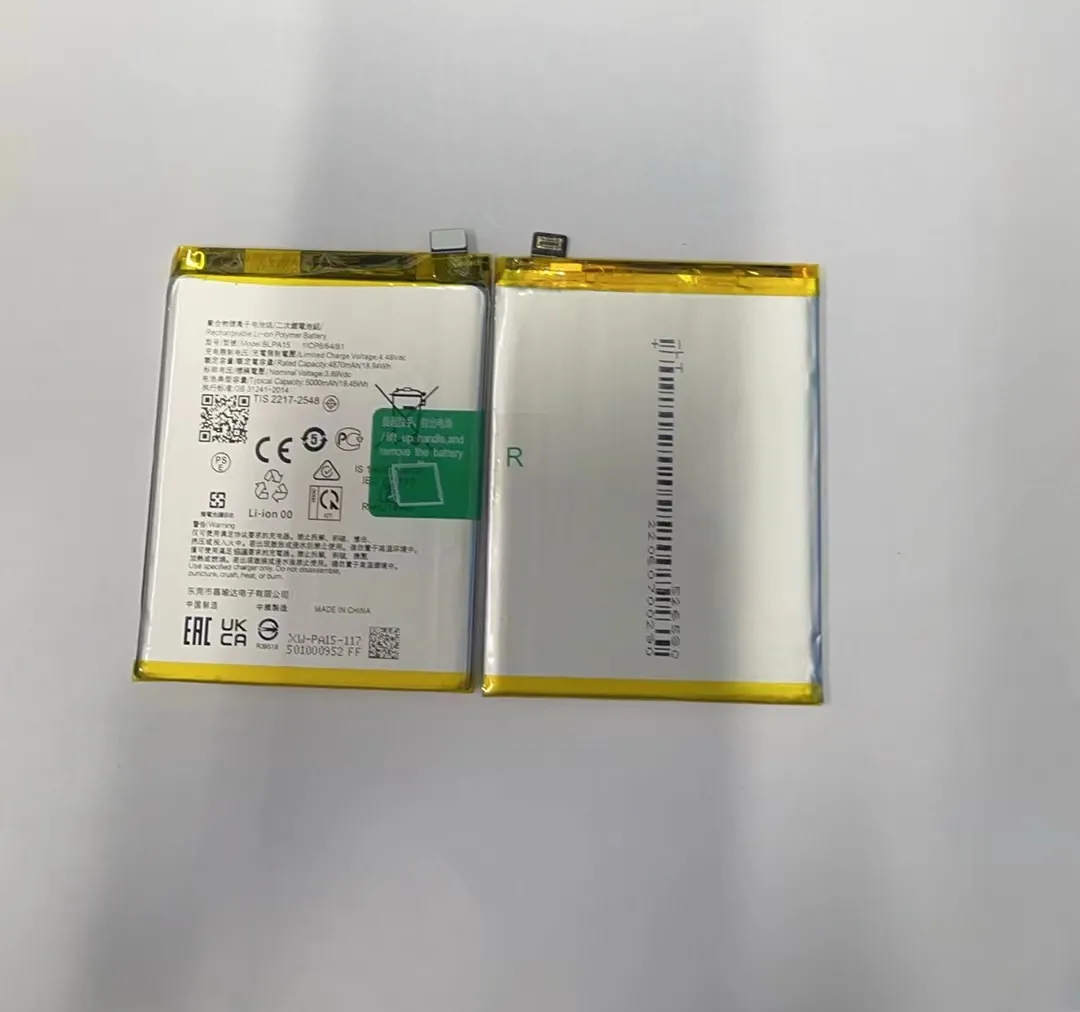
When you remove the battery, the phone’s internal safety features are no longer active.
That means the risk of short circuits, overvoltage, and fire goes up. So it’s important to follow proper steps.
Safety checklist before connecting external power
| Safety Step | Purpose | What to Do |
|---|---|---|
| Set correct voltage | Match battery level (3.7–4.2V) | Use multimeter to double-check |
| Limit current | Avoid overcurrent that damages phone | Set 1.5–2A on lab power supply |
| Check polarity | Prevent reverse voltage damage | Mark pins, test before connect |
| Use fuse or cutoff circuit | Extra protection | Add 2A fuse in line |
| Monitor temperature | Avoid overheating | Touch phone during test |
Common mistakes to avoid
- Using 5V directly from USB without converter (too high)
- Connecting power without checking polarity
- Using a cheap unstable power adapter
- Leaving phone unattended while powered without battery
I’ve seen phones fry charging ICs due to reverse polarity or spikes from unstable supplies. Always double-check wiring and use a regulated power source.
Which devices support power-bypass mode?
Not all phones work without a battery.
Some older or simpler phones will turn on fine.
Newer ones might need battery sensors to be present.
Phones with simple battery connections usually work without a battery. Newer models may not boot unless they detect the original battery chip.
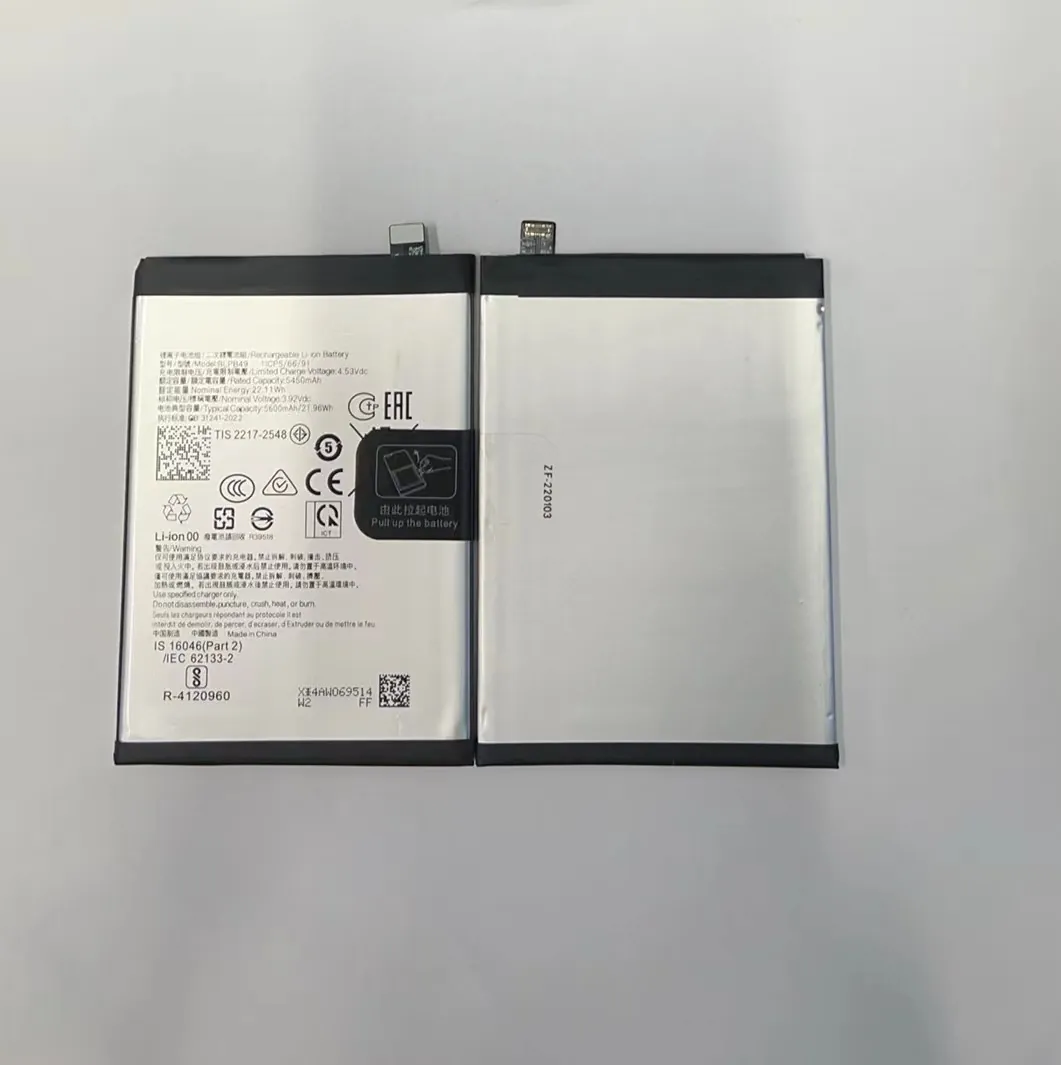
How to know if your phone supports this
Older Android phones with removable batteries are the easiest to test. If the phone doesn’t care about thermistor or battery ID, it will often boot with power supply.
Phones that rely on battery data or temperature readings won’t work unless you emulate those too.
| Device Type | Power-Boot Without Battery? | Notes |
|---|---|---|
| Feature phones | Yes | Very basic circuits |
| Entry-level Android phones | Often Yes | If removable battery |
| Mid-range phones | Sometimes | May need thermistor resistor |
| Flagship phones (new models) | Rarely | Battery ID chip usually required |
How to test safely
- Identify battery pinout (most are +, –, T).
- Apply 3.7V to main + and – pins.
- Use a 10K resistor between T and – (for thermistor).
- Press power button.
If the phone boots, you’re in luck.
If it flashes or shuts down, it might need a real battery.
When is this workaround useful?
Why power a phone without a battery at all?
There are real situations where it helps — especially for repair work or data rescue.
Powering a phone without a battery is useful for data recovery, screen testing, motherboard diagnostics, or when a replacement battery is unavailable.

When this trick saves the day
- Battery died suddenly: And you don’t have a replacement yet.
- Need to test repair: Like screen or motherboard, and want to check before closing the phone.
- Data recovery job: You need files from the phone, but battery is swollen or won’t charge.
- Stock checking in repair lab: Need to test 20 phones quickly before replacing batteries.
- Bootloader or ROM flashing: Developers and technicians often use external power for these tasks.
This is why repair shops usually keep a bench power supply on their workbench. It speeds up diagnostics and saves batteries from being plugged in and out too often.
When NOT to use this method
- Daily use: The phone can turn off at any moment if power is interrupted.
- Phones with sealed batteries: Harder to connect external supply safely.
- For charging: You cannot charge a phone this way — it’s just for turning it on.
Sometimes, just getting the phone to boot is enough — for example, to access Google accounts, reset settings, or verify functions.
Conclusion
Phones can run without batteries using external power, but only if you supply the right voltage and current.
This trick is best for repair, testing, or emergency data recovery — not for daily use.
Use a bench power supply, follow safety steps, and test carefully.
With care, it can save time, money, and even your lost files.
