

Struggling with a phone that won’t hold charge? A dead battery can feel like the end. But the fix is simpler—and cheaper—than most think.
To order a battery for a Virgin Mobile phone, you need to know the exact phone model, battery type, and preferred seller. Choose tested parts from trusted sources to avoid performance issues.
Let’s walk through each step to ensure you get a battery that fits, works, and lasts.
Where can users buy Virgin-compatible batteries?
Running into poor battery life is frustrating. And it’s worse when it’s hard to find the right replacement online.
You can buy Virgin-compatible batteries from large retailers, online battery specialists, or electronics suppliers who carry model-specific stock.

Finding a replacement battery starts with knowing where to look. Virgin Mobile phones are no longer widely sold, so their batteries are not always easy to find. That’s why buyers often search third-party vendors or battery-specific platforms. Popular websites like Amazon, eBay, Walmart, and Newegg carry these items. But many of them are marketplace platforms, so you need to vet the sellers carefully.
One of the best places to begin is battery-specific retailers like BatteryClerk or BatteryMart. These sites specialize in replacement batteries for phones, laptops, watches, and more. They provide key information such as capacity (mAh), voltage, and dimensions.
Here’s a quick comparison of available sellers:
| Platform | Trusted Brands? | Return Policy | Price Range | Notes |
|---|---|---|---|---|
| BatteryClerk | Yes | Yes | $13–$22 | Only batteries |
| Walmart.com | Mixed | Yes | $15–$25 | Read seller info |
| Amazon | Mixed | Yes | $12–$30 | Seller variety |
| Newegg | Yes | Yes | $14–$24 | Fewer mobile models |
| eBay | No guarantee | Varies | $10–$22 | Use seller rating |
To avoid delays or returns, check the seller’s compatibility list before buying. Make sure the product title and description mention your exact phone model.
If your model is very old or rare, it helps to search for the battery part number, not just the phone model.
Why check battery specifications?
Battery looks right, but doesn’t work? That happens when specs don’t match.
Checking battery specifications like voltage, capacity, and dimensions ensures the replacement fits, charges correctly, and runs safely.
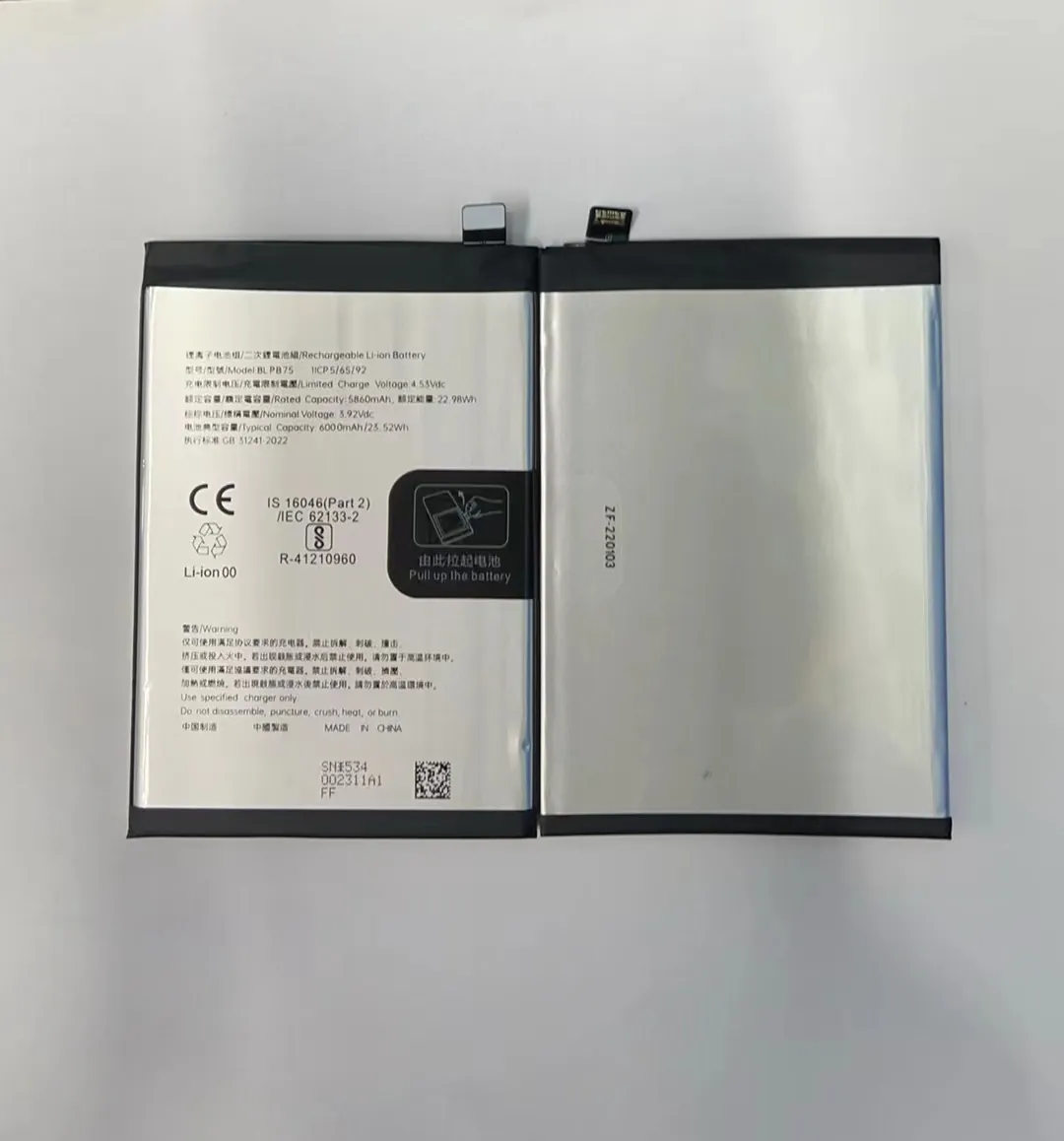
All batteries are not created equal. Even if they have similar shapes, they may carry different electrical properties. Each phone is designed for a specific battery voltage—usually 3.7V or 3.8V—and a matching connector layout.
Here’s what you need to confirm:
Key Battery Specifications
| Spec | What It Means | Why It Matters |
|---|---|---|
| Voltage (V) | Electrical pressure | Wrong voltage = damage or no power |
| Capacity (mAh) | Battery storage | Higher means longer use per charge |
| Size (mm) | Physical fit | Wrong size = won’t fit in slot |
| Type | Usually Li-ion or Li-Polymer | Device requires a specific type |
| Connector | How it plugs into phone | Mismatch = won't connect or charge |
Let’s say your phone originally came with a 3.8V 1500mAh Li-ion battery. Replacing it with a 3.7V 800mAh battery could lead to short battery life or power issues. It might even cause overheating during charge.
Look at your original battery or the user manual. You can also check the specs online by searching your model and “battery specs.” If the new battery doesn’t match in these areas, it’s best to keep looking.
Which models require exact matches?
Guessing your model may cost you. Some phones allow flexibility, others don’t.
Most Virgin Mobile models require exact battery matches. Phones like VM2045, Montage, and AWE/N800 won’t work well with mismatched batteries.

Virgin Mobile used many manufacturers—LG, ZTE, Kyocera, Samsung—so phones with similar names may use very different batteries. A Virgin LG phone won’t share a battery with a Virgin ZTE phone.
Many models even use unique battery shapes or connectors. This makes it harder to find cross-compatible batteries.
Here are some common Virgin Mobile models and their battery needs:
Virgin Phone Battery Guide
| Phone Model | Battery Code | Capacity (mAh) | Voltage | Notes |
|---|---|---|---|---|
| VM2045 (Venture) | BL-44JN | 1500 | 3.7 | Used in LG-based devices |
| VM820 | HB4H1 | 1000 | 3.7 | Smaller phones |
| Montage SPH-M350 | N/A | 900 | 3.7 | Older slide-style phones |
| Overdrive Pro | N/A | 1800 | 3.7 | Mobile hotspot device |
| AWE / N800 | N800-BAT | 1600 | 3.8 | ZTE-based model |
| Super Slice | SLICE-BAT | 800 | 3.7 | Very small form factor |
| LG Optimus Slider | BL-44JN | 1500 | 3.7 | LG standard battery type |
These batteries are not interchangeable. Even a minor change in connector or battery depth can stop the phone from closing or working. That’s why looking up the exact model number printed inside your phone’s battery cover helps avoid problems.
Some newer models may support generic Li-ion batteries, but older or rare models do not.
How do you avoid counterfeit parts?
Finding a good price is tempting. But too-cheap batteries can be dangerous.
To avoid counterfeit parts, buy from trusted sellers, check battery labels, and avoid listings with poor reviews or missing details.
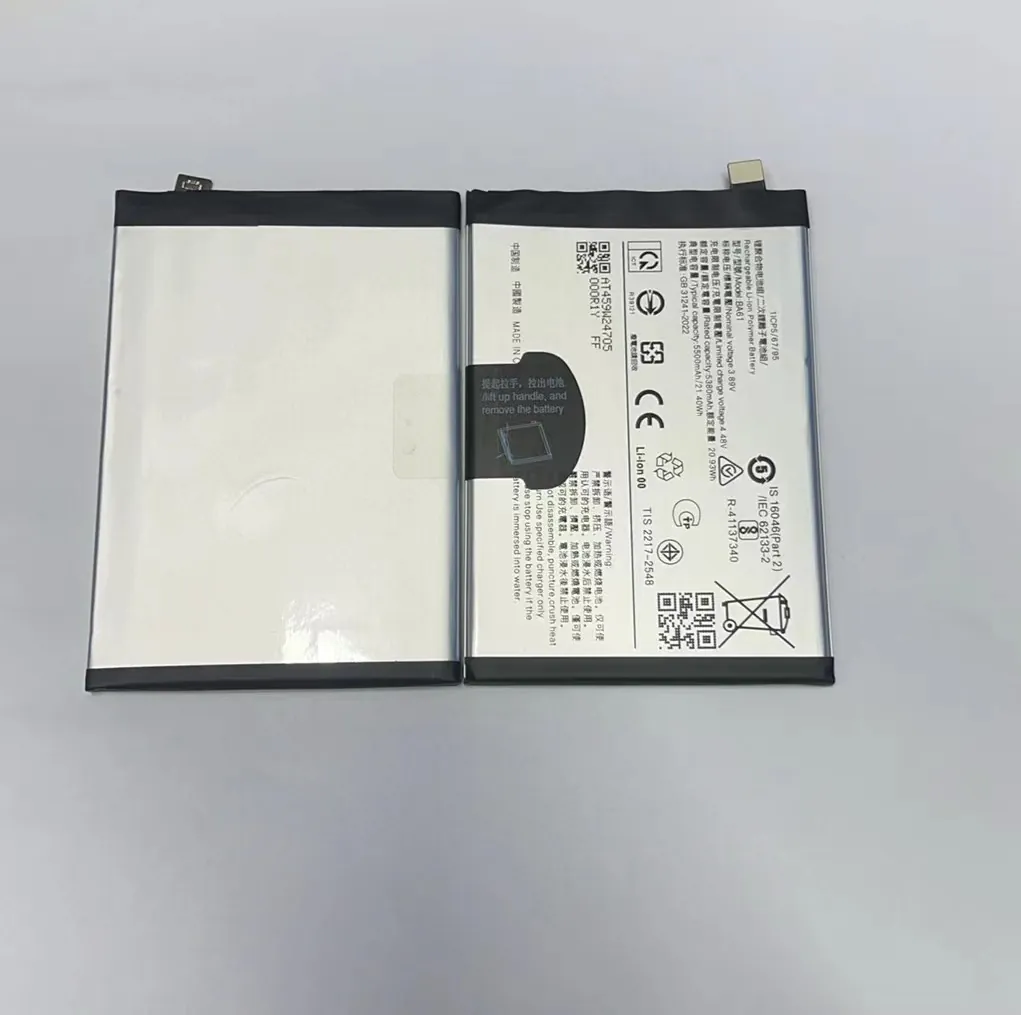
Counterfeit batteries look real. They often copy the logo, battery code, and even packaging. But they usually cut corners on cell quality or safety features. These fakes can swell, leak, or even explode.
Avoiding fakes is mostly about knowing what to look for:
How to Spot a Fake Battery
| Check Point | What to Look For |
|---|---|
| Price too low | Well below $10 is often a red flag |
| No branding | Label has no logo or brand name |
| Typo or blurry printing | Poor print quality = often fake |
| Missing specs | No mAh or voltage info on label |
| Wrong connector | Doesn’t line up with your original plug |
| No warranty or return | Seller doesn’t allow returns |
Also, check the seller page. If the seller has no history or poor ratings, it's better to skip. On platforms like eBay or Amazon, read the reviews and look for photos from past buyers.
Some fake batteries work at first, then fail in a few weeks. Others might work, but only give half the expected usage time. Over time, poor-quality batteries may overheat or expand, damaging your phone.
Look for batteries with verified test reports, 1-year warranty, or from suppliers that offer pre-shipment inspection. It also helps to avoid general electronics outlets and focus on stores that specialize in phone parts.
Conclusion
Choosing the right battery for a Virgin Mobile phone comes down to knowing your phone model, checking specifications, and buying from reliable sellers. Matching the specs avoids problems, and trusted vendors protect your phone—and your money.
