

In daily life, many of us face battery drain issues every day. The battery may not last even one full day. What if we change a few simple habits? We can see real battery life improvement.
Mobile battery health often drops fast due to bad charging and use. Simple changes can help preserve battery life over many months and years.
Understanding how battery works and how it ages helps avoid mistakes. Keep reading to learn practical, easy habits that protect your phone battery.
What daily habits help extend battery lifespan?
Have you ever felt your phone dies faster than before? Most battery loss happens because of daily habits. If we know what habits harm the battery, we can reduce that harm.
Developing good daily habits can extend your battery life significantly. Simple routines make a big difference over time.
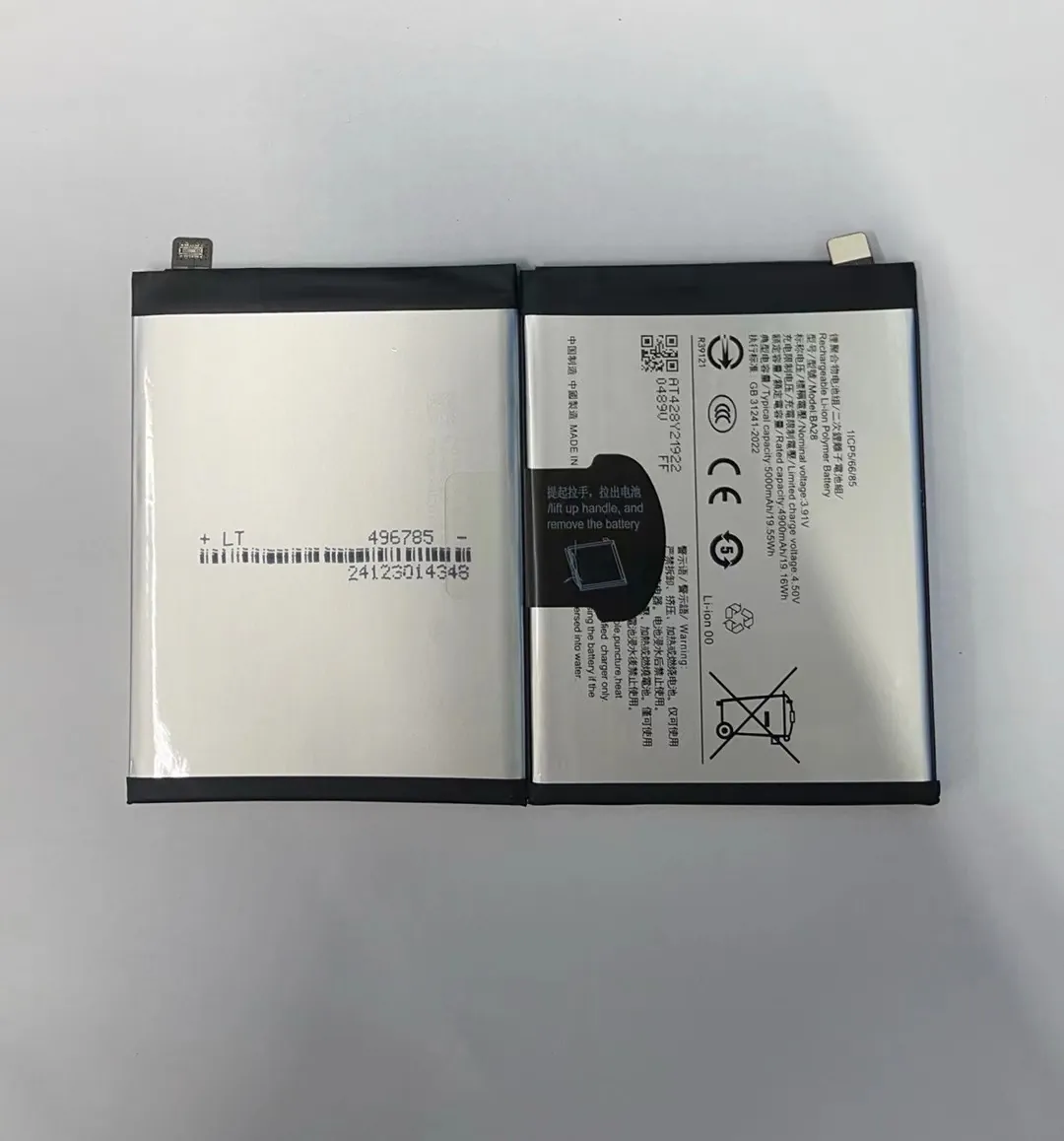
Good daily habits are key to keeping your battery healthy. Many people only think about charging, but how we use our phone every day also matters. Here are the best habits to protect battery health.
Use Brightness Wisely
Phone screen brightness takes a lot of battery power. When brightness is too high, battery drains faster. Auto-brightness helps adjust brightness based on light around you. This saves a lot of battery energy.
Reduce Screen-On Time
People often check phones many times a day. Every time the screen turns on, battery drains. Try to check notifications less. Use silent or vibration mode. This simple change reduces battery use.
Close Apps You Don’t Need
Some apps run in the background without you knowing. They use battery all the time. Check which apps are active. Close the apps you do not use to save battery life.
Turn Off Unused Functions
Functions like Bluetooth, GPS, or NFC drain battery even when they are not in use. Turn them off when you do not need them. This simple habit saves power each day.
Use Wi‑Fi Instead of Mobile Data
Mobile data uses more battery than Wi‑Fi. When you have Wi‑Fi, use it instead of data. This is one simple habit that helps save battery in daily life.
Avoid Excessive Notifications
Many apps send notifications every minute. This wakes your phone again and again. Only allow important notifications. This lowers battery use and reduces screen-on time.
Table: Daily Habits Comparison
| Habit | Helps Battery Life? | Why It Matters |
|---|---|---|
| High screen brightness | ❌ | Drains battery fast |
| Auto-brightness | ✅ | Adjusts brightness to save power |
| Many notifications | ❌ | Wakes phone often |
| Limited notifications | ✅ | Reduces screen-on time |
| Bluetooth on always | ❌ | Uses battery in background |
| Turn off unused features | ✅ | Saves power when not needed |
Good daily habits reduce stress on the battery. Over time, these habits help the battery last longer not only each day, but also across many months of use.
How does temperature affect battery longevity?
Temperature around the phone affects battery health more than most people think. Battery chemistry is sensitive to heat and cold. Even short exposure to bad temperatures can harm the battery.
Battery health drops fast when the phone gets too hot or too cold. Keeping temperature moderate helps the battery last longer.
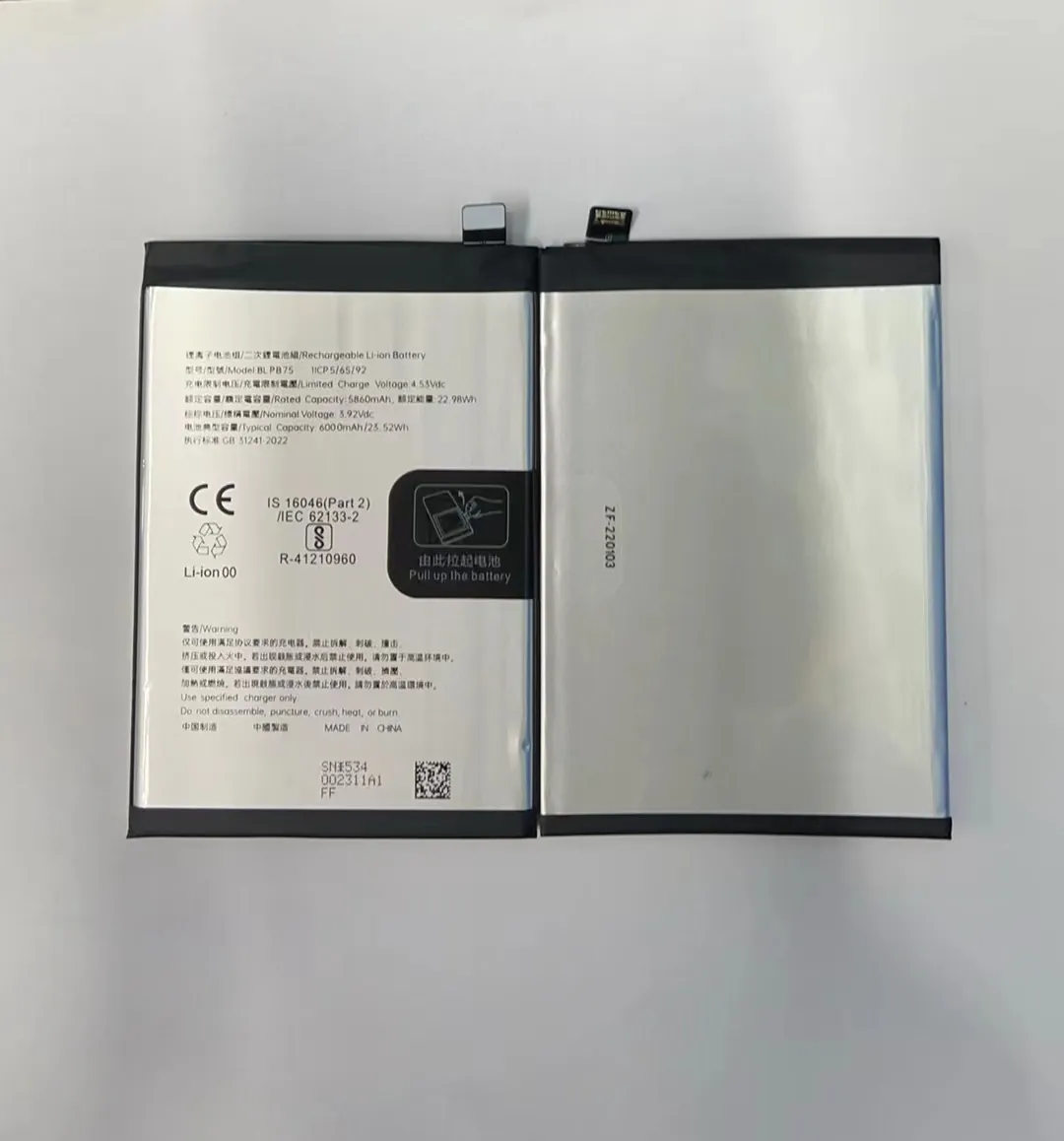
Temperature matters because of how battery chemicals work. Extreme heat and cold make these chemicals unstable. This speeds up battery aging and reduces capacity.
What Happens in Extreme Heat
High temperatures are one of the biggest enemies of battery health. When a phone gets hot, the chemical reactions inside the battery speed up too fast. This can cause permanent damage.
- Heat from the sun while using GPS
- Heavy gaming or video streaming
- Fast charging that heats the phone
Heat not only drains battery faster, but also reduces its ability to hold charge in the future.
What Happens in Extreme Cold
Cold is not as bad as extreme heat, but it still affects battery performance. When it is very cold, the battery works slower. You may see sudden drops in battery percentage.
Cold makes it hard for the battery to deliver energy. This can make your phone shut down suddenly even when the battery shows some charge left.
Ideal Temperature Range
Most phone makers recommend keeping your phone between about 20°C to 35°C (68°F to 95°F). Within this range, battery chemistry works well. Outside this range, battery health declines faster.
Table: Temperature Effects on Battery
| Temperature Range | Effect on Battery | Notes |
|---|---|---|
| Below 0°C / 32°F | ⚠️ Reduced performance | Battery chemicals slow down |
| 0°C–20°C / 32–68°F | ✅ OK | Safe but not ideal |
| 20°C–35°C / 68–95°F | ⭐ Best | Ideal for battery health |
| Above 35°C / 95°F | ❌ Harmful | Speeds battery aging |
Tips to Avoid Bad Temperatures
- Do not leave phone in a hot car
- Avoid heavy gaming in hot weather
- Take phone out of direct sun
- Don’t charge phone under a pillow or blanket
- In winter, keep phone in inner pocket
Temperature management is a habit too. If we protect the phone from heat and cold every day, the battery stays healthier for longer.
Can specific charging cycles prolong battery health?
Most people charge their phone any time they want. But how we charge matters for battery life. Charging cycles and habits affect how long a battery stays healthy.
Using proper charging cycles can slow down battery aging. It is better to avoid deep discharge and full 100% charge every time.

Modern phone batteries are lithium-ion. These batteries do best when we avoid extreme low and extreme high charge levels. The idea of a “charging cycle” helps explain how battery ages.
What Is a Charge Cycle?
A charge cycle happens when you use 100% of battery capacity. This can be from one full charge or multiple small charges adding up to 100%. For example:
- 50% drained, then charged to 100%
- 50% again, then charged to 100%
This equals one full cycle.
Every battery only lasts a certain number of cycles before capacity drops. So managing cycles matters for long-term health.
Best Charging Range
Experts say charging between about 20% and 80% is better than 0% to 100%. This narrower range reduces stress on battery. Avoid fully draining battery to 0%. Also avoid charging to 100% all the time.
Partial Charge Is Good
Charging in small amounts throughout the day can be better than one big charge. This keeps battery in the better range. For example:
- Charge when battery hits ~30%
- Stop charging around ~80%
This slows the cycle count and keeps battery healthier.
Table: Charging Practices
| Charging Habit | Good or Bad? | Notes |
|---|---|---|
| Charge to 100% every time | ❌ | Causes stress on battery |
| Let battery drop to 0% often | ❌ | Deep discharge harms battery |
| Charge between 20–80% | ✅ | Reduces stress and cycles |
| Frequent small charges | ✅ | Keeps battery in good range |
Tips for Charging
- Avoid overnight charging if possible
- Use quality chargers and cables
- Do not fast charge daily unless needed
- Charge in cooler environment to avoid heat
Charging cycles affect battery lifespan more than we think. Simple changes to charging habits can reduce battery wear over months and years.
Is battery-saving mode truly effective long-term?
Battery-saving mode seems helpful at first. It can extend battery life when the charge is low. But does it help the battery in the long run? The answer is not very simple.
Battery-saving mode helps you get more hours when battery is low. But it does not make battery age slower over years. It only reduces energy use temporarily.

Battery-saving mode changes how your phone works. It slows background tasks, lowers brightness, and reduces CPU use. This means the phone uses less energy. When battery is low, this can help you reach the end of the day.
How Battery-Saving Mode Works
When battery-saving is on:
- Screen brightness may drop
- Background apps may not refresh
- Some functions may pause
- Performance may slow
These changes save energy and help the battery last longer in the moment.
Does It Protect Battery Health?
Battery-saving mode helps reduce energy use at the moment. But it does not change battery chemistry. It does not slow aging over months or years.
People think battery-saving mode reduces stress on the battery. But the biggest battery stress comes from heat, deep discharge, and full charges. Battery-saving mode does not change these factors in a long-term way.
When to Use It
Battery-saving mode is great when:
- You need extra hours before charging
- Battery is low and you are away from charger
- You want to reduce screen use quickly
But it is not necessary to keep this mode on all the time. Normal use is fine when battery is above 30–40%.
Table: Long-Term vs Short-Term
| Purpose | Battery-Saving Mode | Long-Term Health |
|---|---|---|
| Extend hours today | ✅ | Not applicable |
| Reduce charging cycles | ⚠️ | Not really |
| Slow aging over years | ❌ | No effect |
| Reduce heat from tasks | ⚠️ | Small effect only |
Battery-saving mode is a useful tool for short-term power issues. But it does not replace good habits like proper charging and avoiding heat.
Conclusion
Simple daily habits, proper temperature care, smart charging cycles, and using battery-saving mode when needed all help your phone battery last longer. Good habits over time make the biggest difference in keeping battery health strong.
