

Have you ever faced a phone that just will not turn on? This can feel like your life just stopped.
A phone with a dead battery can often be brought back to life. In many cases, you can restart the battery with the right steps and tools.
Read on to find clear and direct help if your phone will not take a charge. You might fix it without a repair shop.
What steps help revive a completely drained battery?
Phones that show no sign of life often have a deeply drained battery. I have seen this many times. With the right steps, many phones can be brought back. You start slow, safe, and careful. This section shows steps that work for most phones.
First, use the original or high‑quality charger and cable. Cheap chargers may not send stable power. Reliable power matters when the battery is very low.
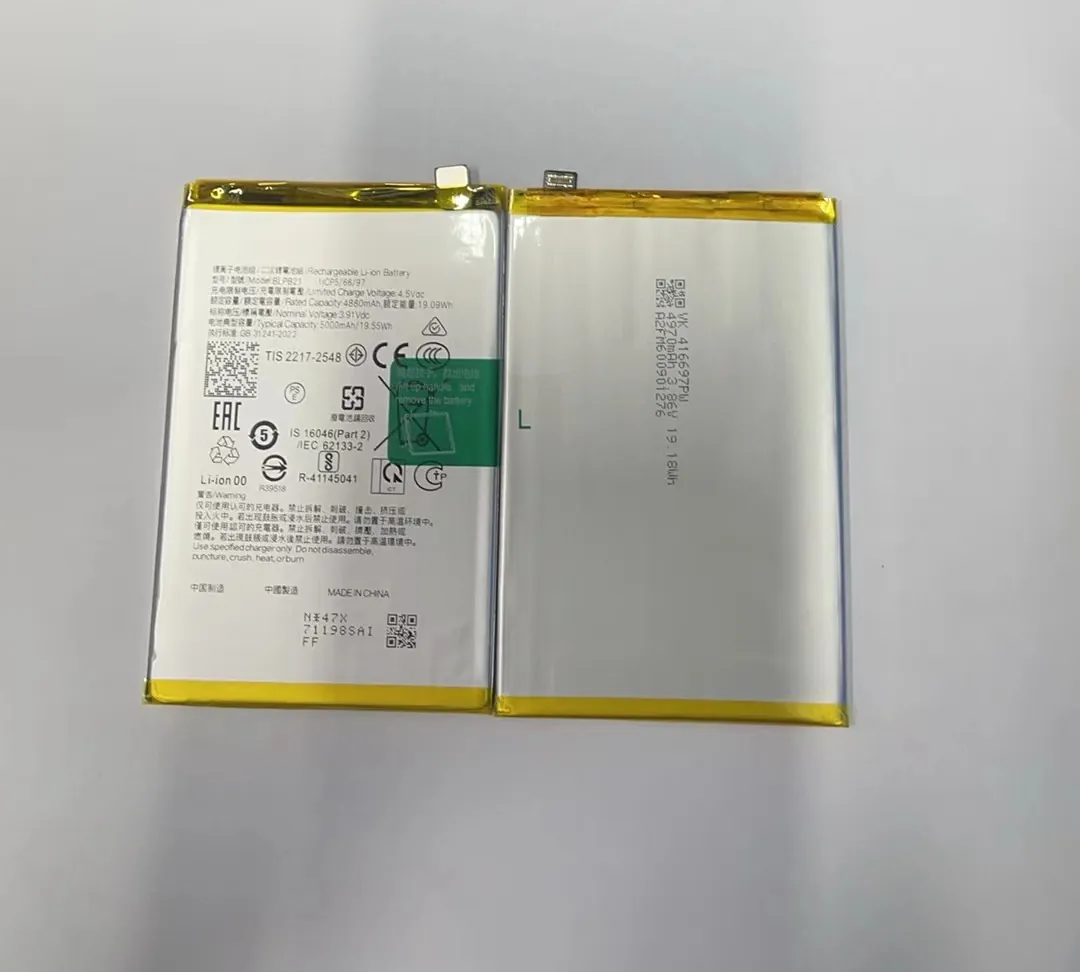
To wake a deeply drained battery, let the phone sit on charge for a while. Do not try to turn it on right away. Many phones need at least 15–30 minutes before they show any sign of life. If the screen stays black, do not unplug it right away. Give it time.
Next, try a different power source. If the wall plug seems not to work, try a USB port on a computer. If still no sign, change the cable. A broken cable can block all power.
Often, your phone may warm up slightly when connected. This is a good sign. It means the battery is taking power. If it stays cold and shows no sign, keep it connected longer.
Here is a step list that often works:
- Inspect the charging cable and port for dust or damage.
- Connect to a known good charger and cable.
- Wait at least 20–30 minutes before trying to turn on.
- Try a button combination to force restart if the screen stays off.
- Try a different wall outlet or power bank.
Why waiting matters
A deeply drained battery may need time before it shows life. The phone’s internal circuits may not have power to light the screen right away. Waiting gives the battery time to accept enough charge to power up.
Trying to turn it on too soon can keep the phone stuck in a loop where it never powers up. With patience, you let the phone build a minimum power level.
Safety first
Do not heat the phone intentionally or use quick fixes like putting it in the sun. Heat can damage the battery and other parts. Keep it in a safe, cool place while charging.
Common mistakes
| Mistake | What happens |
|---|---|
| Using a poor quality charger | No power delivery, slow charge, or no response |
| Trying to turn on too soon | Phone stays off and drains remaining charge |
| Plugging/unplugging repeatedly | Can wear the port and confuse the phone logic |
These steps are simple but make a big difference. With time and the right tools, you often can revive a battery that seemed totally dead.
Can a dead phone battery be recharged safely?
When a phone battery is totally dead, safety is a prime concern. Many people worry about fire, swelling, or damage. I have worked with phones that looked dead but were safe to charge again. You just need to follow proven steps and avoid risky tricks.
Yes, in most cases a deeply drained phone battery can be recharged safely if you follow careful steps. A phone should not be harmed by normal charging, even if it is completely drained.

Modern phone batteries are designed to take power in a controlled way. They have built‑in systems to protect themselves. If the phone accepts a charge and warms a little, this is normal.
Below are safe practices to follow:
- Always use a charger that matches the phone’s specification.
- Do not use cracked or frayed cables.
- Avoid high‑wattage chargers that are not supported by your phone.
- Do not force the cable into the port if it feels stuck.
What to do if the battery is swollen
If the phone’s back is bulging or the battery looks swollen, do not try to charge it. A swollen battery has a chemical fault and charging it can be dangerous. In such cases, stop and get the battery replaced.
Swelling is a sign that gas has built up inside the battery. This is not safe. It can lead to leaking, fire, or explosion if charged.
In contrast, a normal battery that is just drained will look flat and normal. You can safely connect it to charge.
Signs it is safe to charge
- The phone’s body looks normal.
- The screen shows a charging icon after some time.
- The phone stays cool or slightly warm.
Signs to stop charging and get help
- Battery is swollen.
- Strange smells come from the phone.
- The phone heats up quickly.
- The phone sparks or makes noise.
Here is a simple checklist to follow:
| Safe to Charge | Stop and Get Help |
|---|---|
| No physical damage | Battery looks swollen |
| Normal appearance | Odd smells or heat |
| Gradual warm up | Sparks or noises |
| Showing charging icon | No response but abnormal heat |
Charging a dead phone battery is usually safe if the battery and phone are physically fine. When you see normal signs, you can let it charge until it can turn on. Safety matters more than speed; always choose safe steps.
When should you give up on reviving a battery?
At times, trying to recharge a dead battery simply will not work. Knowing when to stop can save time and prevent damage. I have seen many phones that never woke up no matter what we tried. Here are clear signs when you should give up on trying to recharge it yourself.
If the phone never shows any sign of life after a long charge and checks, or if the battery is physically damaged, it is time to stop. Some problems need professional help or battery replacement.

No sign after long charge
If you have tried quality power sources, waited for at least an hour, and the phone never shows a charging icon or response, this is a strong sign the battery or internal parts are faulty. Trying more steps without change only wastes time.
Phone gets too warm
A battery that gets very hot during charging is a bad sign. Normal charging may make the phone warm. But if it becomes hot to touch, stop immediately. This means something inside is wrong.
Battery bulging or leaking
If the back of the phone bulges or you see signs of liquid, the battery is damaged. Do not recharge or use the phone. This condition is unsafe. Battery replacement by a professional is the only safe action.
Internal damage from water or drop
Water damage or a serious drop can break internal parts that connect the battery. Even if the battery is fine, the phone may not accept power. In such cases, a repair shop must diagnose the device.
How long is too long?
If after 60–90 minutes nothing happens, it is usually safe to stop. At this point, the battery is not taking power. Pushing it more may not fix the battery and can stress the phone’s circuits.
Professional tools may help
Sometimes the problem is not the battery but the power circuit inside the phone. Experts can test these with special tools. If you are not trained, avoid opening the phone. You may void warranty or damage parts.
Simple decision guide
To know if it is time to stop, here is a checklist:
- No response after an hour of charging
- Phone becomes very hot
- Battery is swollen
- Bad smell or liquid inside
- Charging port is broken
If one of these is true, stop the DIY efforts.
When professionals can help
Professionals have tools to test battery health and internal circuits. They can also replace the battery safely. If the phone has important data inside, professional work may save your photos and files.
Stopping when needed saves frustration and risk. Knowing these signs keeps you safe and guides you to the next right step.
What tools can help restart a dead battery?
Reviving a dead battery is easier with the right tools. I have used these tools many times to save phones that seemed lost. The tools range from simple everyday items to more advanced devices only professionals use.
These tools help you diagnose the issue and safely provide power to a drained battery. You do not need all tools, but a few good ones make the job easier and safer.
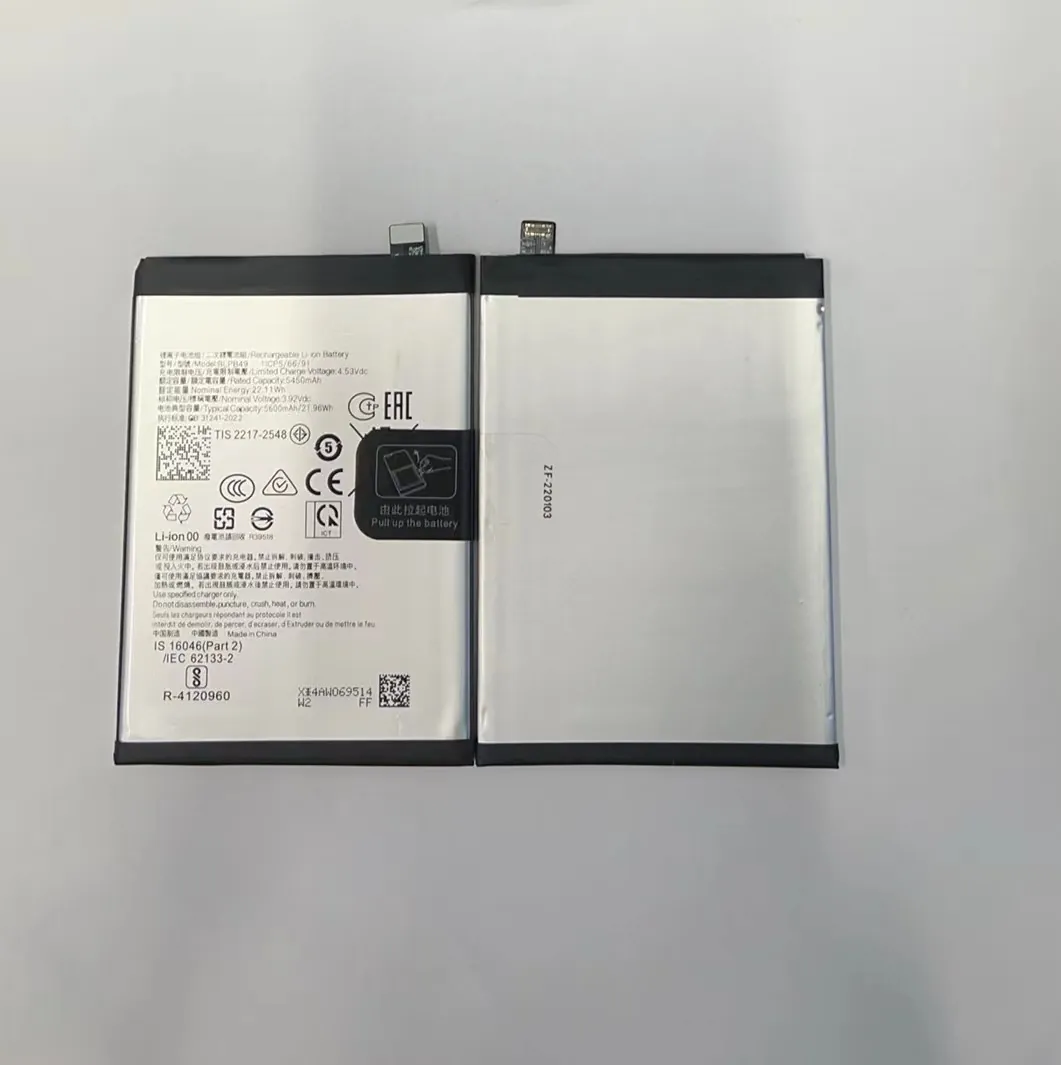
Must‑have tools
These tools are useful for almost any dead phone battery scenario:
- Quality charger and cable: A stable power source is key.
- USB multimeter: Helps check if the phone is getting proper voltage and current.
- Compressed air or brush: To clean the charging port from dust.
Optional but helpful tools
Professional repairers often use these:
- Battery tester: Measures battery health and capacity.
- Power supply box: Gives controlled power to the phone without a battery.
- Thermal camera or probe: Watches the heat as the phone charges.
How they help
A USB multimeter plugs between the charger and phone. It shows if power is actually flowing. If the phone gets no power, the problem may be the cable or charger.
A battery tester is used when you can remove the battery. It tells the real health of the battery and if it can hold a charge.
A power supply box is a tool that can push power into the phone when the battery is not reliable. This is a professional tool but very effective. It can show if the phone itself powers on without a battery.
Example tool list
| Tool | What it does |
|---|---|
| Quality charger | Delivers stable power |
| USB multimeter | Shows voltage and current |
| Battery tester | Tests battery health |
| Power supply box | Powers phone without battery |
| Compressed air | Cleans dust from port |
| Thermal probe | Monitors heat during charging |
How to use these tools safely
Always start with basic tools like a good charger and cable. If the phone still will not charge, use a multimeter to check the power flow. If you see power, the battery is likely the issue.
Only trained people should use power supply boxes and open the phone. These tools involve direct contact with internal parts. Without skill, you can damage the phone.
Tips when tools are not available
If you do not have special tools, focus on these simple steps:
- Use high‑quality charger and cable.
- Try different power sources.
- Clean the charging port gently.
- Wait with patience.
Often these alone will fix the problem.
When tools make the difference
If the phone has internal damage or a tricky problem, tools help find the real cause. Without them, you can only guess and waste time.
A USB multimeter can tell you clearly if power is flowing. This removes doubt and points you to the next step.
Tools help you see what is happening, not just guess. With the right tools, restarting a dead battery becomes a clear and safe process.
A dead phone battery can often be revived with care, the right steps, and the right tools. Knowing when to stop prevents damage and frustration. With patience and safety first, many phones can be brought back to life.
