
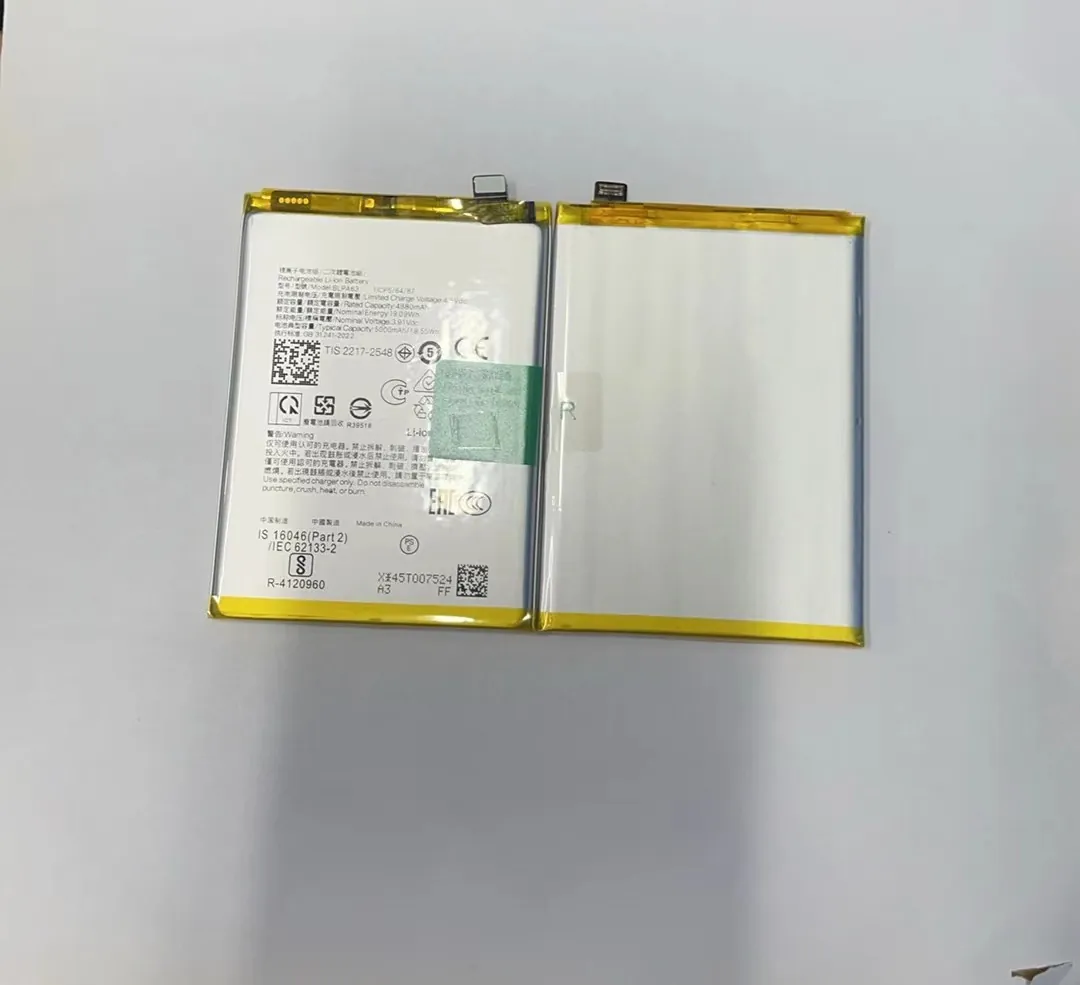
Many mobile phone users feel frustrated when their battery drains too quickly. This often leads to buying a new phone or battery. But there’s another way.
Yes, reconditioning a mobile phone battery can extend its lifespan and sometimes restore part of its original capacity, using simple tools or apps.
Reconditioning a battery does not mean making it brand new again. But it can slow down the aging process. With proper methods, it is possible to improve performance and delay replacement. Let’s explore how.
What methods are used to revive old batteries?
Many people replace batteries too early because they don't know other options. If your phone drains too fast, you might think it's time for a new one. But maybe not yet.
Several techniques like full discharge cycles, battery calibration, deep charging, and cooling treatments can help recondition old mobile phone batteries.

Reconditioning does not require special hardware. Most methods only need time and a basic understanding of how batteries work. Here are common techniques:
1. Full Discharge and Recharge
This method is also called a battery reset. You let the phone battery go to 0%, then recharge it to 100% without interruptions.
- Best for: Phones that show incorrect battery levels
- How often: Once every 1–2 months
- Risk: Avoid doing this often; it wears the battery
2. Battery Calibration
Calibration means syncing the battery’s real charge with the phone’s display.
Steps:
- Charge the battery to 100%
- Let the phone run until it shuts off by itself
- Recharge to 100% again without use
This helps your phone show accurate battery percentages. It doesn’t boost capacity, but it can make battery behavior more stable.
3. Cold Storage Trick (Advanced)
Some suggest placing lithium-ion batteries in the fridge (not freezer) to help the chemical recovery process. It can reduce internal resistance.
- Wrap the battery in plastic
- Place it in the fridge for 10–12 hours
- Bring to room temperature before use
This method is controversial and may only work for removable batteries. Always take care with moisture.
4. Deep Charging Cycles
Sometimes batteries develop "memory" issues. This means they stop charging fully. Doing deep charging cycles — letting it drop to 5% and recharging to 100% — may help.
| Method | Description | Use Case |
|---|---|---|
| Full Discharge | Battery reset to re-sync performance | Unstable power readings |
| Calibration | Sync display and real capacity | Incorrect battery % |
| Cold Storage | Reduce internal resistance (risky) | Advanced users only |
| Deep Charging | Fight memory effect, restore full cycles | Battery not reaching 100% |
Can reconditioning improve battery performance?
When a phone battery becomes weak, users often notice slower performance or overheating. This can reduce how long the phone lasts per charge.
Reconditioning can slightly improve battery performance, especially in older phones, by restoring lost calibration and improving charge-holding ability.

Reconditioning doesn’t make a battery like new. But it can slow down its decay. After a few cycles of reconditioning, users may notice better screen-on time, more stable charging, and fewer random shutdowns.
How it helps:
1. Improved Battery Reading Accuracy
A poorly calibrated battery gives wrong readings. Reconditioning resets the readings, so users know when they really need to charge.
2. Longer Battery Runtime
Batteries often retain unused capacity due to irregular charging patterns. Reconditioning forces the battery to access more of this hidden capacity.
3. Better Heat Control
Charging patterns affect battery heat. Reconditioning teaches the battery to charge more evenly, reducing heat buildup during charging.
4. Smoother Phone Performance
Some operating systems reduce CPU speed when batteries perform poorly. After reconditioning, the OS may allow full-speed processing again.
Realistic Expectations
| Benefit | How Much It Improves |
|---|---|
| Battery runtime | Up to 10–15% longer |
| Charge level accuracy | Much more accurate |
| Charging speed | Slightly faster |
| Heat during use | Noticeably cooler |
Reconditioning isn’t magic. It helps mostly in early to mid stages of battery wear. Severely damaged batteries still need replacement.
Is battery reconditioning safe for all phones?
Some people worry that trying to fix their battery will cause damage. This is a valid concern, especially with non-removable batteries.
Yes, most battery reconditioning methods are safe for modern phones, if done properly and not too often. But advanced methods may carry risks.

Reconditioning should follow the phone’s battery type. Most phones today use lithium-ion batteries. These don’t like to be fully discharged too often.
What to watch out for:
1. Heat and Swelling
If a battery becomes swollen, stop using it immediately. This is a sign of serious damage, and reconditioning will not fix it. Swollen batteries can explode or leak.
2. Avoid Freezing or Overheating
Extreme temperatures can damage battery chemistry. Avoid storing phones in cars or near heaters while reconditioning.
3. Avoid Fast Chargers During Reconditioning
Use original or standard-speed chargers. Fast charging generates more heat, which goes against the goal of safe battery recovery.
Phones with Non-Removable Batteries
You cannot remove these batteries without tools. If they’re deeply damaged, replacing them requires professional help. Reconditioning may help only in early stages.
| Safety Tips | Why It Matters |
|---|---|
| Never recondition swollen batteries | Risk of explosion or leaking |
| Don’t use fast chargers | Too much heat |
| Use only if battery is under 3 years old | Older ones may not recover |
| Avoid moisture or extreme cold | Can short-circuit or damage cells |
In summary, reconditioning is safe if you check your battery condition first and follow basic rules. When in doubt, ask a technician.
How do apps help in battery reconditioning?
Technology now makes battery health more visible. There are mobile apps that show charge cycles, voltage, temperature, and overall health.
Apps can guide users through safe reconditioning steps and help track battery health with useful real-time data.

Some apps offer automatic tools that manage charging patterns. Others provide detailed reports that tell you when to calibrate or recondition.
Best Features to Look For:
1. Cycle Count Tracking
Batteries wear out by cycles. Apps can show how many full charge cycles your battery has gone through. This tells you how aged it is.
2. Voltage and Temperature Monitoring
Apps like AccuBattery can alert you if the battery gets too hot. This is key when reconditioning, as overheating reduces battery health.
3. Charge Pattern History
Apps can record how often you charge your phone and how long you keep it plugged in. These habits affect battery lifespan.
4. Smart Reminders
Some apps remind you when to stop charging, or when to run a full discharge-recharge cycle. This helps maintain battery condition.
Popular Battery Reconditioning Apps:
| App Name | Platform | Key Features |
|---|---|---|
| AccuBattery | Android | Charge cycles, health %, temperature |
| Battery HD | Android | Custom alarms, usage tracking |
| CoconutBattery | iOS/mac | Battery health and cycle info |
| Battery Life | iOS | Health status, voltage, capacity tracking |
These apps won’t repair damaged batteries. But they are great for maintaining healthy batteries and supporting reconditioning efforts.
Conclusion
Battery reconditioning is a smart way to extend battery life, improve performance, and avoid unnecessary replacements. With the right tools and habits, it's possible to get more out of every charge.
