

Battery problems can sneak up—one day your phone lasts all day, the next it dies by lunch.
To recover battery performance in a charging mobile phone, use recalibration tools, identify charge cycle issues, and reset only when necessary.
Battery recovery isn’t about miracles, but smart methods. Let’s go through the practical steps that can actually help.
Can draining then charging restore battery health?
Many people think that letting the battery drop to zero and then charging to 100% can somehow fix things. But is this really true?
No, draining then charging does not improve battery health. It may help recalibrate software, but it cannot restore physical battery capacity.
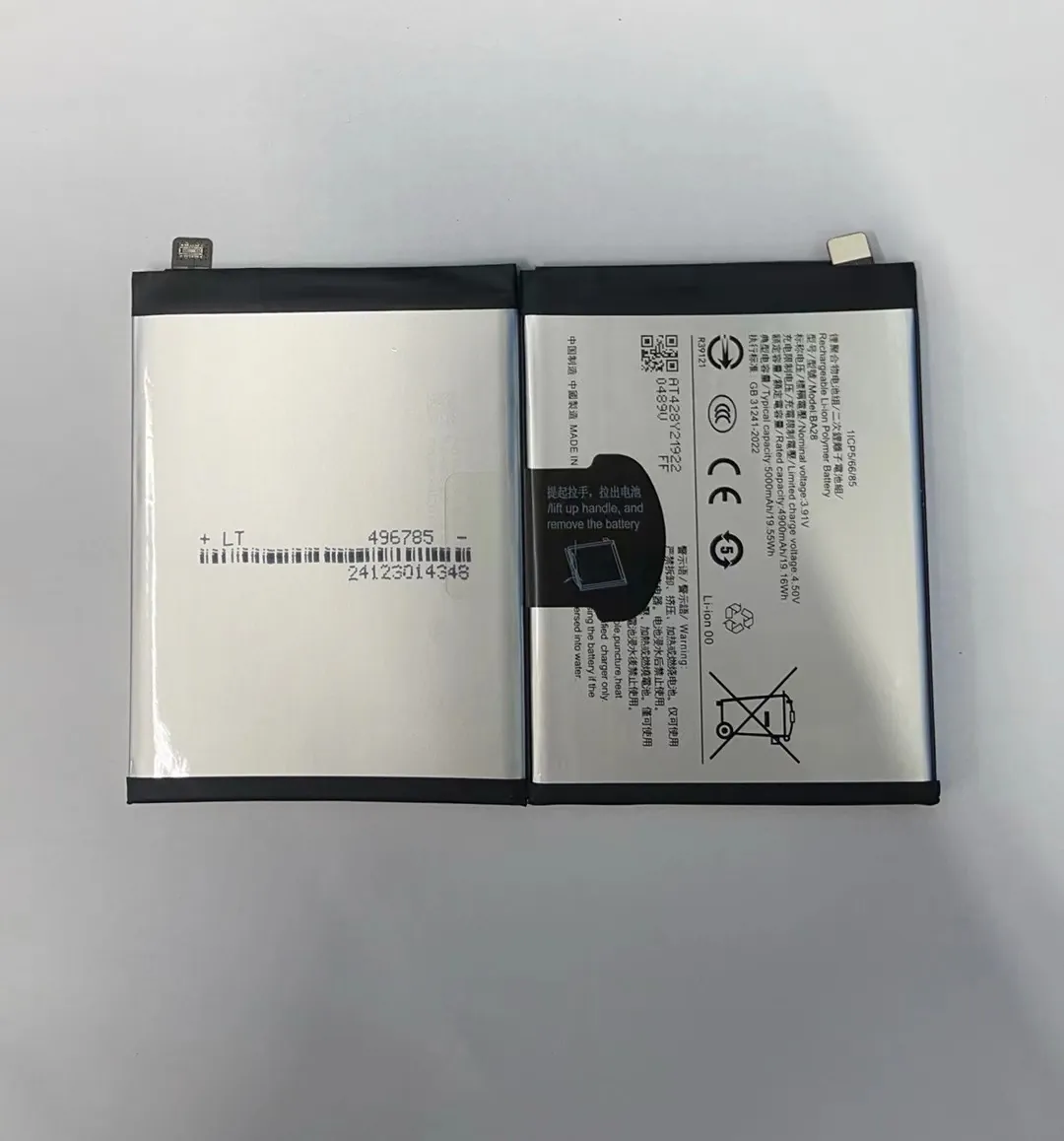
The battery’s real health is tied to its chemical makeup. Once the lithium ions degrade, there’s no going back. But software sometimes loses track of the true capacity, showing wrong percentages. That’s where full drain-and-charge cycles can help—recalibrating the battery meter, not the battery itself.
What this process actually does
It resets the phone’s power management system. Over time, your phone may think it's at 20% when it’s really at 40%, or vice versa. A full charge cycle realigns the software and improves accuracy.
| Action | Affects Software? | Affects Battery Health? |
|---|---|---|
| Full drain and recharge | Yes | No |
| Frequent deep discharges | No | Yes (negatively) |
| Charging from 20%-80% | No | Yes (positively) |
Doing this once every few months may help the battery gauge accuracy. But don’t make it a habit. Repeated full discharges increase wear.
Better approach
Use battery health monitoring apps to see your real capacity. Then change habits based on that info. Deep discharges should be your last resort—not a regular trick.
What tools assist in battery recalibration?
Sometimes your phone’s battery percentage seems stuck or inaccurate. This isn’t always a battery fault—it’s often a software reading error.
Battery recalibration tools help reset your phone's battery statistics to reflect actual charge levels more accurately.

Recalibration tools don’t improve battery health. They adjust how the system reads battery capacity. For example, your phone might think it’s at 80% when it’s actually at 50%.
Best tools and apps for battery recalibration
| Tool/App Name | Platform | Function |
|---|---|---|
| AccuBattery | Android | Tracks actual capacity & cycles |
| CoconutBattery | macOS/iOS | Shows design vs. current capacity |
| BatteryGuru | Android | Analyzes usage, suggests charging |
| AIDA64 | Android/iOS | Technical battery data |
These tools collect data over time. The more you use them, the more accurate the statistics become.
Manual recalibration steps
- Use your phone until it shuts off by itself.
- Charge to 100% without interruption.
- Keep it plugged in for 30 more minutes.
- Restart the phone.
- Use normally.
Do this once every 2–3 months if you notice battery percentage is inaccurate. If the battery health is already poor, consider replacement instead.
When tools won’t help
If your battery has degraded to under 70% of its design capacity, no tool or recalibration can bring it back. At that point, replacement is the only effective fix.
Is factory reset helpful for battery recovery?
Sometimes a phone with a decent battery starts draining fast without warning. Could a factory reset bring it back to normal?
Factory reset does not improve battery health but can remove background processes or bugs that cause abnormal battery drain.

When your phone's software becomes bloated—too many apps, settings errors, or malware—it puts more load on the battery. That makes your battery seem weaker than it really is.
What factory reset actually does
- Removes all apps and user data.
- Returns software to original state.
- Kills hidden processes that might drain battery.
This is useful when:
- Battery life dropped suddenly.
- Recent software updates caused issues.
- Phone heats up or lags for no clear reason.
| Scenario | Should You Reset? |
|---|---|
| Sudden fast drain after update | Yes |
| Battery worn over years | No |
| Unknown background processes | Yes |
| Just to “refresh” battery | No |
Steps to perform a safe factory reset
- Back up data (cloud or computer).
- Remove your Google or Apple account to avoid lock.
- Fully charge the battery.
- Go to Settings > Reset > Factory Data Reset.
- Reboot and reinstall only necessary apps.
After reset, monitor the battery for 2–3 days before making further changes. If battery performance improves, you likely had a software problem.
Batteries don’t last forever. Each has a limited number of charge cycles. Understanding this helps you spot when it’s time to change your habits—or your battery.
Charge cycle issues can be spotted through tools that show capacity loss, cycle count, and unusual charging patterns.

A charge cycle means using 100% of your battery. For example, using 50% one day and 50% the next = 1 cycle. Most phones last 300–500 full cycles before noticeable decline.
- Battery percentage jumps or drops quickly.
- Phone shuts off at 20-30%.
- Full charge doesn’t last a full day.
- Charging takes much longer than before.
Tools to check cycle count and health
| Tool/App Name | Platform | Function |
|---|---|---|
| iBackupBot | iOS | Shows cycle count, design capacity |
| AccuBattery | Android | Tracks cycles & estimates health |
| CoconutBattery | macOS/iOS | For iPhones, shows health vs. age |
| BatteryInfoView | Windows | Reads detailed battery info |
Typical battery lifespan
| Usage Style | Estimated Cycle Count | Years of Use |
|---|---|---|
| Heavy user | 300 | ~1.5 years |
| Moderate user | 500 | ~2.5 years |
| Light user | 700+ | ~3 years |
What to do if battery wear is high
- Change charging habits (stay between 20–80%).
- Use battery health apps to monitor.
- Replace battery if health is under 70%.
- Avoid fast charging if not necessary—it generates more heat.
Keeping track of your battery cycles helps prevent sudden shutdowns and lets you plan replacements before it’s too late.
Conclusion
Battery recovery in charging phones isn’t about tricks—it’s about tools, smart charging, and knowing when replacement is needed. A few simple habits and checks go a long way.
