

Replacing a phone battery sounds simple, but doing it wrong can ruin the whole device or even cause safety issues.
To replace a mobile phone battery properly, you need the right tools, follow safety steps, and always stick to model-specific guidelines to avoid damage or injury.
Many phone repair tasks look similar, but battery replacement is unique. Every phone model has its own internal structure, battery connector, and screen removal technique. If you're careless, you risk breaking key parts or losing waterproof seals.
What tools are needed for replacement?
Replacing a battery without the right tools is like trying to cook without a pan. You’ll likely end up making a mess or causing damage.
Basic tools include screwdrivers, plastic pry tools, suction cups, and tweezers. For some models, heat guns and opening picks are also needed.

The exact tools depend on the phone model, but here are the most commonly used ones:
Basic Toolkit Table
| Tool Name | Purpose |
|---|---|
| Phillips Screwdriver | Remove small screws inside the phone |
| Plastic Pry Tool | Open casing without scratching |
| Suction Cup | Help lift screen from frame |
| Tweezers | Handle small parts safely |
| SIM Tray Ejector | Eject SIM tray before opening phone |
| Heat Gun/Pad | Loosen glue for screen removal |
Some models like iPhones or Samsung Galaxy require pentalobe screwdrivers or tri-point screwdrivers. Using metal tools can damage the casing or short-circuit parts, so it's best to use ESD-safe plastic tools where possible.
Professional repair kits often include a mat to hold screws and a magnifying lamp. These aren’t required, but they make the process much easier.
Also, it's important to wear an anti-static wrist strap. It protects the phone’s circuit from damage caused by static electricity, which you can't see but can ruin a logic board instantly.
How do you safely open the device?
Opening a phone without a plan is risky. Many users break the screen or rip cables just by rushing.
Turn off the phone, remove the SIM card, use heat if needed, and open the device slowly using plastic tools to avoid screen or cable damage.
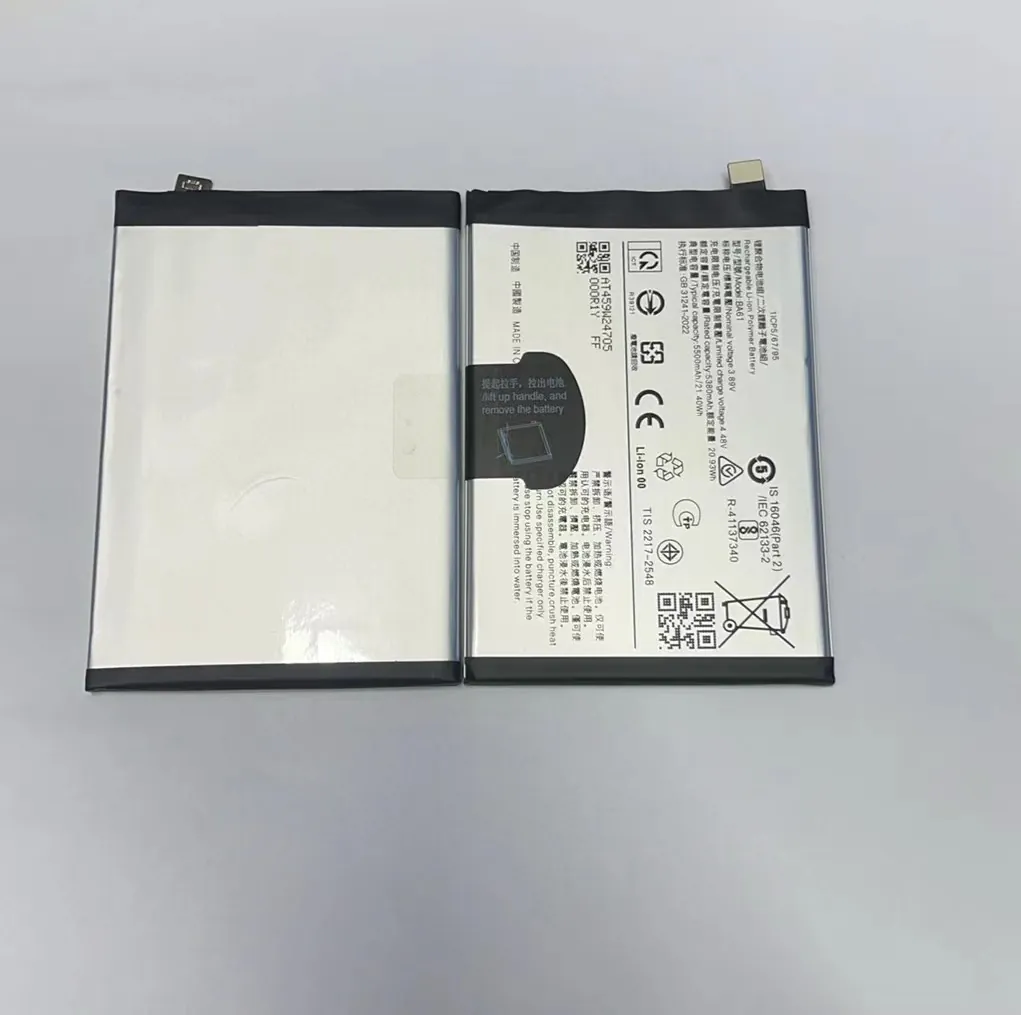
Each phone model opens differently. Some have screws at the bottom, some behind the screen. Many are held together with adhesive, especially water-resistant models.
Here are basic steps for most modern phones:
Step-by-Step Table
| Step | Action | Why It Matters |
|---|---|---|
| 1 | Power off the phone | Prevent short-circuit |
| 2 | Remove SIM card tray | Avoid damaging tray or reader |
| 3 | Heat edges of the device | Loosen adhesive |
| 4 | Use suction cup and pry tool | Lift screen slowly |
| 5 | Disconnect battery first | Prevent power flow during repair |
| 6 | Open slowly, check for cables | Avoid tearing screen or sensor wires |
The most common damage happens during screen removal. For instance, many phones have a fingerprint sensor cable connected to the screen. If you pull too hard, it tears. Once torn, that function is gone unless repaired.
Some phones, like newer iPhones, use strong adhesive for waterproofing. Heating the back or front with a hot pad helps soften the glue. Still, rushing or using sharp tools can crack the screen or housing.
Always disconnect the battery connector first before touching other internal parts. That one step avoids accidental shorts and is key to safe disassembly.
Why follow model-specific steps?
Every phone is different inside. Following generic guides leads to confusion, errors, or even injury.
Model-specific steps match the phone's layout, screw types, battery connector location, and adhesive strength, helping avoid damage and repair failure.

One phone may have its battery stuck with two pull tabs, while another uses glue pads and a metal bracket. Missing even one detail can damage the battery or internal components.
Examples of Key Differences by Brand
| Brand | Unique Features |
|---|---|
| iPhone | Face ID sensor ribbon under screen |
| Samsung | Curved AMOLED screens, glued in place |
| Huawei | Battery under motherboard |
| Xiaomi | Battery tabs hidden under brackets |
| OnePlus | Plastic clips holding internal parts |
Let’s take the iPhone 12 as an example. It uses special adhesive strips under the battery. You must stretch and pull them slowly. If you rip them, the battery sticks, and trying to pry it out could bend or puncture it. That’s dangerous.
Now compare that to a Samsung S21. Its screen is glued on. You need heat and patience. If you skip heat or use too much pressure, you might crack the display. That screen can cost more than the phone's battery.
Manufacturers also use different types of connectors. Some are hidden under shields held by screws. Others click into place without brackets. Only a model-specific guide will show the exact process.
Following the wrong steps may also void your warranty or reduce resale value. That’s why careful planning and proper research are always worth it.
Which risks occur during replacement?
Many assume battery replacement is safe and easy. In reality, it has several risks.
You can damage the screen, cut flex cables, short circuit the board, or even cause the battery to swell, smoke, or catch fire.
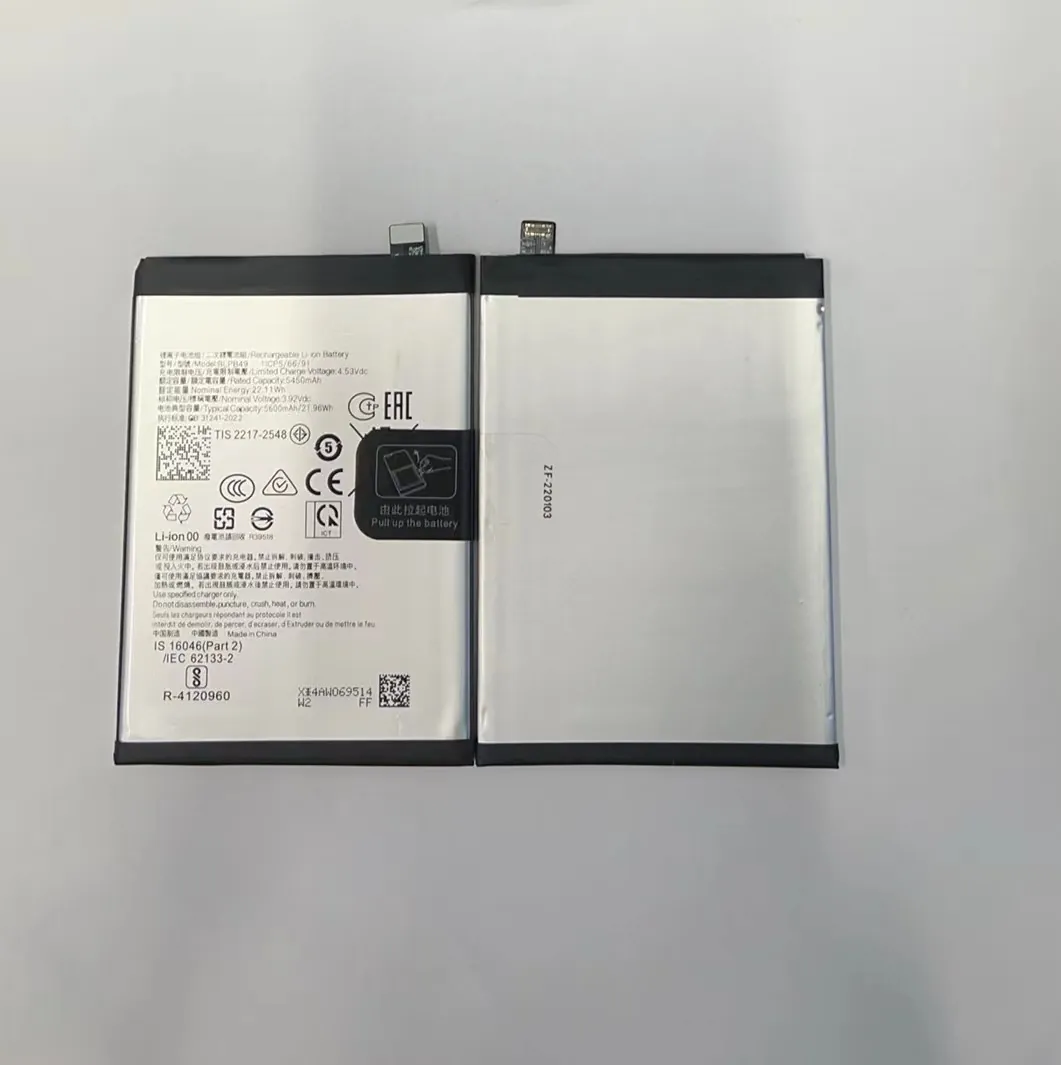
The biggest risk is damaging the lithium-ion battery. Bending, puncturing, or overheating it can cause internal short circuits. That may lead to swelling or thermal runaway, which can cause fires or explosions.
Here are some key risks and how to avoid them:
Common Risks and How to Avoid Them
| Risk | Cause | Prevention |
|---|---|---|
| Screen damage | Using metal tools or too much force | Use plastic tools, heat edges |
| Cable tears | Opening too fast | Open slowly, watch cable positions |
| Short circuits | Not disconnecting battery | Always remove battery connector first |
| Fire or smoke | Bending or piercing battery | Avoid sharp tools, don’t force battery |
| Data loss | Damaging storage chip during repair | Be gentle around logic board |
Most battery replacements go fine, but some go wrong fast. One mistake is trying to force out a glued battery with a screwdriver. It may bend and spark. Another is forgetting to power off the phone, which can cause instant shorts if metal touches power lines.
Some people skip using heat to save time. That usually ends up cracking screens or ripping adhesive pads. It also makes reassembly harder since the frame bends or breaks during prying.
Even the act of screwing back panels has risks. Overtightening screws can crack the frame. Using the wrong screws in the wrong holes can break the screen.
Proper lighting, clean workspace, and taking photos during each step help reduce errors. If in doubt, watch a video tutorial for that exact phone model or consult professional repair services.
Conclusion
Replacing a mobile phone battery safely requires the right tools, model-specific knowledge, and careful steps. Doing it right protects both the device and the person performing the repair.
