

Most people fear opening their phones, worried they’ll damage something. But keeping a dying battery isn’t a better option—it can ruin performance or even swell and cause damage.
Replacing a mobile phone battery requires the right tools, steps, and precautions. Doing it properly restores performance and extends the phone's life safely.
It’s not just about opening a back cover. Each phone has a unique layout. Replacing a battery the wrong way could break the screen, damage the motherboard, or make the phone useless.
What tools are needed for replacement?
Everyone wants to save money by doing battery replacements at home. But doing it without the right tools leads to broken screens or stripped screws.
Basic tools include screwdrivers, spudgers, suction cups, tweezers, and heating pads. Specialized kits are also available for different phone brands.
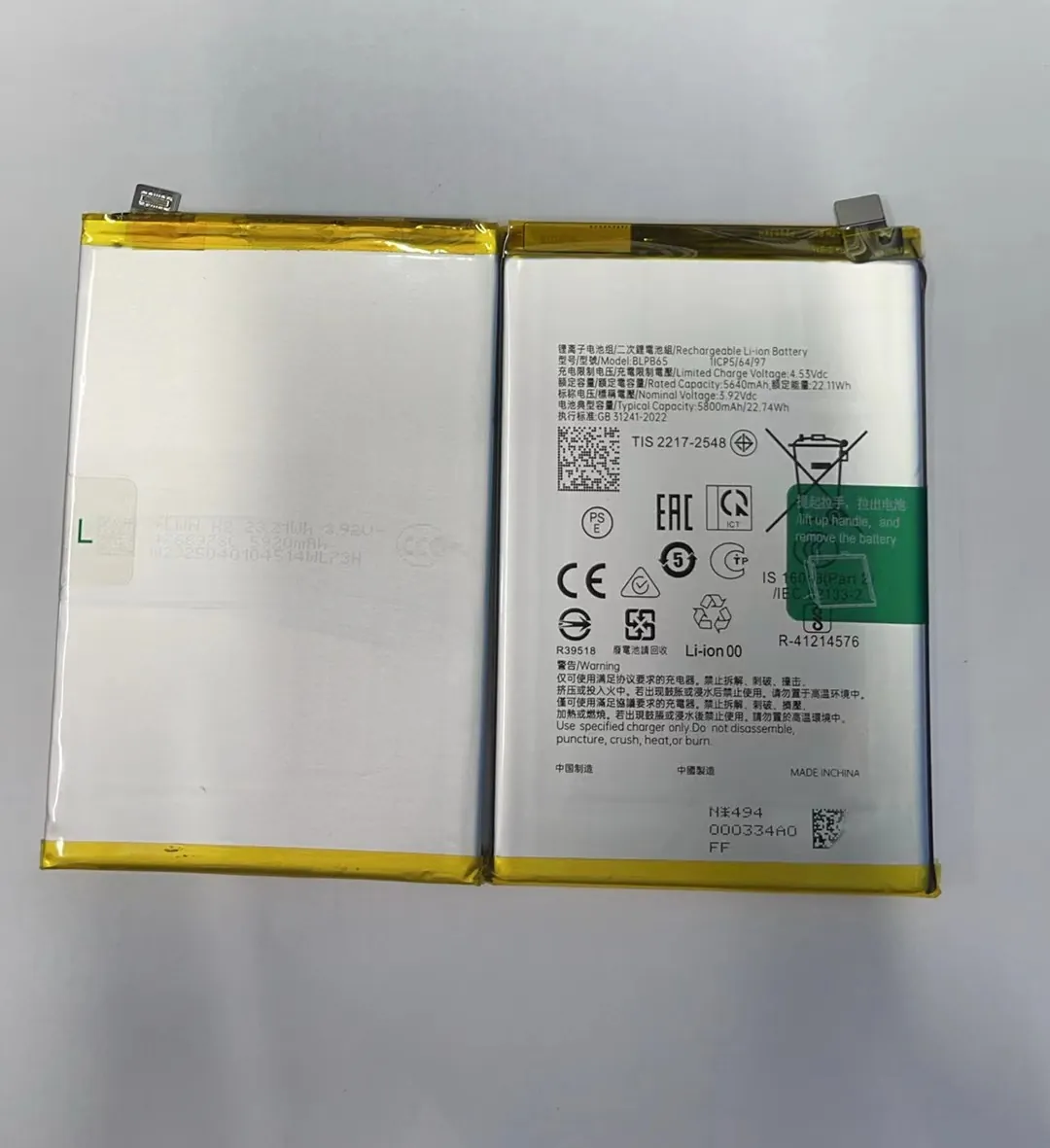
Before starting any battery replacement, gather all necessary tools. Some phones use unusual screws like pentalobe or tri-point. A mismatched screwdriver can easily strip these screws, making them hard to remove later.
Common Tools Used
| Tool Name | Purpose |
|---|---|
| Precision Screwdrivers | Remove device screws |
| Plastic Spudger | Pry open device parts safely |
| Suction Cup | Lift screen without damage |
| ESD Tweezers | Handle cables and connectors |
| Heat Pad or iOpener | Soften adhesive holding parts |
| Anti-static Mat | Prevent static damage to internals |
Toolkits designed for iPhones, Samsung, or Xiaomi often include everything needed. Some also include battery adhesive strips or new waterproof seals.
Important Safety Add-ons
- Safety glasses: Protect your eyes from broken glass
- Gloves: Prevent fingerprints or skin oils on parts
- Magnetic Mat: Keep track of screws and tools
Having the correct tools reduces the chance of breaking the screen, damaging connectors, or tearing the battery. It's also helpful to watch repair videos specific to your phone model before starting.
How do you safely open the device?
Opening a smartphone isn't like opening a toy. Too much force or the wrong angle can crack the screen or rip internal cables.
To safely open the device, use heat to loosen adhesives, then apply gentle pressure using a suction cup and a plastic spudger.

Different brands use different sealing techniques. iPhones often use waterproof adhesive that needs softening with a heat pad or hot air gun. Older Android phones may have plastic back covers that snap off more easily.
Step-by-step Opening Tips
-
Power Off the Phone
Always turn off the device before opening to avoid short circuits. -
Use Heat Properly
Place a heat pad over the screen or back cover for 1–2 minutes. Don’t overheat—this can warp plastic or damage internal parts. -
Suction and Pry
Use a suction cup to gently lift one edge. Insert a plastic spudger and slowly slide around the edges to break the adhesive seal. -
Disconnect Battery First
Once open, disconnect the battery before touching anything else. This reduces risk of shock or shorting the board. -
Label Screws and Connectors
Take notes or photos of screw locations and cable arrangements. This helps when putting everything back.
Many first-time repairers damage internal connectors because they pry in the wrong direction. Some connectors lift vertically, others slide sideways. It’s important to identify these before applying any force.
Why follow model-specific steps?
Phones may look similar on the outside, but the inside is completely different. A generic battery replacement guide can’t cover the risks of each design.
Each phone model has unique screws, connector locations, and adhesive placements. Skipping model-specific instructions often leads to damage.

Examples of Differences Between Brands
| Phone Model | Notable Differences in Design |
|---|---|
| iPhone 13 | Uses Face ID cable near top, fragile |
| Samsung Galaxy S21 | Battery glued under the motherboard |
| Xiaomi Redmi Note 9 | Plastic back cover with fingerprint cable |
| Huawei P30 | Uses strong internal adhesive and dual-layer boards |
A replacement step for an iPhone may be dangerous if applied to a Samsung. Some phones have booby-trapped connectors or hidden screws under stickers. Others have fragile OLED screens that crack with minimal bending.
Learn From Others
- Use video guides from trusted sources like iFixit or official YouTube repair channels.
- Pause videos often to follow exact steps.
- Use slow motion or screenshots to see cable directions and screw sizes.
When possible, buy model-specific repair kits that include adhesives, pre-cut seals, and matching screwdrivers. These kits reduce mistakes and improve the chances of a successful repair.
Understanding the layout of your phone before starting is key. One wrong move can break a connector or screen that costs more to replace than the battery itself.
Which risks occur during replacement?
Battery replacements are common but not risk-free. Even experienced technicians can damage a device if they're not careful.
Risks include damaging the screen, tearing flex cables, puncturing the battery, or breaking water seals—each can lead to costly repairs.

Main Risks During Replacement
1. Screen Damage
Screens are thin and fragile. If too much force is applied, they can crack or separate from the frame. OLED screens are especially sensitive.
2. Flex Cable Tear
Many flex cables, like for the screen or fingerprint sensor, are thin and short. Pulling them without disconnecting properly can tear them completely.
3. Battery Puncture
Using metal tools or too much pressure on the battery can puncture it. This can cause smoke, swelling, or fire. Always use plastic tools and avoid bending the battery.
4. Loss of Waterproofing
Many newer phones have seals that prevent water entry. If these are torn and not replaced, the phone loses its water resistance.
5. Improper Adhesive Reuse
Some people try to reuse old battery adhesive. This can cause the new battery to shift or lose connection later.
How to Avoid These Problems
- Work Slowly: Rushing increases mistakes.
- Use Correct Tools: Never use metal to pry batteries.
- Disconnect Carefully: Don’t pull cables without understanding how they detach.
- Replace Seals: Use new waterproof adhesive if your phone had it.
- Test Before Closing: Power on the phone before sealing everything back.
Replacing a battery isn't just about saving money. It's about doing it safely and ensuring the phone works well after. If unsure, it’s often safer to go to a professional repair service that uses the right methods.
Conclusion
Replacing a mobile phone battery is possible for many users, but it requires the right tools, care, and attention to phone-specific steps. Avoid rushing and always prioritize safety.
