

I once faced a phone with a totally dead battery and hoped to revive it—this article explains how I tackled that problem step by step.
Yes, you can often revive a seemingly dead mobile phone battery by following structured steps—charging, calibration, avoiding deep discharge, and safe testing all help restore functionality.
Now let’s walk through each key question so you can understand the process and safely try to bring a dead phone battery back to life.
What steps revive unresponsive cells?
When your phone won’t turn on and the battery seems unresponsive, you feel stuck—but there are things you can try.
The main steps include checking the charging hardware, giving a low‑current “jump” charge, monitoring for signs of life, and then using a full charge cycle to restore the battery.
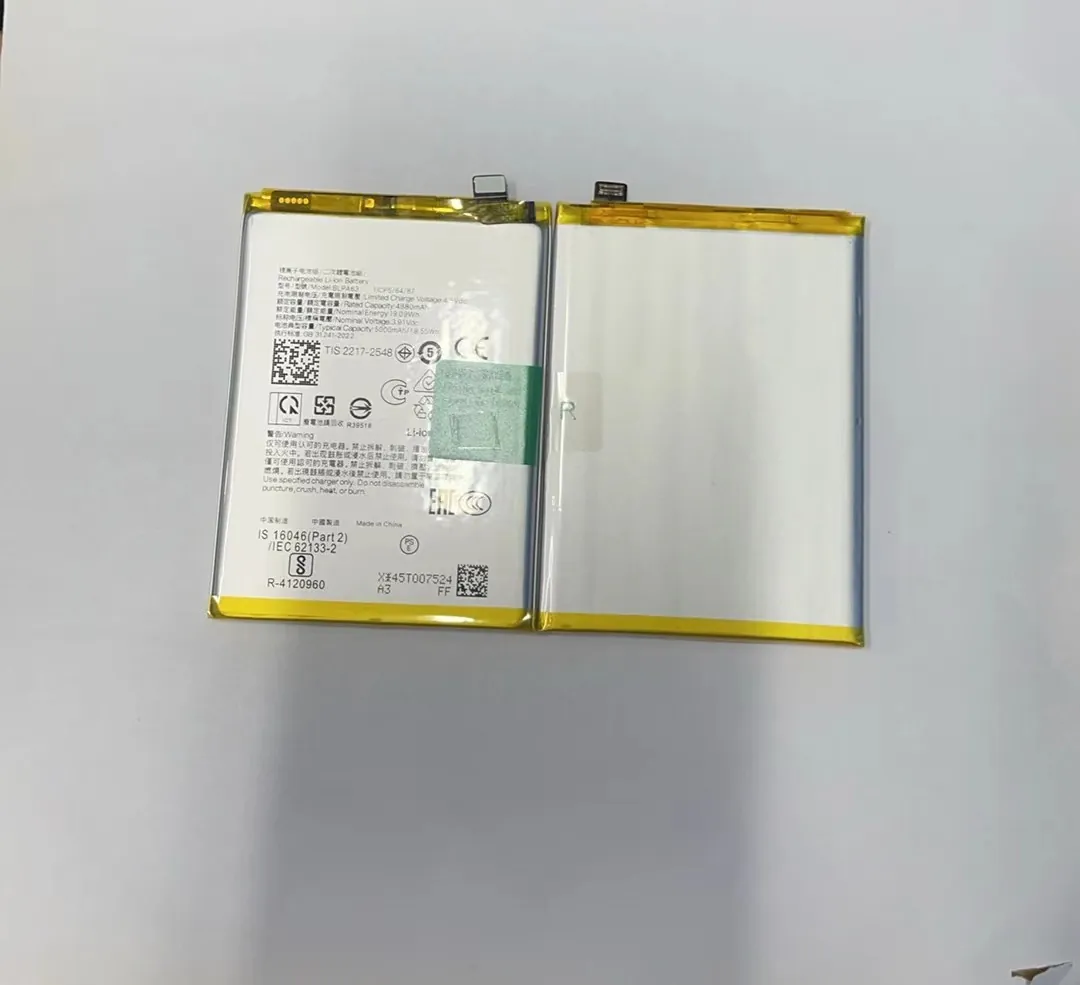
I’ll break down the steps I use (and you can too) when I face a phone with a battery that appears totally dead:
Step‑by‑step revival process
| Step | What to do | Why it works |
|---|---|---|
| 1 | Use a known‑good charger and cable, clean the port | Sometimes the “dead phone” is just a bad cable or dirty connector |
| 2 | Plug in for at least 30 minutes without trying to power on | Many phones with “dead” batteries are just deeply depleted; charging allows voltage to recover |
| 3 | If battery is removable, reseat it or swap in another for test | Helps isolate whether the battery is faulty or the phone is |
| 4 | After initial charge, attempt to power on and then fully charge the phone | This allows the battery to receive a full charge and helps detect if it holds the charge |
| 5 | Monitor for quick shutdowns or very short battery life | If it still fails, the battery may be irreversibly damaged and needs replacement |
In my experience, the trickiest part is step 2: waiting long enough for the battery voltage to recover from near‑zero. Lithium‑ion batteries often have protection circuits that shut them off when voltage is too low. Once the charger has raised the cell voltage to a safe threshold, the phone may wake up. After that, a full uninterrupted charge helps the battery regain usable capacity. It doesn’t always bring the battery to “like new” health, but enough to make the phone usable again.
I also emphasize safety: if the battery is swelling, hot, or has been left dead for a very long time (months) the chemical damage may be too large and revival attempts could risk failure or even heat events. In such cases, replacement is the safer route.
How does calibration help recovery?
If your phone shows weird battery percentages, or shuts down at 20 % even though it shows 50 %, calibration is likely needed—and it can help recovery.
Calibration doesn’t restore battery capacity—but it aligns the battery gauge in the phone so that what you see more closely matches real remaining power.

Let me explain what “battery calibration” means, why it matters, and how to do it.
What is calibration?
Calibration in this context means resetting the phone’s measurement of how much charge the battery can hold. Over time or after replacement, the phone’s “fuel gauge” (battery percentage) can become inaccurate. The phone might believe a full battery is 100 % when it’s really 80 %, or it might think there’s still 20 % when the battery is about to die. Fixing this helps you trust what the phone reports.
Why it helps during recovery
When trying to revive a battery, aligning the gauge means you’re less likely to misinterpret what the battery is doing. If the percentage jumps or the phone shuts off unexpectedly, you’ll know the battery’s behavior rather than relying on wrong numbers. A correctly calibrated gauge gives you confidence you’re not fighting the measurement system.
How to calibrate your phone battery
Here’s a typical calibration routine:
- Charge the phone to 100 % and leave it charging for an additional 1‑2 hours.
- Use the phone until it shuts itself off from low battery.
- Charge it again uninterrupted to 100 %.
- After this, reboot the phone and you should see a more accurate percentage reading.
Things to watch out for
- Calibration will not restore lost battery capacity. If the battery is chemically degraded, calibration won’t fix that.
- Avoid doing full discharges often, because deep discharge damages cells.
- Use the original charger and keep temperature moderate because extreme heat or cold will skew readings or degrade battery further.
In my work, I sometimes follow calibration when I install a new bulk battery for a repaired phone. It helps ensure the client sees stable battery percentage readings and doesn’t complain “my phone dies at 60 %” when capacity is lower.
Why deep discharge damages cells?
Letting a phone battery drain all the way to 0 % or sit unused at 0 % feels like nothing is happening—yet inside the cells damage can accumulate fast.
Deep discharging a lithium‑ion cell below its safe voltage threshold can cause irreversible chemical changes and reduce usable capacity or lead to failure.
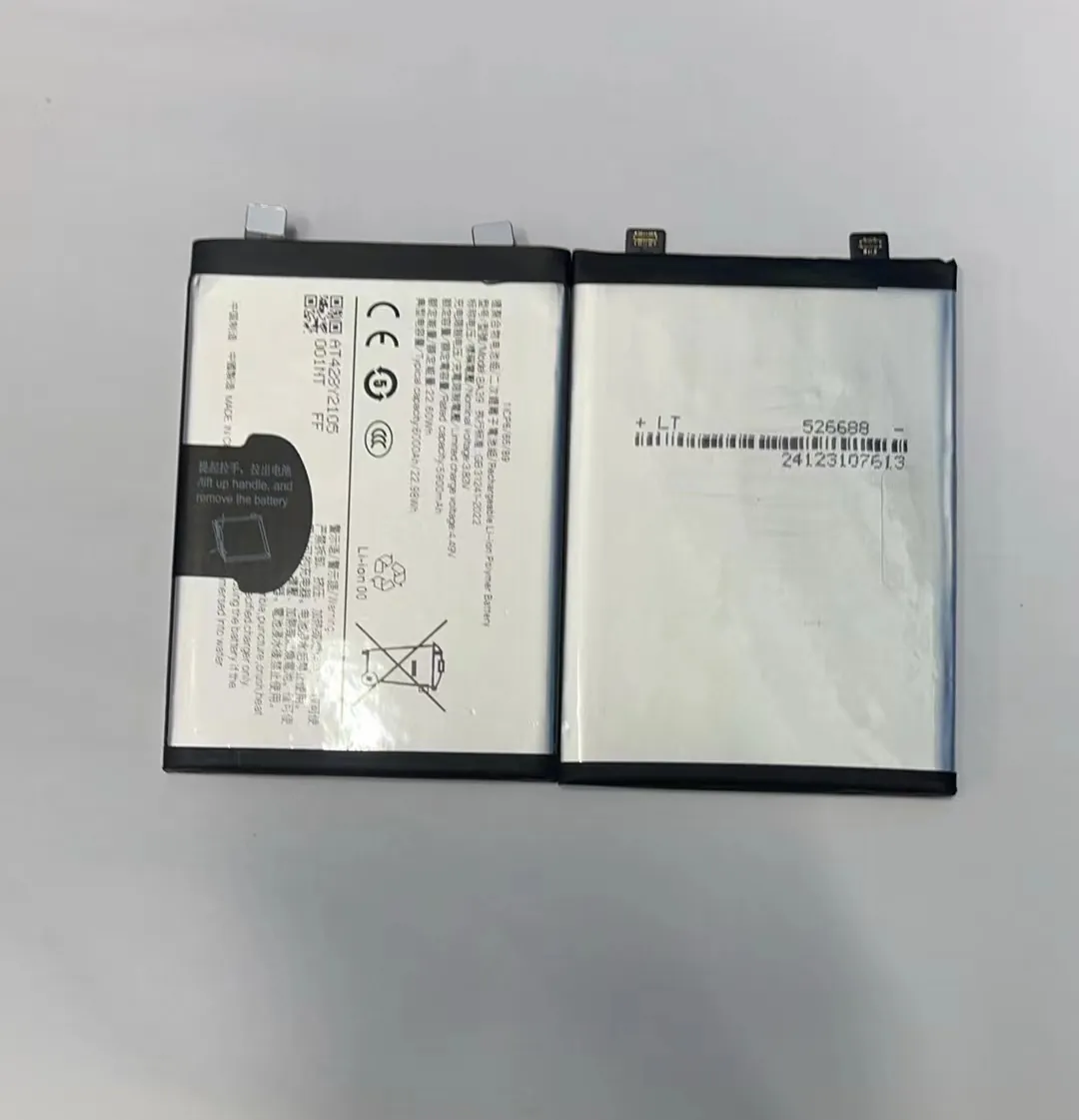
Deep discharge refers to the battery being discharged beyond its safe lower voltage and/or left discharged for a long period. When this happens, several damage mechanisms come into play.
What happens chemically
- The voltage falls below the manufacturer’s cut‑off. At this point the protective circuit may have shut off the device, yet the cell voltage can keep dropping slowly by self‑discharge or parasitic loads.
- One risk: dissolution of copper from the anode current collector into the electrolyte when voltage drops too low. These copper ions can redeposit or cause dendrite growth during subsequent recharge, risking internal shorts.
- Another: Active material separation, increased internal resistance, and reduced charge acceptance.
The consequences for your phone battery
- The battery won’t hold as much capacity. If you regularly let the phone drain fully, you reduce cycle life significantly.
- The battery may refuse to charge or the phone may detect a critical fault and disable charging attempt altogether.
- You might see sudden shutdowns, swollen battery, or the phone refusing to power on even when plugged in.
Mitigation and best practice
- Avoid letting the phone drop regularly to 0%. Try to recharge when it hits 20‑30%.
- If you store a phone for long periods, leave it at ~50 % charge in a cool place.
- Use calibration sparingly and never treat full discharge as a regular maintenance step.
Knowing this, I always tell clients: if a battery has been deeply discharged multiple times, expect to either replace it or accept reduced runtime. Revival can restore operation but not original capacity.
Which methods test revival safely?
After charging, calibration, and avoiding further deep discharge, you’ll want to test whether the battery revival worked—safely, thoroughly, and with good judgment.
Safe testing methods include monitoring runtime under normal use, measuring voltage under load, checking charging behavior and temperature, and logging for several cycles to confirm stability.

Testing a revived battery is critical. Here are the key methods and what I look for:
1. Monitoring runtime
- Use the phone normally (calls, browsing, moderate use) and note how long it runs from 100 % to say 20‑30 %.
- Compare to what you expect for that model/age. If it’s significantly shorter, the battery is degraded.
- Do this for 2‑3 cycles to confirm consistency.
2. Charging behavior
- See how quickly the phone charges from low to full. If charging is very slow or stops early, internal resistance or protective shutdown might be happening.
- Check temperature: the phone should not get excessively warm while charging. High heat can indicate internal problems.
3. Voltage under load
- Using a diagnostic app (if available) or voltmeter (for removable batteries), check voltage while the phone is doing moderate tasks. A healthy Li‑ion cell should stay within expected voltage range under load.
- If voltage dips quickly under load or the phone shuts off prematurely, the battery cannot maintain voltage and may fail again soon.
4. Cycle stability & consistency
- I advise running the phone through at least 5 full charge/discharge cycles and observing if capacity drops each cycle significantly. A “good” revived battery should show stable capacity for that short term.
- Keep a log of runtime, temperature, and any anomalies.
5. Safety checks
- Look for swelling of the battery pack, unusual heating, or odd odors during charging or use. These are red flags and indicate the battery should be replaced immediately.
- Ensure the charger and phone are in a well‑ventilated area and avoid charging under pillows or in soft surfaces where heat accumulates.
Here’s a table summarising expected vs warning signs:
| Metric | Good sign | Warning sign |
|---|---|---|
| Runtime | Near expected for model & age | Much shorter than expected |
| Charge time | Reasonable time, under normal temperature | Very long, stops early, or phone overheats |
| Voltage under load | Stable and within expected range | Rapid drop or shutdown under moderate load |
| Cycle consistency | Similar numbers each cycle | Runtime drops significantly each cycle |
| Physical/thermal sign | Battery cool or only slightly warm | Swelling, hot spots, overheating |
In my personal workflow, after I install a replacement or attempt a revival, I keep the device for a full day’s use and monitor with a checklist. If it passes with no issues, I hand it back to the client. If not, I recommend replacement rather than risking a failure.
Conclusion
Recovering a “dead” phone battery is possible if you act promptly, use the correct steps and understand the limits. By checking your charging setup, performing a full charge + calibration, avoiding deep discharge, and conducting safe testing, you increase your chances of getting the phone back into working condition. Ultimately remember: revival may restore functionality—but cannot always restore full original capacity.
