
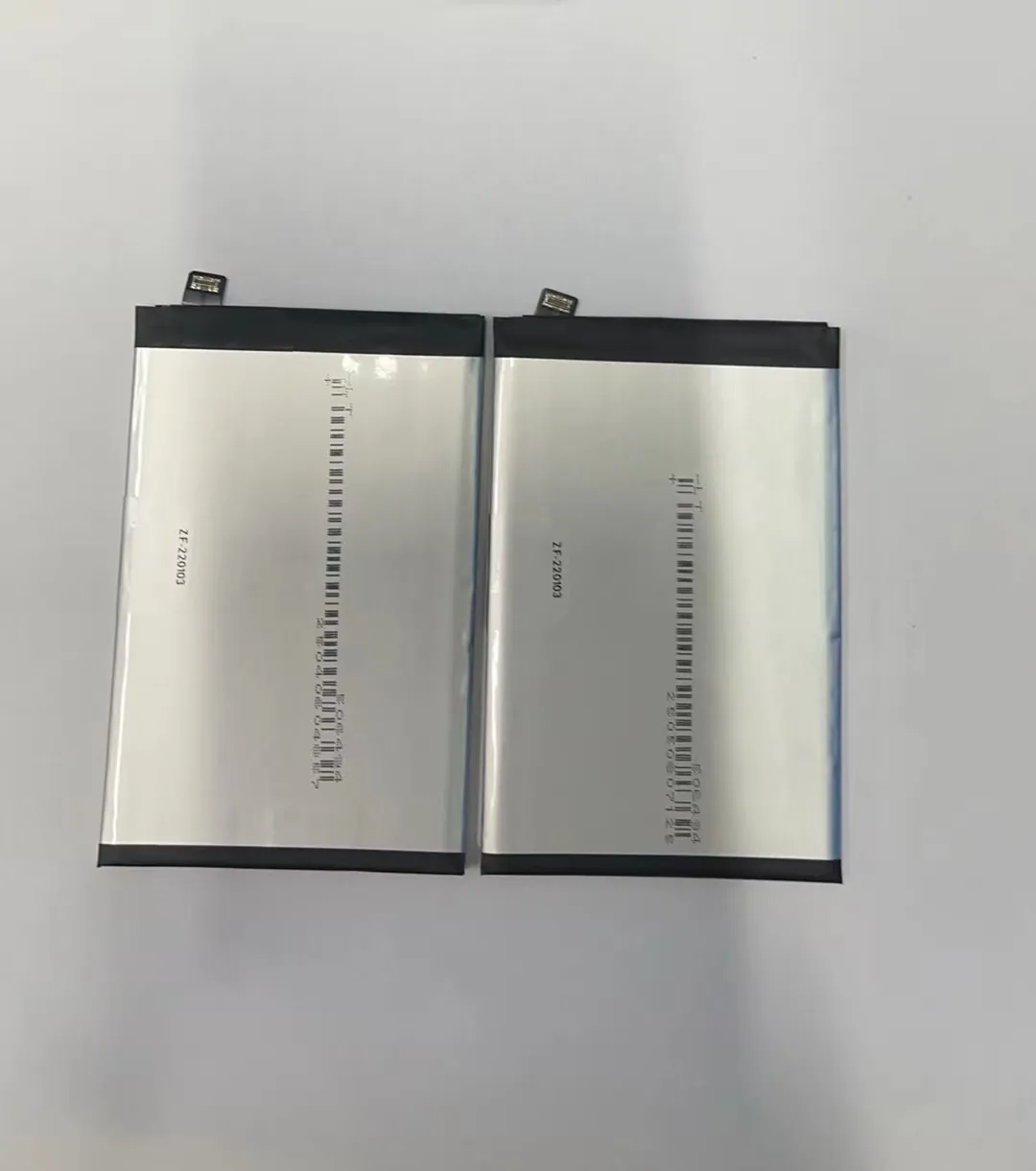
Most people run out of phone battery halfway through the day. It's annoying. You might think you need a new battery. But maybe you just need better habits.
You can save your phone battery by adjusting daily habits, controlling background activity, using dark mode, and switching to airplane mode when needed.
Want to keep your battery alive longer? Let me show you the simple ways I’ve learned after years of working with mobile batteries and repair tools.
What habits extend daily battery life?
Many people charge their phones overnight or keep brightness at max. These habits slowly damage the battery. You don’t need fancy tools. Just better routines.
Daily habits like lowering screen brightness, avoiding overcharging, and using power-saving modes can extend your phone battery’s life.

Most phone users have no idea how simple habits impact battery life. I’ve seen hundreds of phones come in with battery issues caused by poor usage, not hardware problems. Let’s break down what you can do:
✅ Good Battery-Saving Habits
| Habit | Why It Works |
|---|---|
| Lower screen brightness | Reduces the power your display consumes |
| Use Wi-Fi instead of 4G | Cellular data drains more battery |
| Enable battery saver | Limits background activity and visuals |
| Charge between 20%-80% | Avoids stressing the battery |
| Turn off vibration | Motors use more power than you think |
I always tell my customers not to charge their phones overnight. It pushes the battery to 100% for hours, which causes long-term damage. Instead, try to unplug it once it hits 80%. I know it sounds like a hassle, but if you care about battery health, it works.
❌ Common Mistakes to Avoid
- Using live wallpapers
- Leaving GPS always on
- Charging with cheap or fake cables
- Ignoring system updates (they sometimes improve power usage)
- Always using max brightness
Small changes matter. When I switched to 50% brightness and disabled vibration, my battery lasted almost 3 hours longer every day. Try tracking your battery for one week after making changes. You’ll see the difference.
How does background activity affect power use?
Apps running silently in the background seem harmless. But they are silent killers of your battery life. Even unused apps can drain power.
Background activity uses battery to keep apps updated, track location, and send notifications—even when not in use.

In one case, a customer brought a phone with 30% battery drain every night while idle. After checking, I saw over 10 apps running background processes. These included maps, social media, and even shopping apps.
What is Background Activity?
Apps often do these in the background:
- Fetch emails
- Sync photos
- Track your location
- Push ads or notifications
- Connect to servers
Some of this is useful. But most of it isn’t necessary all day long.
How to Control It
| Action | Device Type | Where to Find It |
|---|---|---|
| Restrict background data | Android/iOS | Settings > Data usage |
| Disable background app refresh | iOS | Settings > General |
| Put apps to sleep | Samsung/Android | Settings > Battery |
| Remove unnecessary apps | All | App drawer or home screen |
I usually suggest disabling background refresh for apps you rarely use. On iPhone, you can go to Settings → General → Background App Refresh and toggle off most apps. On Android, you can put less-used apps into "Deep Sleep."
This alone can boost standby time by 20% or more.
Can dark mode really save battery?
Dark mode looks cool. But does it actually help battery life? The answer depends on your screen type. For some users, it makes a real difference.
Yes, dark mode can save battery—especially on OLED or AMOLED screens where black pixels use no power.

If your phone uses an OLED display, every black pixel is literally off. This means using dark backgrounds saves energy. On LCD screens, the benefit is smaller, but dark mode still reduces brightness and power usage slightly.
OLED vs LCD: What's the Difference?
| Feature | OLED | LCD |
|---|---|---|
| Black pixels | Turned off (no power) | Still lit (use power) |
| Dark mode benefit | High battery saving | Minor battery saving |
| Brightness control | Individual pixels | Whole screen |
On my Samsung Galaxy with an AMOLED display, switching to dark mode gave me an extra hour of battery life daily. That’s a big win.
Apps That Support Dark Mode
- Facebook Messenger
- Gmail
- Google Maps
- Chrome
- YouTube
To enable system-wide dark mode:
- Android: Settings → Display → Dark theme
- iOS: Settings → Display & Brightness → Dark
I also recommend using dark wallpapers and themes. These keep most of your screen in power-saving mode, especially at night. If you combine this with brightness control, you’ll save even more.
Why is airplane mode effective for saving power?
Sometimes your phone battery drops fast even when you’re not using it. One reason is poor signal. Your phone works harder to find a connection. That’s where airplane mode helps.
Airplane mode turns off all wireless signals, reducing battery drain when you're not using the phone or in low-signal areas.

I use airplane mode every night. It keeps the phone alive until morning and stops late-night notifications. It also helps when I’m in elevators or basements where signals are weak.
When to Use Airplane Mode
| Situation | Benefit |
|---|---|
| Overnight | Stops background activity |
| While traveling | Saves power in weak signal |
| During meetings or work | No distractions or drain |
| Battery below 10% | Extends last bit of power |
Phones use more battery in weak signal zones because they’re constantly searching for a tower. This is called "signal hunting." It’s invisible but very draining. You can prevent this by flipping on airplane mode in such areas.
What Gets Disabled
- Mobile Data
- Wi-Fi
- Bluetooth
- GPS (on some phones)
You can still turn Wi-Fi or Bluetooth back on manually, even when airplane mode is active. I often do this when using offline music or transferring files.
Airplane mode is also great when charging. With all radios off, the phone charges faster and doesn’t overheat.
Conclusion
Saving mobile battery is not about expensive gadgets. It’s about small smart habits—lowering brightness, managing apps, choosing dark mode, and using airplane mode when needed. These changes keep your phone alive longer and protect battery health.
