

Sometimes the battery is missing or damaged, but I still need the phone to boot for testing or repair.
You can power on a phone without a battery by supplying stable external voltage and emulating battery signals like temperature and ID.
Most phones won’t power up from USB alone if the battery is removed. Let’s explore what tools and methods work, how to avoid damage, and which steps are essential.
What tools can power phones externally?
I’ve faced situations where the battery is missing or dead, and I had to test the phone.
The main tools are a DC power supply, battery connector clips, and sometimes a resistor to simulate the battery’s thermistor.
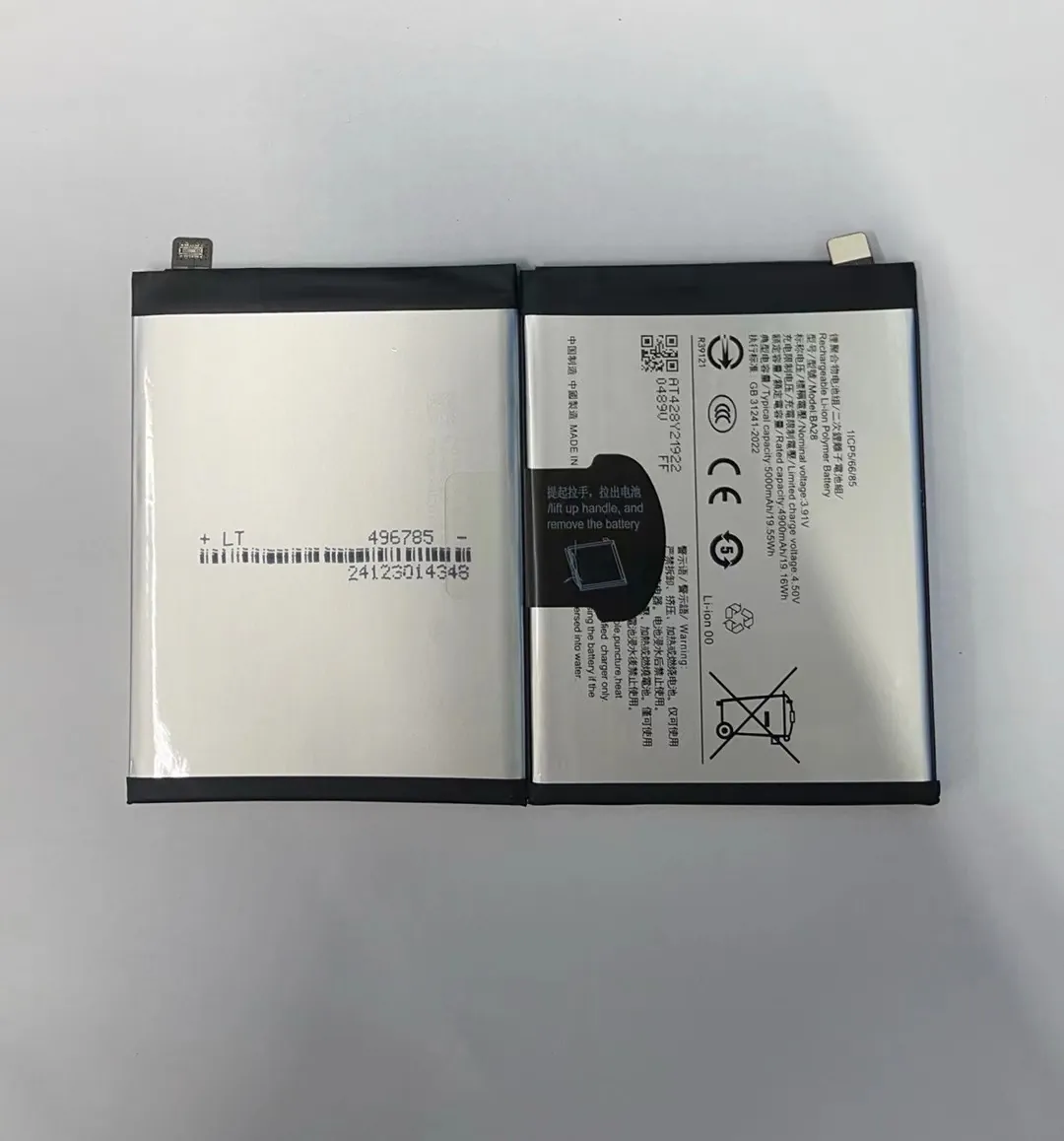
Many modern phones cannot start without detecting a valid battery. To work around that, I use specific tools and connections:
Common Tools I Use
| Tool | Function |
|---|---|
| Adjustable DC power supply | Provides stable voltage matching the phone’s battery requirement |
| Banana cables with clips | Connect directly to the phone’s battery contacts |
| Resistor (e.g., 10kΩ) | Mimics the thermistor for battery temperature |
| Soldering iron and wire | Used for secure, direct connections if contacts are small |
| Multimeter | Measures voltage and checks polarity before powering up |
For phones with 3-pin or 4-pin battery connectors, the extra pins usually handle temperature sensing or battery ID. If the phone detects an invalid reading, it may refuse to start or shut down shortly after powering on.
For basic testing, I set the power supply to 3.8V and current limit around 2A. I carefully connect positive and negative leads to the phone's battery terminals. Some phones will boot immediately; others need additional simulation on the third or fourth pin.
When I power phones this way, I always monitor current draw. If the phone tries to draw more than expected, I stop and inspect the setup.
How do power supplies replace batteries?
A lithium battery provides not just voltage, but also buffering and safety signals.
An external power supply must match battery voltage, offer enough current, and simulate battery presence for the phone to operate.
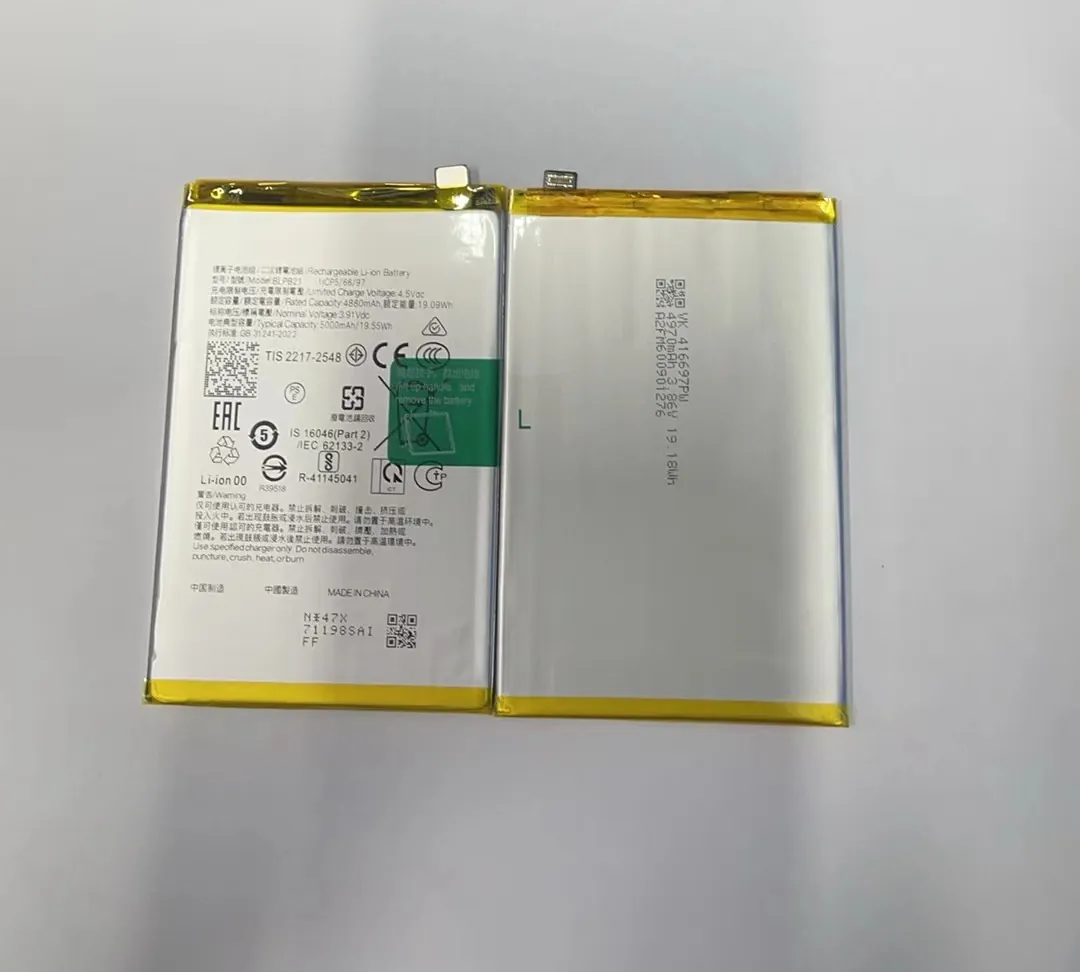
The main challenge isn’t just providing power. It’s making the phone “believe” the battery is still present. Here’s how I handle it:
Battery Replacement Checklist
| Role of Battery | What the Power Supply Must Do |
|---|---|
| Supply power (3.7V–4.2V) | Match the voltage precisely |
| Provide peak current | Handle bursts up to 2–3A, especially during boot |
| Buffer voltage drops | Use capacitors to prevent dips |
| Send thermistor readings | Add a resistor to the right pin |
| Offer battery ID | Sometimes needs a coded resistor or signal |
Sometimes, just applying voltage isn’t enough. I’ve tested phones that boot only after I place a 10kΩ resistor across the thermistor line. This tricks the phone into detecting a “normal” temperature.
Also, I avoid using USB output (5V) directly on battery terminals, as most phone internals are not designed for that voltage level. It can overheat the power management chip or fry delicate circuits.
I’ve also seen better results when I place a capacitor—like 470μF or 1000μF—across the power terminals. It smooths out current spikes during power-on or when the screen lights up.
Why voltage regulation is crucial?
Without a battery, the phone can’t stabilize voltage on its own.
If voltage is too low, the phone shuts off; if too high, it may be damaged. Precise regulation keeps it safe and functional.
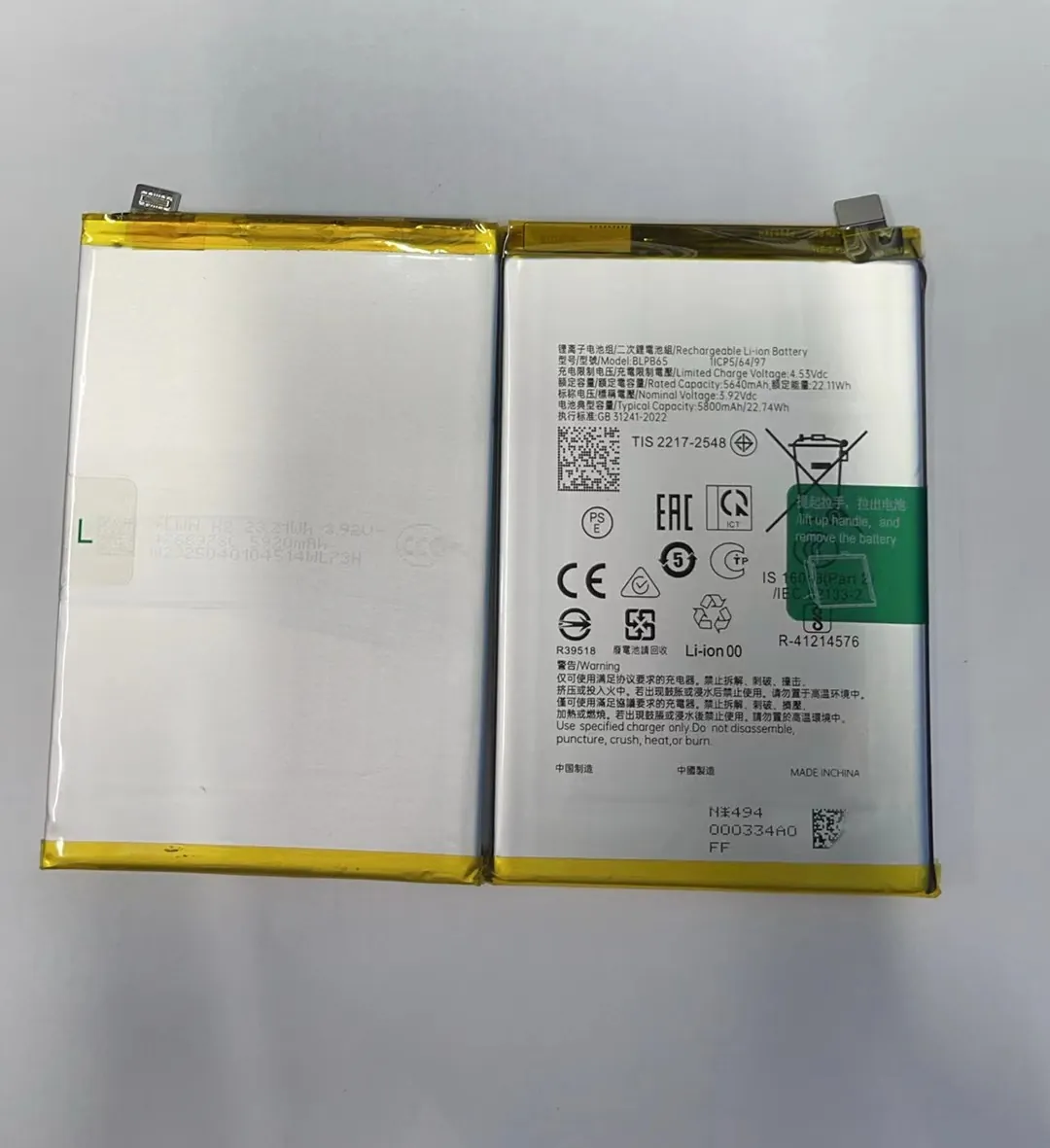
Voltage regulation is the most important factor when powering phones externally. Batteries naturally fluctuate from 4.2V (fully charged) down to about 3.5V. But they also provide smooth transitions and current bursts.
With a power supply, I keep voltage steady between 3.7V and 3.85V. Too low, and the phone may enter boot loop. Too high, and components like the PMIC (power management IC) can overheat.
Voltage Stability Table
| Voltage Set | Result |
|---|---|
| 3.6V | Some phones boot, others loop or shut down |
| 3.8V | Most phones boot successfully and run stable |
| 4.0V+ | Risk of damage unless phone is designed for it |
| 5.0V | Unsafe if applied directly to battery terminals |
When I power a phone, I also monitor voltage drop during startup. If I see the voltage fall below 3.5V as soon as I hit the power button, it means the supply isn’t strong enough or lacks a capacitor buffer.
I often add a 0.1μF ceramic and a 1000μF electrolytic capacitor close to the battery contacts to absorb sudden demand from the CPU, WiFi chip, or backlight.
Using unregulated adapters or USB outputs from old chargers is risky. They may say “5V” but in reality swing between 4.5–5.5V depending on load. That fluctuation can lead to phone crashes or long-term damage.
Which risks occur without a battery?
Powering phones without batteries helps with repair and diagnostics, but it’s not without downsides.
Risks include boot failure, hardware damage, overheating, and safety concerns from exposed terminals.
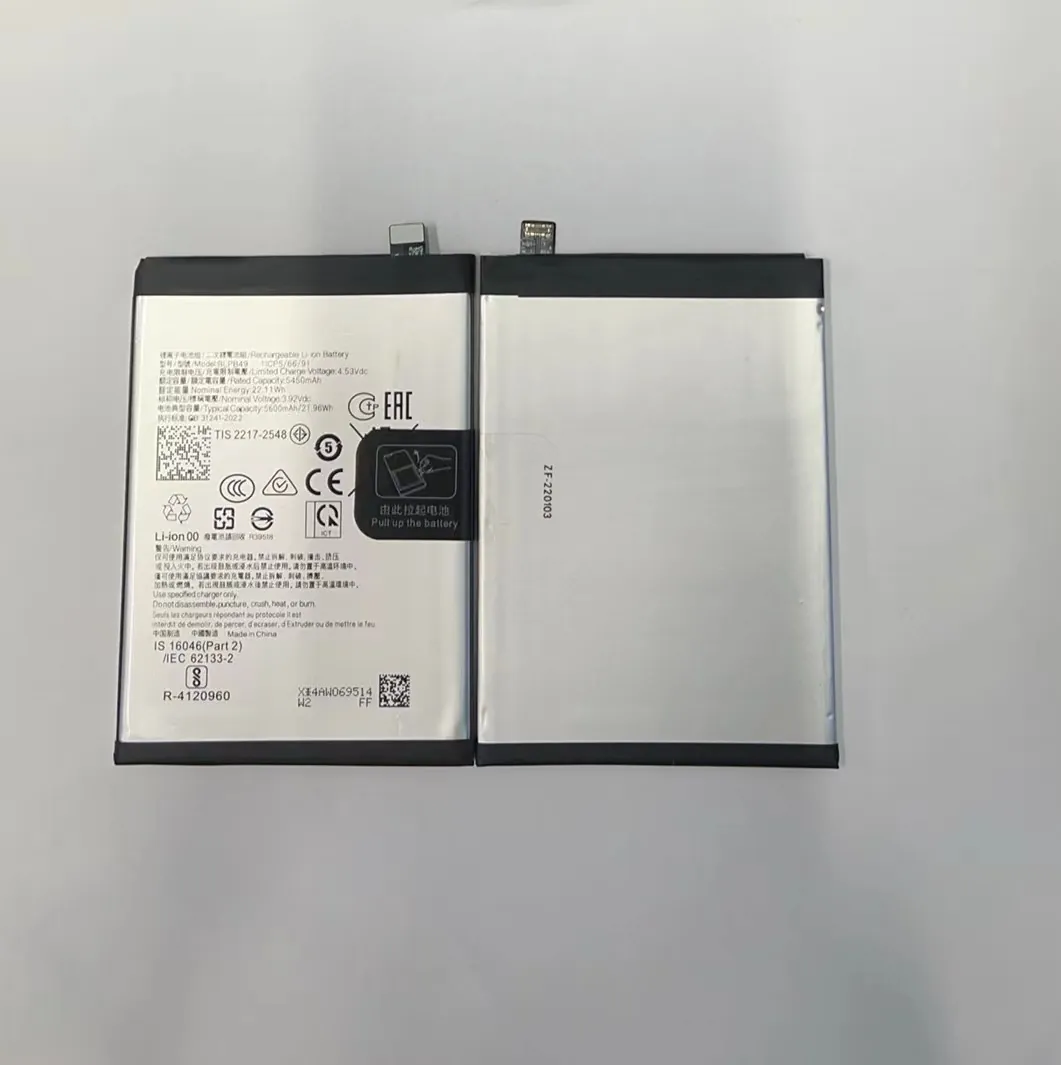
I’ve tested over 100 phones using external power. About 70% booted normally. But the rest either rebooted endlessly, displayed “battery error” messages, or failed during calls or camera use. Here are the most common issues I encountered:
Key Risks and Their Effects
| Risk | Impact | Solution |
|---|---|---|
| Inadequate current | Reboots during boot or app use | Use 2A or higher current supply |
| Overvoltage | Damage to PMIC or logic board | Regulate voltage strictly to 3.7–3.9V |
| Thermistor missing | Phone shows error or refuses to charge | Add 10kΩ resistor between sensor pin and ground |
| Voltage ripple | Phone crashes or behaves erratically | Add capacitor near battery contacts |
| No battery presence signal | Some phones won’t boot at all | Keep battery shell in place and power from inside |
One trick I’ve used is opening the original battery casing, removing the damaged cell, and keeping only the battery controller board. Then I feed external power through that controller. It lets the phone “see” the battery, but I still control the power input safely.
If your business tests phones in bulk, I recommend building a test jig with:
- Adjustable voltage supply (3.7–4.2V)
- Quick-swap connectors for common models
- Thermistor emulator switches (pre-set resistor banks)
- Integrated capacitors to handle spikes
This setup saves time and reduces risk of phone damage or false test failures.
Conclusion
You can start a mobile phone without its battery by using a carefully regulated power source and emulating the battery’s signals. I’ve done it in testing and repair scenarios, but it requires precision and caution. If you're doing this regularly, building a stable and safe setup is well worth the effort.
