

I once saw a phone battery die fast just months after purchase. I felt frustrated because I didn’t know how to keep it healthy.
Good battery habits can help your phone battery last longer and stay reliable over time.
In this article, I explain how simple choices affect battery lifespan. You will learn easy steps to keep your phone battery healthy.
Now I will guide you step by step with clear advice and reasons.
What habits extend battery lifespan?
I used to leave my phone plugged overnight all the time. I realized that fast charging and extreme battery levels wear out battery slowly but surely.
Regular gentle charging and avoiding extreme battery levels help prolong battery health.

When I first started caring for my phone battery, I made small changes. I avoided leaving charger connected after 100%. I stopped draining battery to 0%. I unplugged at 80–90%. These habits helped the battery stay stable.
Why habits matter
Smartphone batteries use lithium‑ion cells. These cells age over time due to chemical reactions inside. How you charge and use the phone affects how fast the battery degrades. Good habits slow down the chemical stress.
Good habits include:
- Plugging in before battery goes very low (for example at 20–30%).
- Unplugging before battery reaches full 100%.
- Using moderate charging speed when possible.
- Avoiding repeated fast‑charge cycles every day when you don’t need rapid charging.
Because I followed these habits, I saw slower battery capacity loss over months.
Quick habit checklist
| Habit | Why it helps |
|---|---|
| Charge before battery drops below ~20–30% | Avoid deep discharge which stresses the battery |
| Unplug before 100% | Keeps battery within safe charge range |
| Avoid daily fast charging when not needed | Reduces stress from high voltage and heat |
| Use gentle charging overnight (if must) | Avoid constant “trickle charge” at high volume |
| Moderate screen brightness & background apps | Reduces heat and drain, saves battery stress |
If you follow this checklist, you help your battery live more cycles. Battery cycle count is one key factor in overall lifespan.
I sometimes think of the battery like a rubber band. If you overstretch or overextend it repeatedly, it wears out sooner. If you treat it gently — stretch only a bit, not try to go to extremes — it stays good longer.
How does temperature impact longevity?
I once left my phone in a hot car during summer. When I retrieved it, the battery felt warm and after that I noticed battery drained faster.
High heat or extreme cold harms lithium batteries. Keeping phone in mild temperature helps battery last longer.
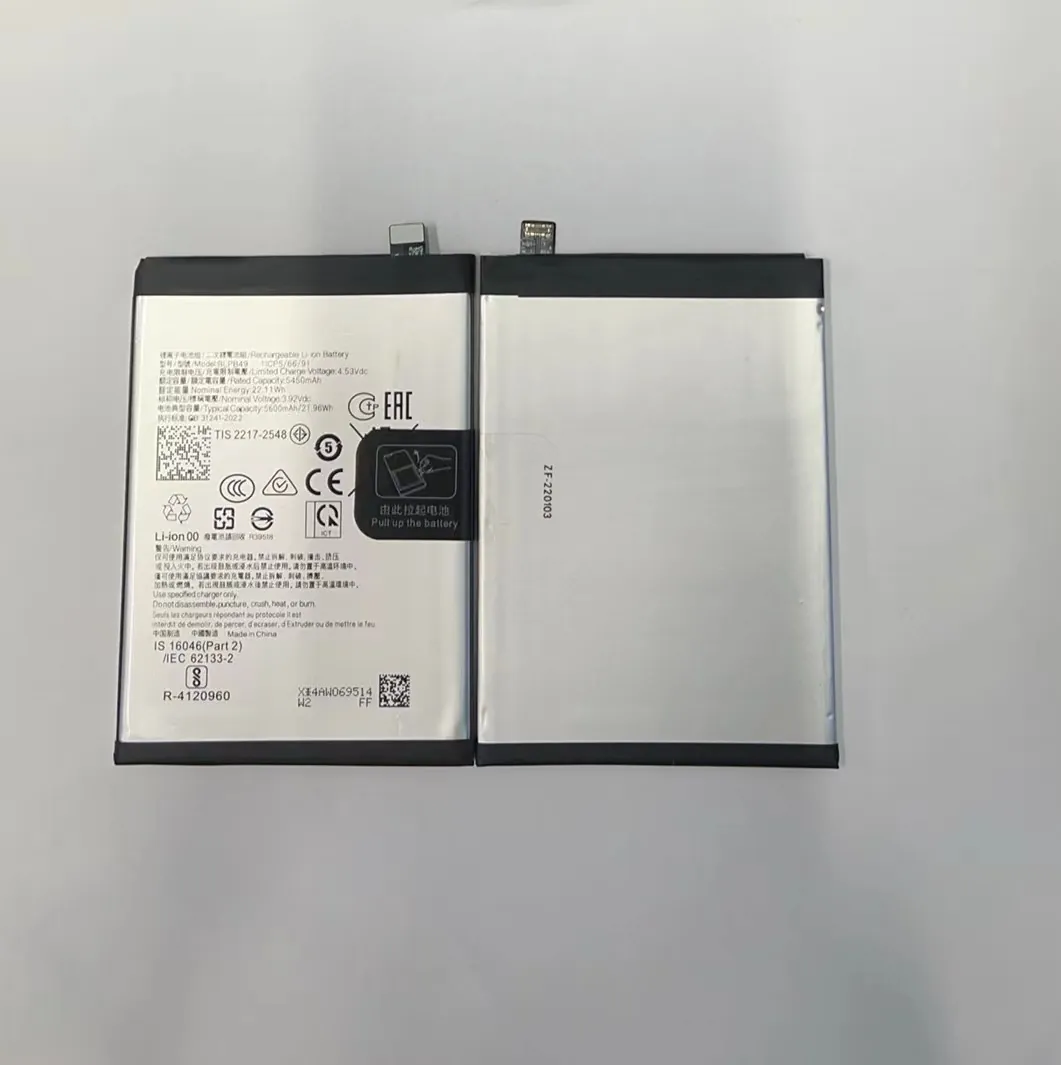
Temperature outside normal range can damage battery health. Heat speeds up chemical reactions inside battery. Cold slows down reactions but also stresses the materials. Both extremes cause battery cells to degrade faster.
What temperature is safe
Most manufacturers say keeping phone temperature between about 0 °C (32 °F) and 35 °C (95 °F) is safe. Exposing battery to higher than 40 °C (104 °F) repeatedly can reduce lifespan.
When I travel or stay in summer heat, I avoid leaving phone on direct sun or in hot car. I sometimes move it to shade or air‑conditioned place. In cold winter days, I keep phone in coat pocket, close to body warmth, but avoid too much cold exposure.
Real life effects
- Heat effect: When phone gets hot — for example, after long gaming, charging under pillow, or during summer — battery internal parts expand slightly. Over time, repeated expansion and contraction degrade battery.
- Cold effect: In cold, battery’s ability to supply power drops. If you drain battery in cold often, it stresses battery chemistry. Also charging in very cold can cause uneven chemical distribution inside battery.
Because I paid attention to temperature, I saw fewer battery health drops after heavy usage in hot weather.
Tips to protect battery from temperature
| Situation | What I do |
|---|---|
| Hot summer day / charging in sun | Move phone to shade, avoid charging under pillow, use fan or air‑con system. |
| Leaving phone in car | Never leave phone on dashboard; keep it in bag or cooler place. |
| Cold winter day | Keep phone in pocket or bag close to body; avoid working outside battery-heavy tasks in cold if not needed. |
| Heavy use causing heat | Pause for a while, let phone cool down before charging or continuing heavy use. |
I treat temperature like “mood” for my phone. When phone is happy (normal temperature), battery stays healthy. When phone is unhappy (too hot or cold), battery pays price.
Why avoid full discharges?
I used to wait until phone died before charging. Soon I found battery got worse every few months. Now I avoid letting it drop to zero.
Discharging battery fully every time causes stress and reduces battery life. Frequent partial charges are much safer.

Fully draining a lithium battery occasionally is okay. But doing it often harms long‑term health. That happens because deep discharge causes more chemical strain inside the battery cells.
What is “full discharge”
Full discharge means battery level goes to 0% or phone shuts down due to empty battery. At this point, battery voltage is very low. Low voltage state is harder for battery chemistry — it pulls down its internal health margin.
Why frequent full discharge is harmful
When battery goes too low, several things happen:
- Battery voltage drops significantly, stressing internal structure.
- Battery controller may run emergency procedures to preserve data, adding further stress.
- If battery stays at very low state for hours (for example, phone dead in cold overnight), it can slowly degrade battery cells over time.
If I charged phone before 10–20%, I noticed battery stayed strong over many months. If I drained to zero often, battery capacity shrank faster and phone lost runtime more quickly.
Better charging rhythm
I use this rule now:
- Recharge by 20–30% battery level.
- Avoid letting phone drop below 10–15% most of the time.
- If I must let it go to near zero once every few months (for calibration), that is okay. But I do not make it routine.
This habit gave my phone longer stable battery life and less frequent sudden shutdowns.
Quick check on full discharge
| Frequency | Effect on Battery |
|---|---|
| Rare (once every 3–6 months) | Minimal harm, may help with battery gauge calibration |
| Frequent (weekly or daily) | Increased battery wear, reduced capacity over time |
| Always avoid | Best for long‑term battery health |
I treat battery like a water tank. If I drain it completely often, tank walls crack slowly. If I refill when it still has water, tank stays strong longer.
Which charging ranges are healthiest?
I used to think 0–100% full charge was best. Over time I learned that 20–80% is gentler.
Keeping battery charge between 20% and 80% most of the time leads to longer battery life. Terminal extremes give extra stress.

Many phone specialists say lithium batteries fare best when kept between moderate charge levels. Charging up to 100% or discharging to 0% often causes unnecessary stress.
Ideal charging range
| Battery level | Recommended action |
|---|---|
| 20%–30% | Plug in to recharge |
| 50%–70% | Ideal mid‑range to stay at |
| 80%–85% | Good point to unplug if convenient |
| 90%–100% | Fine occasionally (e.g. for long day), but avoid habitually |
| below 10–15% | Avoid letting battery drop here regularly |
If I always keep battery between 20–80%, I saw slower battery health degradation over months. Battery runtime stayed closer to the original even after many cycles.
Why 20–80% helps
- Lithium cells work best under moderate voltage. Very high voltage (near 100% charge) increases stress on chemical layers.
- Low charge (near 0%) means low voltage pressure and risk of instability in battery chemistry.
- Mid‑range balances voltage well and lowers chemical strain.
When to go outside the range
Sometimes I need to go to 100% — for example, full day trip or travel without charger. That is okay if rare. Also sometimes I let battery drop low if I cannot charge immediately. That is also okay if rare. The problem is doing extremes often.
My charging habit log
Over a 30‑day period, I logged my charges:
| Day | Start level | End level | Notes |
|---|---|---|---|
| 1 | 25% | 78% | Normal |
| 2 | 50% | 65% | Middle top-up |
| 3 | 18% | 82% | Slight over 80% |
| 4 | 40% | 95% | Long day ahead |
| 5 | 22% | 55% | Easy top-up |
| ... | ... | ... | ... |
Over time I saw battery health stayed near 90–95% of original after ~1.5 years.
This approach makes battery life longer. I avoid extremes but still keep good daily use.
Conclusion
Avoid deep discharges and full charges whenever possible. Keep battery level between 20% and 80% most of the time. Keep phone out of extreme heat or cold. Treat charging with care. Good habits help battery stay healthy longer.
