

Many phone issues are caused by a faulty battery, but most people don't know how to test it. You don't need fancy tools—just a multimeter.
You can test a phone battery’s voltage using a multimeter. This helps identify battery health, charging issues, or hidden power problems.
Checking voltage is just the first step. You also need to understand how to interpret the readings. I’ll walk you through the full process from safety tips to analyzing results.
What voltage ranges indicate health?
Phone won’t charge, shuts off randomly, or shows weird battery levels? The problem could be voltage—and voltage tells you how “alive” a battery is.
A healthy lithium-ion phone battery typically reads between 3.7V and 4.2V. If it drops below 3.5V, it’s likely degraded.

Let me explain. Lithium-ion batteries, which are used in nearly all smartphones, operate within a specific voltage range. Here’s how it usually breaks down:
Standard Voltage Range
| Condition | Voltage Range | Status |
|---|---|---|
| Fully Charged | 4.2V | Optimal, 100% charged |
| Nominal Voltage | 3.7V - 3.85V | Normal operation |
| Low Voltage Warning | 3.4V - 3.6V | Near depletion |
| Critical Voltage | Below 3.4V | Needs charging or bad |
| Dangerous Drop | Below 3.0V | Potential battery damage |
If a battery reads consistently below 3.4V even after charging, that’s a red flag. In my experience, many defective batteries sent to our warehouse for testing fall in the 2.8–3.2V range.
Also, if a battery shows over 4.3V, it could be overcharged, which is dangerous. Overvoltage causes heat and can damage the internal chemistry.
Voltage Ranges by Battery Type
Not all batteries are identical. Some brands use different chemistries or safety margins:
| Brand | Normal Range | Fully Charged |
|---|---|---|
| Samsung | 3.7V - 4.2V | 4.2V |
| iPhone | 3.75V - 4.3V | 4.3V |
| Xiaomi | 3.7V - 4.2V | 4.2V |
| Huawei | 3.8V - 4.35V | 4.35V |
Always check your specific battery model’s datasheet before drawing conclusions.
How do you safely measure terminals?
People often short the battery accidentally. That’s because they rush the test. But safety is key—one mistake can burn your multimeter or worse.
To safely measure a phone battery, set your multimeter to DC volts, connect black to negative and red to positive terminal, and avoid shorting the contacts.
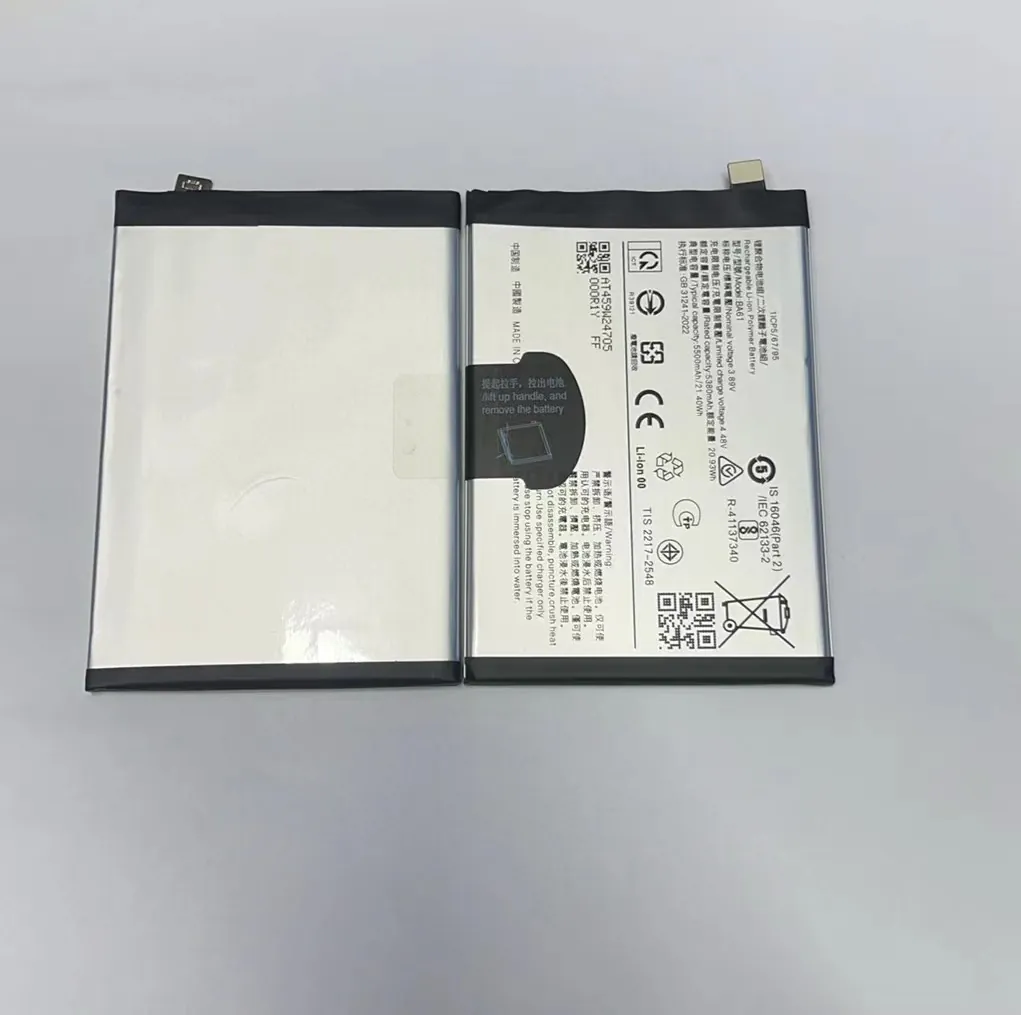
Most phone batteries have three or four terminals. Two are for power (positive and negative). The others may be for data or temperature sensing. Always avoid these unless you know what you’re doing.
Step-by-Step Measurement Guide
- Remove battery (if it's removable). For non-removable ones, disconnect power carefully.
- Set multimeter to DC voltage, 20V range.
- Black probe goes to the negative (-) terminal.
- Red probe goes to the positive (+) terminal.
- Do not let probes touch each other.
- Take the reading, wait a few seconds for stability.
Safety Tips
- Wear gloves if testing swollen batteries.
- Never force probes into connectors.
- If the battery gets hot, stop immediately.
- Never try to measure current unless you know how—wrong settings can short the battery.
Battery Terminal Layout
Different batteries may label terminals differently. Here are some typical labels:
| Terminal Symbol | Meaning |
|---|---|
| + | Positive Terminal |
| - | Negative Terminal |
| T | Temperature Sensor |
| ID | Identification/Control |
If you don’t see clear markings, search for the model number online. Don’t guess—it’s not worth the risk.
Why compare readings to specs?
You measured the voltage. But now what? Numbers alone mean nothing without context. You need to compare them to the official specs.
Comparing your battery’s voltage to its manufacturer specs tells you if it’s healthy, faulty, or dangerous. This prevents misdiagnosis.

One of our clients once returned 500 batteries claiming they were “dead.” We tested them—most were between 3.7V and 3.8V. Perfectly fine. The issue was with their testing method.
Find Manufacturer Specs
You can usually find the specs on:
- The battery label (nominal voltage, max charge)
- Manufacturer websites
- Repair forums or datasheet libraries
Once you have the numbers, compare them like this:
| Multimeter Reading | Spec Match? | Interpretation |
|---|---|---|
| 4.2V | Yes | Fully charged |
| 3.8V | Yes | Normal operation |
| 3.2V | No | Low or degraded |
| <3.0V | No | May be damaged |
Why It Matters
If you skip this step, you risk replacing good batteries or missing bad ones. For example, Apple uses a slightly higher voltage ceiling than Samsung. So a 4.3V reading may be normal for iPhone but dangerous for Galaxy.
Also, some batteries use battery protection ICs. These can temporarily block voltage readings. In that case, specs will tell you what to expect.
Which issues show abnormal voltage?
Your battery might pass the test but still have problems. That’s why you must know what voltage issues can mean in the bigger picture.
Abnormal voltage can reveal charging issues, cell degradation, or protection circuit failure—even before the phone shows errors.
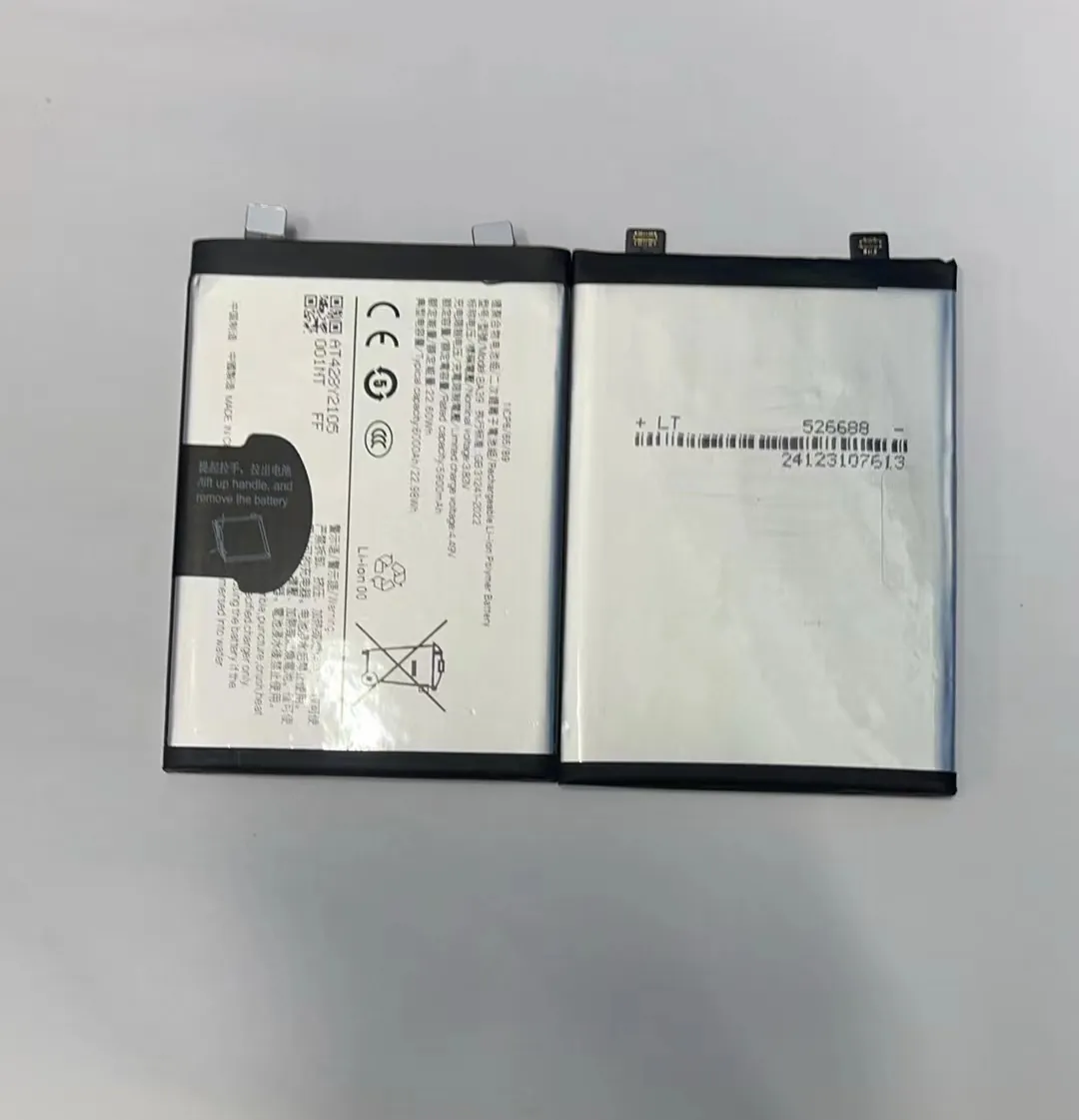
When we test return batteries from clients in Europe, we often see strange patterns. Here’s a breakdown of common scenarios:
Common Abnormal Voltage Issues
| Symptom | Voltage Clue | Possible Cause |
|---|---|---|
| Phone shuts off at 30% | Voltage drops fast | Degraded cell |
| Phone doesn’t charge | No voltage reading | Protection IC triggered |
| Battery stays at 4.2V always | Stuck reading | BMS chip malfunction |
| Battery shows <3V when full | Cell damage | Deep discharge |
| Sudden voltage drop under load | Voltage sag | High internal resistance |
How to Investigate Further
If you see odd numbers, test the battery under load. Connect it to a dummy load or phone. Then measure voltage again. If it drops fast, the battery is weak.
You can also:
- Check for swelling
- Measure voltage at different states of charge
- Swap with a known good battery
- Use advanced tools like battery testers (optional)
When to Replace the Battery
Replace the battery if:
- Voltage drops under 3.4V quickly
- You see large swings under load
- It never charges beyond 3.7V
- It gets hot while charging
Don’t wait until the phone dies completely. Early detection can prevent data loss or even battery swelling.
Conclusion
Testing a phone battery with a multimeter is simple, but knowing how to read the results makes all the difference. Stick to voltage ranges, follow safety steps, and always check your readings against official specs.
