

I once faced a phone with a dead battery and needed to power it up fast. I felt stuck and panicked — but then I discovered safe ways to power a phone without its battery.
Yes. You can turn on a mobile phone without a battery by using external power sources or special tools. These methods supply power directly to the phone’s circuits and let the device boot.
If you ever face a dead battery scenario again, read on. I will show you what really works, how it works, and what you should try first.
What external power methods work?
I needed a quick way to power my phone when the battery was gone. I looked for external power sources that could help me.
Using a USB adaptor, bench power supply, or battery eliminator can power a phone without its battery. These methods feed voltage into the phone’s battery pins so it can boot.
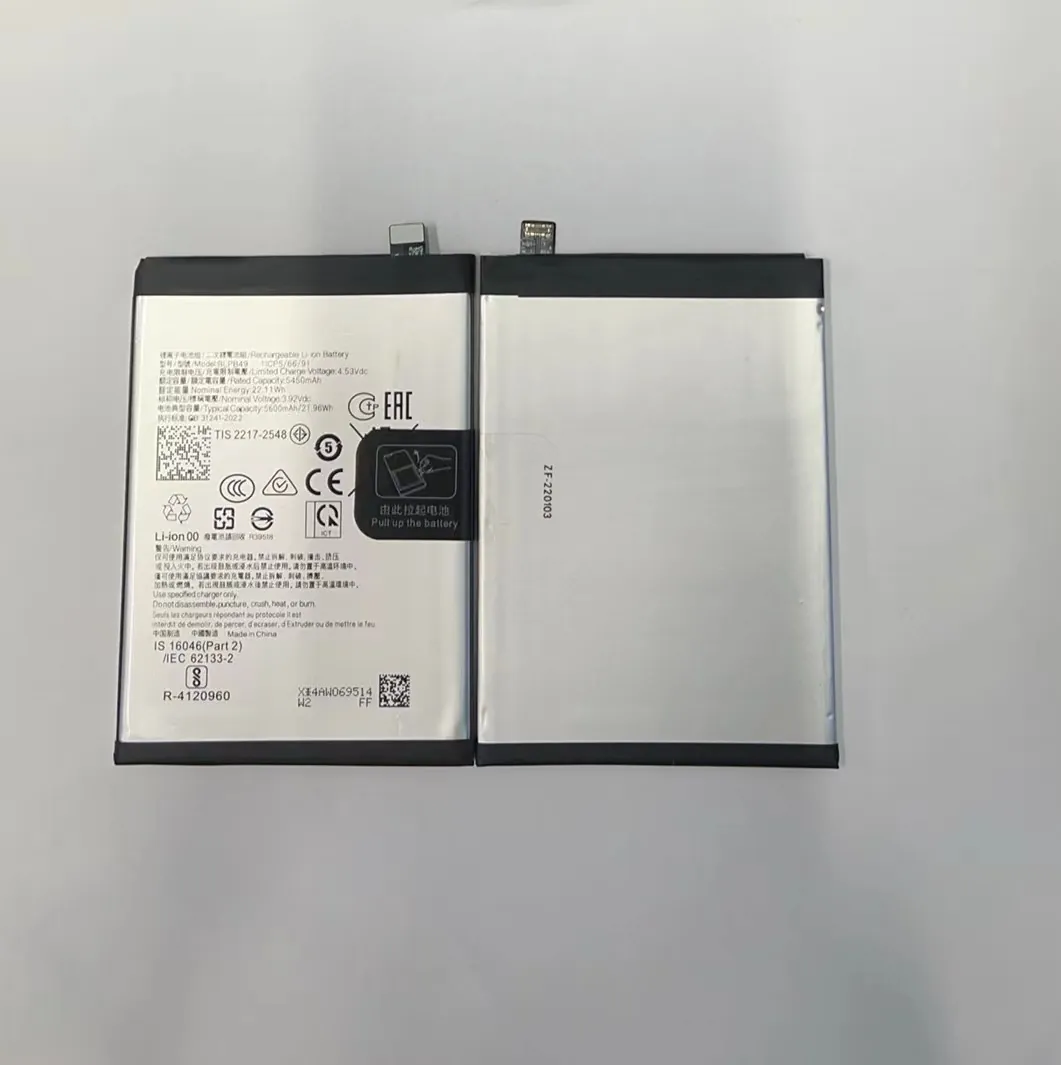
When I tried external power sources, I discovered a few useful options. You can plug a proper voltage supply into the battery contact points of the phone. Devices such as USB adaptors (with enough voltage), dedicated battery eliminators for smartphones, or even a bench power supply can do the job. These sources mimic the missing battery by providing a stable voltage, so the phone thinks a battery is installed and can power on.
I made a list of common external power methods:
| Method | How it works | Best for / Notes |
|---|---|---|
| USB charger with battery adapter cable | Adaptor connects to phone’s battery contacts rather than charging port | Good for basic power when you need to check software or hardware |
| Battery elimination board (dummy battery) | Board plugs where battery would and outputs correct voltage/current | Useful for testing hardware or doing repairs without a battery |
| Bench power supply (regulated) | Manual supply set to required voltage and current, connected to battery terminals | Best for repair shops or detailed testing setups |
| Power bank + appropriate adapter cable | Power bank supplies stable output through adapter to battery contacts | Good for field testing or emergency boot-up |
First, you must know the phone’s required voltage and polarity. Most smartphones use around 3.7 V – 4.2 V nominal battery voltage. If you feed power incorrectly, you risk damaging the phone’s circuitry. When I used a bench supply, I set the voltage to 3.8 V and the current limit to 1–2 A before connecting. The phone booted like normal.
I also discovered this works best on older or common phones. Some newer models check battery presence in firmware and won’t boot even if you supply power externally.
Still, for many phones, external power works well. It helps when the battery is dead, missing, or damaged. For testing, flashing, or diagnostics, this method can save time and avoid the hassle of a new battery.
How does USB bypass power function?
I once tried to power a phone using just a USB cable when I had no battery. I wondered if that alone could work.
USB bypass power works when a phone’s charging circuit can draw enough current from the USB port and bypass the missing battery. Often the phone boots directly from USB power if the circuit supports it.
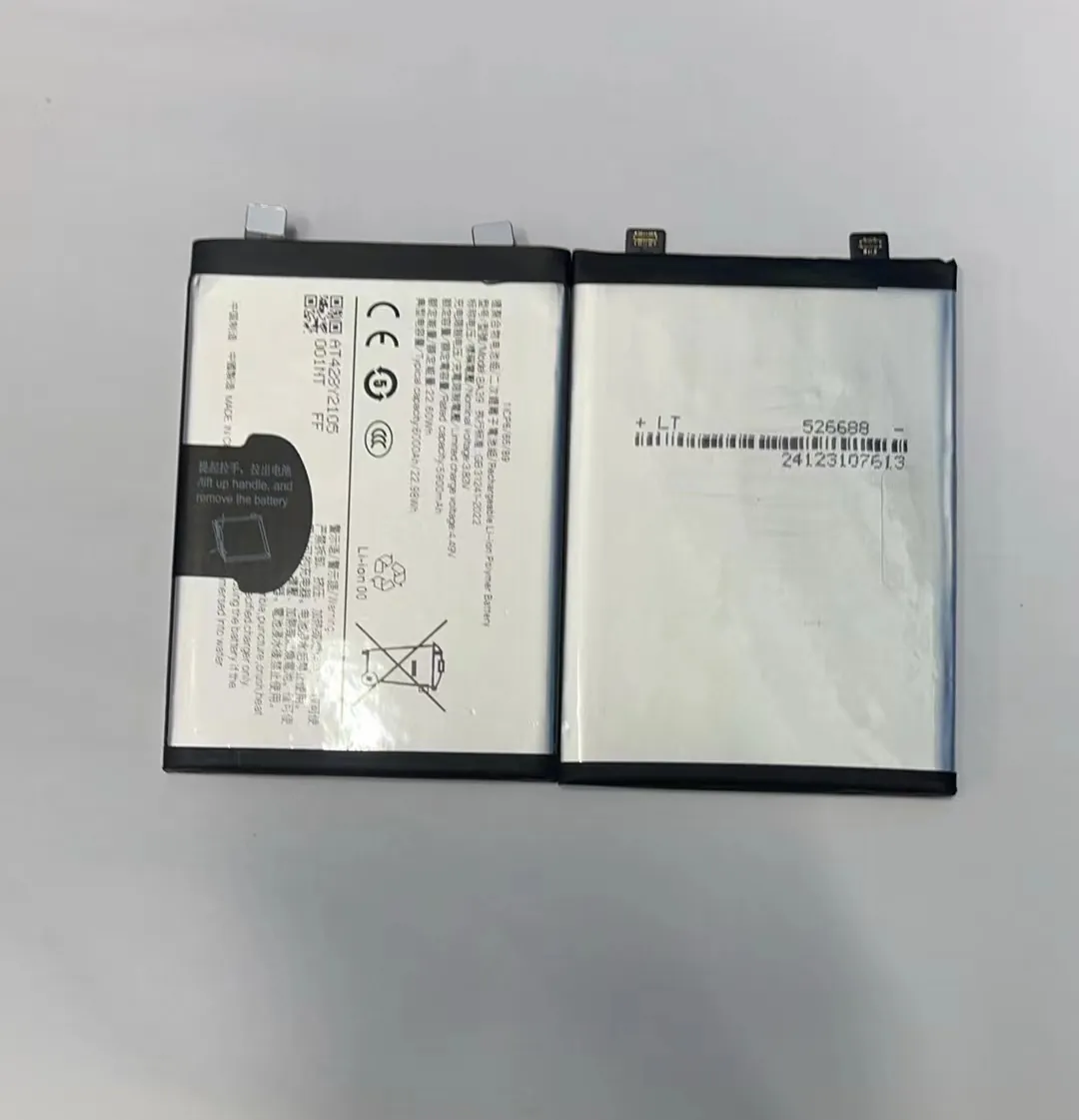
Most phones are designed to charge their battery from USB and run off battery power at the same time. But some phones allow the charging circuit to power the phone’s electronics directly. That means if you plug in a strong USB power source, the phone may start even without a battery.
I tried this with an older Android phone. I connected a high‑power USB charger (5 V, 2 A) and pressed the power button. The screen turned on and I reached the boot screen. That worked because the phone’s charging and power circuits were unified so that USB power acted like battery power.
However, many modern phones do not allow this. They separate charging circuitry and main power supply. The phone expects battery voltage on specific pins. Without those pins powered, the phone will not turn on even if the USB port provides current. I tested a newer phone and it refused to start under USB power alone. The charging chip lit up, but nothing else happened.
There are also risks. If the phone draws more current than the USB charger can provide, the voltage may drop. This can cause instability or sudden shutdown. Also the internal charging circuit may require a battery to gauge charge level. Without battery, the phone may freeze or behave oddly. I avoid USB‑only powering for serious tasks like flashing or full test.
Still, if you only need to check screen, backup data, or access settings, and if the phone supports it, USB bypass power can be a fast trick.
Why do some phones need a battery present?
I faced a case where nothing worked: no battery, no bench supply, and even USB power failed. I wondered why the phone needed the battery.
Some phones refuse to boot without a battery because their firmware checks for battery presence, or their power circuits rely on battery hardware signals. Without those, they block startup.

Many modern phones include protections in hardware and software. These phones expect certain signals from the battery. For example, the system may check the battery’s internal ID or communication line to confirm a legitimate battery. If it does not detect these signals, the phone may refuse to start. This is a safety measure. It prevents damage or incorrect behavior.
Also, the phone’s power management may be built around the battery. The battery acts as a buffer. Even if you're using external power, the phone’s circuits might route power through battery management logic. Without the battery, there is no stable link. The phone might detect abnormal conditions and block startup. This can avoid short circuits or battery‑related issues.
Sometimes the firmware checks battery charge level. Without battery and no charge data, the phone thinks battery is dead and will not run. Some phones may power on briefly but immediately shut down. I saw this many times when I tried to power old phones with dummy batteries — some turned on, some didn't. The difference was often the phone’s age and manufacturer design.
Another factor is current demand. A phone may draw bursts of current during startup. The battery would supply those bursts. An external power source may supply steady voltage but fail on rapid spikes. Without battery buffer, the phone may stall or crash.
In short, battery presence checks and power management design explain why some phones must have a battery to turn on. If the phone manufacturer built these checks, no external power may help.
Which tools enable direct power startup?
I once had to power many phones in my repair shop. I looked for reliable tools to start phones without batteries. I found some that work well.
Tools like dummy‑battery adapters, bench power supplies, and battery eliminator kits can provide direct power to phone circuits. They let you switch on phones without a battery installed.

Here is a table of common tools I use or know about. It lists each tool, what it does, and when to use it:
| Tool | Description | Best for |
|---|---|---|
| Dummy‑battery / battery eliminator board | A small PCB shaped to fit into phone’s battery slot. It outputs regulated 3.7–4.2 V to battery contacts. | Testing phones without battery, hardware diagnostics, repair shops |
| Adjustable bench power supply | Lab‑grade power supply with adjustable voltage/current. Connect via main battery pins. | Detailed diagnostics, firmware flash, testing under stable load |
| USB‑power adapter cable with battery leads | Cable that converts USB 5 V to required battery voltage and connects to battery pins. | Quick boot‑up or data recovery |
| Power bank with step‑down adapter | Power bank supply goes through adapter to match phone battery voltage. | Portable testing, field repair, emergency boot |
| Universal smartphone testing platform | Device that lets you test screens, battery charging, power circuits without original battery. | Repair shops with many phone models |
| All‑in‑one repair box | Includes connectors, leads, adjustable supply, and test monitoring tools. | Bulk repairs, diagnostics, long‑term maintenance |
When I started a repair session, I often used a dummy‑battery board. It fits into the battery slot just like a real battery. It gives stable power. I could boot the phone and check screen, IMEI, or software. If I needed deeper tests or flashing firmware, I switched to a bench power supply. I adjusted the output to the correct voltage. This gave stable power even when the phone drew more current.
I also liked the USB‑adapter cable for quick jobs. If I only needed to check settings or extract data, this cable was easy. I just plugged a powered USB port and pressed power button. It worked with many older phones. I never trusted it for big tasks.
I found that these tools significantly reduce the chance of damage. If I tried to power a phone using makeshift wires or wrong voltages, I risked shorting circuits or frying chips. But using proper tools saved phones many times.
I also learned to double check polarity, voltage levels, and current ratings before powering the phone. I kept a multimeter and sometimes tested the outputs before connecting. This habit saved me from errors.
If you plan to try these methods, I recommend starting with a dummy board or bench supply. They are safe and reliable. Avoid random solutions like random cables or unknown wires.
Conclusion
I have shown you several ways to power a phone without its battery. You can use dummy‑battery boards, bench supplies, or USB adapters. Whether you need a quick boot or full diagnostics, there is a safe method. Test carefully and always match voltage and polarity.
When you need extra help or have a specific phone model in mind, let me know — I can guide you through step by step.
