
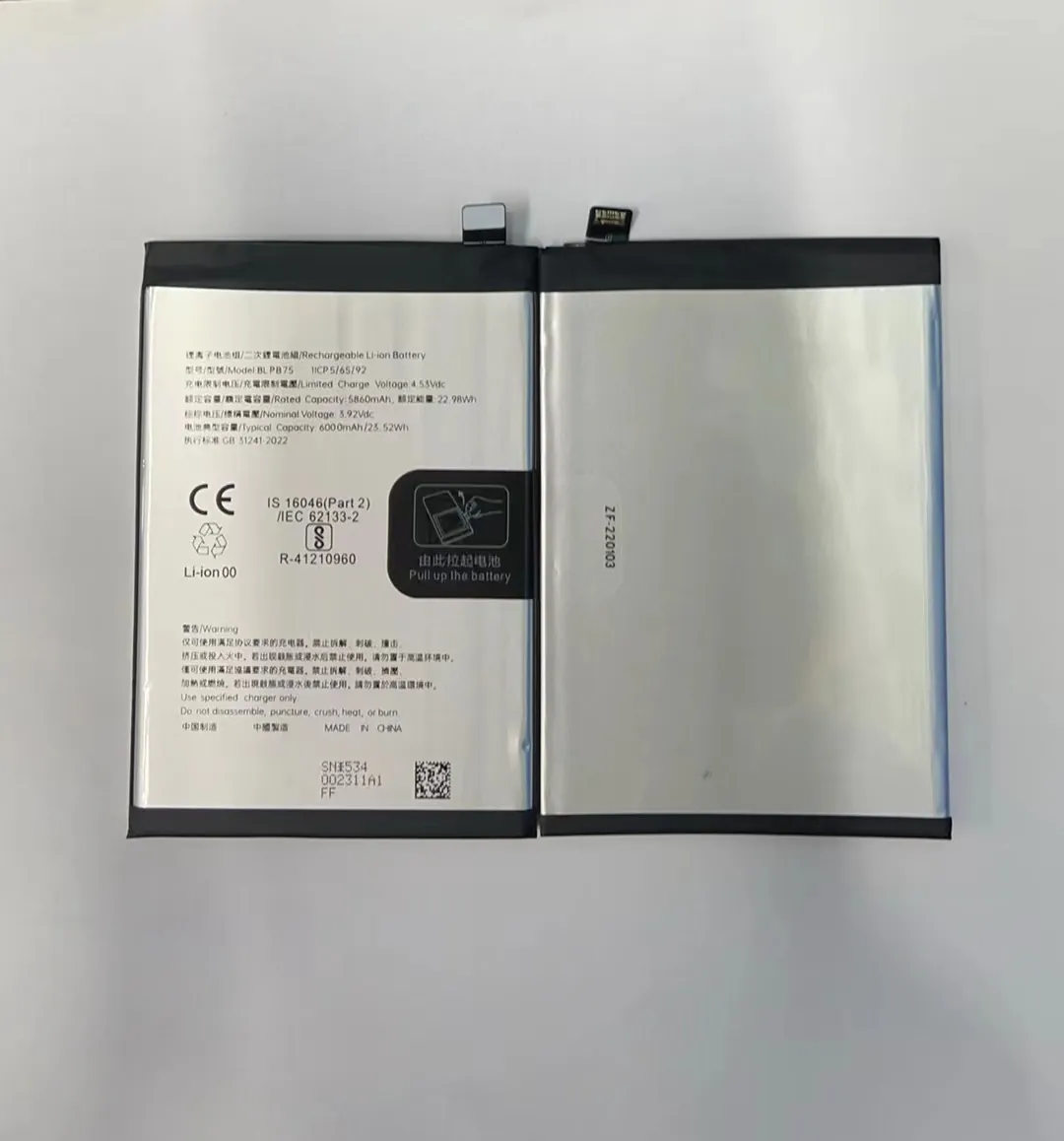
I know the fear that comes when a phone battery fails and I still need the device to run. I saw this many times during my work with repair parts. This simple fear often makes people search for fast and strange solutions.
You can run a phone without a battery by using an external power source that gives the correct voltage, enough current, and stable output. This setup replaces the battery and lets the phone boot and work.
I want to guide you through this topic so you can understand the tools, the risks, and the safe steps. I will share what I learned in real repair rooms, where I saw phones boot on power supplies every day.
What tools power phones externally?
I know how stressful it is when a phone will not turn on because the battery is dead and you do not have a replacement. This moment pushes many people to force a device to run with whatever power source they can find.
Phones can be powered externally by DC power supplies, regulated adapters, and special battery-bypass cables that deliver fixed voltage and stable current to the phone.

Understanding external powering tools
When I help technicians, I always start by showing them the main tools. These tools are simple, but they must be used with care. A phone battery normally gives around 3.7V to 4.4V depending on its chemistry. Any replacement power source must match this range or the device may not boot.
Here is a clear table of common external powering tools:
| Tool | What it does | When I use it |
|---|---|---|
| DC bench power supply | Gives stable voltage and shows current draw | Testing phones without batteries |
| Regulated USB power module | Converts 5V to safe battery voltage | Quick checks for low-risk devices |
| Battery-bypass cable | Connects directly to battery pads | Fast phone boot for diagnosis |
| Test battery board | Simulates battery with safety limits | Long-term board testing |
I use these tools because they give control. A battery does many things, and the phone needs all of them. When I use a DC supply, I see real-time current changes. These changes tell me if the phone boots, if it loops, or if it has a short.
Why these tools matter
Phones today are small computers with strict power needs. They start at low voltage and then ask for higher current during boot. A simple charger cannot replace a battery because a charger outputs 5V, which is too high for a battery line. The phone needs something that acts like a battery, not a charger.
Key notes for safe use
- I always set the voltage to 3.8V
- I set current limit around 2A
- I connect positive and negative lines only
- I never use random wires from old chargers
These rules helped me avoid damage in many repair jobs. When I break any of these rules, I risk the board.
How do power supplies replace batteries?
It is easy to feel confused when someone says a phone can run without a battery. I also felt confused the first time I saw it in a repair shop years ago.
A power supply replaces a battery by giving the exact voltage and controlled current that a phone needs, acting like a stable voltage source connected straight to the battery pins.

How the replacement process works
When a phone boots, the battery normally gives a smooth and stable voltage. This voltage stays inside a small range. A power supply mimics this behavior. It does not store energy like a real battery, but it gives a constant output as long as it is plugged in.
Here is a deeper view:
Step 1: Set correct voltage
I set 3.8V, which fits most lithium-ion battery ranges. This is safe and strong enough to let the phone boot.
Step 2: Set current limit
I choose 1.5A to 2A. This protects the motherboard from sudden spikes. If there is a short circuit, the supply cuts the power.
Step 3: Connect to battery pads
I connect positive to B+ and negative to B-. Many boards have test pads that make this easier.
Step 4: Watch current draw
The current tells me the device health:
| Current Behavior | What it means |
|---|---|
| 0.02–0.08A | Standby or waiting for power button |
| 0.3–0.6A | Early boot sequence |
| 0.8–1.2A | System loading |
| Drops to 0.2A | Phone reached home screen |
When I understand the numbers, I understand the phone. This is why professionals use power supplies to repair devices.
Differences between batteries and power supplies
A battery responds naturally to load changes. A power supply is more stiff. It gives stable voltage but does not behave like a chemical cell. So some phones may refuse to boot because they expect battery communication through the BMS (battery management system). For these phones, we often use a battery bypass board with a small IC that simulates battery communication.
When this method does not work
Some brands lock the boot process if no battery data is detected. I met this issue many times with high-end models. In these cases, I attach a test battery board that includes the missing data lines.
Why voltage regulation is crucial?
I saw phones burn because someone powered them with the wrong voltage. This always happens fast. It takes only one mistake.
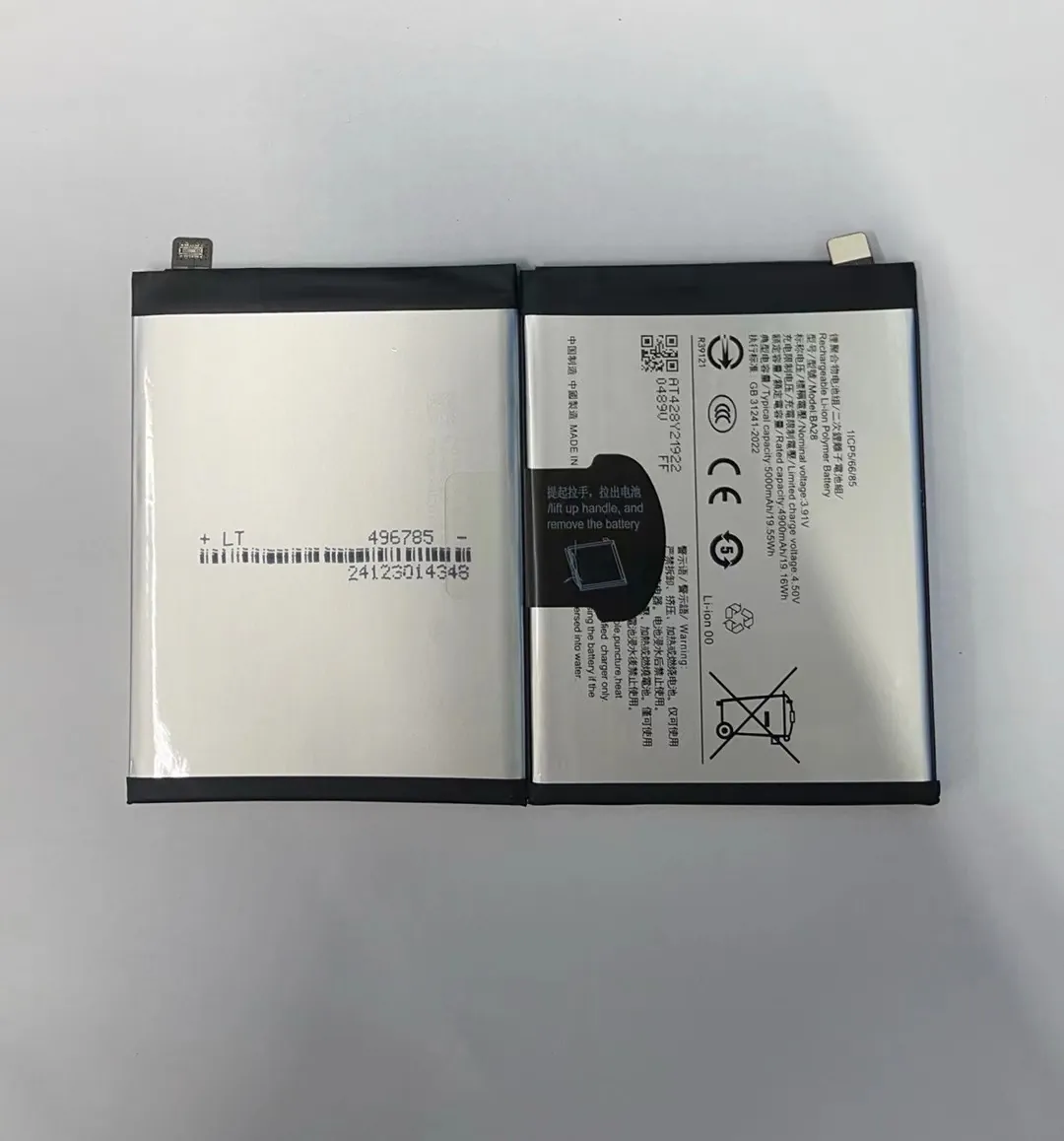
Voltage regulation is crucial because phones rely on precise low-voltage levels, and even a small rise above safe limits can damage power ICs, charging circuits, or the entire motherboard.
What voltage regulation really means
Voltage regulation keeps the output stable even when the current load changes. A phone can jump from low to high current very fast. A weak power source cannot handle this jump. If the voltage spikes, it sends too much energy into tiny components.
How I test voltage stability
I start with 3.8V. Then I press the power button. As the phone boots, I watch the meter. If the voltage drops or rises even a little, I know the supply is not stable. A stable supply keeps the voltage steady no matter what the phone does.
Types of regulation problems I saw
Over-voltage
This happens when someone uses 5V directly on the battery line. The board burns immediately. Repair becomes impossible.
Under-voltage
This happens when the supply cannot maintain stable output. The phone loops or restarts. Many people think the phone is damaged, but the real problem is weak voltage.
Fluctuation
Some cheap power modules fluctuate under load. A phone may freeze, heat up, or turn off for no reason.
Protecting the phone with simple habits
- I always double-check voltage before connecting
- I use good cables with clean copper
- I use a supply with digital display
- I avoid old adapters with unknown chips
These habits saved many motherboards in my work. Anyone powering a phone without a battery should follow the same steps.
Which risks occur without a battery?
I know how tempting it is to power a phone without a battery. I did it many times when I needed a quick test. But each time I do it, I know the risks.
Running a phone without a battery increases risks such as voltage spikes, unstable booting, overheating, component damage, poor performance, and sudden shutdowns during high load.

The main risks I need to warn you about
Risk 1: Sudden shutdown
Phones pull high current when cameras or apps open. A battery supports these peaks. A power supply alone may shut down, which stops the device instantly.
Risk 2: Higher heat
A phone without a battery cannot spread heat the same way. Some models heat near the power IC. Heat can weaken solder joints.
Risk 3: Damaged PMIC
The power management IC is very sensitive. It expects the soft behavior of a battery. Hard voltage from a supply can stress it.
Risk 4: No battery protection
A real battery has protection circuits. Without them, any mistake travels straight to the board.
Risk 5: No data lines
Many batteries send data signals about temperature and health. Without this data, phones may reduce performance or refuse to boot.
How I reduce these risks
I use a test battery board when I need safety. It adds fake battery data and protection. I also keep the phone on the table, not in my hand, to avoid moving the power wires. Loose wires cause sparks, and sparks damage pads.
Why beginners must be careful
It looks easy to power a phone without a battery, but it is not a beginner task. A small mistake can turn a repair job into a dead board. I always tell new technicians to practice first on old devices before they test expensive models.
Conclusion
Powering a phone without a battery is possible when I use the right tools, stable voltage, and careful steps. It works well for diagnosis, but it carries risks, so I always use high-quality power sources and proper safety limits to avoid damage.
