
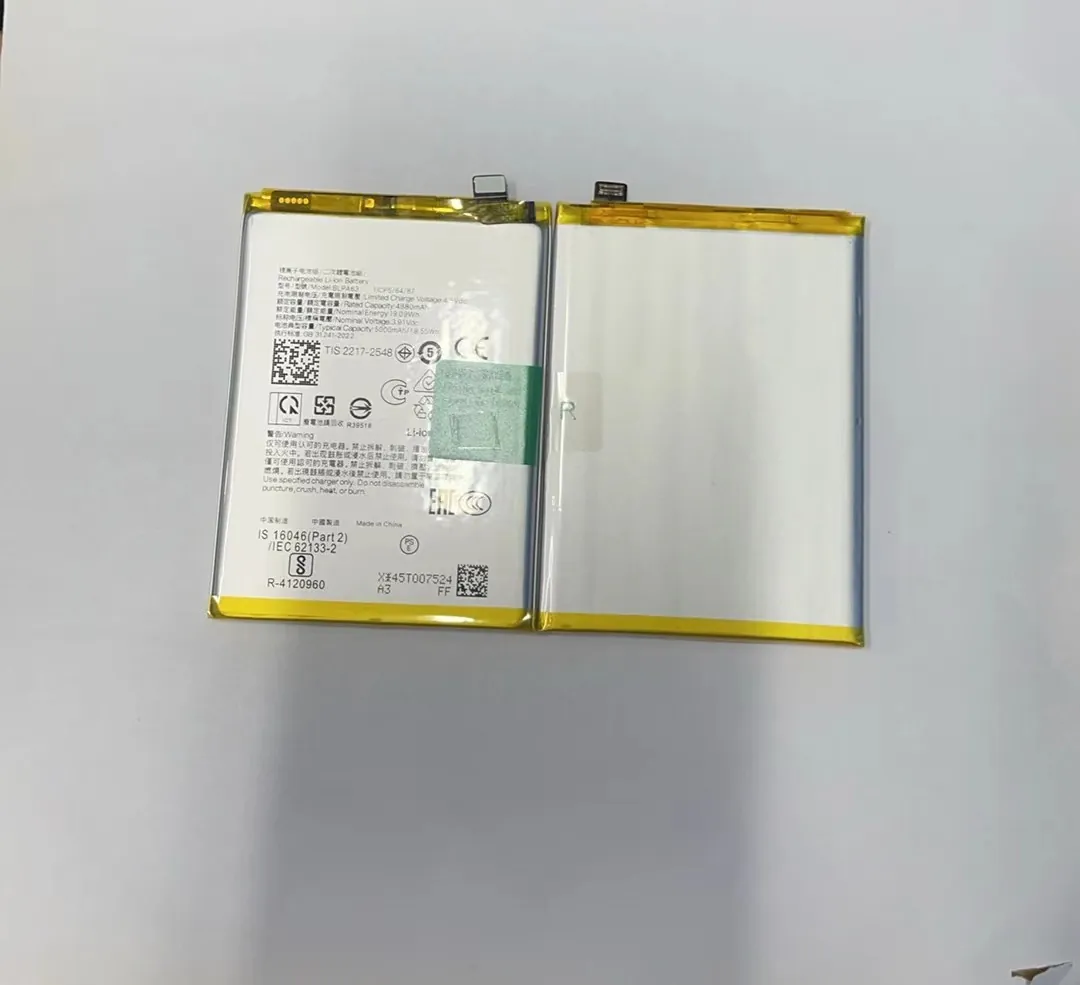
Many phone owners worry if a battery from one carrier phone will fit another. This question is common with Samsung J3 phones from different carriers like T‑Mobile or Sprint. A wrong assumption can lead to buy the wrong battery and end up with a waste of money.
Here we explore if a T‑Mobile Samsung J3 battery fits a Sprint phone and what factors affect compatibility. This helps avoid mistakes and gives clear guidance.
Understanding battery fit and compatibility prevents damage and ensures you get the right part. Keep reading to learn how to check safely.
Is T‑Mobile J3 battery compatible with Sprint models?
Battery compatibility across carriers often confuses users. Even though the phones may look the same, the internal parts can differ slightly. When people see “Samsung J3” on two carrier phones, they assume the parts are the same. This is not always true.
In many cases, a T‑Mobile Samsung J3 battery may physically fit into a Sprint model. However, compatibility depends on specific model codes and battery specs. Not every J3 battery will work with every J3 phone.
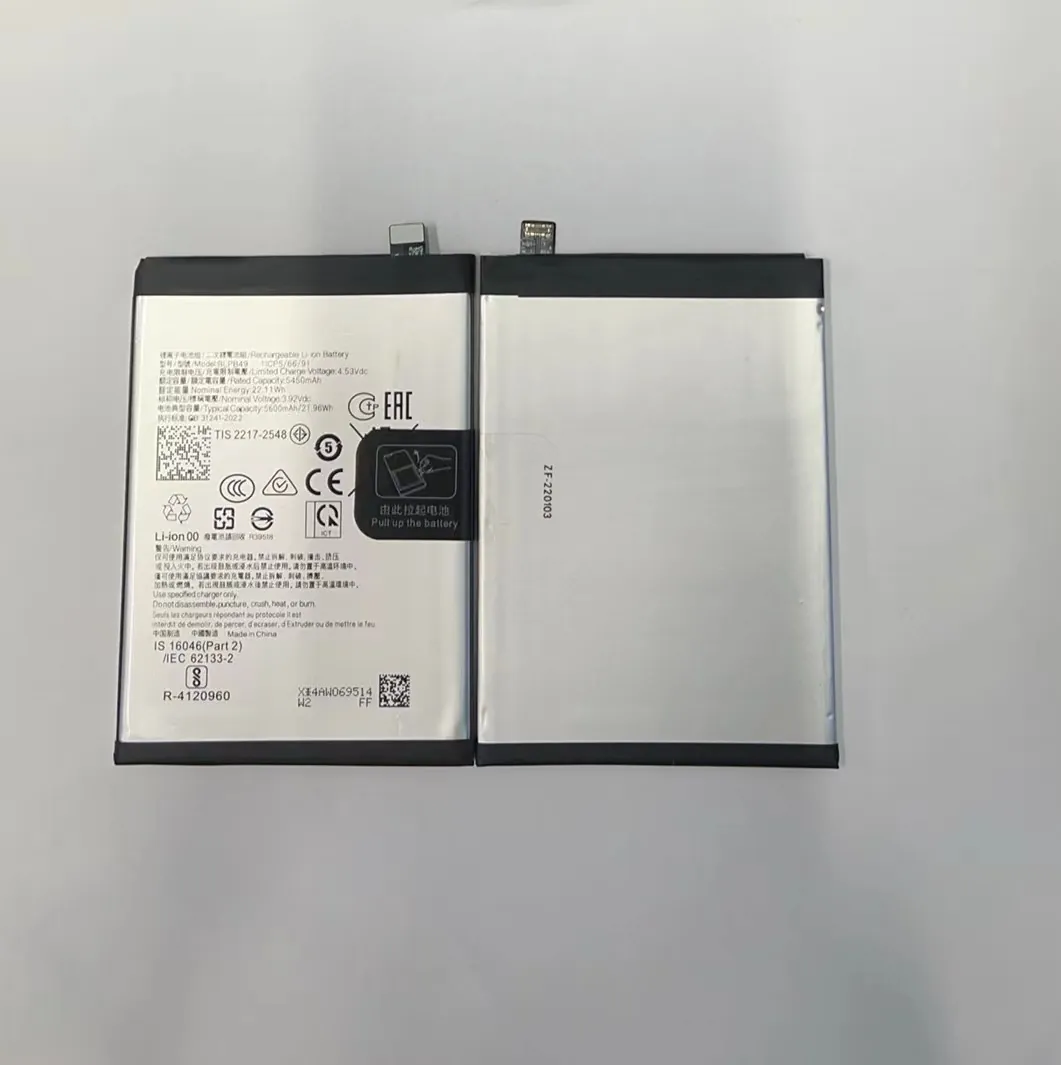
Samsung released many versions of the J3 phone over the years. Each version can have a slightly different battery type. For example, some J3 models have the model number SM‑J327, while others have SM‑J330 or SM‑J311. Even if two phones are both labeled Samsung J3, they can have different model numbers and battery parts.
Model Number Matters
When talking about compatibility, the specific model number matters more than the carrier name. T‑Mobile and Sprint versions of the Samsung J3 could share the same model number. If they do, then the battery is usually compatible.
For example:
- T‑Mobile Samsung J3 with model SM‑J327T1
- Sprint Samsung J3 with model SM‑J327P
The last letter often indicates the carrier (T for T‑Mobile, P for Sprint). But the core model (J327) is the same. Batteries for these phones are often the same type.
When They Do Not Match
However, if the model codes differ, then the battery may not fit or work properly. Different screen sizes and internal shape can change battery placement and connector type. This means just looking at the carrier name is not enough.
Table: Example of J3 Models and Batteries
| Phone Model | Carrier | Battery Part Compatible? | Notes |
|---|---|---|---|
| SM‑J327T (T‑Mobile) | T‑Mobile | ✅ If same code | Same core model |
| SM‑J327P (Sprint) | Sprint | ✅ If same code | Same core model |
| SM‑J330V (Verizon) | Verizon | ⚠️ Maybe different | Different hardware |
| SM‑J311M (Global) | Global | ⚠️ Not compatible | Different battery size |
Key Points
- Physical fit matters, but matching model number is more important.
- Batteries labeled for one carrier may work in another if the phone model code matches.
- Always check the exact phone model number before buying a battery.
In short, a T‑Mobile Samsung J3 battery can fit a Sprint phone only when the model numbers match. Relying on the carrier name alone can lead to mistakes and wrong purchases.
What factors determine battery compatibility?
Many people think battery compatibility is simple: if the battery looks similar, it must fit. This belief leads to many errors. In reality, many factors matter when determining if a battery is compatible with a phone.
Battery compatibility depends on the phone’s model number, battery voltage and capacity, shape and connector type. All these factors must match to ensure the battery works safely and effectively.

Understanding these factors helps you choose the correct battery. Even small differences in voltage or connector shape can cause the battery not to work or even damage the phone.
Model Number and Code
The most reliable way to check compatibility is by using the phone’s model number. Each Samsung J3 release has a unique code like SM‑J327, SM‑J330, SM‑J311. This code tells you the phone’s exact version and the specific battery type it uses.
You can find the model number in the phone settings:
- Go to Settings
- Scroll down to About phone
- Look for the Model number field
This number matters more than the carrier name.
Battery Voltage and Capacity
Battery voltage must match the phone’s requirements. Most Samsung J3 phones use batteries around the same voltage, but there can be slight differences. If the voltage is too low, the phone may not turn on. If it is too high, it can heat up or damage parts.
Battery capacity (measured in mAh) shows how long the battery can run. While a higher capacity battery can last longer between charges, it must still be the right shape and fit inside the phone.
Connector Type and Shape
Inside the phone, the battery connects to the main board with a specific connector. If the connector shape differs, the battery will not work even if the voltage and size seem right. Some batteries may be slightly larger or have a different curvature that prevents a secure fit.
Charger and Safety Circuit
Modern batteries have safety circuits built in. These circuits protect against overcharge, overheating, and short circuits. Different battery models can have different safety circuits. A battery must match the phone’s charging system to work safely.
Table: Key Factors for Battery Compatibility
| Factor | Why It Matters | Must Match? |
|---|---|---|
| Model number | Ensures phone and battery type match | ✅ |
| Voltage | Matches phone power requirements | ✅ |
| Capacity (mAh) | Affects runtime | ⚠️ Works if similar |
| Connector shape | Ensures physical connection | ✅ |
| Safety circuit | Protects battery and phone | ✅ |
Summary
Many factors determine if a battery works with a phone. Model number, voltage, connector type, and safety features all matter. A simple carrier name is not enough to make a safe decision.
By checking these factors carefully, you make sure you choose the correct battery and avoid problems later.
Can using the wrong battery damage the phone?
People often assume a wrong battery might just not work. In reality, installing the wrong battery can cause real damage. The battery and the phone must match in electrical and physical design. If they do not match, the phone may face many serious problems.
Using the wrong battery can damage the phone’s hardware, cause overheating, battery swelling, or even permanent failure of key parts. It is not risk‑free to install a battery that is not compatible.

When a battery does not match the phone’s requirements, danger comes from mismatched voltage, poor connector fit, or wrong safety features. These problems can appear immediately or over time.
Overheating and Swelling
A battery that does not match the phone’s voltage or safety requirements may draw too much current. Phones have built‑in protection, but this may not stop all issues. A battery can overheat, causing swelling or leakage.
Swollen batteries push against the phone’s back cover. This can:
- Warp the chassis
- Damage internal parts
- Make the screen lift up
This type of damage often cannot be repaired easily and may require replacement of multiple components.
Short Circuits and Fire Risks
Wrong batteries without proper safety circuits can cause short circuits. A short circuit may lead to:
- Sparks inside the phone
- Extreme heat
- Fire hazards in rare cases
This risk is why only compatible batteries with proper certification should be used.
Poor Performance or Non‑Start
Sometimes the phone just will not turn on with a wrong battery. This happens because voltage or contacts do not match the system. In other cases, the phone may turn on but behave poorly, such as rapid battery drain or random shutdowns.
Table: Risks of Wrong Battery Use
| Risk | What Happens | Severity |
|---|---|---|
| Overheating | Battery gets hot | High |
| Swelling | Battery expands | High |
| Short circuit | Electrical fault | Very high |
| Phone won’t start | No power | Medium |
| Poor performance | Random issues | Medium |
Safety First
Always choose a battery that matches the phone’s exact model number and required specs. Certified batteries have built‑in protections to reduce risk. Non‑certified or generic batteries may lack these features, increasing danger.
Using a battery that is not designed for your phone is not worth the risk. It is better to check compatibility and buy the correct part than face damage later.
How to safely verify battery fit across carriers?
Buying a battery online can be tricky. You might see batteries labeled “works for T‑Mobile Samsung J3” or “fits Sprint J3”. These labels are helpful but can be misleading if they do not include specific model numbers.
To safely verify if a battery fits phones from different carriers, check the exact phone model number, compare battery specs, and use reliable sources for cross‑reference. Don’t rely on the carrier name alone.

Here are safe steps to confirm battery fit:
Step 1: Find the Phone Model Number
As mentioned earlier, model numbers matter most. Look at the phone settings:
- Go to Settings
- Choose About phone
- Note the Model number field exactly
Step 2: Check Battery Part Number
Look at the battery that came with the phone. Often, the original battery has a part number printed on it. This number helps ensure the replacement is correct.
Step 3: Compare Battery Voltage and Specs
Check the battery voltage, capacity (mAh), and connector type in the listed specs. These must match the original battery’s specs.
Step 4: Use Trusted Sources
Use official manufacturer documents, or trusted parts sellers who list model numbers. Avoid vague labels that only list carrier names.
Table: Safe Verification Checklist
| Step | What to Do | Why It Matters |
|---|---|---|
| Find model number | Confirm exact phone version | Ensures correct part |
| Check part number | Compare old and new battery | Matches specs |
| Verify voltage | Must match phone requirements | Prevents damage |
| Use reliable sellers | Trusted info and correct fit | Reduces error |
Final Advice
When in doubt, contact the seller with your phone model number and ask if the battery fits. Many reputable sellers will confirm before you buy.
By following these steps, you reduce the risk of buying the wrong battery and protect your phone from damage or poor performance.
Finally, remember this: batteries are not universal just because phones have similar names. Always confirm compatibility safely before purchase.
