

Mobile phone batteries drain fast. That is a big problem when you are outside or during long travel. Battery boost mode helps extend battery life so your phone does not shut down too early.
Battery boost mode is a power-saving feature that reduces phone energy use by limiting background tasks, dimming the screen, and lowering performance to make the battery last longer.
This article explores how boost mode works, why it is included in phones, what benefits it offers, and which phone models support it.
How does battery boost mode work?
Phone batteries get low fast when many apps run or the screen is bright. Battery boost mode works by cutting power use in smart ways. It changes system settings, limits background tasks, and adjusts screen brightness.
It works by limiting performance, turning off unneeded features, and stopping apps from using power in the background.

Battery boost is triggered when the phone reaches a low battery level, like 20% or 10%. It may ask the user to turn it on, or it may turn on automatically. Some phones allow users to choose when and how boost mode starts.
Common actions in boost mode
| Feature Affected | What Changes in Boost Mode |
|---|---|
| Screen brightness | Lowered to reduce power draw |
| Processor speed | Slowed down to save battery |
| App activity | Limited or paused in background |
| Vibration | Disabled or reduced |
| Location services | GPS use is limited or turned off |
| Network features | Auto-sync and background data paused |
| Animations | Disabled to save processing power |
CPU and performance
The phone CPU is one of the biggest energy users. Boost mode slows it down. This keeps the phone working but reduces speed. Games and heavy apps may lag. But basic tasks still work fine.
Display changes
The screen uses a lot of battery. Boost mode dims the screen and sets a short screen timeout. This helps save power when the screen is idle.
Network control
Phones in boost mode pause mobile data use for most apps. They also limit Wi-Fi scanning and Bluetooth usage. Only key apps stay connected.
App restrictions
Boost mode freezes non-important apps. For example, social media or games stop using battery in the background. This gives power to important things like phone calls or messages.
Why do phones include boost features?
Boost features solve real problems users face daily. Many people fear running out of battery, especially when they can’t charge the phone soon.
Phones include boost features to help users extend battery life when needed and to improve user satisfaction with phone uptime.
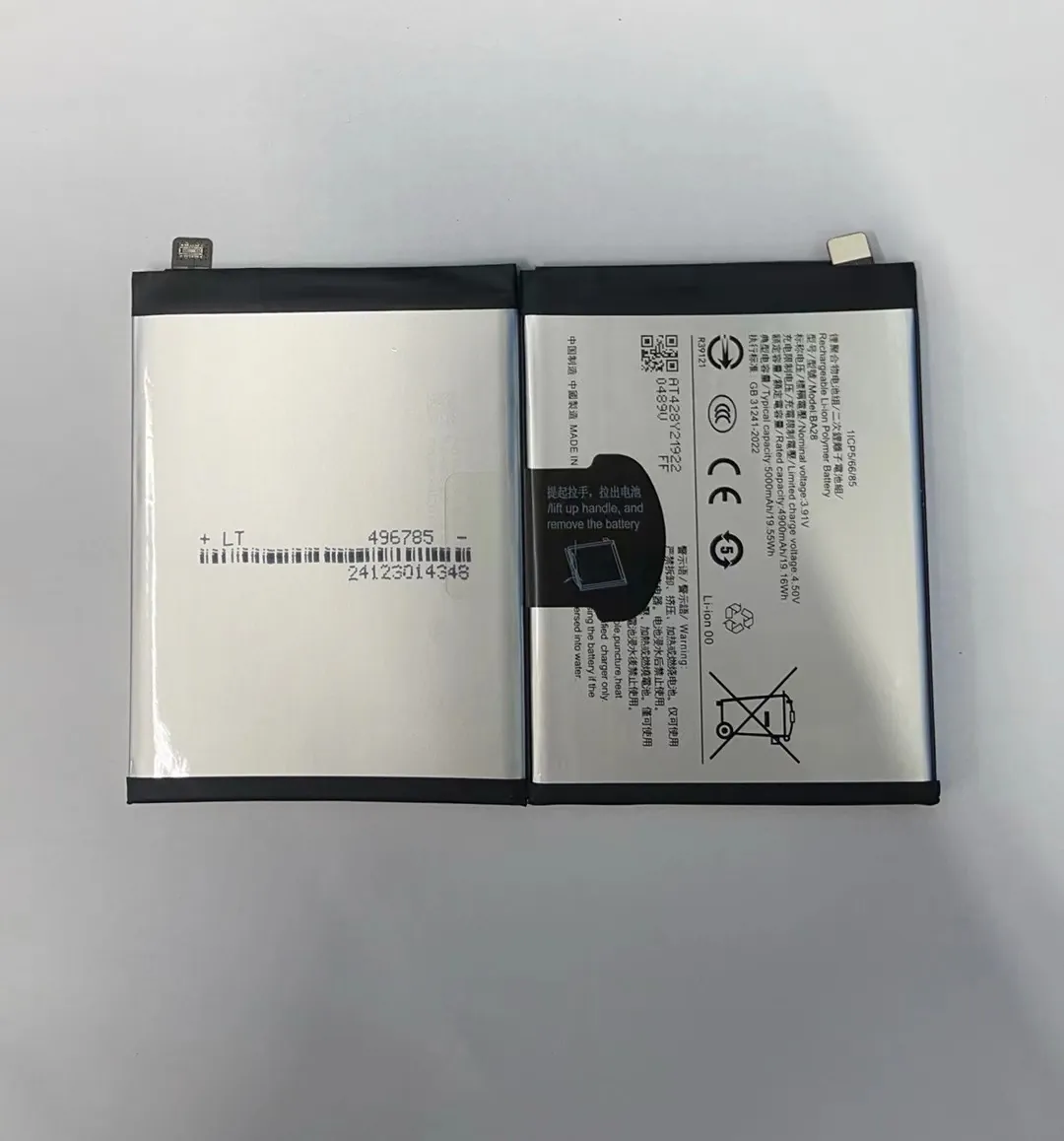
Phone makers want to meet users' needs. Battery boost mode helps people stay connected longer, avoid shutdowns, and manage phone use better.
Phones need to last longer
Phones do many tasks — video, GPS, messaging, calls. All of this drains the battery. Boost mode allows the phone to run longer without charging.
Reduces low battery anxiety
Some users feel stress when the battery drops below 20%. Boost mode helps ease that stress. It shows the phone is doing something to stay alive longer.
Keeps basic functions alive
Boost mode ensures users can still make calls, send messages, and access maps, even when battery is low. This is critical in emergencies or during travel.
Better battery health
Using boost mode slows down battery drain. That can reduce heat and stress. Over time, this may help the battery last more months before needing a replacement.
Smart design decision
Brands use boost features to stand out. Having a smart battery saver makes the phone seem smarter and more useful. It becomes a selling point for users who travel or work outdoors.
What benefits come from boost modes?
Battery boost mode does more than just keep the phone running longer. It gives users control and helps avoid panic when charging is not possible.
It gives more battery time, protects phone health, and keeps the phone useful in emergencies.

Boost mode advantages
Here are key benefits users get from battery boost:
- More time: Extend phone use by hours, not just minutes
- Emergency readiness: Keep phone alive to make emergency calls
- Priority to key apps: Stop other apps, but keep calls, SMS, and maps running
- Cooler phone: Less heat from CPU and screen
- Less background noise: Pause apps that use power for no reason
How it improves phone use
With boost mode on, the phone becomes more focused. You are not distracted by constant notifications or background refreshes. This gives a more quiet and battery-friendly phone experience.
Longer standby time
Phones in boost mode survive longer on standby. Overnight or during meetings, the battery drops less. This means less worry about charging later.
Simple to use
Boost mode is easy to turn on. Most phones offer it in a few taps. It can also be set to auto-enable. Users get the benefit without doing much.
Summary of benefits
| Benefit | What It Does |
|---|---|
| More usable time | Adds hours to low battery use |
| Keeps core apps running | Focuses power on phone, SMS, GPS |
| Lowers temperature | Slower CPU and dim screen reduce heat |
| Quiet background | No updates from non-essential apps |
| Helps battery health | Reduces battery stress and energy drain |
Which models support battery boost?
Most Android and iPhone models now support battery boost modes. The names and details vary, but the goal is the same — to stretch battery life.
All major smartphone brands include some form of battery boost mode or power saver feature.

Android brands
| Brand | Boost Mode Name | Notable Features |
|---|---|---|
| Samsung | Power Saving, Ultra Saving | Black & white UI, big power cut |
| Xiaomi | Ultra Battery Saver | App control, auto triggers |
| Google Pixel | Extreme Battery Saver | Smart control of background apps |
| OnePlus | Battery Saver, Ultra Mode | Shows extended hours, clean design |
| Motorola | Battery Saver | Simple toggles |
| Oppo / Vivo | Super Power Saving Mode | App selection, aggressive control |
iPhones
Apple iPhones have “Low Power Mode.” It is simple and effective. It pauses email fetch, refresh, and visual effects. It also slows down CPU tasks. The battery icon turns yellow to show it's active.
Advanced controls
Some brands let you pick what features to keep or disable. For example, you can allow GPS but block Wi-Fi. Others have “smart mode” which chooses settings based on your usage.
Examples of boost usage
| Phone Model | Boost Mode Name | Type |
|---|---|---|
| iPhone 13 / 14 | Low Power Mode | Simple |
| Samsung S22 / S23 | Ultra Power Saving | Advanced |
| Google Pixel 7 | Extreme Battery Saver | Smart & Deep |
| OnePlus 11 | Ultra Battery Saver | Customizable |
| Xiaomi Redmi Note 12 | Battery Saver | Basic & Easy |
Third-party options
Some users use third-party apps to add extra control. However, these apps can be risky. They may drain battery more or cause crashes. Built-in boost modes are safer and work better with the phone system.
Who needs boost mode?
Battery boost is helpful for:
- Travelers
- Outdoor workers
- Users in areas with poor charging access
- People who forget to charge
- Anyone with older batteries
Using it smartly can prevent shutdowns and help the phone stay alive when needed.
Conclusion
Battery boost mode is a key smartphone feature. It gives more time when battery is low, keeps core functions working, and helps reduce stress. Almost all phones now include it. Knowing how it works and when to use it can make a big difference in daily phone use.
