
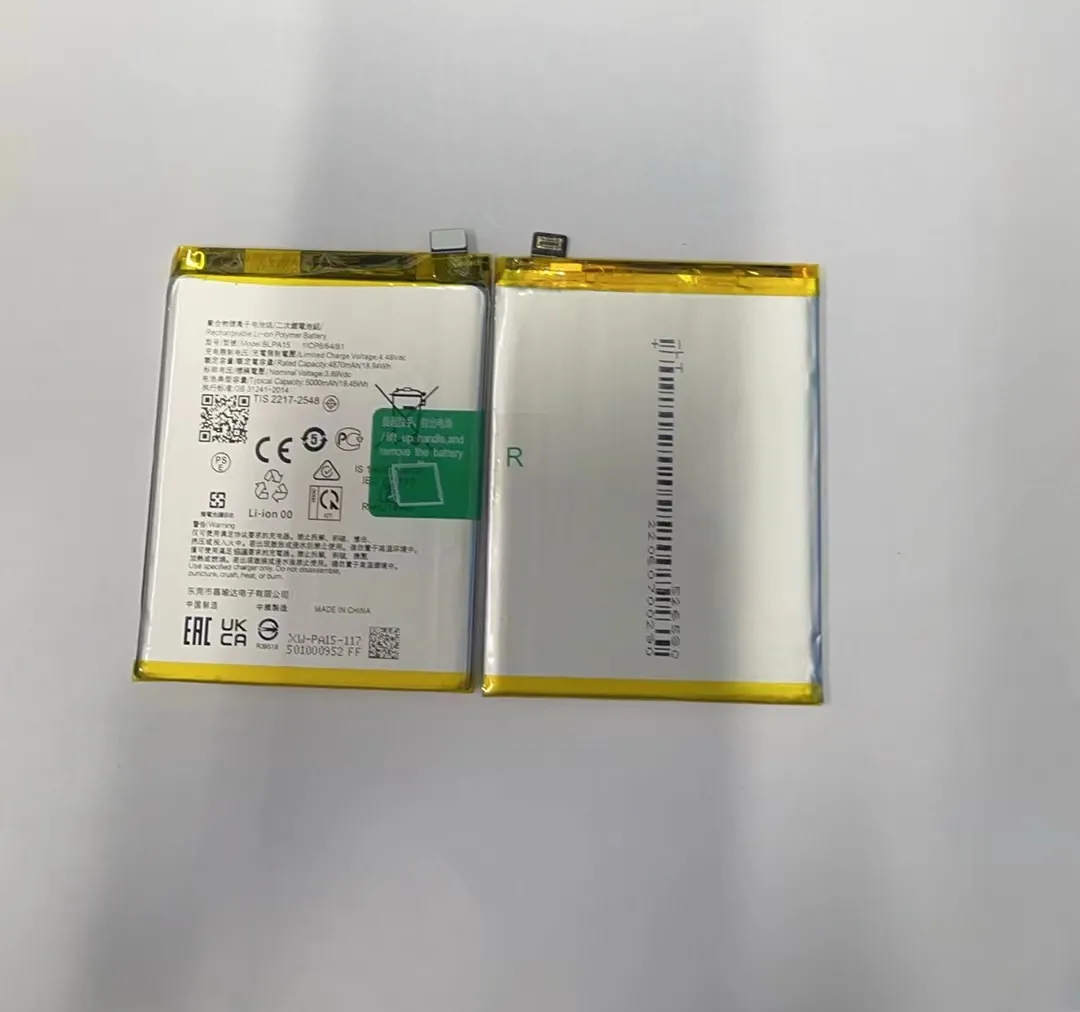
Most people wonder how long a phone battery will really last before it fades. Many see sharp drops after a year or two.
A typical smartphone battery keeps good capacity for about 2 to 3 years for everyday users under normal use.
Let me explain more below to help you know when a battery is still fine and when it is time to think about replacement.
How long do most smartphone batteries typically last?
Most phone batteries start weak after two years. Many still work fine for a little longer.
Most smartphone batteries stay healthy for roughly 2–3 years under normal use.

I checked data from many phones and user reports. For regular use — calls, messages, browsing, social media — batteries tend to hold roughly 80–90% of their original capacity after one year. After two years, many hit 70–80%. By the third year, many drop below 70%. At that point users notice shorter days between charges.
Typical lifespan and capacity drop
| Usage period | Approx capacity left | What user sees |
|---|---|---|
| 0–12 months | 95–100% | Like brand‑new battery |
| 1–2 years | 80–90% | Some faster drain, maybe midday charge |
| 2–3 years | 70–80% | Shorter battery life, need daily charge |
| 3+ years | < 70% | Poor performance, frequent recharges |
This table shows a rough pattern many users experience. The actual lifespan depends on how often the battery goes through full charge cycles, how hot or cold the environment is, and how much heavy work the phone does (gaming, video, etc.). If someone uses a phone lightly, battery may stay useful over 3 years. If use is heavy, battery might feel weak by 2 years.
Many phone makers set design targets for battery cycles (for example 500 full cycles) before capacity drops significantly. That often matches 2–3 years for average users. After that point, battery health declines more clearly.
What factors reduce phone battery lifespan over time?
Bad habits and rough conditions shorten battery life. Some cause quick drops. Others slowly damage battery.
High charge cycles, heat, and deep discharges shorten battery lifespan.

I saw many cases where phones aged faster than expected. Heavy gaming, streaming, or long video calls raise battery heat. Heat stresses battery and harms its health. Also, frequent full charges or frequent full drains make battery age quicker. Old or poor chargers may also harm battery.
Common stress factors on battery health
| Factor | Why it hurts battery | Advice to reduce damage |
|---|---|---|
| Frequent full cycles | Each full cycle wears battery capacity a bit | Charge in parts, avoid draining to zero |
| High temperature (heat) | Heat speeds internal wear of battery chemicals | Avoid sunlight, heavy apps when hot |
| Deep discharge | Running battery to 0% may stress internal structure | Start charging earlier, at ~20–30% |
| Fast charging too often | Generates more heat and stress than slow charging | Use slower or normal chargers when possible |
| Keeping battery high % long | Long high voltage stress battery cells | Avoid leaving 100% plugged overnight |
Above are common factors. Many of them come from user habits. For example, leaving phone in hot car or in sun, or charging overnight on 100%. Phones do not like heat or extremes.
Further, battery chemistry matters. Most phones use lithium‑ion cells. These cells have limited cycle life. Over time their ability to hold charge drops. Even if you use phone gently, battery slowly wears.
Also software updates may change how phone uses battery. Some updates make phone work harder, causing more charging cycles. That also reduces battery life.

Thus actual lifespan is not fixed. It depends a lot on how you treat battery and how you use phone.
How can you tell your battery is aging?
Aging batteries show signs before fully failing. If you know what to watch for, you can spot wear early.
If battery drains fast, dies early, or phone heats while charging, these show aging.

I noticed some signs on older phones. One common sign is shorter daily life: the phone needs charging much earlier than it used to. Another sign is that battery level jumps erratically (e.g. drops several percent quickly). Sometimes the phone turns off when meter shows some charge left. Charging becomes slower or stops early. The phone may get warm or hot during charging or use.
What to check when battery feels weak
- Battery level drops fast compared to past
- Phone shuts off before reaching zero battery indication
- Phone heats more than before during use or charging
- Battery percentage jumps quickly from 50% to 30%, then to 0% within minutes
- Overall day battery life is much shorter than original
If you see one or more of these signs regularly, battery may be aging. Then phone feels less reliable.
It helps to check battery stats (on many phones you can view battery health or cycle count). If health is below about 70–75 %, battery wear is significant. For heavy users such value means battery replacement may be needed.
Also environmental changes help detect aging. If battery drains fine in cold but fails in warmth, internal resistance may have grown. That means battery inside lost capacity.
Aging also shows in performance. If phone slows down because battery cannot supply proper current, that is a sign. Many phones reduce CPU power to protect battery under load when battery condition is poor.
Thus battery health is not just about percent left. It also affects user experience: reliability, charge speed, heat, phone stability. Watching these signs helps decide when to replace battery.
Should you replace a battery after two years?
Two years is often a turning point. Many real‑world batteries show clear wear by then. But replacing is not always mandatory.
If battery health falls under ~70–75 % or user sees frequent problems, replacing after two years makes sense.
I replaced batteries in some old phones around their two‑year mark. Many felt new afterwards. Phone lasted a full day again without stress. But some phones still ran fine at 30–40% brightness, light use, with battery over 80%. In those cases replacement was optional.
When to replace a phone battery
| Condition | Action recommendation |
|---|---|
| Battery health ≤ 75% | Consider replacing battery |
| Phone dies before end of day with light use | Replace battery to restore day-long life |
| Phone shuts off earlier than expected | Replace battery |
| Phone heats during charging or use | Replace battery or test under load |
| You want to keep phone for more than another year | Replace now for stable battery life |
If phone runs multiple heavy apps and still stays mostly fine, you might wait more. If battery drops quickly for simple tasks, replacement helps. For light users, maybe wait until signs appear.
Replacing battery improves stability, extends phone life, and avoids sudden shutdowns. It also saves money compared to buying new phone. But replacing battery only makes sense if battery is causing trouble. If battery still holds decent charge and phone runs fine, replacement may give little benefit.
Conclusion
Cells in a smartphone battery age with use and time. Most batteries work well for 2–3 years if treated well. Heavy use, heat, deep discharge, frequent full cycles speed up wear. If battery health falls below ~75% or phone shows clear problems, replacing battery after two years often gives best value. A good battery keeps your phone stable and lasting.
